Product Description:
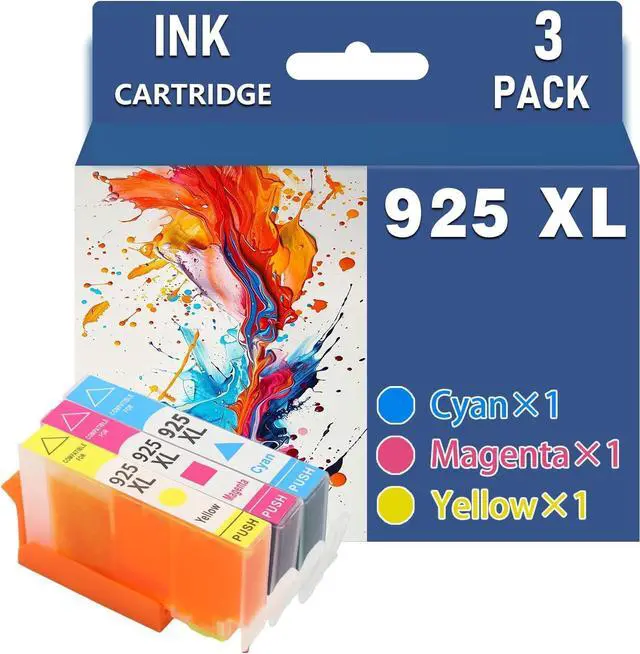
Product Name: 925XL Ink Cartridge
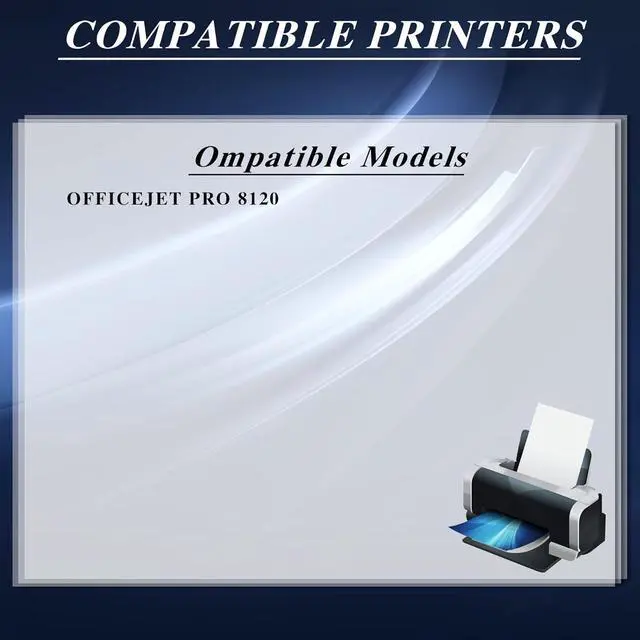
For HP Officejet Pro 8120 printers
Printing Experience:
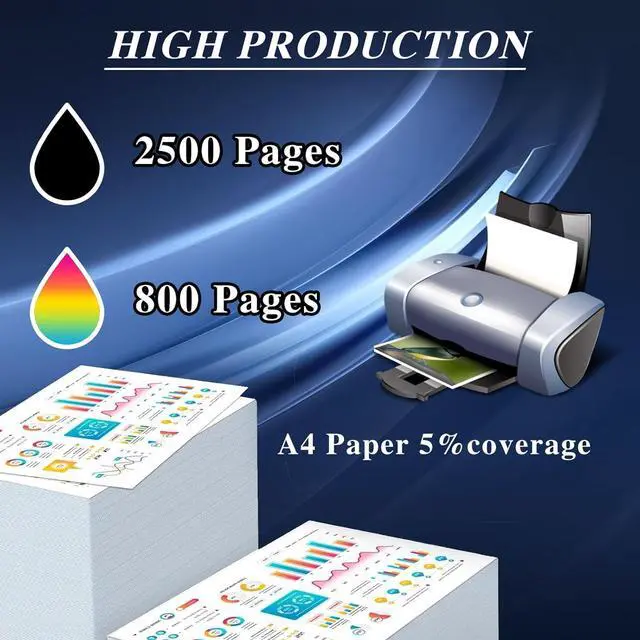
1. Experience smooth ink flow and enjoy higher print quality and service life. The precise fit of the ink cartridge ensures easy installation and worry-free printing.
2. If the ink cartridge does not recognize your printer for the first time please remove it and reinstall it. Then click "OK" continuously and the printer can continue to print.
Installation Instructions:
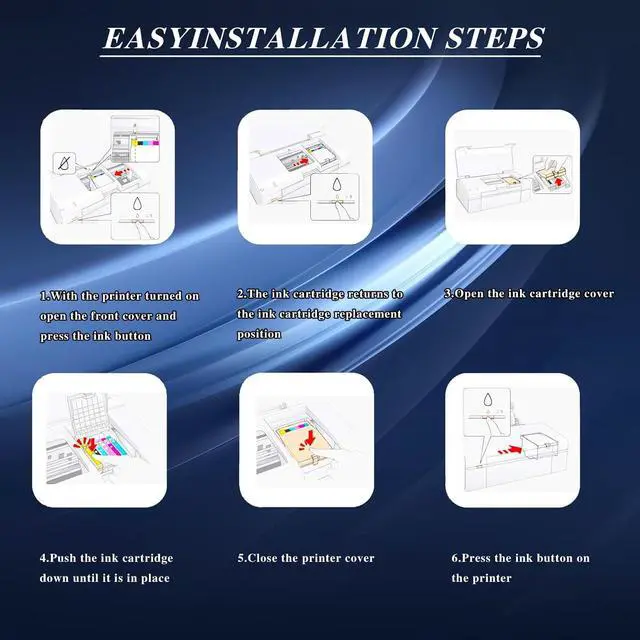
1. After turning on the printer open the front cover of the printer and press the ink button.
2. Put the ink cartridge back to the replacement position.
3. Open the ink cartridge cover
4. Take out the original ink cartridge
5. Push the ink cartridge down until it is in place
6. Close the cartridge cover and the printer cover
7. After the above operations are completed press the ink button on the printer and all the ink cartridge replacement processes are completed.
Sales Service:
- If you have any questions please contact us directly. We are committed to providing high-quality customer service to ensure that our customers have a positive shopping experience.