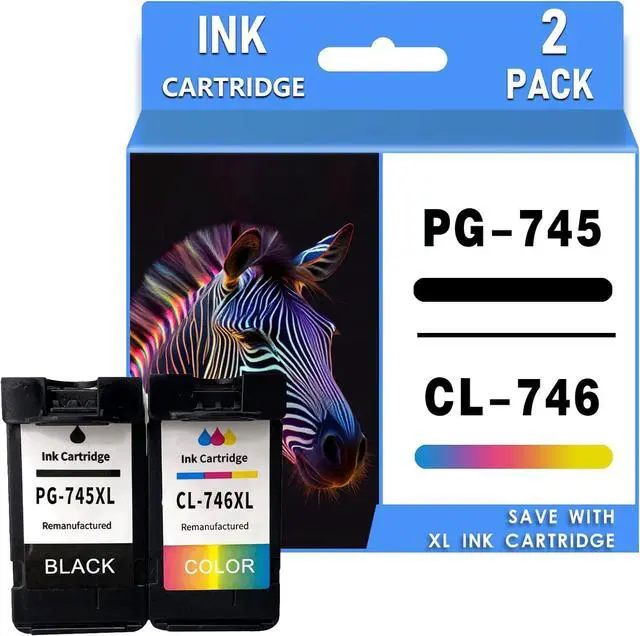
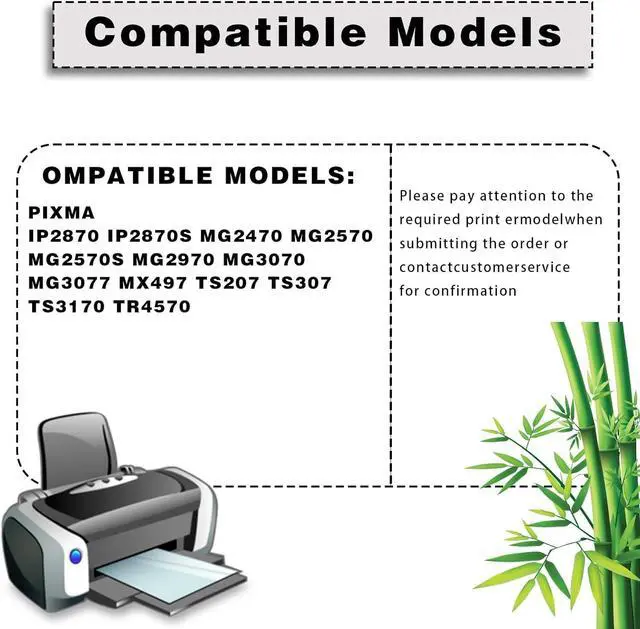
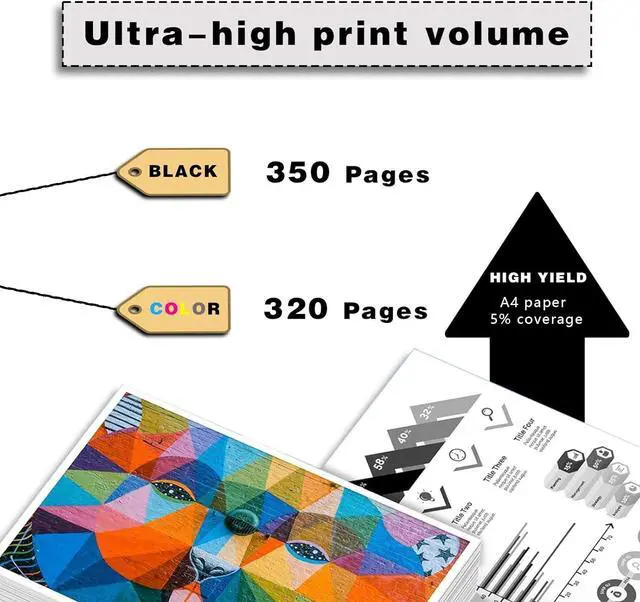
PRODUCT DESCRIPTION:
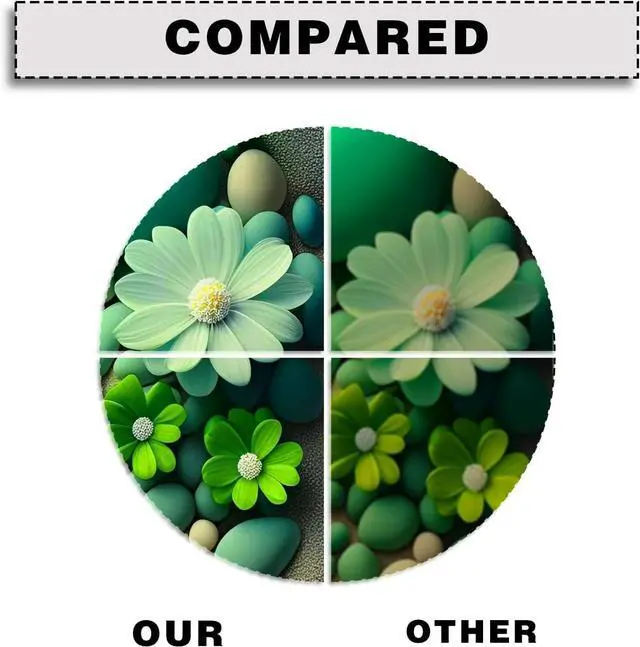
Why choose our ink cartridges?
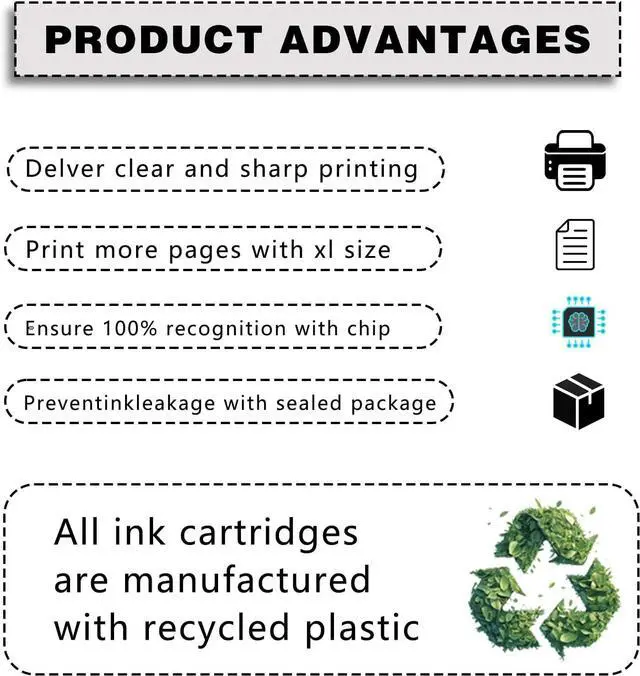
Strict quality control: precise specifications ensure proper installation.
Brilliant printing: Premium ink delivers crisp text and graphics.
Latest chips: Highly compatible with the latest printer firmware.
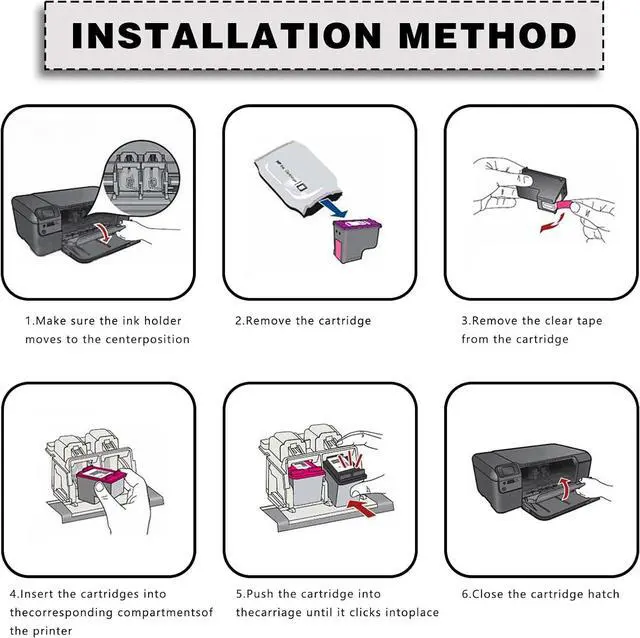
Installation Manual
1. When the printer is turned on, open the front cover of the printer and press the ink button.
2. Return the ink cartridge to the replacement ink cartridge position.
3. Open the ink cartridge cover
4. Remove the original ink cartridge
5. Push the ink cartridge until downward it is in place
6. Close the box cover and printer cover
7. After the above operations are completed, press the ink button on the printer and all the ink cartridge replacement processes will be completed.
Sales services:
If you have questions, please contact us directly. We are committed to providing high-quality customer service to ensure a positive shopping experience for our customers.