• $112.99
  • Free 30-day Returns
  • Price alert
    Shop it at NeweggBusiness.

    Meet Your Seller

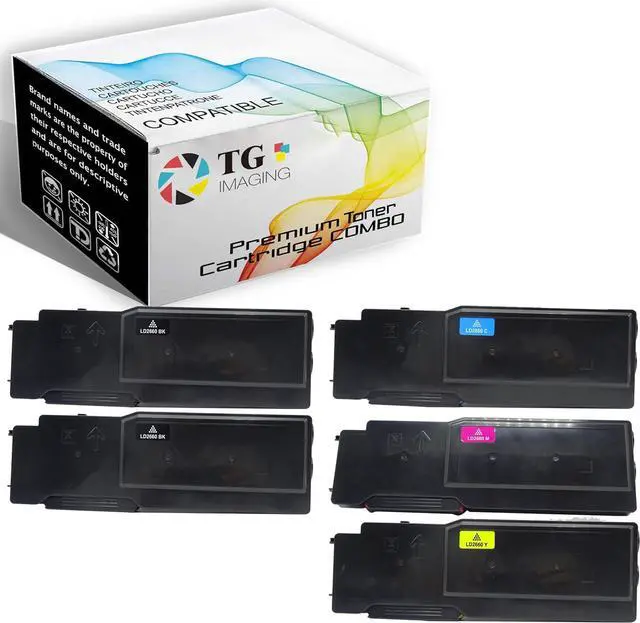
    Ennovor TG Imaging 5-Pack C2660 Replacement for Dell 2660dn Toner Cartridge 2660 Replacement for Dell 2660 2660dn 2665dnf C2660 C2660dn C2665dnf Printer, Sold

    • Package Include: 5 Pack TG Imaging Compatible 2660dn Color Toner Cartridge Combo Pack (2xBlack + 1xCyan + 1xYellow + 1xMagenta)
    • Page Yield: 2660dn Black Toner: Up to 6,000 pages @ 5% coverage Letter/A4 per cartridge, High Yield; 2660dn Color Toner: 4,000 pages based @ 5% coverage of Letter/A4 per cartridge, High Yield
    • Professional production of Toner and ink, to provide you with high-quality printing supply, at a more affordable price and better printing quality. Make your office easier.
    • The use of compatible cartridges and supplies does not damage your printer. Please do not hesitate to contact us if you have any questions, our Customer Service Team will respond Very Soon.
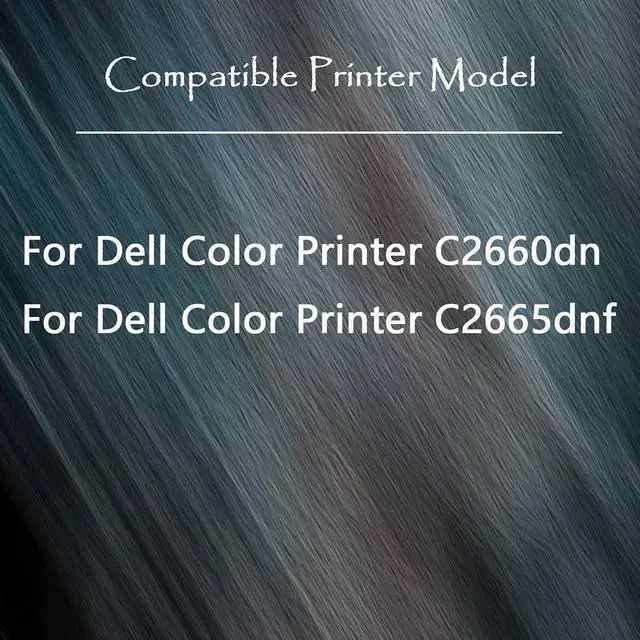
    • Printer Model: Dell 2660 2660dn 2665dnf C2660 C2660dn C2665dnf Printer
    +
    +
    Overview
    Reviews
    avatar

    Any questions? Our AI beta will help you find out quickly.


    Dell C2660 PrinterDell C2660dn PrinterDell C2665dnf Printer Installation Guide
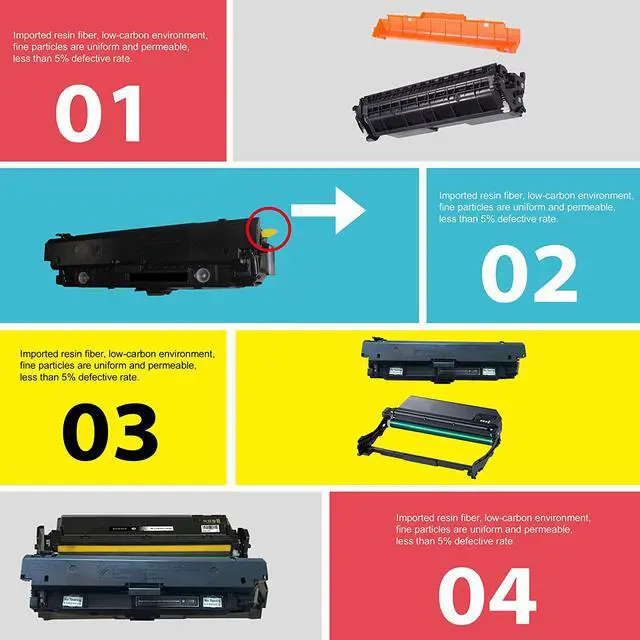
    Remove the used toner cartridge from the machine.Gently shake the cartridge from side to side.Remove the orange protected and seal from cartridge.Put the Toner back in the machine.After replacing a toner cartridge, DO NOT turn off the machine or open the front cover until the machine's display returns to Ready Mode.If the printer screen shows "Non-genuine" or "Counterfeit Cartridges Detected", please press "OK" / "Continue"/ "Accept" button to go on print.Make sure the machine is turned on. Gently shake the cartridge from side to side.
    Remove the seal from cartridge.
    Remove the orange protected from cartridge.
    Put the Toner back in the machine.


    Dell 2660 Color Toner Cartridge Page Yield: Black 6000 Pages, Color 4000 Pages A4/Letter per Cartridge Please Follow the Instruction Guide Please Follow the Instruction Guide Please Follow the Instruction Guide Please Follow the Instruction Guide

    Warranty & Returns

    Warranty, Returns, And Additional Information

    Warranty

    • Please contact the Seller directly for warranty information. Warranty information may also be found on the Manufacturer's website.
    • CONTACT

    Return Policies

    Manufacturer Contact Info

    LOADING...