• $106.99
  • Free 30-day Returns
  • Price alert
    Shop it at NeweggBusiness.

    Meet Your Seller

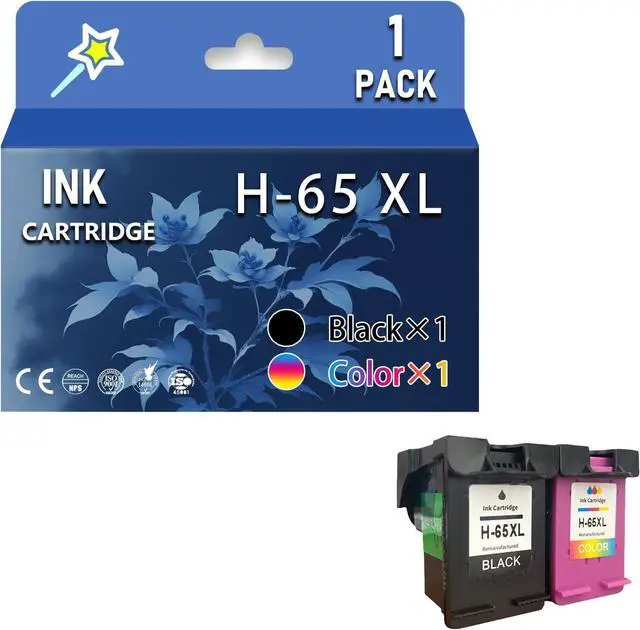
    Ennovor 65XL Ink Cartridges Replacement for HP 65XL Ink Cartridge Work for HP DeskJet 2620 2621 2622 2623 2624 2625 2628 2630 2632 2633 2634 2652 2655 3720 3721 3722 3723 3724 3730 3732 3733 Printers

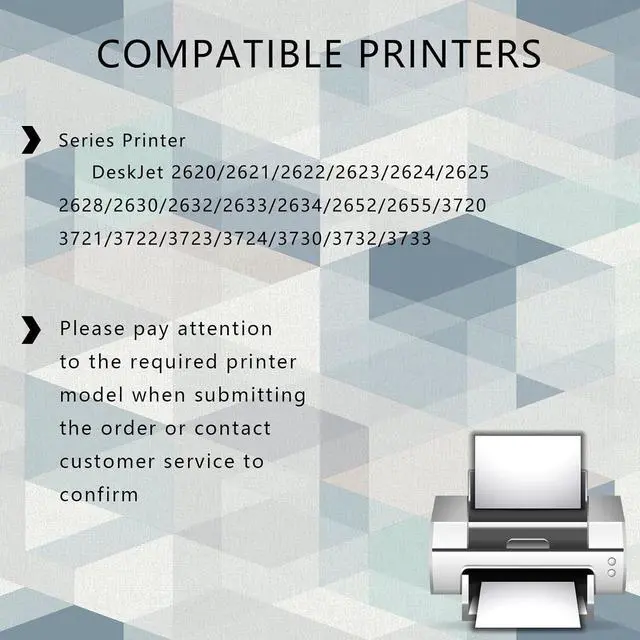
    • Compatibles Printers ModelosCompatible for HP DeskJet 2620 2621 2622 2623 2624 2625 2628 2630 2632 2633 2634 2652 2655 3720 3721 3722 3723 3724 3730 3732 3733 printers
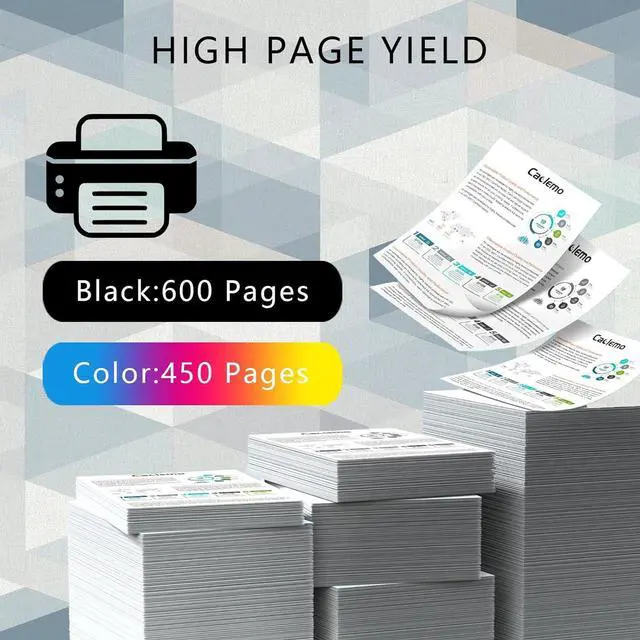
    • Cartridge yield (approx)for HP 65XL Black Ink 600 Pages, Color Ink 450 Pages.(With 5% coverage on A4 paper)
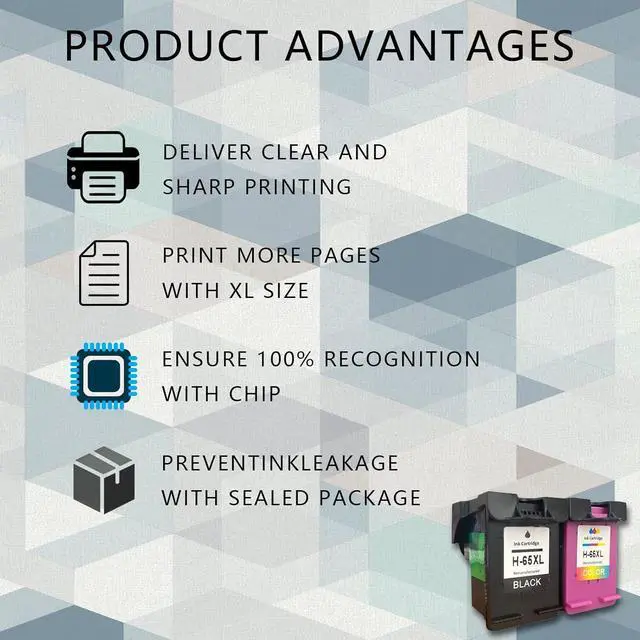
    • Superior Print Qualitystably through testing provides extraordinary results with clear fonts and realistic images ensures delivery of sharp text and bright vivid colors
    • Reliable qualityWe use a variety of high-quality raw materials and conduct strict testing on each product before shipment to ensure product quality
    • Worry Free ServicesWe strive to provide good service if you have any questions please feel free to contact us and we will reply within 24 hours
    +
    +
    Overview
    Reviews
    avatar

    Any questions? Our AI beta will help you find out quickly.

    Product Description:
    Product Name: 65 XL Ink Cartridge

    for HP DeskJet 2620 2621 2622 2623 2624 2625 2628 2630 2632 2633 2634 2652 2655 3720 3721 3722 3723 3724 3730 3732 3733 printers

    Printing Experience:
    1. Experience smooth ink flow and enjoy higher print quality and service life. The precise fit of the ink cartridge ensures easy installation and worry-free printing.
    2. If the ink cartridge does not recognize your printer for the first time, please remove it and reinstall it. Then click "OK" continuously and the printer can continue to print.

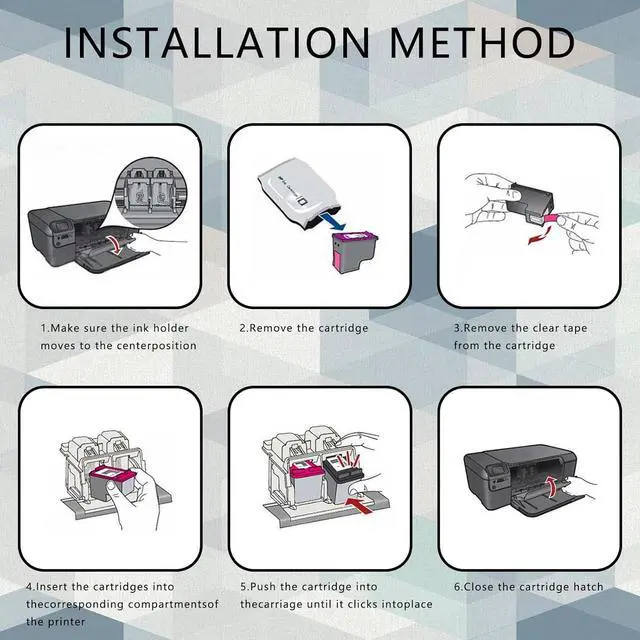
    Installation Instructions:
    1. After turning on the printer, open the front cover of the printer and press the ink button.
    2. Put the ink cartridge back to the replacement position.
    3. Open the ink cartridge cover
    4. Take out the original ink cartridge
    5. Push the ink cartridge down until it is in place
    6. Close the cartridge cover and the printer cover
    7. After the above operations are completed, press the ink button on the printer, and all the ink cartridge replacement processes are completed.

    Sales Service:
    - If you have any questions, please contact us directly. We are committed to providing high-quality customer service to ensure that our customers have a positive shopping experience.

    Warranty & Returns

    Warranty, Returns, And Additional Information

    Warranty

    • Please contact the Seller directly for warranty information. Warranty information may also be found on the Manufacturer's website.
    • CONTACT

    Return Policies

    Manufacturer Contact Info

    LOADING...