• $130.99
  • Free 30-day Returns
  • Price alert
    Shop it at NeweggBusiness.

    Meet Your Seller

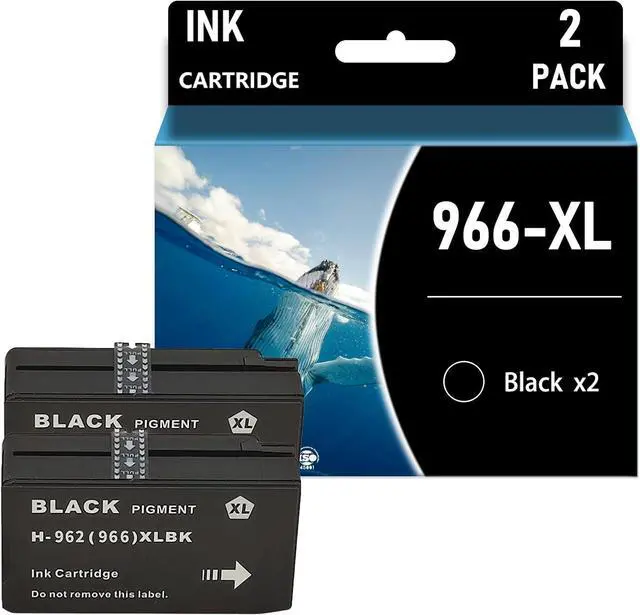
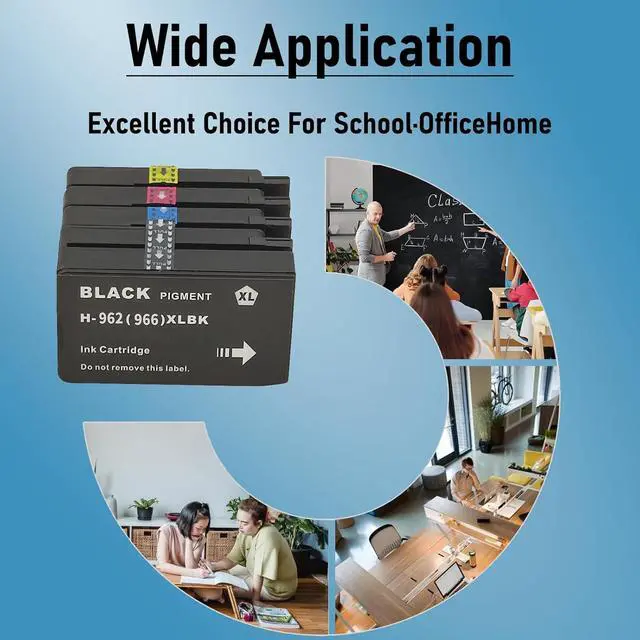
    Ennovor Ink 966XL Replacement for HP 966XL Ink Cartridge for HP OfficeJet Pro 9020 9025 9010 9015 9018 9020 9025 9026 9027 9028 9029 902X 9012A110 Printer,Black X2

    • Latest upgraded smart chips: Designed specifically for Lexmark printers, all cartridges are engineered with the latest upgraded smart chips, more incompatibilities are blocked, ensure each cartridge 100% recognized by compatible printers quickly and display accurate ink level, you can enjoy no-worry and efficient printing
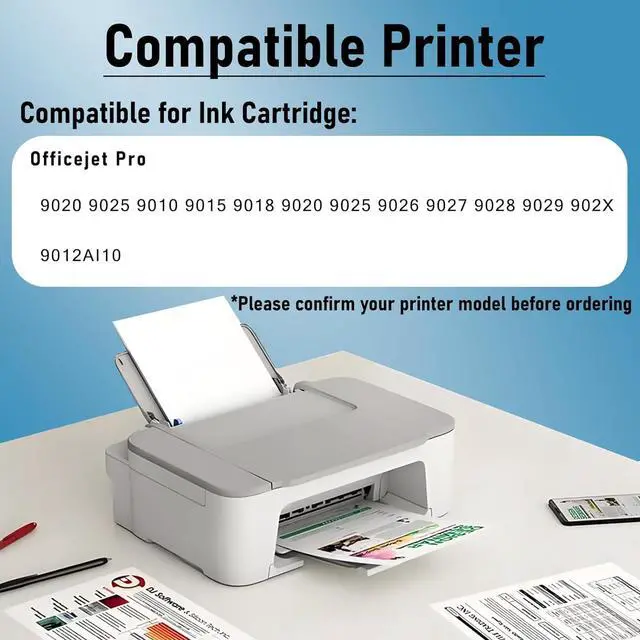
    • Compatible Printersfor HP 9020 9025 9010 9015 9018 9020 9025 9026 9027 9028 9029 902X 9012A110 Printer.
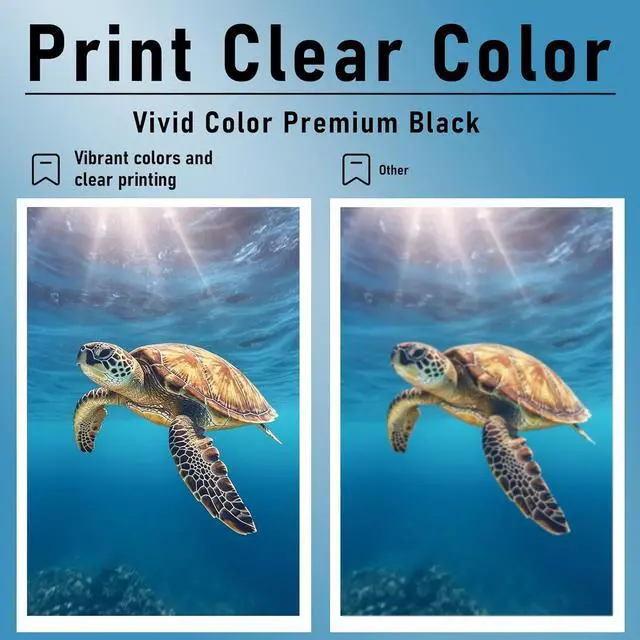
    • Fade Resistant & High Quality: The 966 xl ink cartridges for hp printers are manufactured with superior ink material to ensure long-lasting colors and clear, readable text even at smaller fonts, giving you impressive printouts
    • HIghest Page YIeldUp to 1000 pages per black Ink cartrIdge and 700 pages per color Ink cartrIdge (5% coverage) A4 paper.
    • Warm TipsPlease confirm your printer model and ink cartridge model before placing an order. We attach great importance to your shopping experience. If you have any problems, you can contact us at any time. We wil
    +
    +
    Overview
    Reviews
    avatar

    Any questions? Our AI beta will help you find out quickly.

    1. Compatible Cartridge Replacement for 966 xl Ink Cartridges

    2. Why Choose Our Cartridges?
    - Strict Quality Control: Precise specifications ensure proper installation.
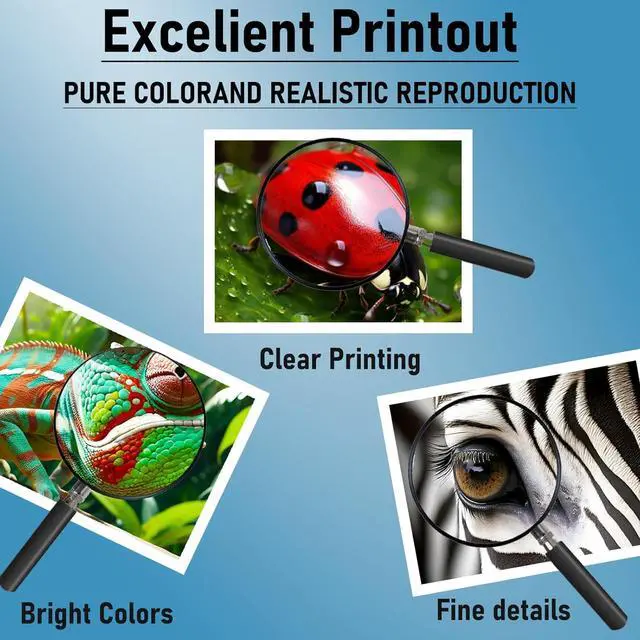
    - Excellent Printing Results: Premium inks provide crisp text and graphics.
    - Brand New Chip: Highly compatible with brand new printer firmware.

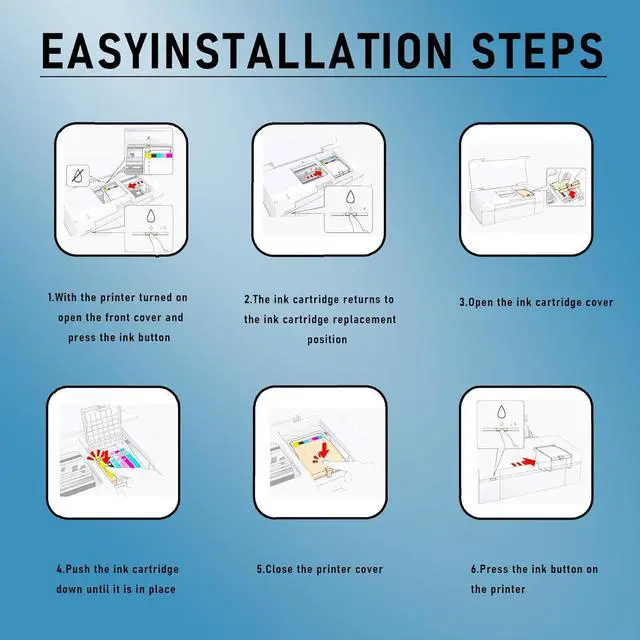
    3. User Manual:
    - If your printer displays an alert like "No" instead of "-Genuine", press "Continue"/"Continue"/"Accept" or "OK" and continue.
    - If you receive an "Ink Cartridge Not Recognized" or "Ink Missing or Damaged" error, remove the affected ink cartridge and gently wipe the chip with a flannel or eraser to remove any dust or adhesion that may be present. Then put the clean ink cartridge back into the appropriate ink cartridge slot. If the problem persists, turn off the printer and unplug it for 30 seconds and try again.
    - If you get an unrecognized printer problem, you should check if the nozzles are clogged or if the printer has been cleaned.
    - If you notice an "Out of Ink/Empty/Low Ink" error, remove and reinstall the indicated ink cartridge until it is firmly seated in its slot. If all ink cartridges are installed correctly, press OK or Continue to remove the message and print.

    Warranty & Returns

    Warranty, Returns, And Additional Information

    Warranty

    • Please contact the Seller directly for warranty information. Warranty information may also be found on the Manufacturer's website.
    • CONTACT

    Return Policies

    Manufacturer Contact Info

    LOADING...