• $247.99
  • Free 30-day Returns
  • Price alert
    Shop it at NeweggBusiness.

    Meet Your Seller

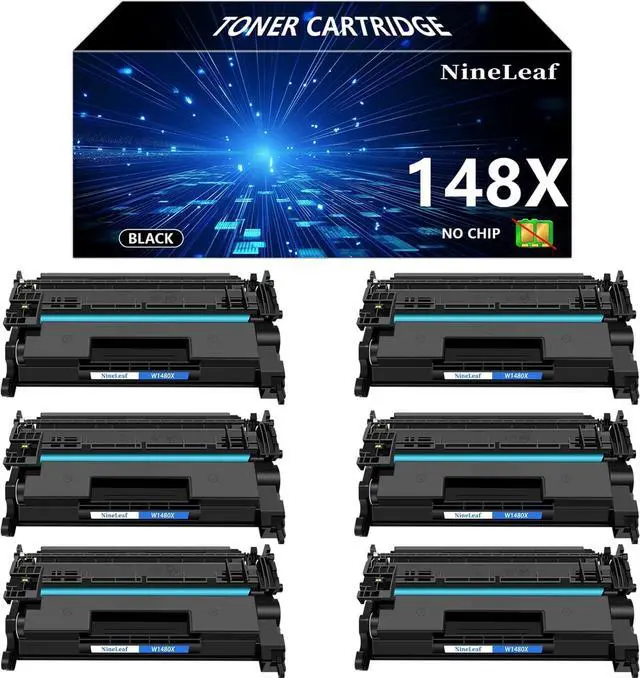
    Ennovor NineLeaf 148X No Chip Compatible Toner Cartridge Replacement for HP W1480X Black Toner Cartridge to use for Laser Jet Pro 4001dw 4001dn 4001n MFP 4101fdw 4101fdn, 6PCS, 9500 Pages

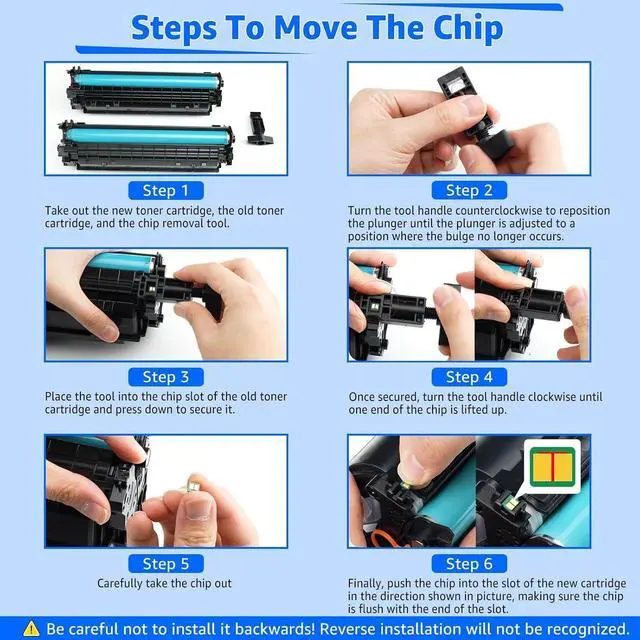
    • Warm AttentionNo OEM CHIP, requires you remove the old W1480X cartridge chip to these toner cartridges. Please use the moving tool and follow the steps in the figure to move the chip.Make sure the chip is installed in the correct orientation and the chip is flush with the end of the slot.
    • Package IncludeNineLeaf 6 packs W148X compatible toner cartridges replacement for HP 148X W1480X Black Toner Cartridge(No OEM Chip), and the tool used to remove the chip.
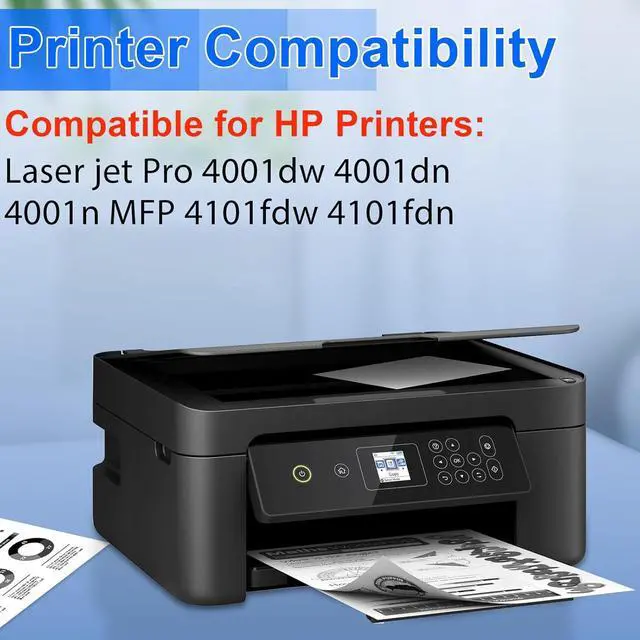
    • Compatible for HP PrinterLaser jet Pro 4001dw 4001dn 4001n MFP 4101fdw 4101fdn printer.Also compatible for E series printers: Laser jet Pro 4001ne 4001dne 4001dwe MFP 4101dwe 4101fdwe 4101fdne printers, as long as the OEM chip is installed.
    • Page Yield9,500 pages (at 5% coverage Letter A4). Actual toner yield varies with usage, graphics printed and environmental conditions.
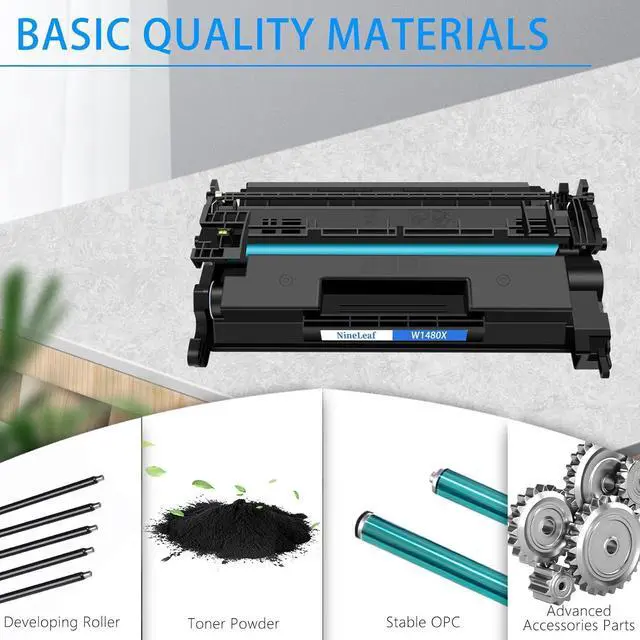
    • Reliable PerformanceNineLeaf toner cartridges deliver long-lasting, sharp, and high-quality prints with consistent results. Designed for easy inst
    +
    +
    Overview
    Reviews
    avatar

    Any questions? Our AI beta will help you find out quickly.

    Product Name: Nineleaf Replacement compatible for HP W1480X 148X No Chip toner Cartridge, 6PCS.

    Color: Black

    Compatible for HP Printer List:

    Laser jet Pro 4001dw 4001dn 4001n MFP 4101fdw 4101fdn printers

    Please confirm your printer and toner model before order.


    Page Yield: 9,500 pages (at 5% coverage Letter A4). Actual toner yield varies with usage, graphics printed and environmental conditions

    Installation Instruction
    Step-1 Remove the new toner cartridge from the packaging.
    Step-2 Gently shake the toner cartridge from side to side to distribute the toner evenly.
    Step-3 Pull out the sealing tape.
    Step-4 Install the toner cartridge into the printer and start printing.

    Steps To Move The Chip
    Step-1 Take out the chip removal tool. Turn the tool handle counterclockwise to reposition the plunger until the plunger is adjusted to a position where the bulge no longer occurs.
    Step-2 Place the tool into the chip slot of the old toner cartridge and press down to secure it.
    Step-3 Once secured, turn the tool handle clockwise until one end of the chip is lifted up, Carefully take the chip out.
    Step-4 Finally, push the chip into the slot of the new cartridge in the direction, making sure the chip is flush with the end of the slot.

    Be careful not to install it backwards! Reverse installation will not be recognized.

    Warranty & Returns

    Warranty, Returns, And Additional Information

    Warranty

    • Please contact the Seller directly for warranty information. Warranty information may also be found on the Manufacturer's website.
    • CONTACT

    Return Policies

    Manufacturer Contact Info

    LOADING...