• $373.99
  • Free 30-day Returns
  • Price alert
    Shop it at NeweggBusiness.

    Meet Your Seller

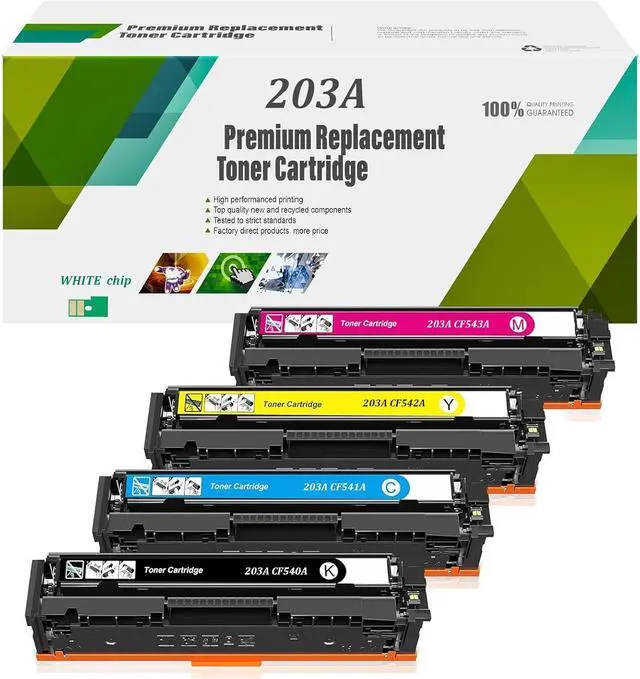
    Ennovor Compatible Toner Cartridge Replacement for HP 203A for HP Color Laserjet Pro MFP M281fdw M254dw M254nw M254dn M280nw m281fdn High Yield Printer Ink,4 Colors-1 Pack

    • Package Contents: Replacement for HP 203A Toner Cartridge CF540A CF541A CF542A CF543A.(Notice: Please confirm your printer model before you use ).
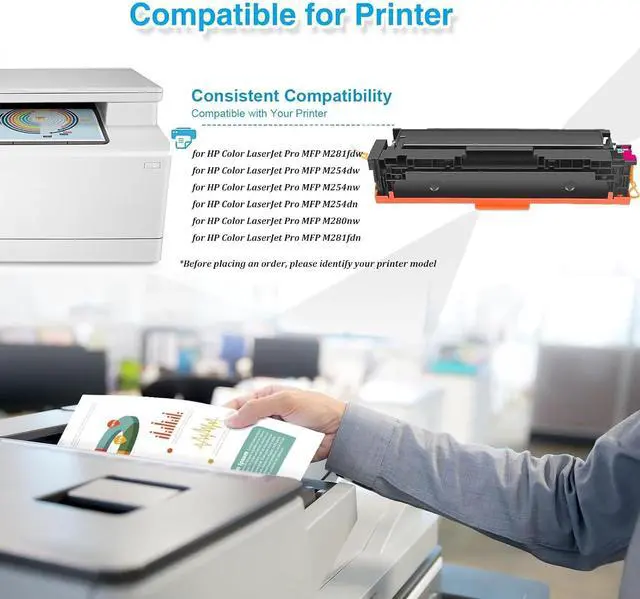
    • Printer Compatible: CF540A CF541A CF542A CF543A Toner Cartridge Replacement for HP Color Pro MFP M281fdw M254dw M254nw M254dn M280nw m281fdn Printer.
    • Page Yield: 1,800 Pages Per 203A Black Toner Cartridge 1,500 Pages Per 203A Color Toner Cartridge(Letter/A4, at 5% coverage).
    • 203A (CF540A-CF543A) toner cartridge provides you with vibrant lasting sharp and bold printing a smooth printing experience Help to improve office productivity.
    • We have high printing speed and low printing cost. Compared with inkjet printers, Our Cartridge does not dry out or penetrate, resulting in clearer and longer-lasting documents.
    +
    +
    Overview
    Reviews
    avatar

    Any questions? Our AI beta will help you find out quickly.

    Notice: Please confirm your printer model before you use .

    Product parameters:
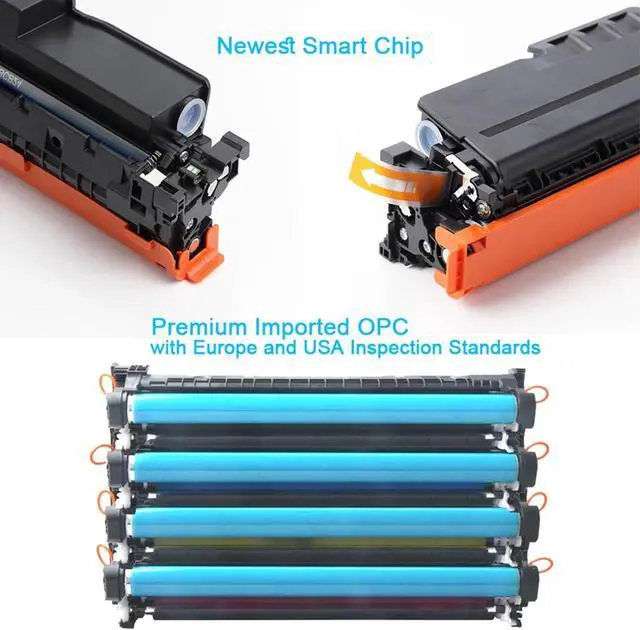
    Type: 203A Toner Cartridges (with Chip)
    Applicable brands: Applicable for HP
    Print color: BLACK,CYAN,YELLOW,MAGENTA
    Print pages:
    BLACK1,800 Pages Yield
    CYAN1,500 Pages Yield
    YELLOW1,500 Pages Yield
    MAGENTA1,500 Pages Yield
    (5% coverage of A4 paper)
    Whether it contains chipChip included
    Wide ApplicationHome/Office/School


    Compatible for printers
    for HP Color Laser Jet Pro MFP M281fdw
    for HP Color Laser Jet Pro MFP M254dw
    for HP Color LaserJet Pro MFP M254nw
    for HP Color Laser Jet Pro MFP M254dn
    for HP Color Laser Jet Pro MFP M280nw
    for HP Color Laser Jet Pro MFP M281fdn

    Package includes
    -- Toner cartridge* 4 PCS/Toner cartridge* 1 PCS


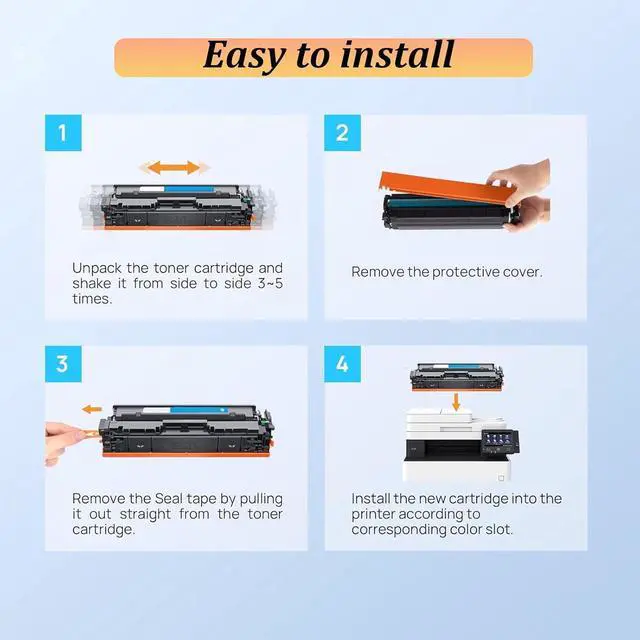
    Easy to Install:
    Step 1 Shake the toner cartridge left and right 2-3 times to make the toner uniform.
    Step 2Remove the orange isolation protective cover on the toner cartridge.
    Step 3Pull out the seal in the direction of the arrow, the length is about 2 times the length of the toner cartridge.


    Quick toner addition
    Open the waste toner cover and clean up the remaining toner in the toner bin.
    Open the toner addition port, align the toner funnel with the toner port to add toner cover and return to the toner cover. (Supports 2-3 times of toner addition)

    If you have any questions, please feel free to contact me and I will reply to you within 24 hours.

    Warranty & Returns

    Warranty, Returns, And Additional Information

    Warranty

    • Please contact the Seller directly for warranty information. Warranty information may also be found on the Manufacturer's website.
    • CONTACT

    Return Policies

    Manufacturer Contact Info

    LOADING...