What should I pay attention to during installation in order to avoid possible abnormal situations ?
In order to avoid possible anomalies, please do not open and close the cover during installation.
The structure of the product is different from the original, will the installation process be different ?
1. Gently shake the toner cartridge. 2. Remove the orange isolation plug and the protective paper. 3. Remove the orange protective cover. 4. Install the toner cartridge - must be installed in place, clamping.
If 3-4 sets of toner cartridge are used, there are spots and stains when printing, what should I do?
It is recommended to check and clean the printer bin, transfer tape and waste powder bin for accumulation of powder.
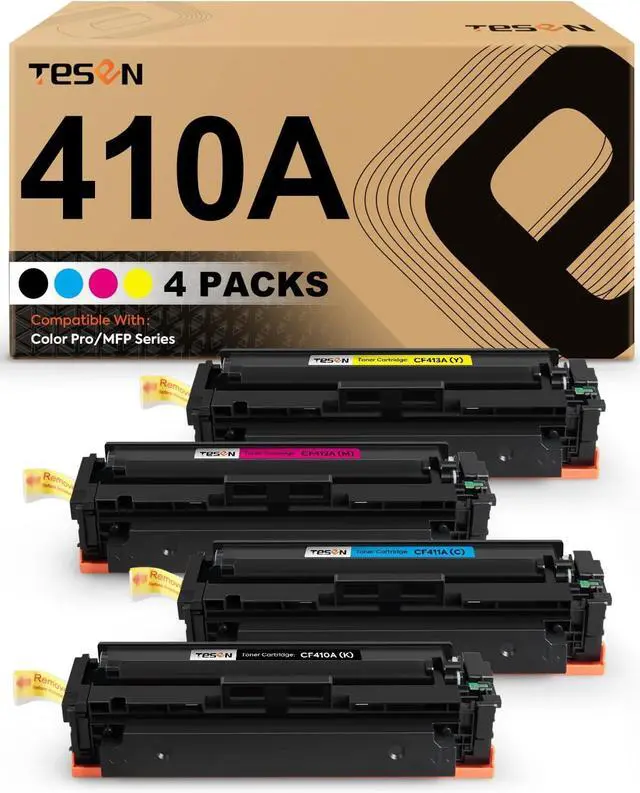
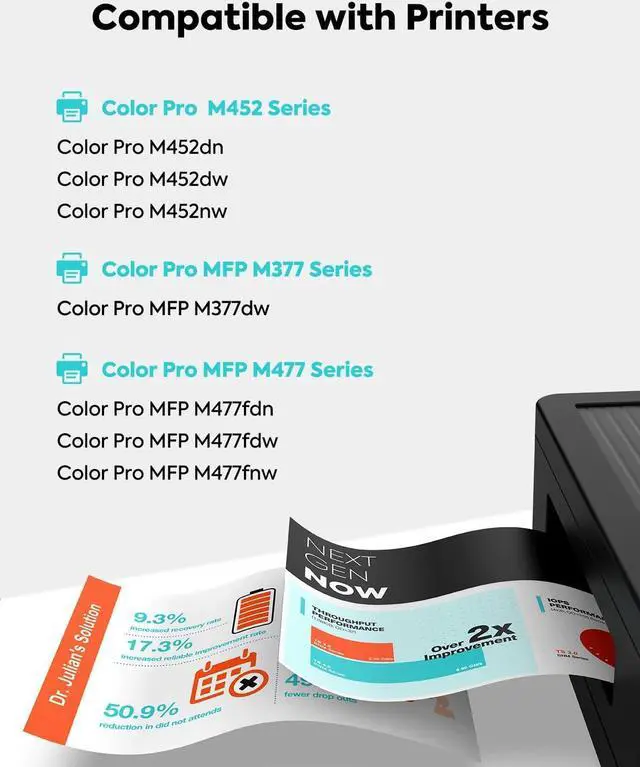
Toner Cartridge Page 11Previous pageNext pageTESEN 410A Compatible Toner Cartridge Replacement for HP 410A CF410A for HP Color Pro M452 MFP M477 M377 Series M452dn M452dw M452nw MFP M477fdw M477fnw M477fdn M377dw 4-Pack Color Combo
Share:
Found a lower price? Let us know. Although we can't match every price reported, we'll use your feedback to ensure that our prices remain competitive.
Fields with an asterisk * are required
**