Get a $25 Newegg Promo Gift Card when you spend $250+ between 1/17/26 and 1/19/26. Learn More>
  • $126.99
  • Free 30-day Returns
  • Price alert
    Shop it at NeweggBusiness.

    Meet Your Seller

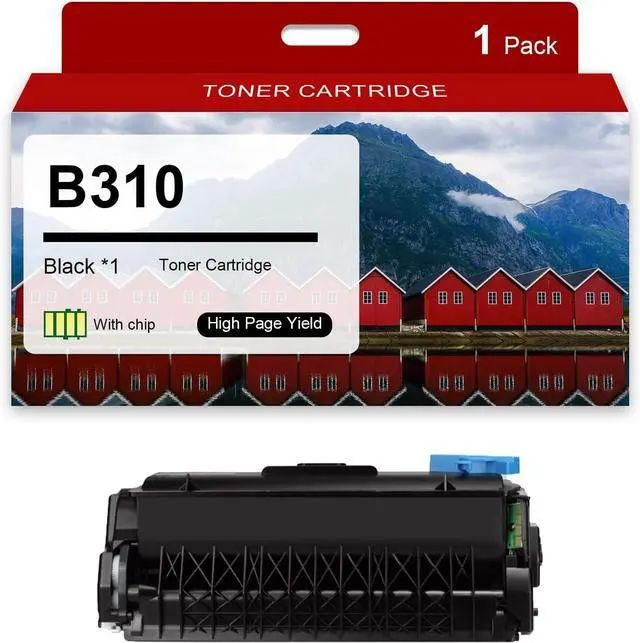
    Ennovor B310 Toner Cartridge Replacement No chip for Xerox B310 006R04376 Toner Cartridges Compatible for Xerox B310 B305 B315 Printers

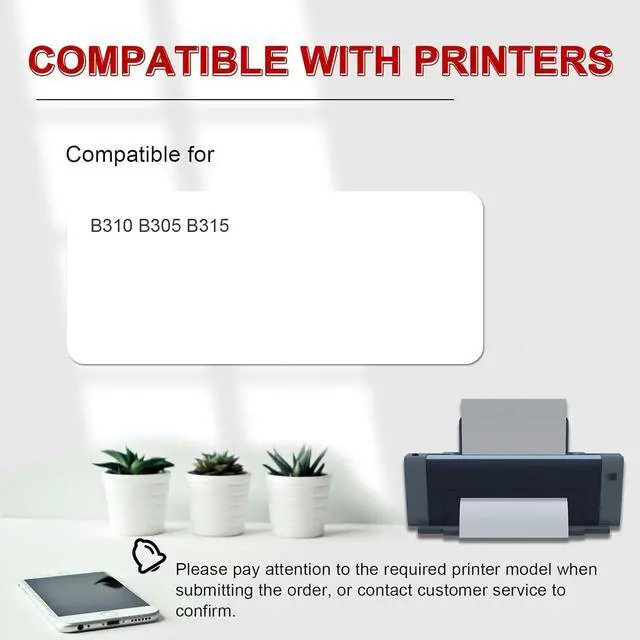
    • Compatible Printer Models: B310 toner cartridges compatible for Xerox B310 B305 B315 Printer
    • High page yield: Up to 3000 pages per B310 black toner cartridge (at 5 % Coverage on A4 paper)
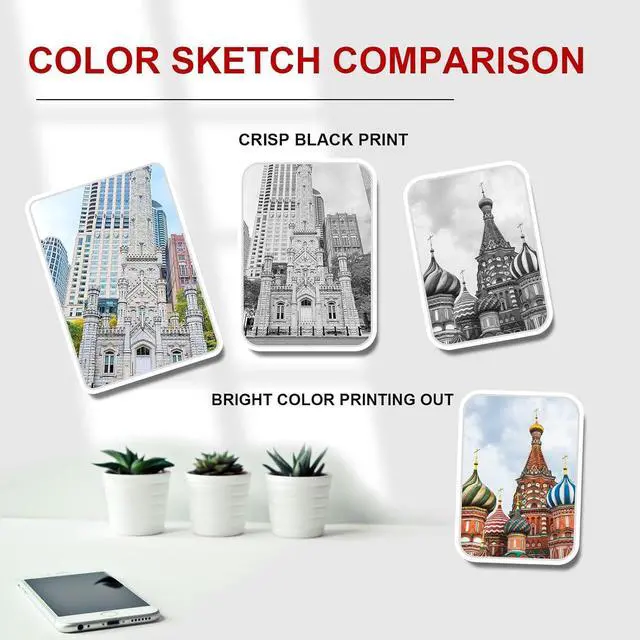
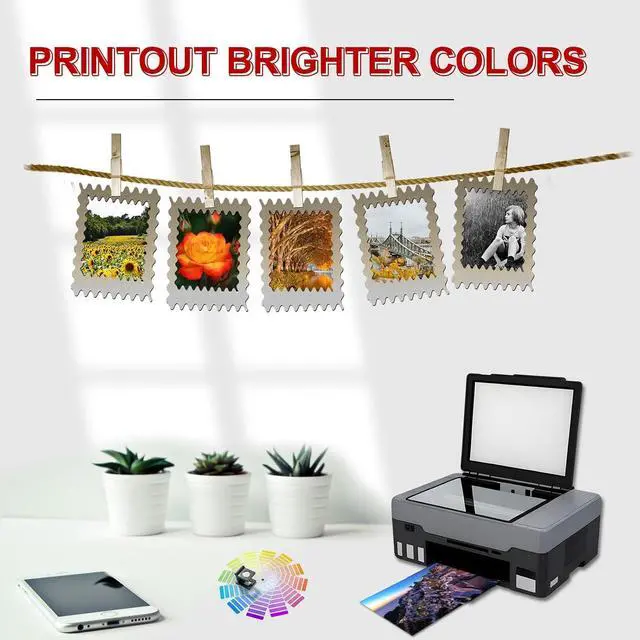
    • Printing tasks: B310 toner cartridges can produce vivid colors and clear black prints; helping to record the wonderful moments of your work; study and life.that remain vivid and do not fade over time
    • Multi-scenario application: B310 toner cartridges can meet the needs of various office;study;bank;shopping mall printing scenarios;Our toner has a high printing rate;low waste toner
    • Best Service: Please confirm your printer model and toner model before placing an order; If you have any questions; welcome to contact us; we will reply you as soon as possible within 24 hours
    +
    +
    Overview
    Specs
    Reviews
    avatar

    Any questions? Our AI beta will help you find out quickly.

    ------ Welcome to our store; thank you for your visit! ------

    [About Products]
    - B310 Toner Cartridge

    [Compatible printers]
    - B310 toner cartridge compatible for Xerox B310 B305 B315 printers

    [Installation steps]
    - Before installation it is best to use a vacuum cleaner or soft cloth to clean the remaining toner or paper scraps in the printer; Do not blow toner into it
    - Take out the toner cartridge and shake it horizontally 4-8 times to evenly distribute the toner
    - Remove the orange protection buckles on both sides of the toner cartridge; If there is isolation paper; slowly pull out the black isolation paper in the direction of the indicator
    -Pull out the seal evenly and straight to avoid breaking it; The length of the seal is about twice the length of the toner cartridge
    -When installing the toner cartridge push the toner cartridge smoothly along the guide rails on both sides of the device to ensure that it is installed in place

    [Notice]
    When replacing a new toner cartridge first turn off the printer and then take out the old toner cartridge then put the new toner cartridge back into the machine and then turn on the printer;Because some printers will remember the last chip data of the old toner cartridge when taking out the old toner cartridge without shutting down; After replacing the new toner cartridge; the new chip will be misidentified causing printing failures

    [Tips]
    Please check the printer type before ordering to make sure that the printer and toner cartridges are correct and the toner cartridges can be used with your printer

    Warranty & Returns

    Warranty, Returns, And Additional Information

    Warranty

    • Please contact the Seller directly for warranty information. Warranty information may also be found on the Manufacturer's website.
    • CONTACT

    Return Policies

    Manufacturer Contact Info

    LOADING...