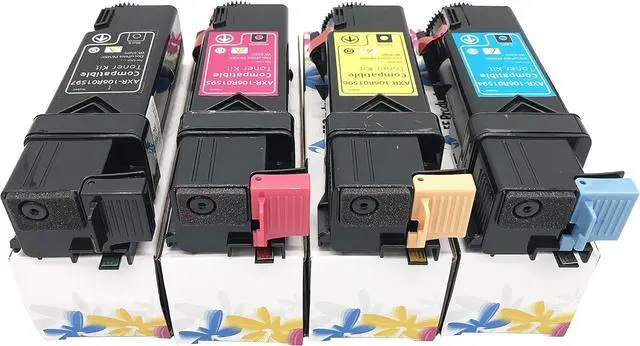
Xerox Phaser 6125 PrinterBlack 106R01334Yellow 106R01333Magenta 106R01332Cyan 106R01331
Page Yield:
Black 2,000 Pages Color 1,000 Pages
1. Open the toner access cover.
Push the latch(es) backwards to pop open the toner cartridge(s) that you want to replace.
2. Pull the cartridge holder until it clicks, and then pull out the toner cartridge.
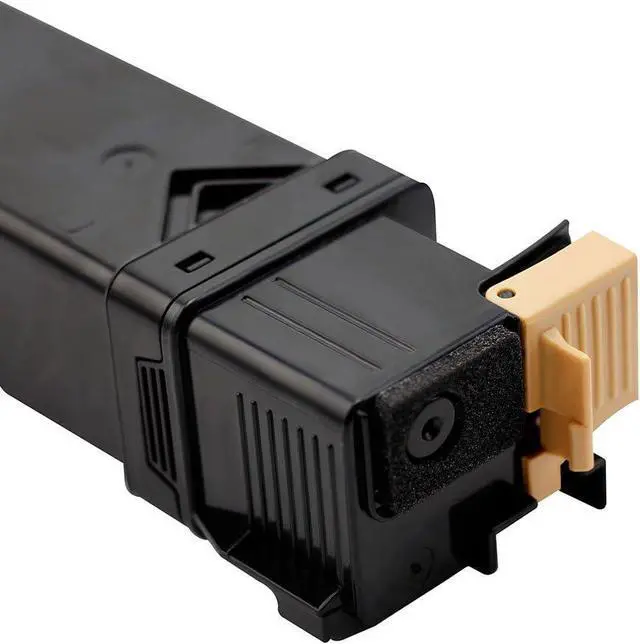
3. Ensure that the color of the new toner cartridge matches that on the handle before replacing it. Shake the new toner cartridge five or six times to distribute the toner evenly.
Insert the toner cartridge into the associated cartridge holder, and then slide the latch of the toner cartridge.
4. Close the toner access cover.
Step 1
Step 2
Step 3
Step 4
Toner Cartridge 4.0 out of 5 starsEF Products Replacement Toner Cartridge for Xerox Phaser 6125 (Black 106R01334, Yellow 106R01333, Magenta 106R01332, Cyan 106R01331, 4-Pack)
Share:
Found a lower price? Let us know. Although we can't match every price reported, we'll use your feedback to ensure that our prices remain competitive.
Fields with an asterisk * are required
**