• $123.99
  • Free 30-day Returns
  • Price alert
    Shop it at NeweggBusiness.

    Meet Your Seller

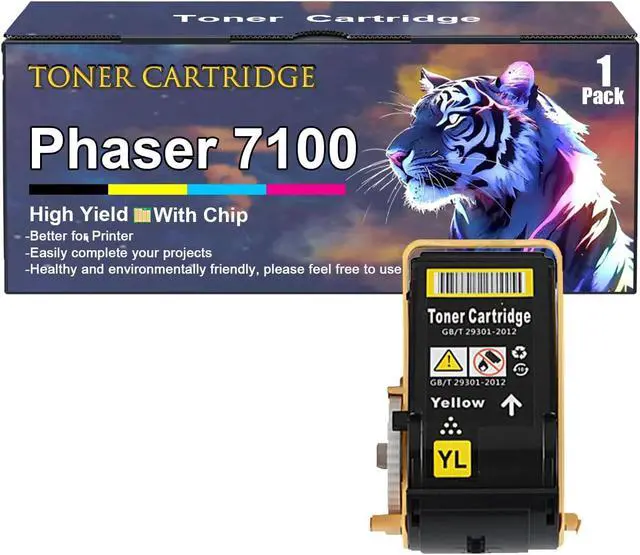
    Ennovor Phaser 7100 Toner Cartridges Replacement for Xerox Phaser 7100 106R02605 106R02604 106R02603 106R02602 Toner Cartridge Work for Xerox Phaser 7100 7100N Printers, Yellow

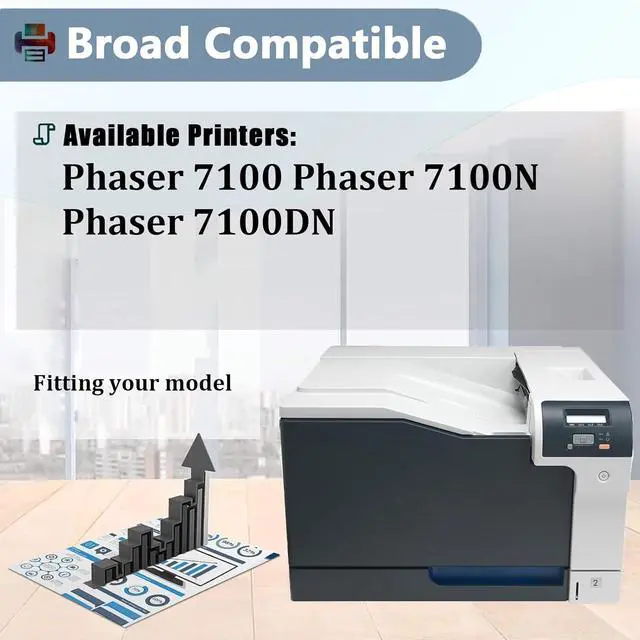
    • Broad Compatibility The Phaser 7100 toner cartridges compatible for Xerox Phaser 7100 7100N 7100DN printers
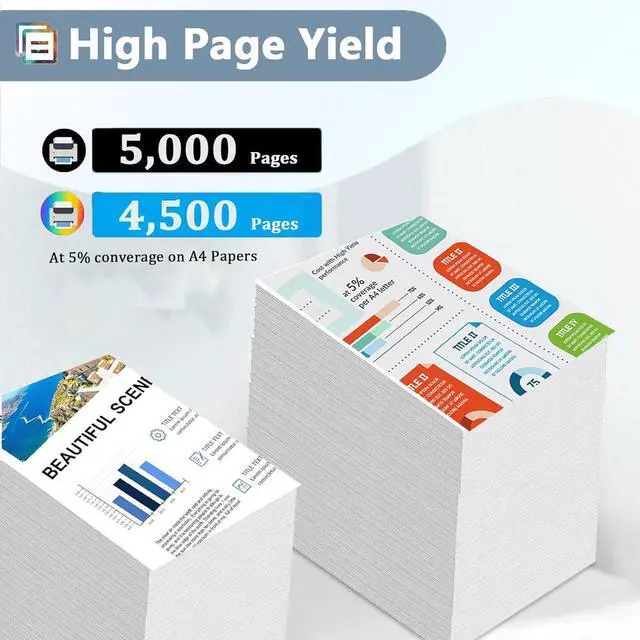
    • High Yield Up to 5,000 pages per Phaser 7100 black toner cartridge & 4,500 pages per Phaser 7100 color toner cartridge(at 5% coverage of A4 paper)
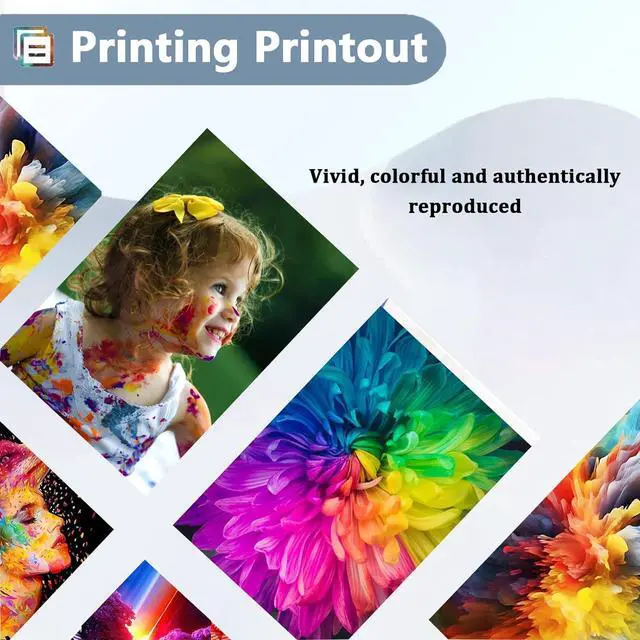
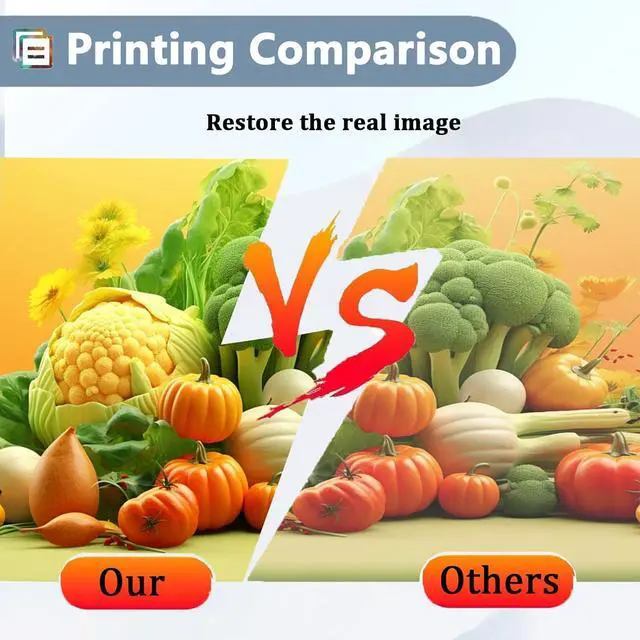
    • Brillant Print Quality Create high-quality color photos and everyday documents with our Phaser 7100 toner cartridges for Xerox which deliver vivid color and crisp text, making it easy to complete your projects
    • Easily InstallSafe to use, no harm to your printer. You can take easy to print your pictures, posters, brochures, etc
    • After Sales Service Please make sure you have the correct model number before purchasing. If you have questions, you can leave us a message through the order page or the "Ask a question" dialog box, we will solve it for you within 12 hours
    +
    +
    Overview
    Specs
    Reviews
    avatar

    Any questions? Our AI beta will help you find out quickly.

    Which toner cartridge models are compatible with the Phaser 7100 cartridge? The Phaser 7100 toner cartridge is compatible with the Phaser 7100 106R02605 106R02604 106R02603 106R02602 toner cartridge for Xerox. What are the advantages of Phaser 7100 toner cartridge? First, Phaser 7100 toner cartridges for Xerox printers uses high-quality toner that ensures full, clear images without smudging, color mixing or ink leakage. Second, our printer toner cartridges print consistently, with no drop in print quality from the first page to the last. Third, this toner cartridge for Xerox protects your printer by not jamming. How to use Phaser 7100 toner cartridges for Xerox? Step 1: Gently shake the new Phaser 7100 toner cartridge from side to side 2-3 times to distribute it evenly. Step 2: Remove the toner cartridge protective cover. Step 3: Insert the toner cartridge into the correct position in the printer. Warm tips: · Since toner cartridge models vary from region to region, please confirm your original toner cartridge model as well as your printer model and send it to us via email or webpage. · Be sure not to touch the toner cartridge chip for optimum performance. · If there is problem with the toner cartridge during use, please contact us in time, we will help you solve the problem as soon as possible.

    Warranty & Returns

    Warranty, Returns, And Additional Information

    Warranty

    • Please contact the Seller directly for warranty information. Warranty information may also be found on the Manufacturer's website.
    • CONTACT

    Return Policies

    Manufacturer Contact Info

    LOADING...