• $122.99
  • Free 30-day Returns
  • Price alert
    Shop it at NeweggBusiness.

    Meet Your Seller

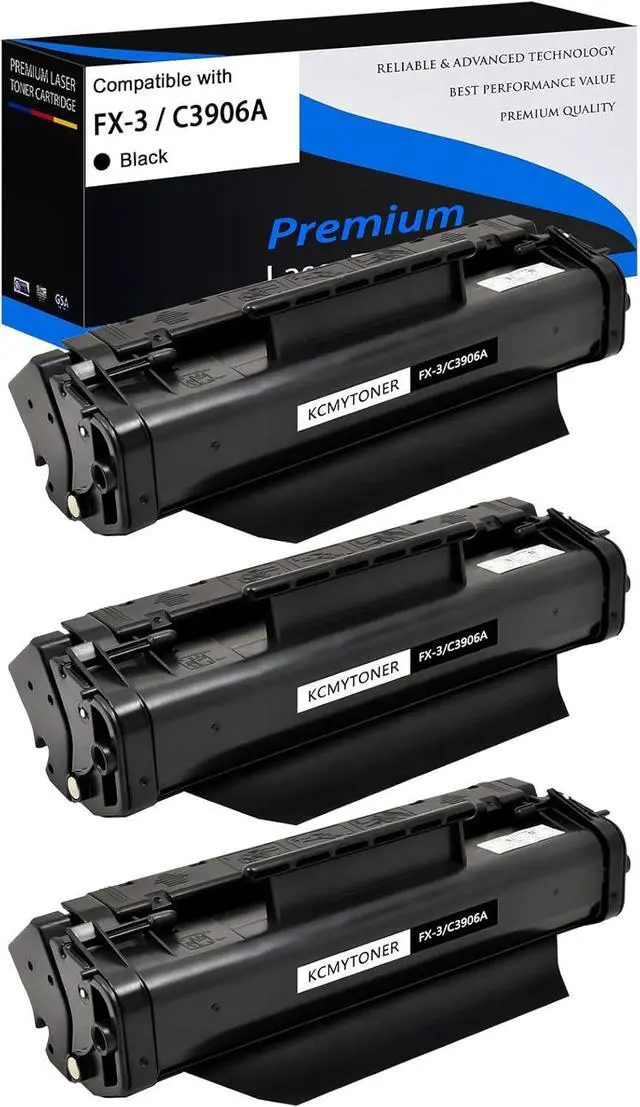
    Ennovor 3 Pack Compatible Toner Cartridge Replacement for HP 06A C3906A Black to use with Laser Jet 6L Laser Jet 5L Laser Jet 3100 Laser Jet 3100se Laser Jet 3100xi Laser Jet 3150 Printers

    • KCMYTONER Compatible Toner Cartridge Replacement for HP 06A C3906A Toner Cartridge ( Printed Color : Black )
    • Package Contents : 3 x User Guide , 3 x C3906A Toner
    • Page Yield : 2500 pages per C3906A black toner cartridge at 5% coverage
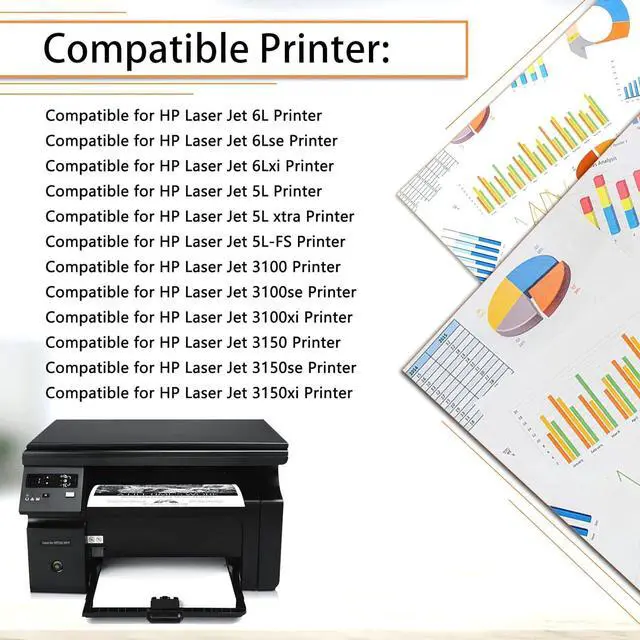
    • Compatible for HP Printer : Laser Jet 6L / Laser Jet 6Lse / Laser Jet 6Lxi / Laser Jet 5L / Laser Jet 5L xtra / Laser Jet 5L-FS / Laser Jet 3100 / Laser Jet 3100se / Laser Jet 3100xi / Laser Jet 3150 / Laser Jet 3150se / Laser Jet 3150xi Printers
    • Our toner cartridge deliver the reliable printing results: sharp text, bold blacks, crisp graphics and resists-fading/smudging. Easy to install. Perfect partner with your printer and copier. Perfect compatibility.
    +
    +
    Overview
    Specs
    Reviews
    avatar

    Any questions? Our AI beta will help you find out quickly.

    KCMYTONER Toner Cartridges deliver Reliable and Outstanding printing performance

    Item: 3 Pack KCMYTONER Compatible Toner Cartridge Replacement for HP 06A C3906A Black Toner Cartridge

    Printed Pages: 2,500 pages per toner cartridge (at 5% coverage/A4 Paper)

    Color of Printout: Black

    Compatible for HP Printer:

    Compatible for LaserJet 6L
    Compatible for LaserJet 6Lse
    Compatible for LaserJet 6Lxi
    Compatible for LaserJet 5L
    Compatible for LaserJet 5L xtra
    Compatible for LaserJet 5L-FS
    Compatible for LaserJet 3100
    Compatible for LaserJet 3100se
    Compatible for LaserJet 3100xi
    Compatible for LaserJet 3150
    Compatible for LaserJet 3150se
    Compatible for LaserJet 3150xi

    Usage Instructions:
    1. Open the front cover and take out the used toner cartridges.
    2. Take out the new toner cartridge. Shake the toner cartridge horizontally from left to right to distribute the toner evenly.
    3. Remove all sealing parts completely from the toner cartridge.
    4. Put the toner cartridge with the arrow pointing into the printer and slide the cartridge into the printer.
    5. Then close the top cover.

    Some Advice:
    1. Please switch off the power when you take off or install the toner.
    2. Please make sure the printer is working properly before install the toner.
    3. Please don't touch the OPC by hand and avoid the OPC was scrapped.
    4. As our product is COMPATIBLE toner cartridge, the structure may be a little different from the original. Please kindly note that it will not affect printing and printer. Our cartridges are perfectly compatible with your printer.

    Warranty & Returns

    Warranty, Returns, And Additional Information

    Warranty

    • Please contact the Seller directly for warranty information. Warranty information may also be found on the Manufacturer's website.
    • CONTACT

    Return Policies

    Manufacturer Contact Info

    LOADING...