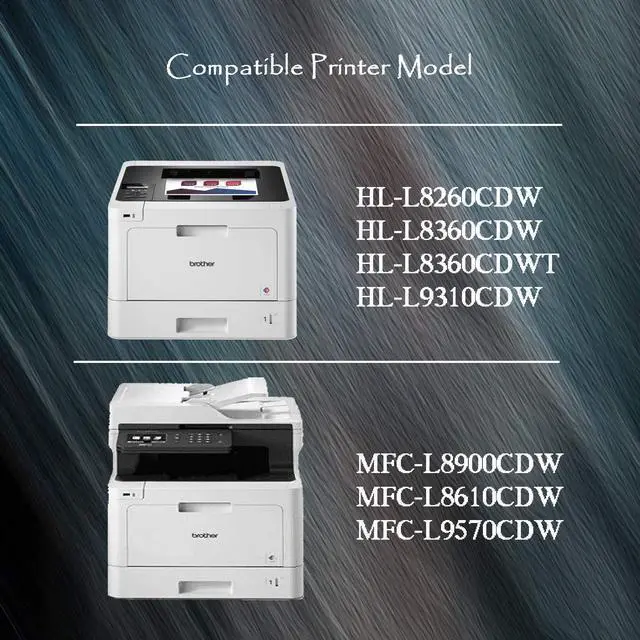
Brother HL-L8260CDW PrinterBrother HL-L8360CDW PrinterBrother HL-L8360CDWT PrinterBrotherMFC-L8610CDW PrinterBrother MFC-L8900CDW PrinterBrother HL-L9310CDW PrinterBrother MFC-L9570CDW Printer Installation Guide
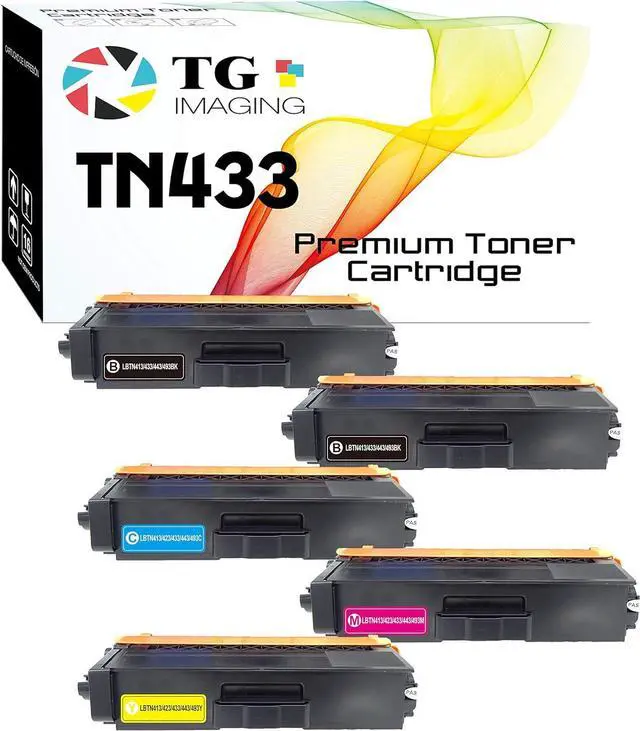
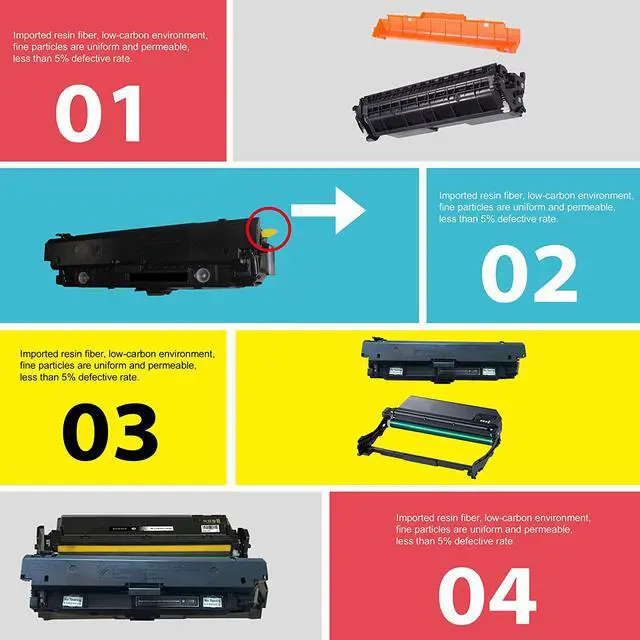
Remove the used toner cartridge from the machine.Gently shake the cartridge from side to side.Remove the orange protected and seal from cartridge.Put the Toner back in the machine.After replacing a toner cartridge, DO NOT turn off the machine or open the front cover until the machine's display returns to Ready Mode.If the printer screen shows "Non-genuine" or "Counterfeit Cartridges Detected", please press "OK" / "Continue"/ "Accept" button to go on print.Make sure the machine is turned on. TN433 Color Toner Cartridge Page Yield: Black 4,500 Pages; Color 4,000 Pages