Professional Toner and Ink Supplier Support toYour Business
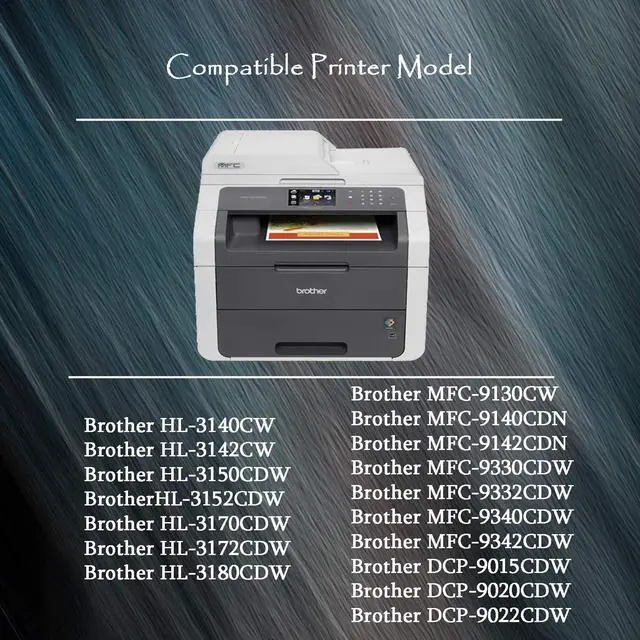
HL Series Printers/MFC Series Printers/DCP Series Printers
Brother HL-3140CW PrinterBrother HL-3150CDN PrinterBrother HL-3170CDW PrinterBrother HL-3180CDW PrinterBrother MFC-9130CW PrinterBrother MFC-9330CDW PrinterBrother MFC-9340CDW PrinterBrother DCP-9020CDN Printer Installation Guide
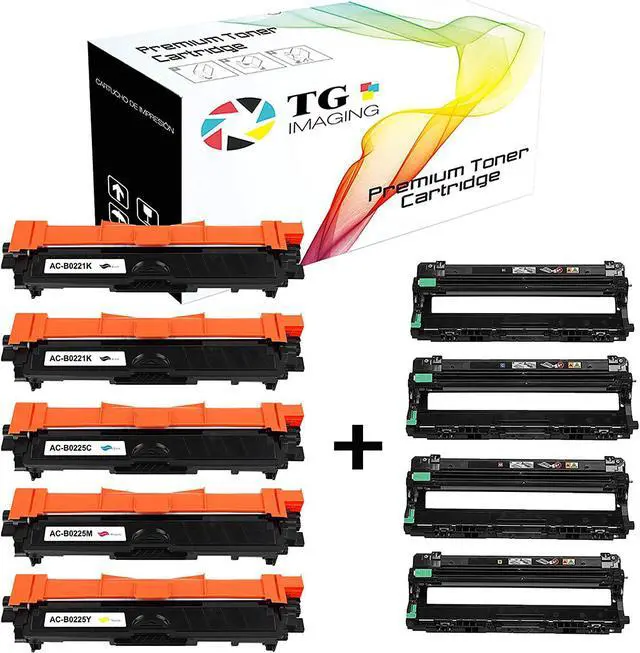
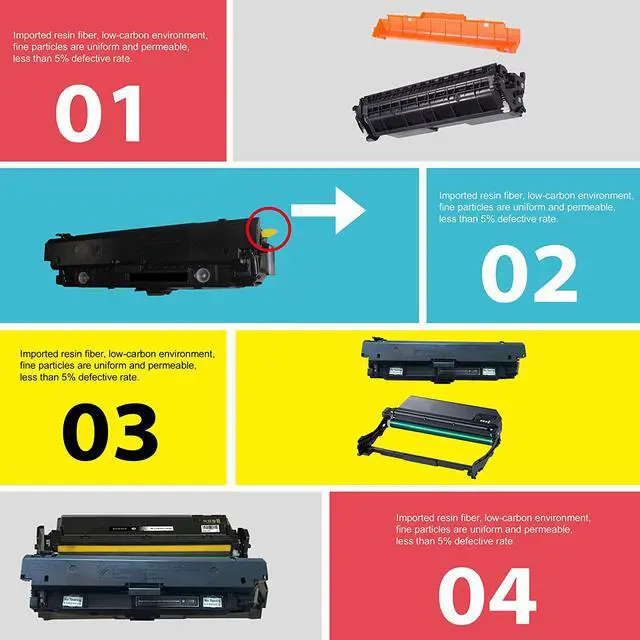
Make sure the machine is turned onRemove the used toner cartridge and drum unit from the machine.Push down the green lock lever and take the toner cartridge out of the drum unit.Gently shake the cartridge from side to side.Remove the orange protected cartridge. And Clean drum unit by sliding the green tab from left to right and right to left several times.Put the Toner back in, Push the new toner cartridge firmly into the drum unit until you hear it lock into place.drum unit by sliding the green tab from left to right and right to left several times.Install the toner cartridge and drum unit assembly back into the machine.After replacing a toner cartridge, DO NOT turn off the machine or open the front cover until the machine's display returns to Ready Mode. TN221 Black TN225 Cyan Magenta Yellow DR221 Drum Black: 2,500 pages; Color: 2,200 pages; Drum: 15,000 pages