

Your Browsing History
- Free 30-day Returns
$234.99

Meet Your Seller


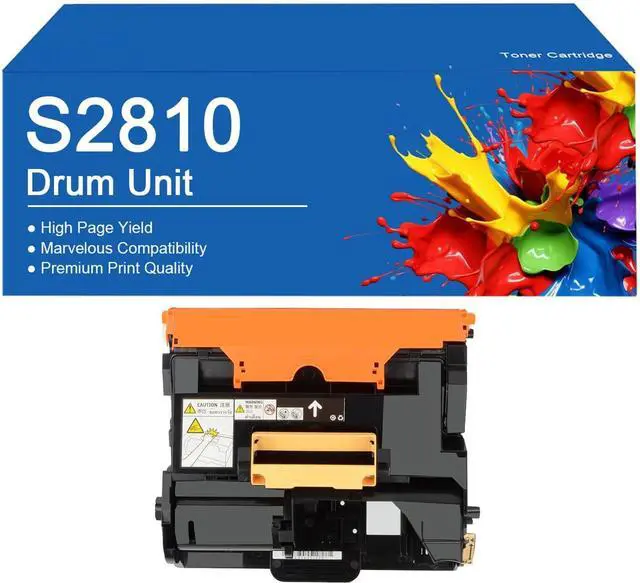





S2810 Black Imaging Drum Kit Replacement for DELL S2810dn H815dw S2815dn Printer with Chip, Clear Printing ,S2810-1Set
- Compatible PrinterFor Dell Smart Multifunction S2810dn H815dw S2815dn Printer
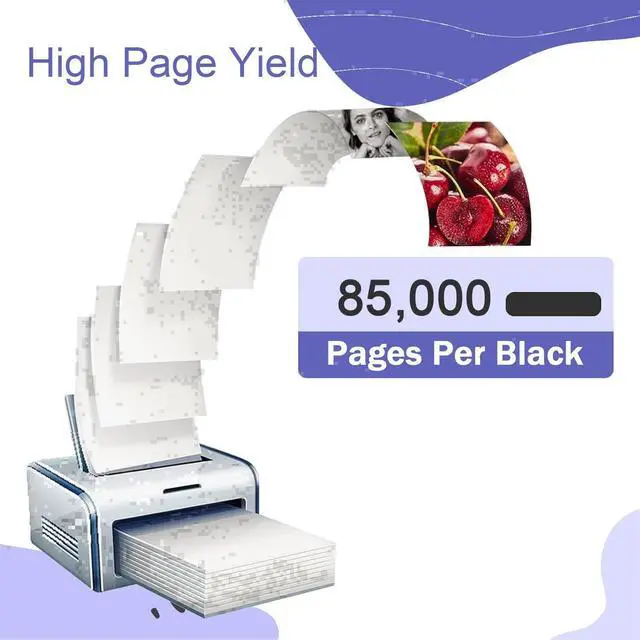
- High YieldEach drum cartridge prints 85,000 pages with 5% A4 paper coverage
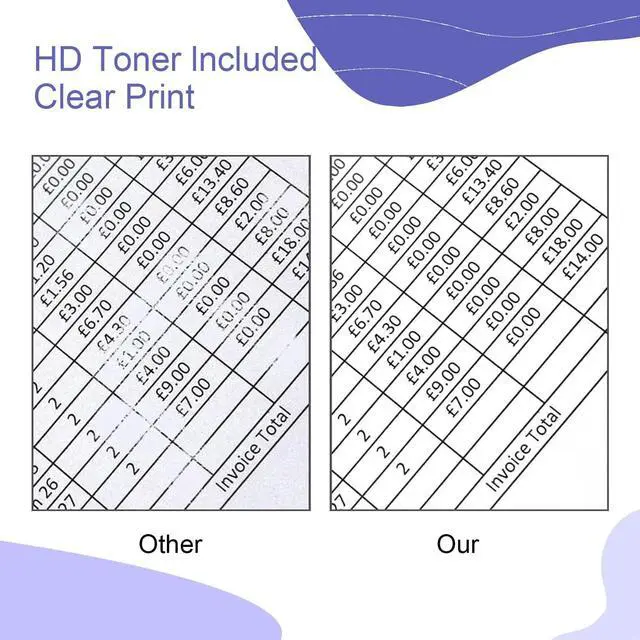
- Product QualityMeets your daily printing.They are specifically designed to work together, providing superior print quality and durability.
- Excellent PerformanceMulti-layer packaging ensures safe shipping, while a smart chip enhances performance for superior print efficiency. Easy installation and setupevery printer undergoes rigorous quality testing to deliver smooth, crisp, and vibrant color printing
- Sales ServicePlease rest assured to use this product.If you have any problems, you can contact us at any time. We will provide you with solutions as soon as possible. When purchasing, please check printer model whether the matches.
+
+
Overview
Specs
Reviews

Any questions? Our AI mode will help you find out quickly.
Try me now
Toner Cartridges Replacement
For Dell Smart Multifunction S2810dn H815dw S2815dn Printer
you can also avoid costly reprints and help ensure the flawless performance you expect from your for printer
1. Remove the orange protective cap from the toner cartridge before use.
2. Place the toner cartridge into the drum holder.
3. Place the cartridge into the printer.
Kind reminder:
Before purchasing, you should check if your printer matches this product.
You can try to communicate with us to understand if your printer meets the requirements of this product
For Dell Smart Multifunction S2810dn H815dw S2815dn Printer
you can also avoid costly reprints and help ensure the flawless performance you expect from your for printer
1. Remove the orange protective cap from the toner cartridge before use.
2. Place the toner cartridge into the drum holder.
3. Place the cartridge into the printer.
Kind reminder:
Before purchasing, you should check if your printer matches this product.
You can try to communicate with us to understand if your printer meets the requirements of this product
Warranty & Returns
Warranty, Returns, And Additional Information
Warranty
- Please contact the Seller directly for warranty information. Warranty information may also be found on the Manufacturer's website.
- CONTACT
Return Policies
- Return for refund within: 30 days
- Return for replacement within: 30 days
- This item is covered by XinjintongLimited Return Policy
Manufacturer Contact Info
- For a directory of all our manufacturers, please click below.
- Manufacturers Directory
LOADING...