

Your Browsing History
- Free 30-day Returns
$99.99

Meet Your Seller



Rongta F82 Portable Thermal Printer+3 Rolls Thermal Paper
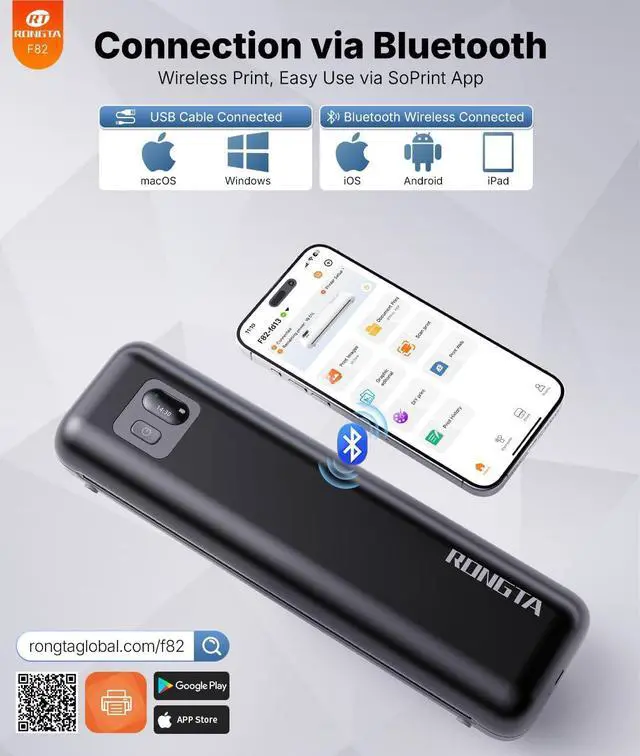
- Phone/Tablet Start Print: Step 1: Download APP "SoPrint"; Step 2: Turn on the F82 and make a Bluetooth connection in the APP; Step 3: Click the "+" sign to complete the device connection, choose F82 for connect and select the file type to start print
- PC Start Print: Step 1:Please download and install the F82 driver from the USB disk; Step 2: Use the USB cable to connect the F82 printer to your computer; Step 3: Select and open your document, and choose F82 in the printer list
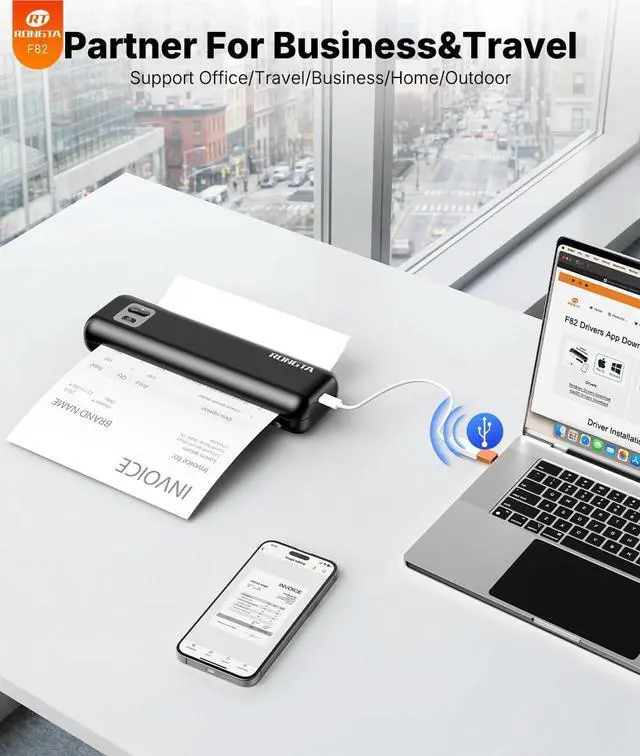
- Connectivity & Wide Compatibility F82 has Bluetooth/USB Type C for seamless wireless/wired printing. Compatible with iPhone, iPad, Android Phone, Android Tablet, Laptop(Mac/Windows). "SoPrint" APP is free and can provide more creative printing experience to you, you can print in travel, vehicles anytime
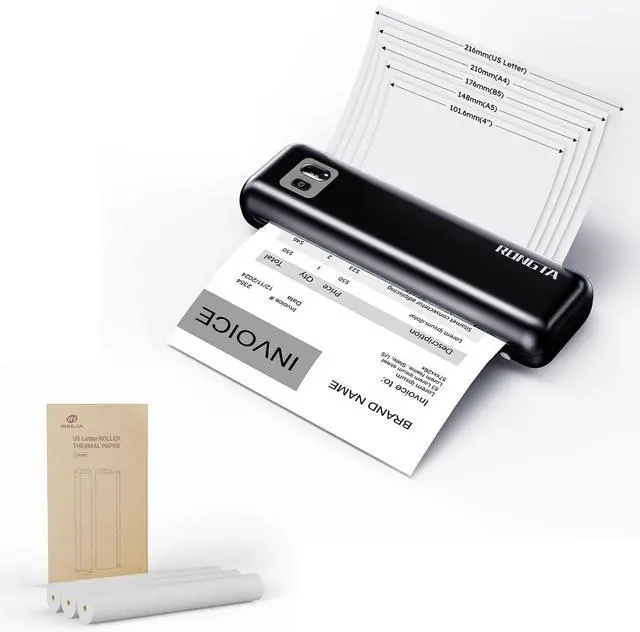
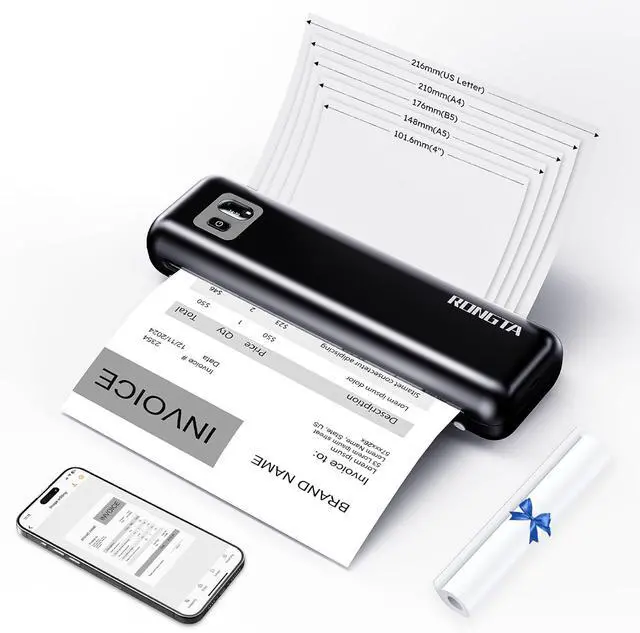
- Two paper feeding methods & Intelligent paper identification F82 support cassette loading and front-feed modes with stepless adjustment. Support and auto-detects US Letter/A4/A5/B5 thermal papers and 2/3/4-inch
+
+
Overview
Specs
Reviews

Any questions? Our AI mode will help you find out quickly.
Try me now
Phone/Tablet Start Print: Step 1: Download APP "SoPrint"; Step 2: Turn on the F82 and make a Bluetooth connection in the APP; Step 3: Click the "+" sign to complete the device connection, choose F82 for connect and select the file type to start print
PC Start Print: Step 1:Please download and install the F82 driver from the USB disk; Step 2: Use the USB cable to connect the F82 printer to your computer; Step 3: Select and open your document, and choose F82 in the printer list
Connectivity & Wide Compatibility F82 has Bluetooth/USB Type C for seamless wireless/wired printing. Compatible with iPhone, iPad, Android Phone, Android Tablet, Laptop(Mac/Windows). "SoPrint" APP is free and can provide more creative printing experience to you, you can print in travel, vehicles anytime
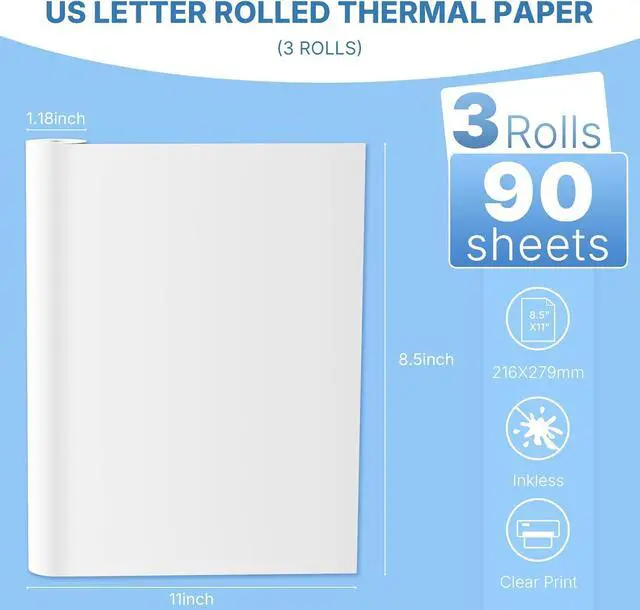
Two paper feeding methods & Intelligent paper identification F82 support cassette loading and front-feed modes with stepless adjustment. Support and auto-detects US Letter/A4/A5/B5 thermal papers and 2/3/4-inch thermal labels, Continuous thermal paper and Continuous thermal labels
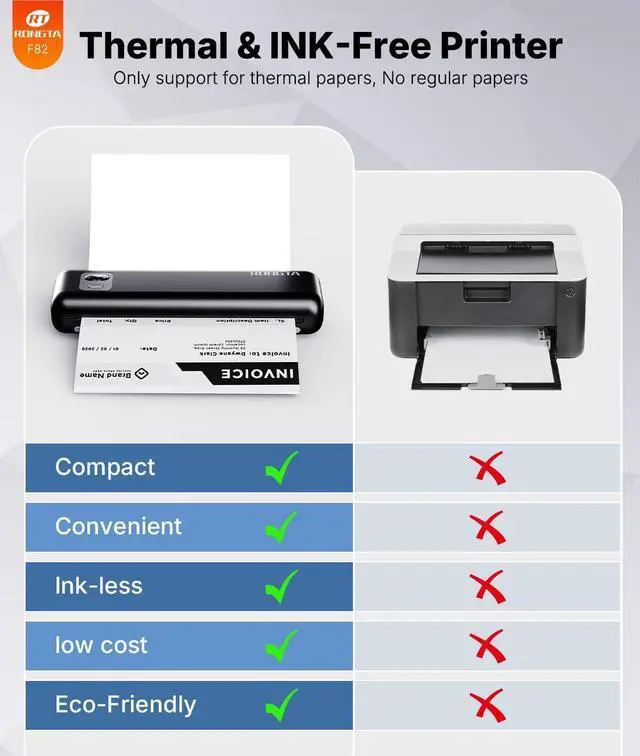
High Resolution & Carbon-Free Thermal printing technology eliminates ink/ribbons. Achieve sharp text and crisp graphics at 10mm/s speed. It supports printing formats like Word, PDF, TXT, Excel and images
PC Start Print: Step 1:Please download and install the F82 driver from the USB disk; Step 2: Use the USB cable to connect the F82 printer to your computer; Step 3: Select and open your document, and choose F82 in the printer list
Connectivity & Wide Compatibility F82 has Bluetooth/USB Type C for seamless wireless/wired printing. Compatible with iPhone, iPad, Android Phone, Android Tablet, Laptop(Mac/Windows). "SoPrint" APP is free and can provide more creative printing experience to you, you can print in travel, vehicles anytime
Two paper feeding methods & Intelligent paper identification F82 support cassette loading and front-feed modes with stepless adjustment. Support and auto-detects US Letter/A4/A5/B5 thermal papers and 2/3/4-inch thermal labels, Continuous thermal paper and Continuous thermal labels
High Resolution & Carbon-Free Thermal printing technology eliminates ink/ribbons. Achieve sharp text and crisp graphics at 10mm/s speed. It supports printing formats like Word, PDF, TXT, Excel and images
Warranty & Returns
Warranty, Returns, And Additional Information
Warranty
- Please contact the Seller directly for warranty information. Warranty information may also be found on the Manufacturer's website.
- CONTACT
Return Policies
- Return for refund within: 30 days
- Return for replacement within: 30 days
- This item is covered by XinjintongLimited Return Policy
Manufacturer Contact Info
- For a directory of all our manufacturers, please click below.
- Manufacturers Directory
LOADING...