What should I do if a serial number conflict error pops up when I switch to the second 075H toner from the same batch?
When you use up the first cartridge and switch to the second one of the same batch, a serial number conflict error may occur. You can easily resolve this problem by turning the printer off and then back on to switch the serial number.
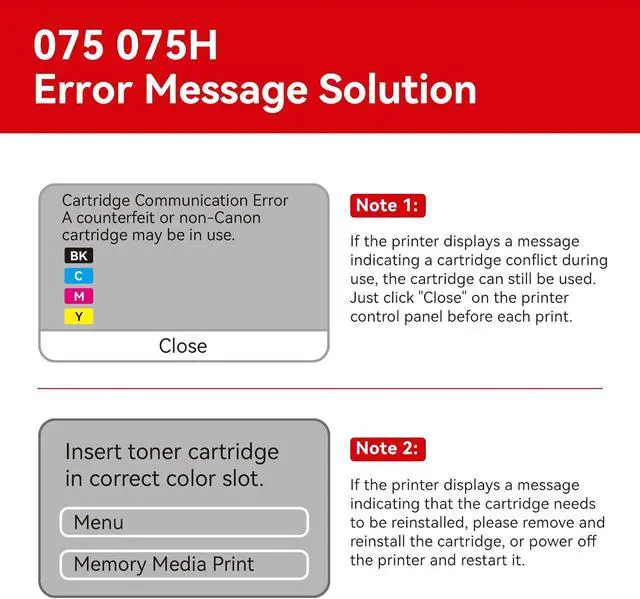
Why does a printer prompt "Insert toner cartridge in correct color slot", and how to resolve it?
First, remove the cartridge and reinsert it firmly. If the prompt persists, power off the printer completely, wait briefly, then restart it. This usually resolves the slot reminder issue.
Why does a printer display "Cartridge Communication Error (non-Canon cartridge)", and how to resolve it?
This error may occur with the 075H cartridge. The cartridge is still usableclick "Close" on the printer control panel before each print. Contact the seller for replacement or return if the issue persists.
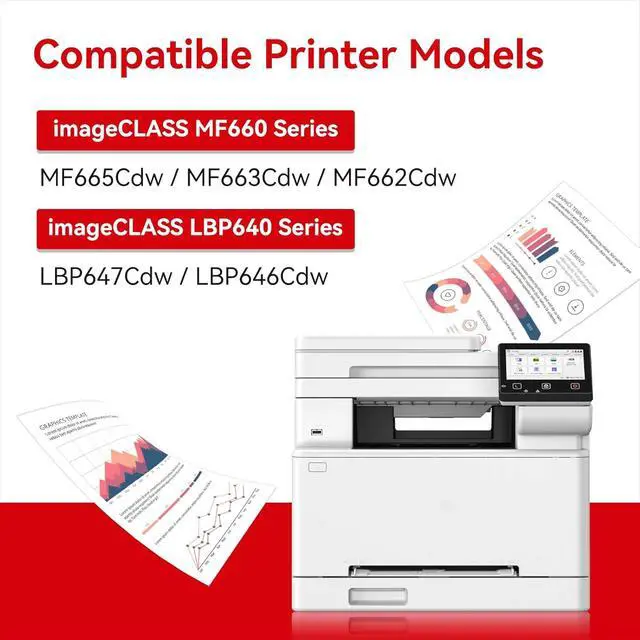
Which printers are compatible with the 075/075H toner cartridges?
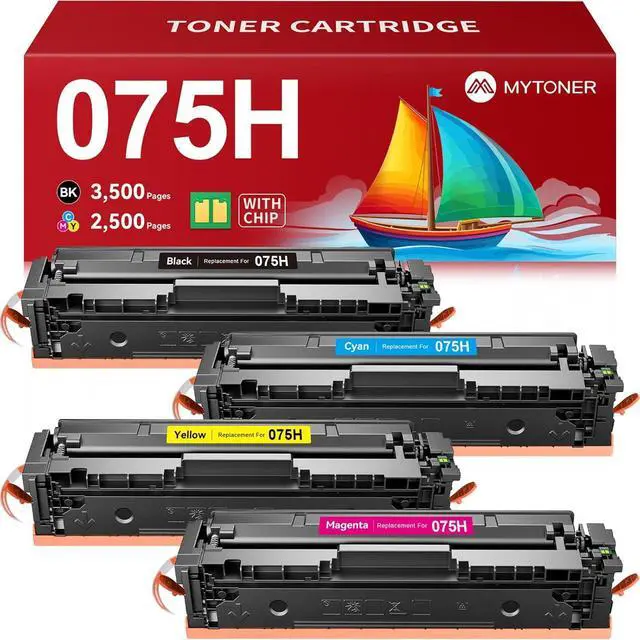
The 075/075H toner cartridges are exclusively designed for Canon Color imageCLASS MF660C and LBP640C series printers, including models MF665Cdw, MF663Cdw, MF662Cdw, LBP647Cdw and LBP646Cdw.
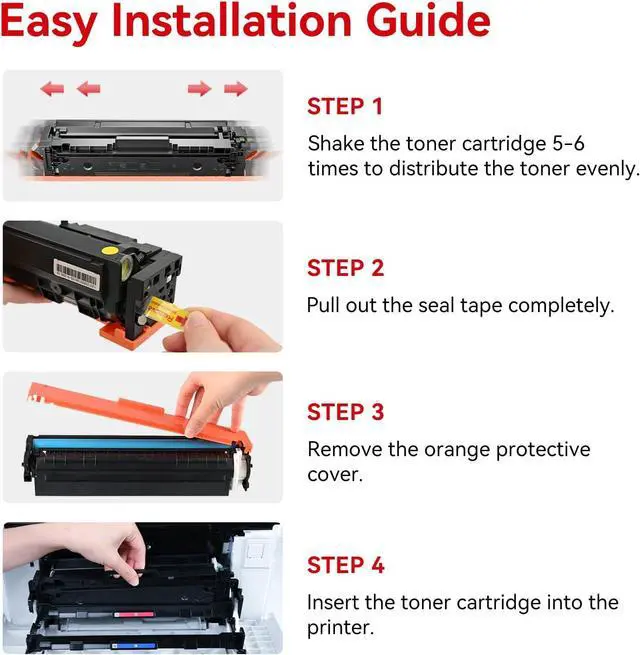
075 075H Toner Cartridge Installation Guide Does the 075H toner cartridge chip have an upgrade issue?
What should I do if a serial number conflict error pops up when I switch to the second 075H toner from the same batch?
Why does a printer prompt "Insert toner cartridge in correct color slot", and how to resolve it?
Why does a printer display "Cartridge Communication Error (non-Canon cartridge)", and how to resolve it?
Which printers are compatible with the 075/075H toner cartridges?





 here!
here!