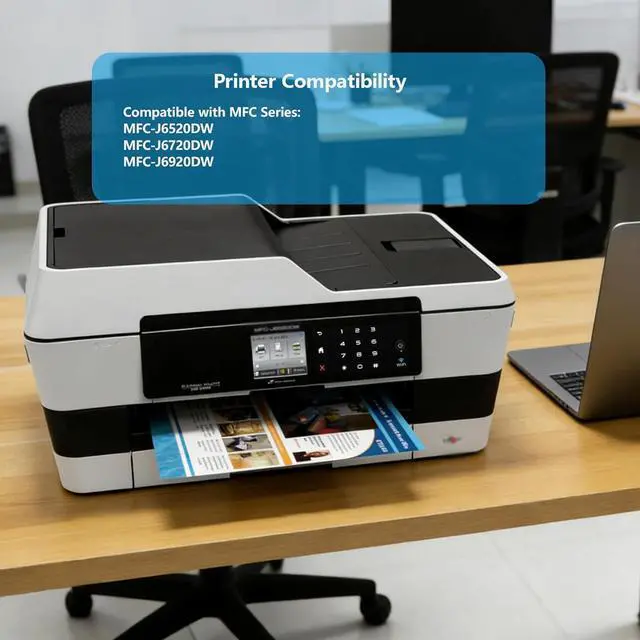
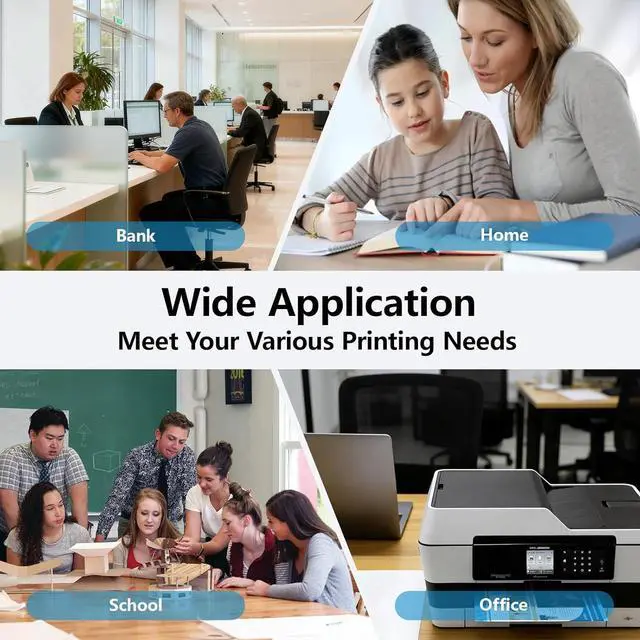
Printer compatibility of LC109XXL LC105XXL ink cartridge Combo Pack: Compatible with Brother MFC Series MFC-J6520DW MFC-J6720DW MFC-J6920DW printer. Note: Please confirm your printer model*
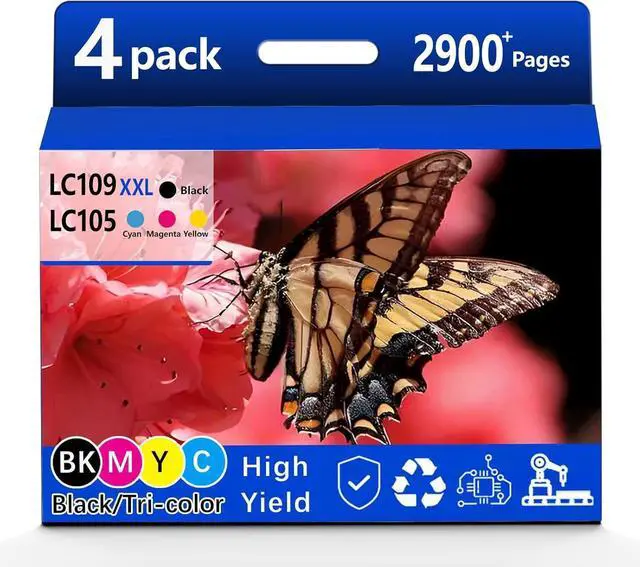
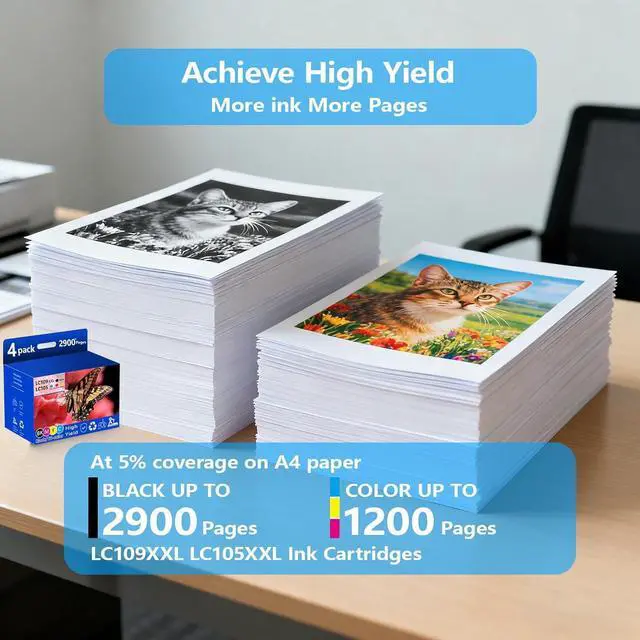
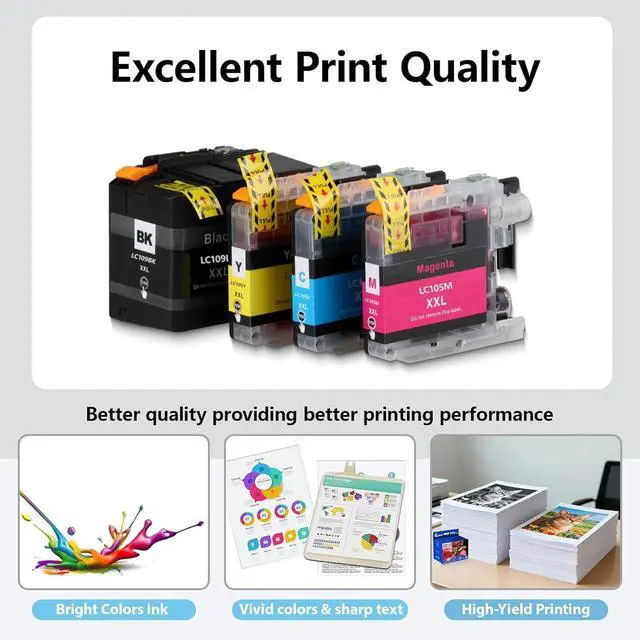
High Page Yield LC109XXL Ink Cartridges Combo Pack: Up to 2900 Pages for LC109XXL Ink Cartridges black and Up to 1200 Pages for LC105XXL Ink Cartridges each color(At 5% coverage on A4 paper). Reliable replacement for Brother printer ink LC109 LC105
With the latest chips: LC109XXL LC105XXL ink cartridges employ cutting-edge chip technology and are specifically designed for 'Brother' printers, ensure perfect compatibility with printers and excellent printing quality, than you can enjoy efficient and worry-free printing
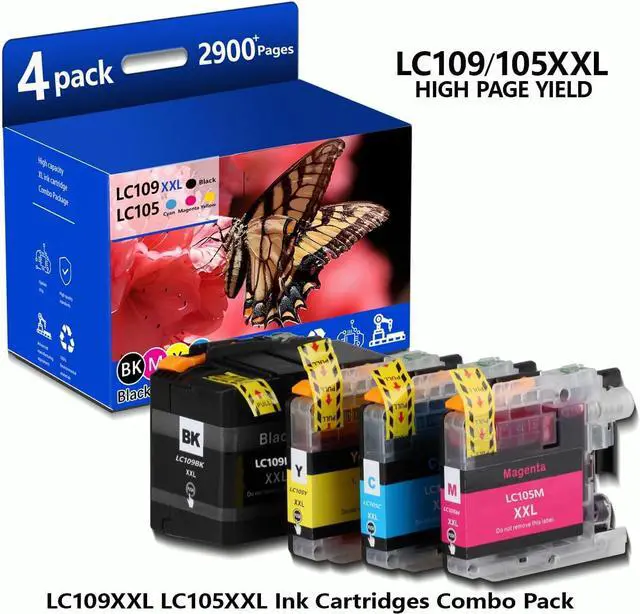
Package Included: 1 x Black LC109XXL ink cartridge, 1 x Cyan LC105XXL ink cartridge, 1 x Magenta LC105XXL ink cartridge, 1 x Yellow LC105XXL ink cartridge, Total 4 pack for Brother LC109BK LC105C LC105M LC105Y ink Cartridges.
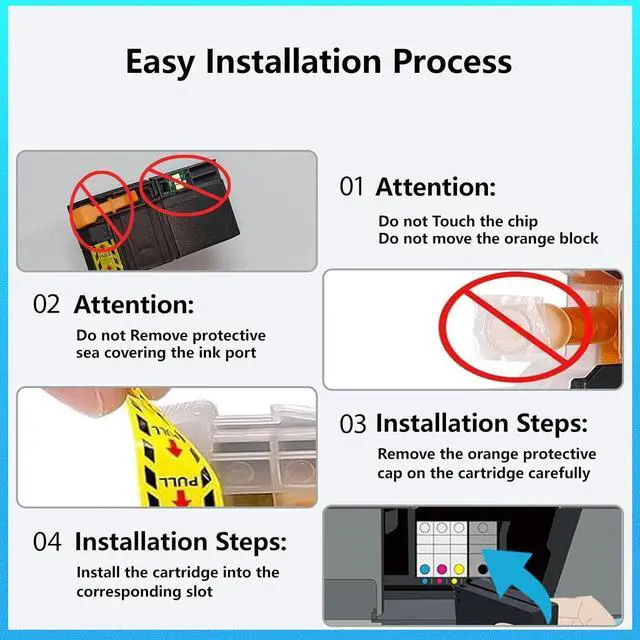
Troubleshooting Steps: 1.Gently clean the contact points between the cartridge and printer slot with a soft cloth or cotton swab to remove dust or dirt. 2.Reinsert the cartridge, ensuring it's properly and fully inserted into the slot. 3.Turn off the printer, unplug it, wait 30 seconds, plug it back in, turn it on, and check if the error is resolved.





 here!
here!