Phaser 6510 Workcentre 6515 Drum Imaging Unit Black 108R01420 Replacement for Xerox Phaser 6510N 6510DN 6510DNI 6510DNM WorkCentre 6515N 6515DN 6515DNM 6515DNI Printers
  •  
  • $117.99 
  • $95.99
  • Free 30-day Returns
  • Price alert
    Shop it at NeweggBusiness.

    Meet Your Seller

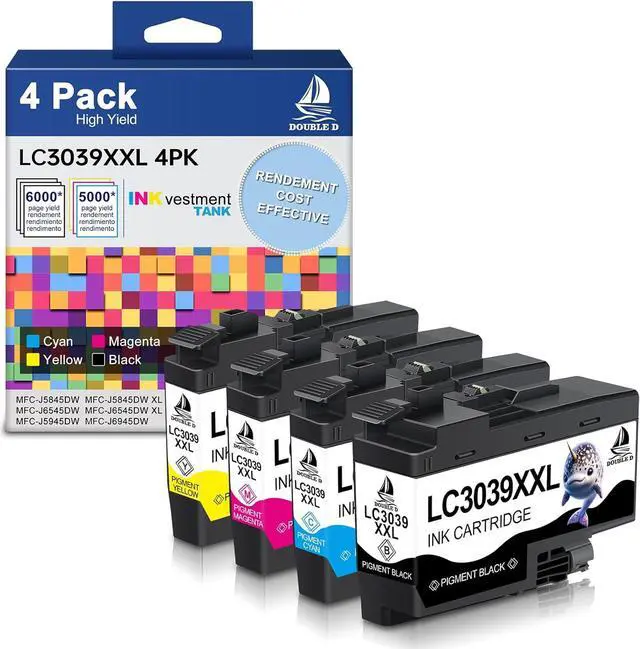
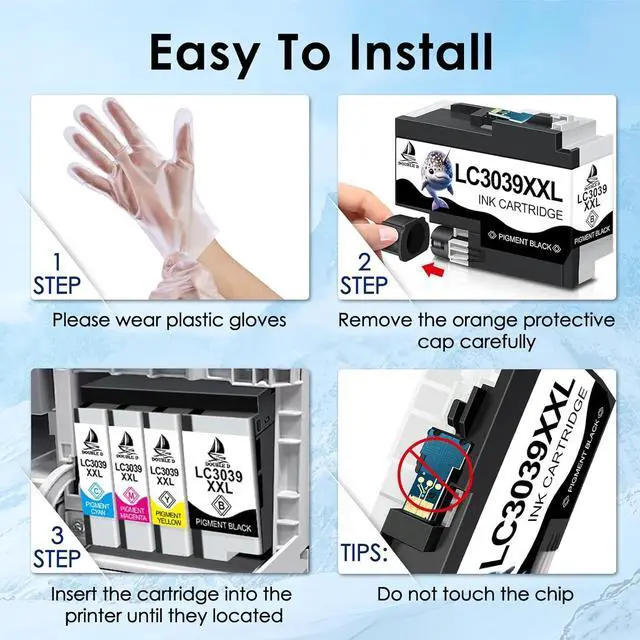
    DOUBLE D LC3039XXL Compatible Ink Cartridges Replacement for LC3039 LC3039XXL LC-3039BK LC3037 LC3037BK LC-3037XXL,Work for MFC-J5945DW MFC-J6945DW MFC-J5845DW MFC-J6545DW(4 Pack)

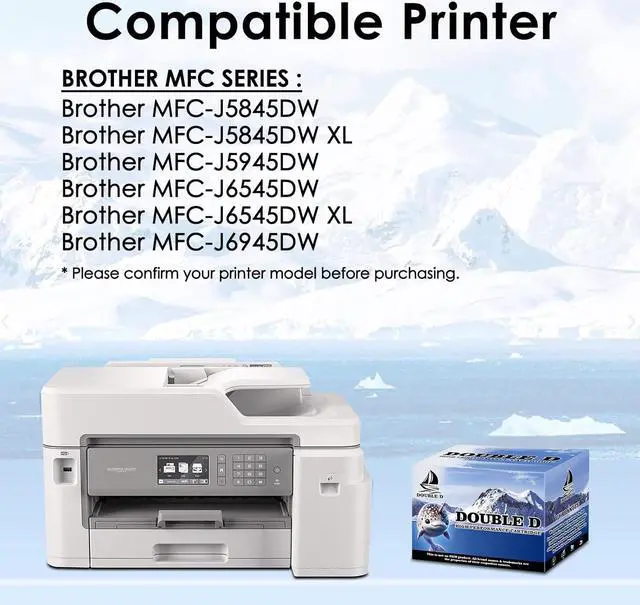
    • Compatible Printers Brother MFC-J5845DW, MFC-J5845DWXL, MFC-J5945DW, MFC-J6545DW, MFC-J6545DW XL, MFC-J6945DW Inkjet Printer
    • Packag Contents1 x LC3039BK, 1 x LC3039 Cyan, 1 x LC3039 Magenta, 1 x LC3039 Yellow (Total 4 Pack)
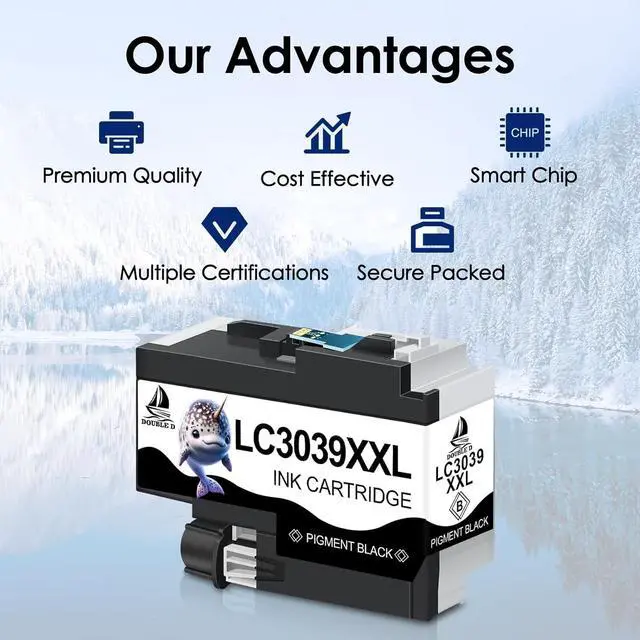
    • Advantages Multiple Certifications, Premium Print Quality, Cost Effective, Newest Chip, Secure Packed
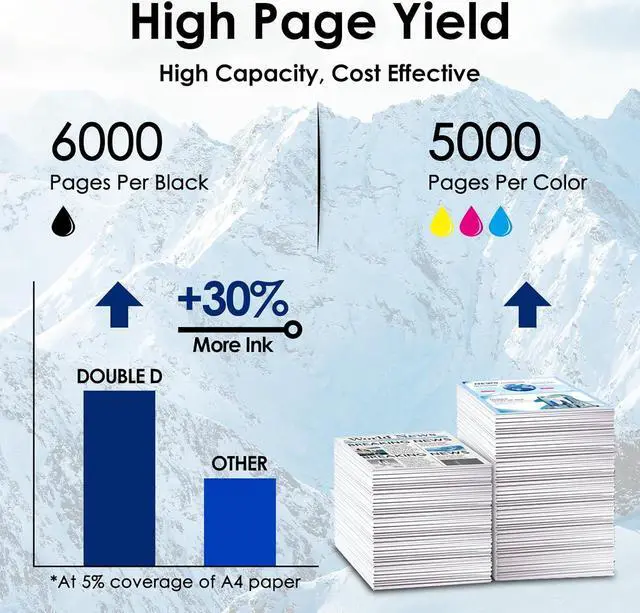
    • Extra High YieldApprox. 6000 pages per LC3039XXL Black , 5000 pages per LC3039XXL Color, at 5% coverage of A4 paper
    • Product Quality Control Certified by ISO9001and MSDS. Strictly tested with industry quality control processes for compatibility, performance, print quality and page yield. All compatible printers instantly recognize the ink cartridges and work flawlessly
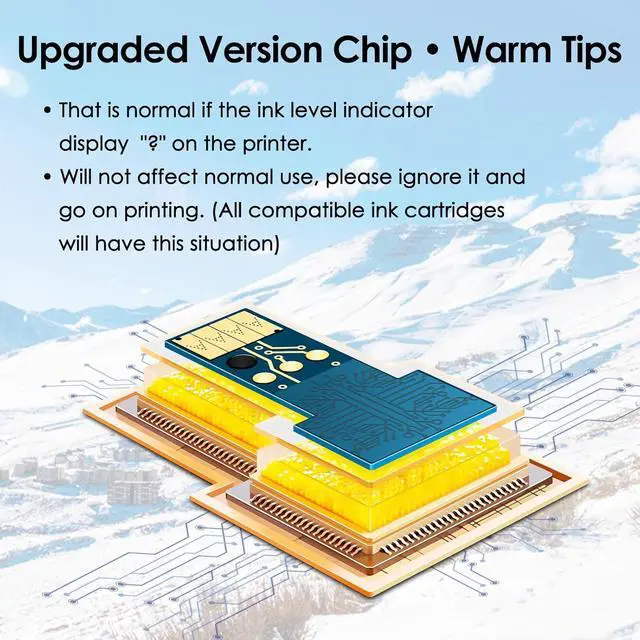
    • Tips It is normal if the printer screenshot in the ink level page shows after you insert compatible ink cartridges. Please disregard and keep printing, it will not effect the function of printer, you can check the ink level on the computer that connect with your printer

    +
    +
    Overview
    Reviews
    avatar

    Any questions? Our AI beta will help you find out quickly.

    Compatible Printers Brother MFC-J5845DW, MFC-J5845DWXL, MFC-J5945DW, MFC-J6545DW, MFC-J6545DW XL, MFC-J6945DW Inkjet Printer
    Packag Contents1 x LC3039BK, 1 x LC3039 Cyan, 1 x LC3039 Magenta, 1 x LC3039 Yellow (Total 4 Pack)
    Advantages Multiple Certifications, Premium Print Quality, Cost Effective, Newest Chip, Secure Packed
    Extra High YieldApprox. 6000 pages per LC3039XXL Black , 5000 pages per LC3039XXL Color, at 5% coverage of A4 paper
    Product Quality Control Certified by ISO9001and MSDS. Strictly tested with industry quality control processes for compatibility, performance, print quality and page yield. All compatible printers instantly recognize the ink cartridges and work flawlessly
    Tips It is normal if the printer screenshot in the ink level page shows after you insert compatible ink cartridges. Please disregard and keep printing, it will not effect the function of printer, you can check the ink level on the computer that connect with your printer

    Warranty & Returns

    Warranty, Returns, And Additional Information

    Warranty

    • Please contact the Seller directly for warranty information. Warranty information may also be found on the Manufacturer's website.
    • CONTACT

    Return Policies

    Manufacturer Contact Info

    LOADING...