• $223.99
  • Free 30-day Returns
  • Shipped by LionTech Direct

    Price alert
    Shop it at NeweggBusiness.

    Meet Your Seller

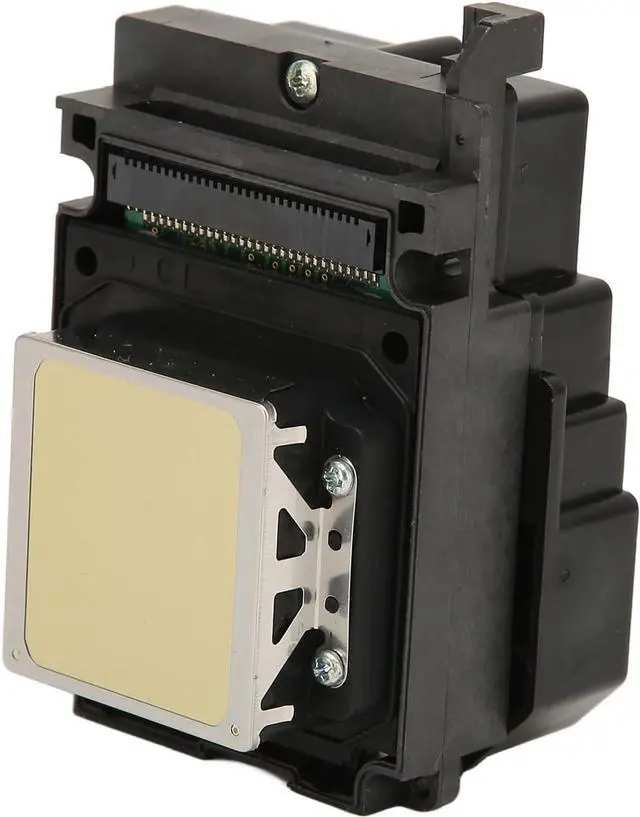
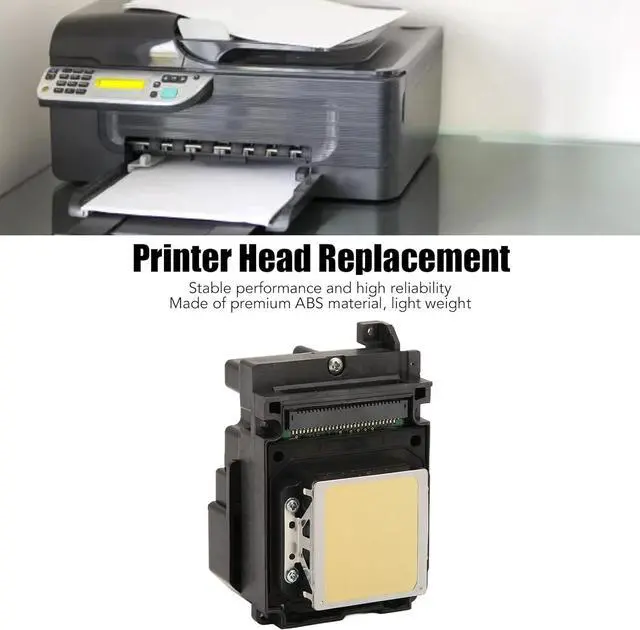
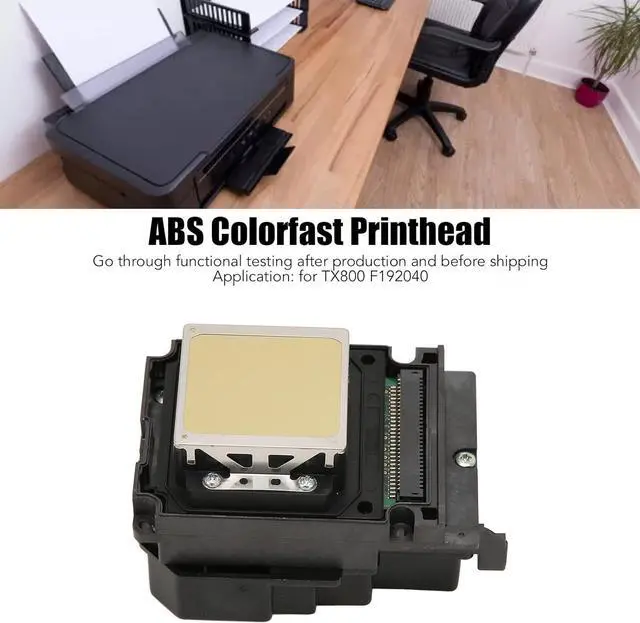
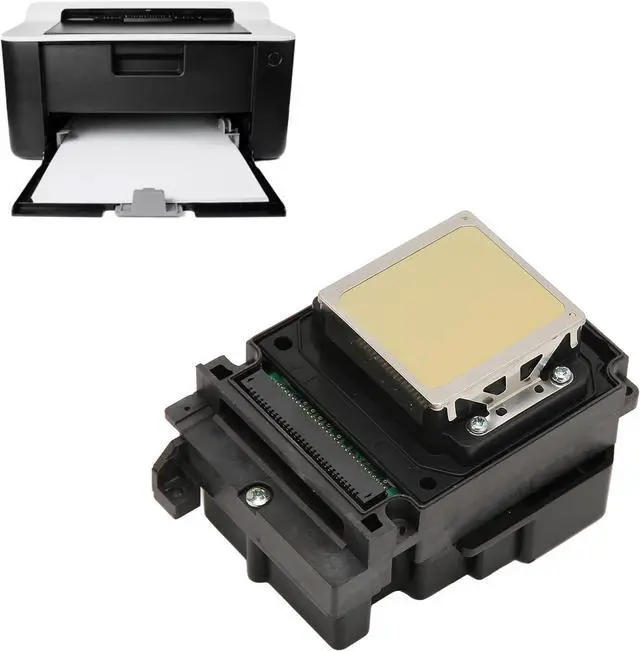
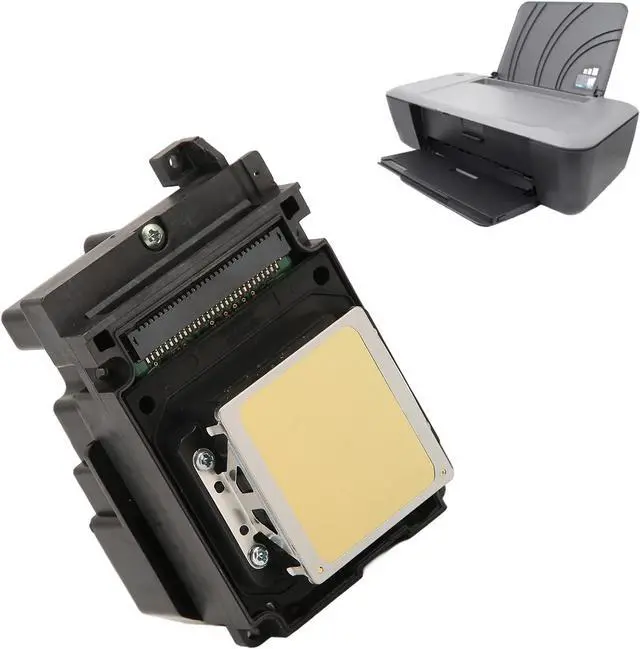
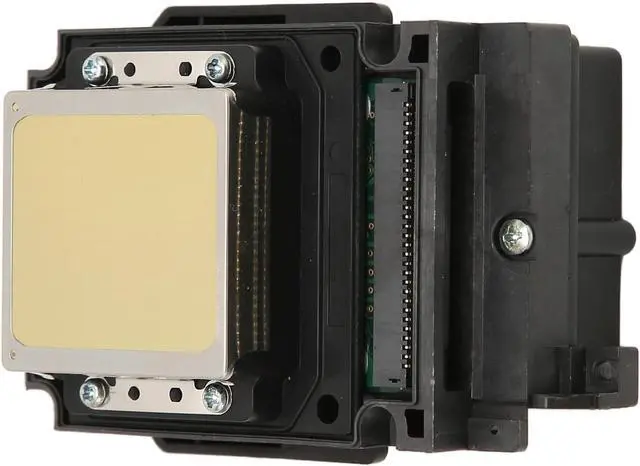
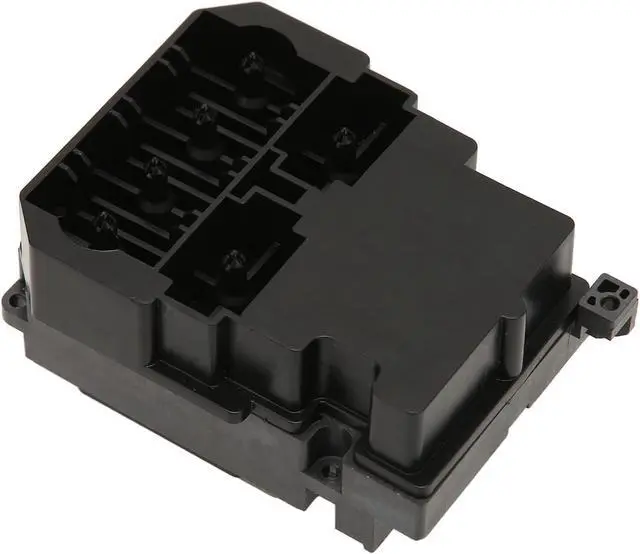
    Printer Head Replacement, UV Printhead, ABS Rust and Fade Resistant Printer Accessories Compatible with TX800 F192040

    • Applicable Modesl: Ideal replacement for the old or damaged original part, suitable for TX800 F192040 printers. Highly compatible with the printer, upgrade your printer machine.
    • Lightweight ABS Material: Due to the lightweight ABS material, the printhead replacement has the features of being rust proof and colorfast, suitable for long term use.
    • Strictly Tested: Each of our printheads undergoes strict quality inspection before leaving the factory. Advanced production technology and strict quality control ensure the reliable quality and durability of the products.
    • Easy to Use: Manufactured with accurate size and shape design, this ABS printerhead has a close fitting, simple for installation and removal, saving your time and energy.
    • Reliable Replacement: The rust and fade resistant printer head is a reliable aftermarket product with stable performance, suitable for replacing your broken parts of the printer.
    +
    +
    Overview
    Specs
    Reviews
    avatar

    Any questions? Our AI mode will help you find out quickly.

    Specification:
    Item Type: Printer Head
    Material: ABS
    Gross Weight: 125g / 4.4oz
    Application: for TX800 F192040

    Package List:1 x Printer Head
    Note:1. The product is a new product, there may be some protective liquid, it is protection for the accessories, it is normal.2. Solution for incompatibility: Reset the printer. Follow the steps below to reset the printing device.(1) Turn on the printer (if not already turned on); wait for the printer to come to a standstill before continuing.(2) After turning on the printer, disconnect the power cord on the back of the printer. Unplug the power cord from the wall outlet. Wait at least 60 seconds. Plug the power cord back into the wall outlet.(3) Note: It is recommended to plug the printer power cord directly into the wall socket. Reconnect the power cord to the back of the printer.(4) Turn on the printer (if it has not been turned on automatically). The printer may need to warm up for a while. The printer lights might be blinking, and the carriage might move.(5) Wait for the printer to warm up and completely stand still before performing the operation.If the above methods cannot solve the compatibility problem, you need to replace the original ink cartridge and ink.

    Warranty & Returns

    Warranty, Returns, And Additional Information

    Warranty

    • Please contact the Seller directly for warranty information. Warranty information may also be found on the Manufacturer's website.
    • CONTACT

    Return Policies

    Manufacturer Contact Info

    LOADING...