• $108.99
  • Free 30-day Returns
  • Price alert
    Shop it at NeweggBusiness.

    Phomemo M04S 300DPI Portable Thermal Printer, Support 2/3/4 inch Printing

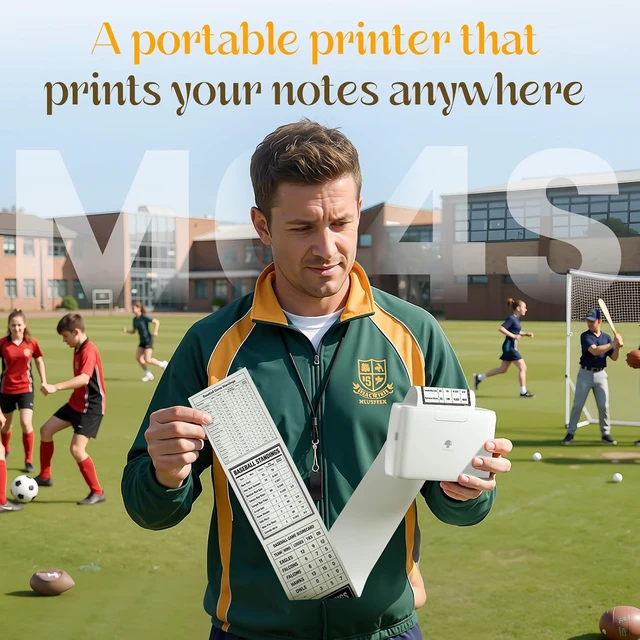
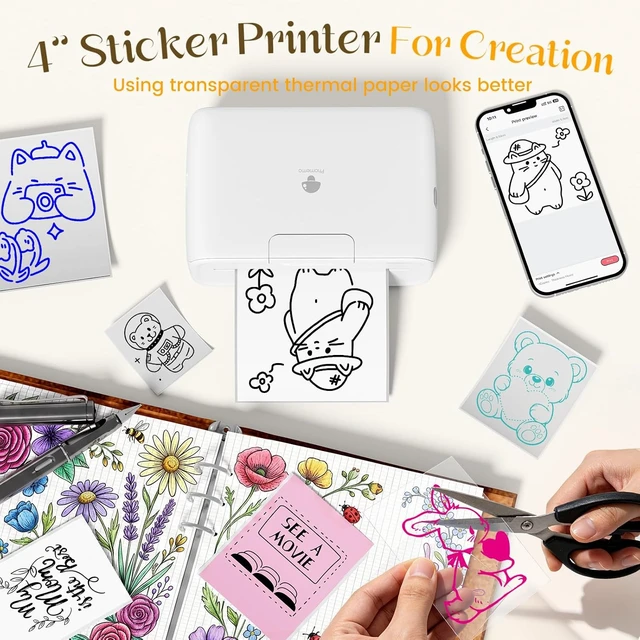
    • AI Smart Printer Sticker Maker Machine, Compatible with Phones, Tablets, Great for Document, Notes, Sticker, Gift
    • All-in-One AI Smart Printer with Creative Library-The Phomemo M04S is a versatile 2/3/4-inch thermal printer designed for photos, documents, labels, and notes. The upgraded [Phomemo] App now features powerful AI-powered editing tools for smart image generation and layout design. Access a constantly updated library of free & premium templates, fonts, and icons, ensuring your creativity never runs out of fresh ideas.
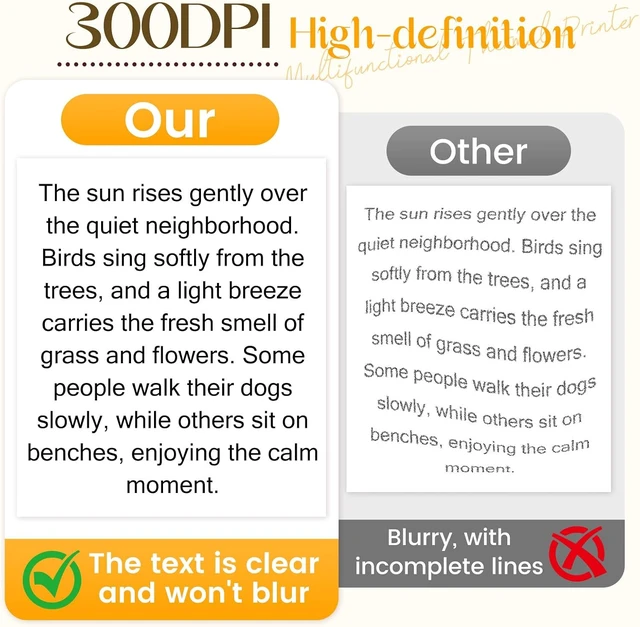
    • Inkless Thermel Printer 300dpi-No need for cartridges or toner. Featuring 300dpi high-resolution printing, the M04S inkless printer delivers crisp, photo-quality prints that stand out. It is widely recognized as one of the highest resolution sticker thermal printers on the market, ensuring your photos and text are always razor-sharp.
    • Long-Lasting Battery- Equipped with a high-capacity battery, the M04S thermal printer offers 5 hours of continuous printing on
    +
    +
    Overview
    Specs
    Reviews

    Any questions? Ask CelesteSM will help you find out quickly.


    1Comapatible with 3 Sizes2Gifts For Anyone3Home Use4Home Use5School Use Can the Phomemo M04S printer be compatible with computers?
    Yes!! Now the M04S printer can be compatible with computer printing, please refer to the instructions in the driver download method.
    Can Phomemo M04S portable printer be installed with shipping label?
    No, the Phomemo M04S printer is not compatible with shipping label.
    Can it print full-size paper?
    No, its maximum print width is 110mm (4 inch).
    Why does the printer sometimes print not clearly?
    Phomemo M04S is a thermal printer that does not require ink or toner, so it can print clearly as long as the printer has sufficient power. In case of poor printing, please fully charge the printer before printing.
    When I use different paper sizes, how do I switch the sizes in the APP to make the pattern adapt to the paper width?
    Please select the width of the paper size in the upper right corner of the print preview, so that the printed content can adapt to the width of the paper.
    White Non Adhesive Paper

    Warranty & Returns

    Warranty, Returns, And Additional Information

    Warranty

    • Please contact the Seller directly for warranty information. Warranty information may also be found on the Manufacturer's website.
    • CONTACT

    Return Policies

    Manufacturer Contact Info

    LOADING...