Installation guides:
Step-1: Shake the toner from side to side for 3-5 seconds to make toner well-distributed.
Step-2: Pull off the seal tape from side of the toner.
Step-3: Remove orange protective cover from toner.
Step-4: Insert toner cartridges into the printer until it click into right place.
Tip:
If you hear a little noise when printing, please continue to print. It is very normal for the Compatible Toner Cartridge. Please note that it will not affect printing and damage your printer.
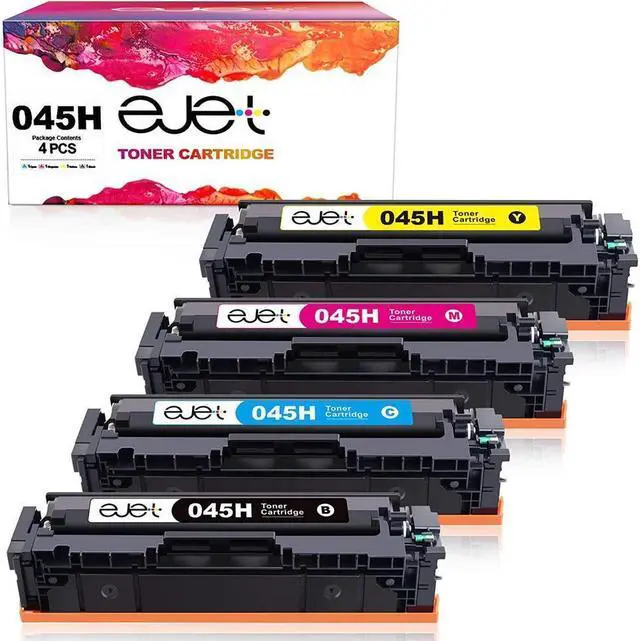
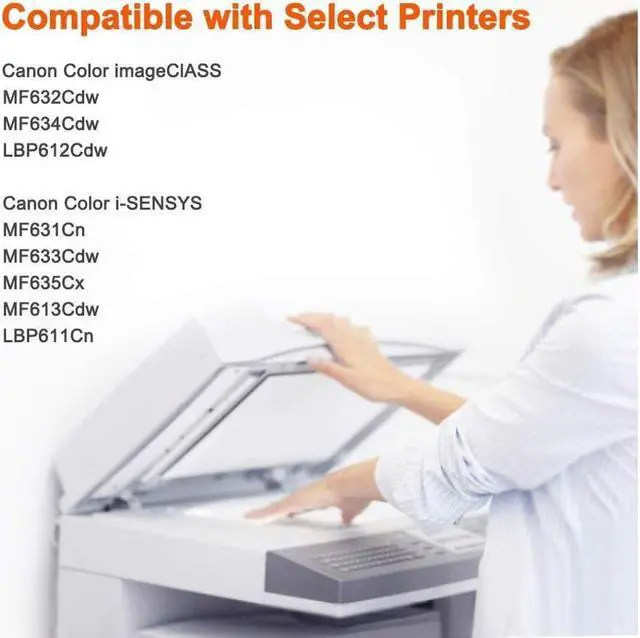
Printer Compatibility for 045 045h toner: Color imageClASS
MF632Cdw / MF634Cdw / LBP612CDW
Color i-SENSYS
MF631Cn / MF633Cdw/MF635Cx
MF613Cdw/LBP611Cn
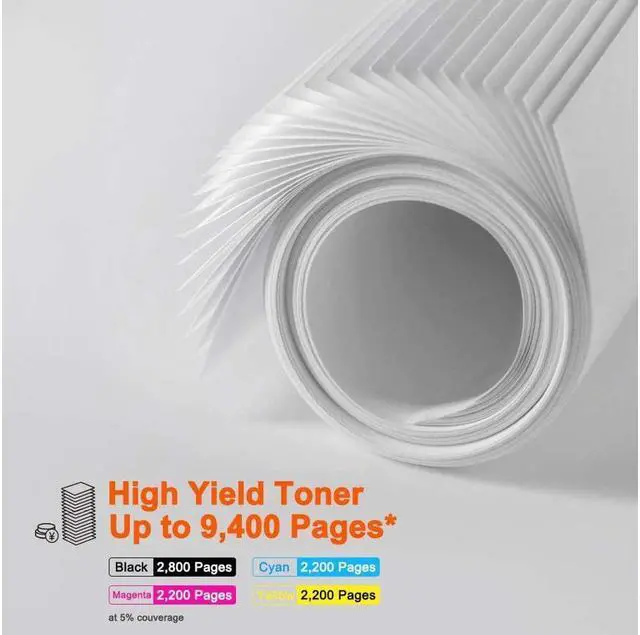
HIGH PAGE YIELD 2,800 pages per Black toner
2,200 pages per Color toner