

Your Browsing History
- Free 30-day Returns
$284.46


Meet Your Seller


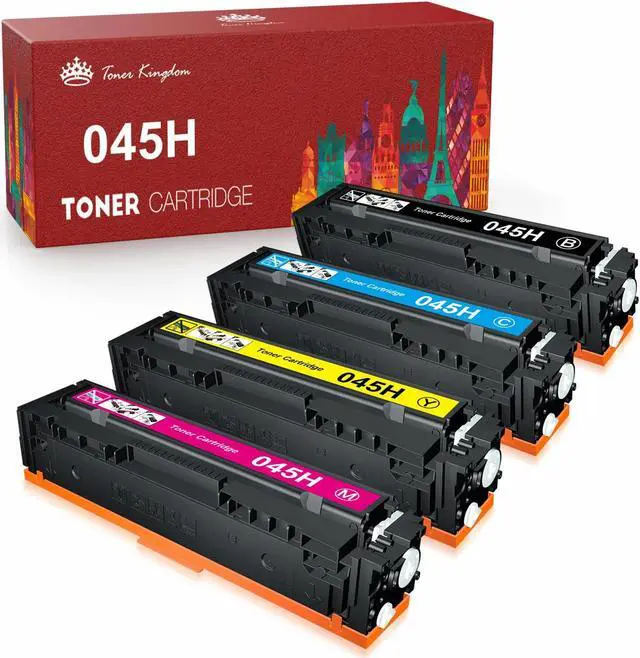


EWJUEZS Compatible Toner Cartridge Replacement for 045 045H CRG-045H CRG-045 for Color ImageCLASS MF634Cdw MF632Cdw LBP612Cdw MF632 MF634 Toner Printer Tray (4-Pack)
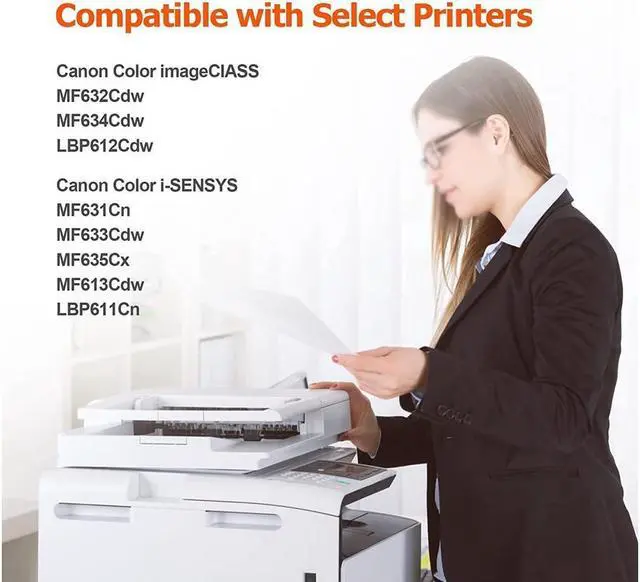
- Compatible with LBP611C, LBP611Cn, LBP611Cnz, LBP612C, LBP612Cnz, LBP612Cdw, LBP613Cdw, LBP613Cdwz, MF631Cn, MF633Cdw, MF634Cdw, MF632Cdw, MF635Cx, MF634, MF632 printer
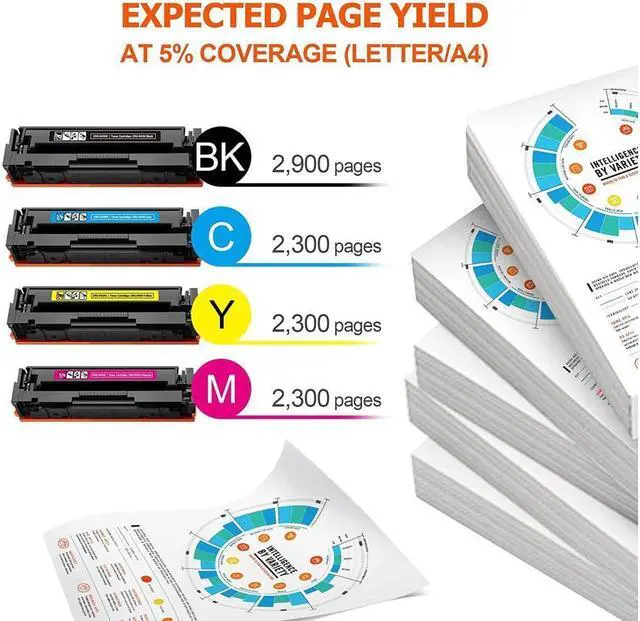
- Estimated High Yield: 2,900 Pages per 045h black toner, 2,300 Pages per 045h color toner cartridge at 5% coverage (Letter/A4)
- Package Includes: 1 x 045H Black, 1 x 045H Cyan, 1 x 045H Yellow, 1 x 045H Magenta
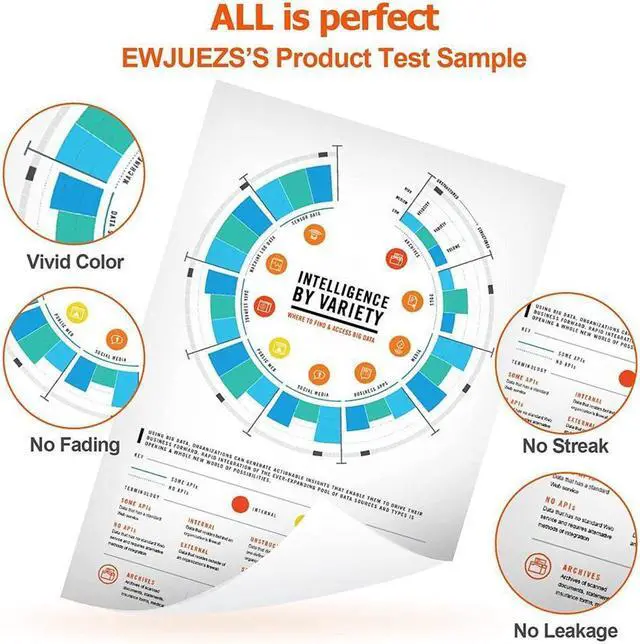
- Reliable Quality: Professional, vibrant color printouts that stand the test of time
- Our 045h 045 toner cartridges deliver quality printing, giving you vivid and natural prints.
+
+
Overview
Specs
Reviews

Any questions? Our AI mode will help you find out quickly.
Try me now
Product name:
Replacement for 045 045H CRG-045H toner cartridges
Page Yield:
Black yields 2,900 pages per cartridge, Cyan/Magenta/Yellow yields 2,300 pages per cartridge (at 5 percent coverage on A4 paper)
Compatible Printer:
Color imageCLASS MF634Cdw
Color imageCLASS LBP612Cdw
Color imageCLASS MF632Cdw
Color imageCLASS MF632
Color imageCLASS MF634
Color imageCLASS LBP612
Package Includes:
1 x user guide, 1 x 045H Black, 1 x 045H Cyan, 1 x 045H Yellow, 1 x 045H Magenta
Guide:
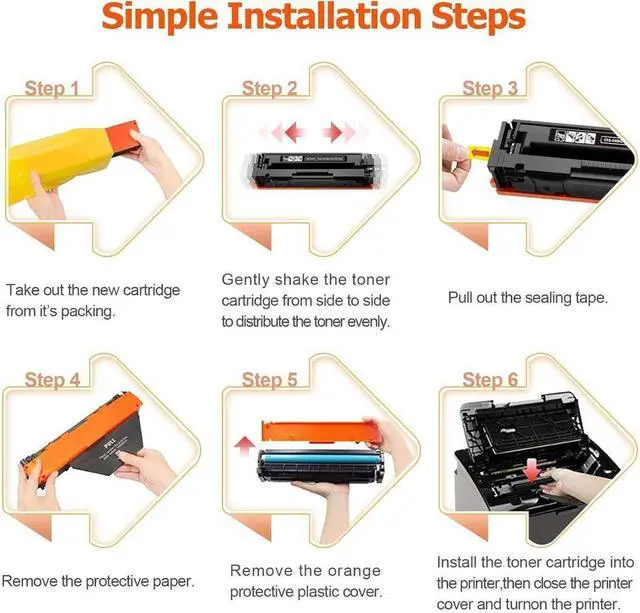
STEP 1: Pull out the orange pins on both sides of the cartridge.
STEP 2: Pull out the toner seal.
STEP 3: Shake the cartridge side to side 6-8 times.
STEP 4: Take out the protective over from the side.
Replacement for 045 045H CRG-045H toner cartridges
Page Yield:
Black yields 2,900 pages per cartridge, Cyan/Magenta/Yellow yields 2,300 pages per cartridge (at 5 percent coverage on A4 paper)
Compatible Printer:
Color imageCLASS MF634Cdw
Color imageCLASS LBP612Cdw
Color imageCLASS MF632Cdw
Color imageCLASS MF632
Color imageCLASS MF634
Color imageCLASS LBP612
Package Includes:
1 x user guide, 1 x 045H Black, 1 x 045H Cyan, 1 x 045H Yellow, 1 x 045H Magenta
Guide:
STEP 1: Pull out the orange pins on both sides of the cartridge.
STEP 2: Pull out the toner seal.
STEP 3: Shake the cartridge side to side 6-8 times.
STEP 4: Take out the protective over from the side.
Warranty & Returns
Warranty, Returns, And Additional Information
Warranty
- Please contact the Seller directly for warranty information. Warranty information may also be found on the Manufacturer's website.
- CONTACT
Return Policies
- Return for refund within: 30 days
- Return for replacement within: 30 days
- This item is covered by connect7 Return Policy
Manufacturer Contact Info
- For a directory of all our manufacturers, please click below.
- Manufacturers Directory
LOADING...