

Your Browsing History

Meet Your Seller

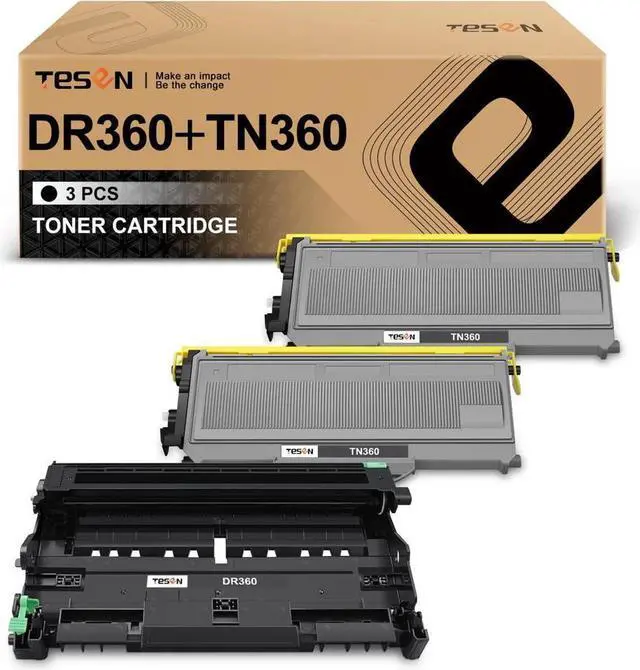

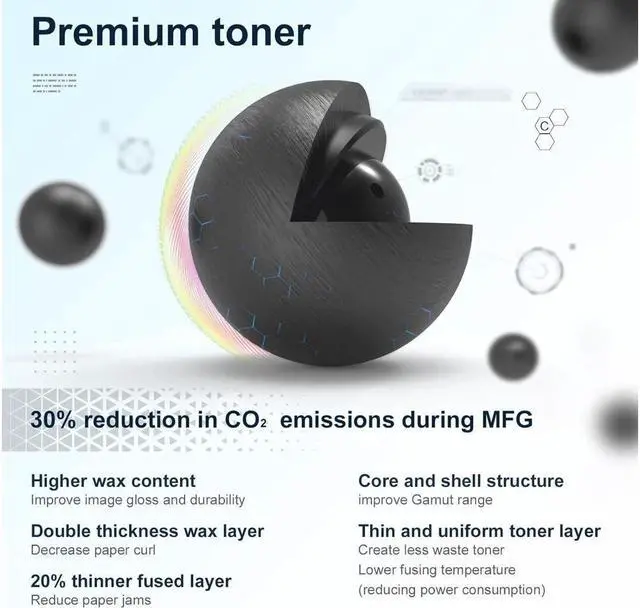
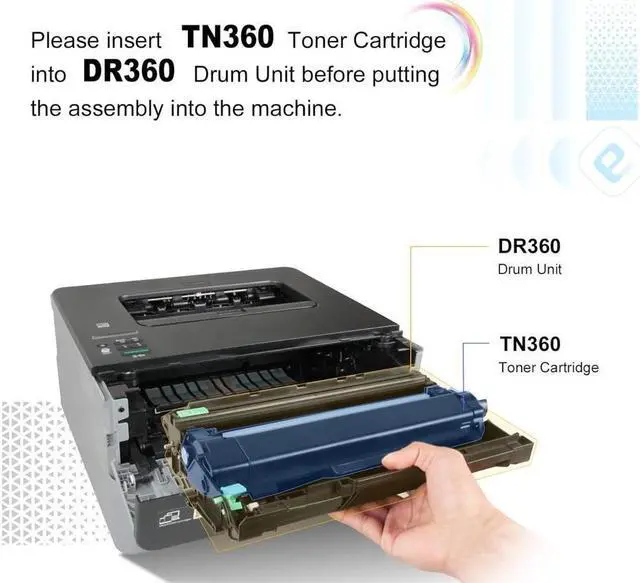
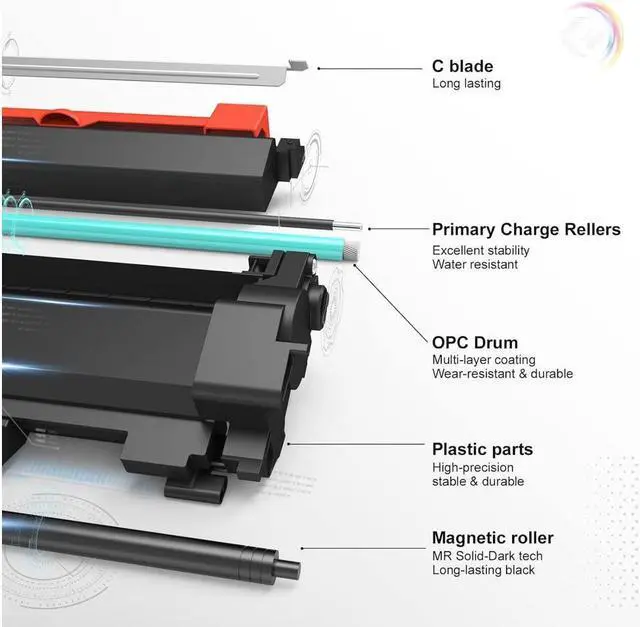


TESEN DR360 TN360 Compatible Drum and Toner Replacement for Brother DR360 TN360 (1Drum + 2Toner) Work with DCP-7030, DCP-7040, HL-2140, HL-2170W, MFC-7340, MFC-7345N, MFC-7440N, MFC-7840W Series
- Brand TESEN
- Color Black
- Included Components Toner Cartridge
- Compatible Devices Brother HL-2120, HL-2140, HL-2150, HL-2170W, DCP-7030, DCP-7040, DCP-7045, MFC-7320, MFC-7340, MFC-7345N, MFC-7440N, MFC-7445, MFC-7450, MFC-7840W Printer.
+
+
Overview
Specs
Reviews

Any questions? Our AI mode will help you find out quickly.
Try me now
About this item
Printer Compatibility: Brother HL-2120, HL-2140, HL-2150, HL-2170W, DCP-7030, DCP-7040, DCP-7045, MFC-7320, MFC-7340, MFC-7345N, MFC-7440N, MFC-7445, MFC-7450, MFC-7840W.
Package Includes: 1 pack of DR360 and 2 packs of TN360 TESEN compatible cartridges replacement for Brother DR360 drum unit and TN360 toner cartridge.
Page Yield: Approximately 12, 000 pages per black drum cartridge and 2, 600 pages per toner cartridge based on 5% coverage (letter/A4).
Reset steps for some HL series printers which might report error after drum installation: open the front cover -> keeping pressing the button "Go" -> all LEDs light up -> release the button "Go" -> close the front cover.
Reset steps for some DCP/MFC printers which might report error after drum installation: open the front cover -> press "Clear/Back" -> shows "Replace Drum" -> press "1" or the up button -> shows "Accepted" -> close the front cover.
Printer Compatibility: Brother HL-2120, HL-2140, HL-2150, HL-2170W, DCP-7030, DCP-7040, DCP-7045, MFC-7320, MFC-7340, MFC-7345N, MFC-7440N, MFC-7445, MFC-7450, MFC-7840W.
Package Includes: 1 pack of DR360 and 2 packs of TN360 TESEN compatible cartridges replacement for Brother DR360 drum unit and TN360 toner cartridge.
Page Yield: Approximately 12, 000 pages per black drum cartridge and 2, 600 pages per toner cartridge based on 5% coverage (letter/A4).
Reset steps for some HL series printers which might report error after drum installation: open the front cover -> keeping pressing the button "Go" -> all LEDs light up -> release the button "Go" -> close the front cover.
Reset steps for some DCP/MFC printers which might report error after drum installation: open the front cover -> press "Clear/Back" -> shows "Replace Drum" -> press "1" or the up button -> shows "Accepted" -> close the front cover.
Warranty & Returns
Warranty, Returns, And Additional Information
Warranty
- Please contact the Seller directly for warranty information. Warranty information may also be found on the Manufacturer's website.
- CONTACT
Return Policies
- Return for refund within: 30 days
- Return for replacement within: 30 days
- This item is covered by connect7 Return Policy
Manufacturer Contact Info
- For a directory of all our manufacturers, please click below.
- Manufacturers Directory
LOADING...