

Your Browsing History
- Free 30-day Returns
$105.98



Meet Your Seller



Visit Greencycle Store
FOLLOW
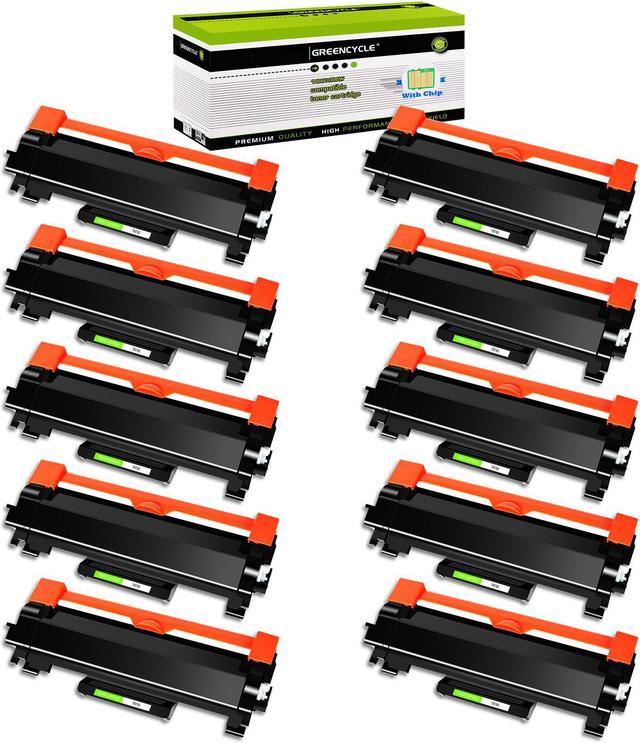
GREENCYCLE Compatible Toner Cartridge Replacement for Brother TN760 TN-760 TN730 Use for DCP-L2550DW HL-L2350DW (Black, 10-Pack)
- Item Name: GREENCYCLE 10-Pack High Yield Compatible Toner Cartridge Replacement for Brother TN760 TN-760 TN730 TN-730 Toner Cartridge.
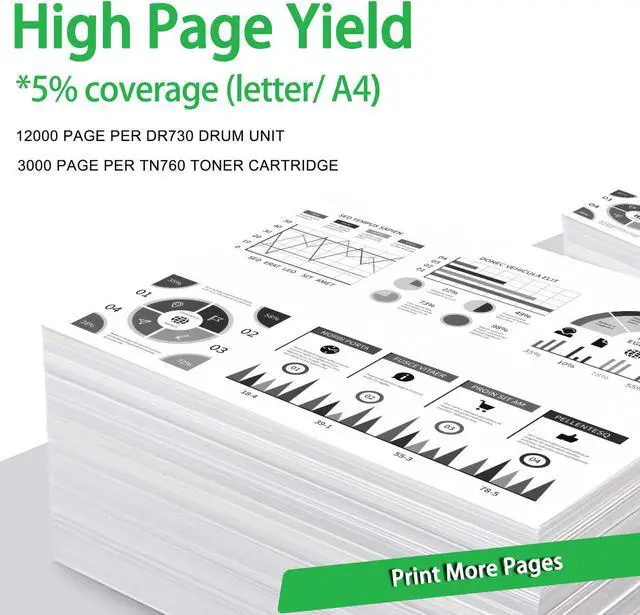
- Page Yield: Up to 3,000 pages per TN760 black toner cartridge (based on 5% coverage of Letter size Paper). Actual toner yield varies
- with usage, graphics printed and environmental conditions.
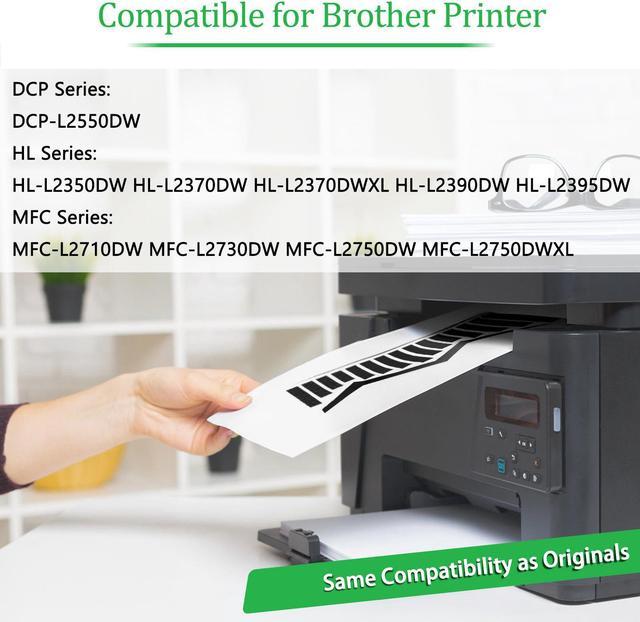
- Compatible for Brother Printer: DCP-L2550DW, HL-L2350DW, HL-L2370DW, HL-L2370DWXL, HL-L2390DW, HL-L2395DW, MFC-L2710DW, MFC-L2750DW, MFC-L2750DWXL MFC-L2730DW Laser Printers.
- Package Contents: 10 Pack TN760 Black Toner Cartridge (With Chip)
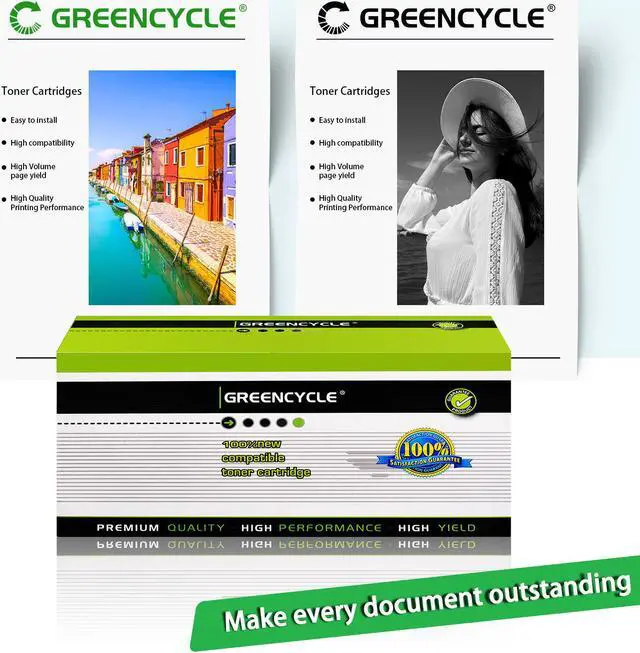
- GREENCYCLE compatible toner cartridges provide same performance and printing as genuine cartridge. Bring your ideas to life with vibrant colors, smooth printing and reliable quality.
+
+
Overview
Specs
Reviews

Any questions? Our AI mode will help you find out quickly.
Try me now
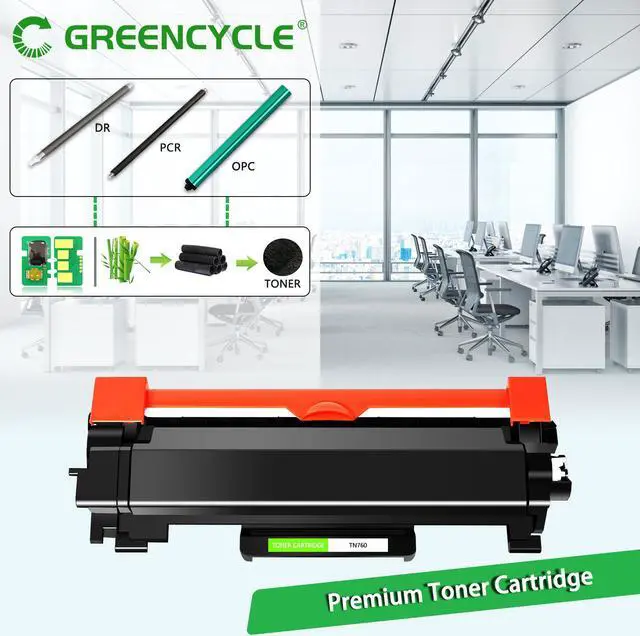
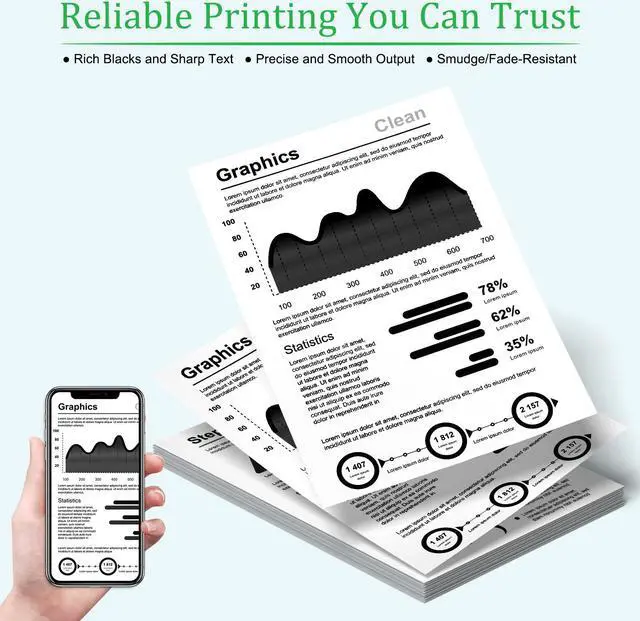
GREENCYCLE Compatible for Brother TN760 TN-760 TN730 TN-730 toner cartridge is the replacement of the OEM model with the higher standards of quality and compatibility. Clear printout, sharp words and vivid graphics.
Brand: GREENCYCLE
Compatible Model: Compatible for Brother TN760 Black
Includes : 10 pack TN760 Black Toner Cartridge
Page Yield : 3,000 pages per toner cartridge at 5% Coverage of letter/A4.
GREENCYCLE TN760 Toner Cartridge Compatible for Brother printer:
DCP-L2550DW HL-L2350DW HL-L2370DW
HL-L2370DWXL HL-L2390DW HL-L2395DW
MFC-L2710DW MFC-L2750DW MFC-L2750DWXL
Installation Instruction
1.Before use, shake the new toner cartridge horizontally for several times from side to side to make sure the toner powder is well distributed.
2.Please remove the orange protective cover from the toner cartridge.
3.Install the toner cartridge into correct position of the drum.
4.Put the drum (with toner cartridge) into the printer. Start Printing.
Brand: GREENCYCLE
Compatible Model: Compatible for Brother TN760 Black
Includes : 10 pack TN760 Black Toner Cartridge
Page Yield : 3,000 pages per toner cartridge at 5% Coverage of letter/A4.
GREENCYCLE TN760 Toner Cartridge Compatible for Brother printer:
DCP-L2550DW HL-L2350DW HL-L2370DW
HL-L2370DWXL HL-L2390DW HL-L2395DW
MFC-L2710DW MFC-L2750DW MFC-L2750DWXL
Installation Instruction
1.Before use, shake the new toner cartridge horizontally for several times from side to side to make sure the toner powder is well distributed.
2.Please remove the orange protective cover from the toner cartridge.
3.Install the toner cartridge into correct position of the drum.
4.Put the drum (with toner cartridge) into the printer. Start Printing.
Warranty & Returns
Warranty, Returns, And Additional Information
Warranty
- Please contact the Seller directly for warranty information. Warranty information may also be found on the Manufacturer's website.
- CONTACT
Return Policies
- Return for refund within: 30 days
- Return for replacement within: 30 days
- This item is covered by Greencycle Return Policy
Manufacturer Contact Info
- For a directory of all our manufacturers, please click below.
- Manufacturers Directory
LOADING...