





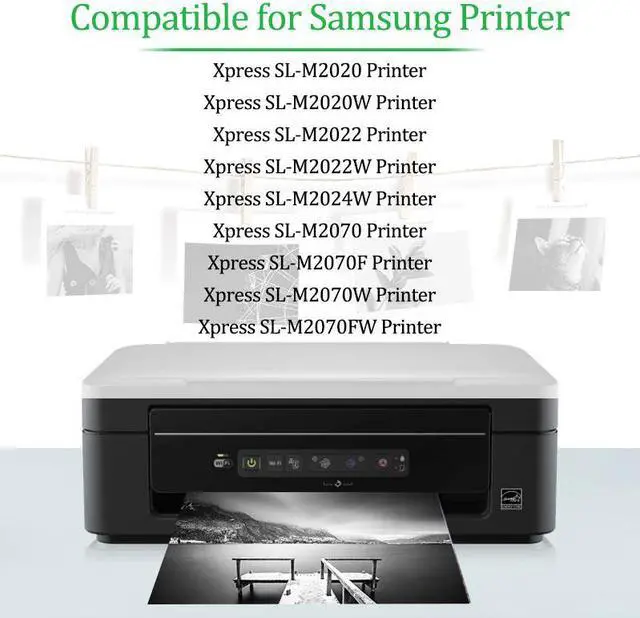



Compatible for Samsung Printer:
Xpress SL-M2020 / Xpress SL-M2020W / Xpress SL-M2022 / Xpress SL-M2022W / Xpress SL-M2024W / Xpress SL-M2070 / Xpress SL-M2070F / Xpress SL-M2070W / Xpress SL-M2070FW Printers.
Specifications
| Model | MLTD111S D111S MLT-D111L |
|---|---|
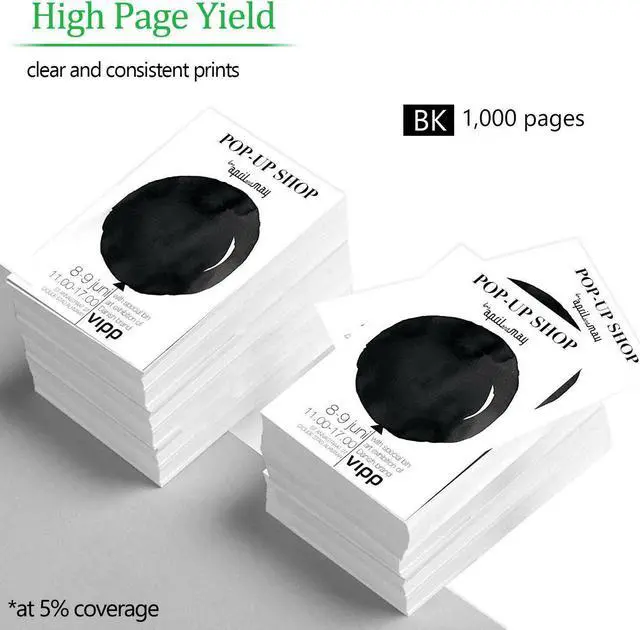
| Page Yield | 1000 pages per toner cartridge at 5% Coverage of letter/A4 |
| Color of Printout | Black |
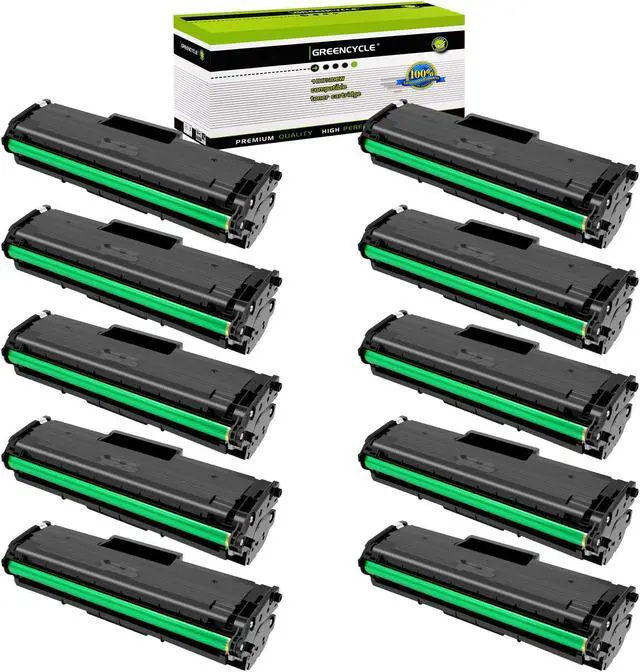
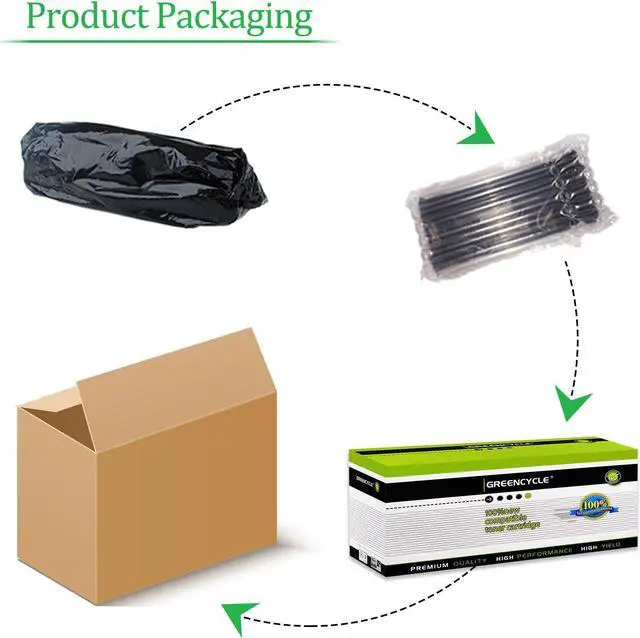
| Packing | With packing box, multi-layer sealed packing bag and anti-seismic bubble bag |
Same Compatibility as Originals
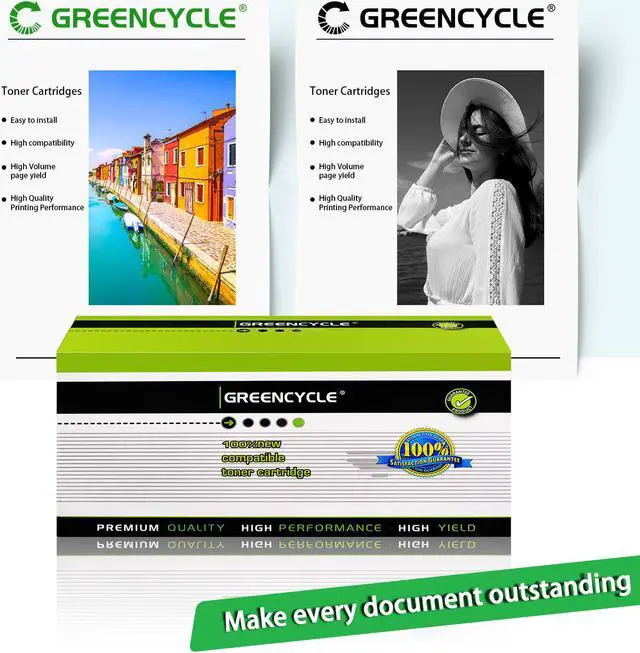
1. Are compatible toner as good as the OEM one? Yes! The GREENCYCLE products are produced based on the quality of OEM products, its compatibility is the same as that of OEM. It is suitable with all models of printers that are written in the list of compatible printer.
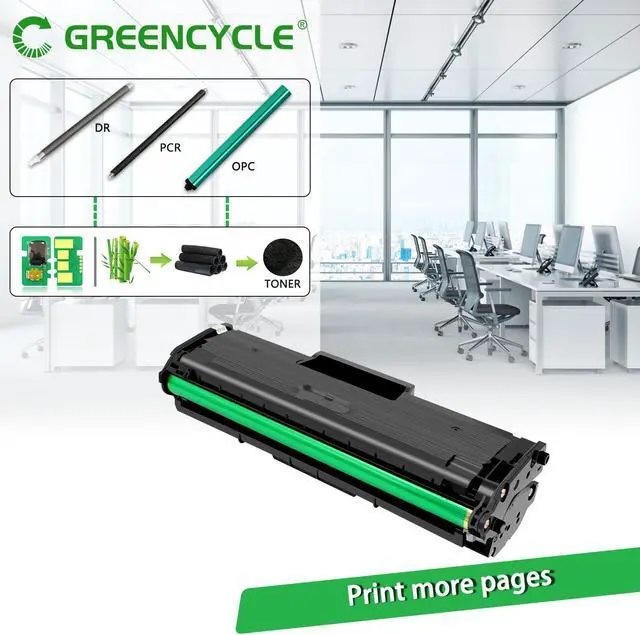
2. Our toner cartridges are made of great quality materials: Refined polymerized toner powder produces high density black and crisp text / graphics to ensure clear and consistent prints. Premium OPC: Our photo conductor drum provides smooth printouts.Intelligent chip ensure toner cartridge perfectly compatible for the latest-upgraded printers.
3. We are committed to help more photographers, graphic designers, illustrators, publishers set up awesome. More details we care about ensure you experience outstanding print quality.