• $27.99
  • Free 30-day Returns
  • Price alert
    Sold by Direct from manufacturerGreencycle
    Top Rated
    4.7 (245 seller ratings)

    Shipped by Direct from manufacturerGreencycle

    Shop it at NeweggBusiness.

    Meet Your Seller

    greencycle 19A Drum Unit Replacement Compatible for HP 19A CF219A Drum Unit Laserjet Pro M130fw M130nw M130fn M130a M102w M102a(1Pack)

    • Item Name: GREENCYCLE 1-Pack Compatible Drum Unit Replacement for HP 19A Drum Unit.
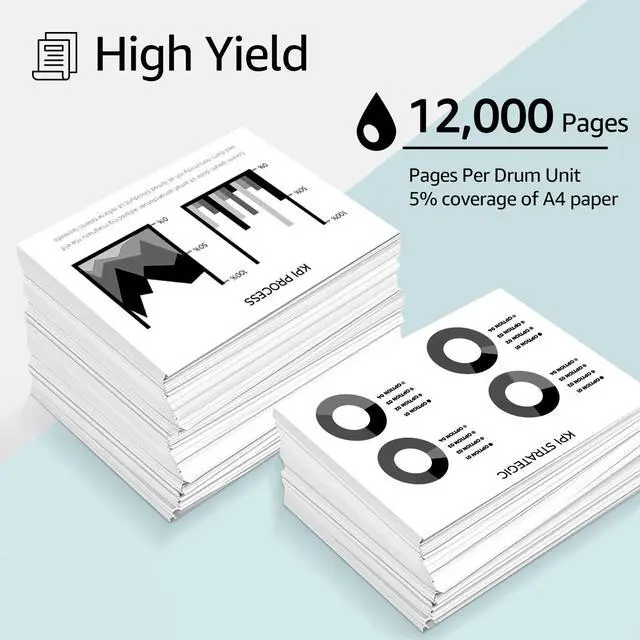
    • Page Yield: Up to 12,000 pages per CF219A Drum Unit (based on 5% coverage of Letter size Paper).
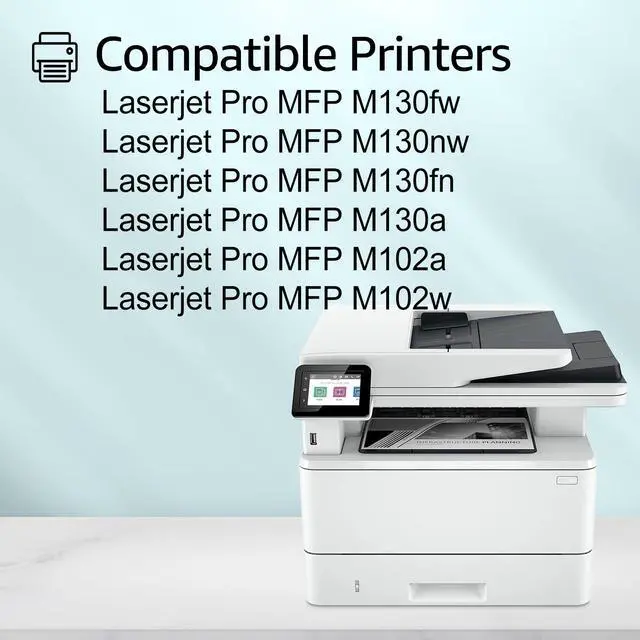
    • Compatible for HP Printer: Laserjet Pro MFP M102w ;Laserjet Pro MFP M102a ; Laserjet Pro MFP M130a ; Laserjet Pro MFP M130fn ; Laserjet Pro MFP M130nw ; Laserjet Pro MFP M130fw Printer Toner;Laserjet M104a/ M104w;Laserjet M132a/M132nw
    • Reliable Performance: Each CF219A laserjet print drum unit undergoes a strict quality testing procedure to ensure compatibility with your printer and quality printout. Easy to install and resists fading, smudging, and blurring.
    • After Sales Service: We have established a professional, trustworthy and friendly team. If you ever have any questions or experience any issues with your item, our team will be happy to assist you quickly.
    +
    +
    Overview
    Specs
    Reviews
    avatar

    Any questions? Our AI beta will help you find out quickly.

    GREENCYCLE is committed to comfortable and efficient office printing.

    GREENCYCLE compatible HP 19A CF219A Drum Unit replacement delivers excellent print quality [clear text and crisp graphics] for your daily printing needs.

    Product Details

    Item: GREENCYCLE Compatible 19A CF219A Drum Unit Replacement

    Brand: greencycle

    Compatible Model: Compatible for Black

    Includes : 1 Pack CF219A Drum Unit

    Compatible for HP Laserjet Printer:


    Laserjet Pro MFP M130a ;Laserjet Pro MFP M130fn ; Laserjet Pro MFP M130fw ; Laserjet Pro MFP M130nw ; Laserjet Pro MFP M102a ; Laserjet Pro MFP M102w Printer Toner.

    Installation Instruction
    1.Shake the toner cartridge horizontally to make the toner in the cartridge even.
    2.Remove the transparent seal / orange plastic1 seal ring completely.
    3. Install the toner cartridge into the printer

    Warranty & Returns

    Warranty, Returns, And Additional Information

    Warranty

    • Please contact the Seller directly for warranty information. Warranty information may also be found on the Manufacturer's website.
    • CONTACT

    Return Policies

    • Return for refund within: 30 days
    • Return for replacement within: 30 days
    • This item is covered by Greencycle Return Policy

    Manufacturer Contact Info

    LOADING...