• $74.99
  • Free 30-day Returns
  • Sold by Direct from manufacturerGreencycle
    Top Rated
    4.7 (248 seller ratings)

    Shipped by Direct from manufacturerGreencycle

    Price alert
    Shop it at NeweggBusiness.

    Meet Your Seller

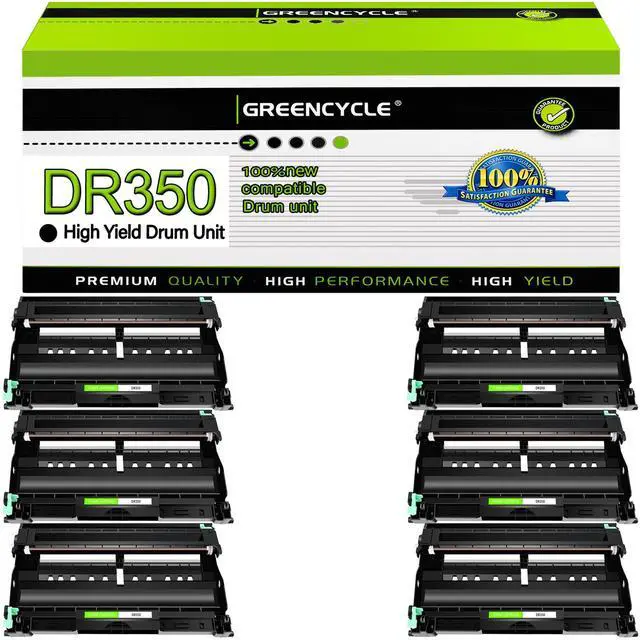
    DR350 Drum Unit 6 Pack Compatible Replacement for Brother DR350 DR-350 to use with HL-2070N HL-2040 MFC-7420 MFC-7820n intellifax 2820 2920 2850 DCP-7010 DCP-7020 MFC-7220 7225N (No Toner)

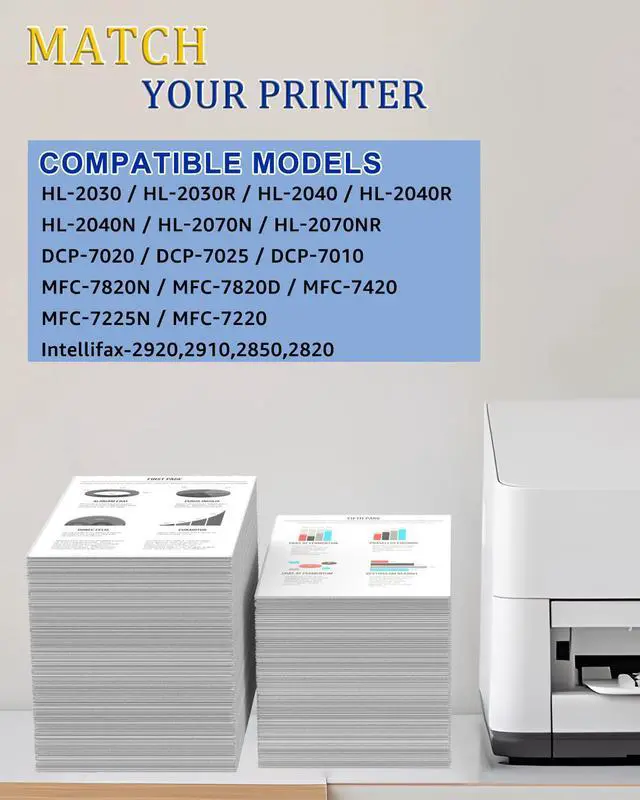
    • Compatible for Brother Printer: HL-2030, HL-2030R, HL-2040, HL-2040R, HL-2040N, HL-2070N, HL-2070NR, DCP-7020, DCP-7025, DCP-7010, Intellifax 2920, Intellifax 2910, Intellifax 2850, Intellifax 2820, MFC-7820N, MFC-7820D, MFC-7420, MFC-7225N, MFC-7220
    • Package Contents: 6 Pack New DR 350 drum unit (Not toner cartridge).
    • High Page Yield: 12,000 pages per DR350 drum unit at 5% coverage
    • Professional production of Toner and ink, to provide you with high-quality printing supply, at a more affordable price and better printing quality. Make your office easier.
    • GRENCYCLE toner cartridges have been sold worldwide for over 12 years, with consistent quality and stable compatibility, compatible for Brother printers, and printing results as good as OEM. We use multi-layer shock-absorbing packaging and sturdy outer boxes.
    +
    +
    Overview
    Specs
    Reviews
    avatar

    Any questions? Our AI beta will help you find out quickly.

    GREENCYCLE Compatible Drum Unit replacement for DR350 DR-350 DRUM UNIT.

    Product Information:
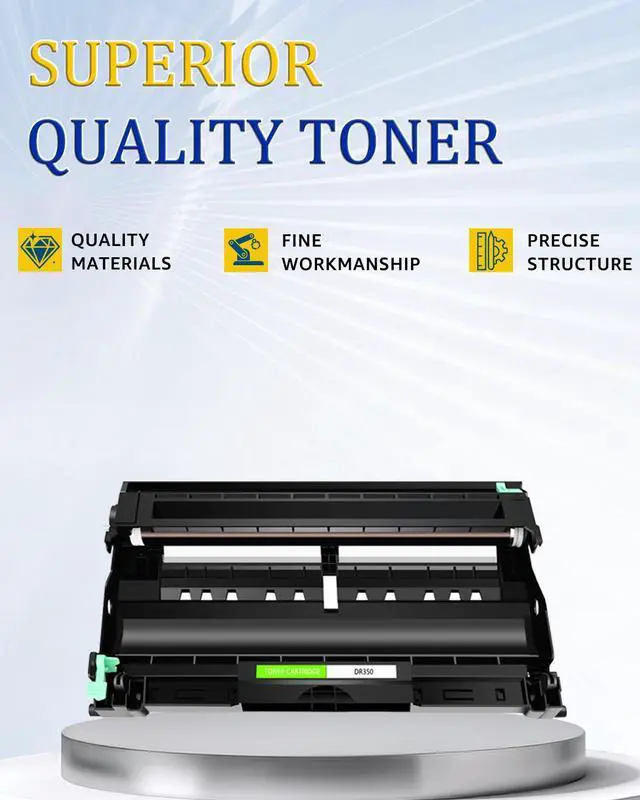
    GREENCYCLE compatible DR350 DR-350 drum unit is a replacement for the OEM model with the same compatibility and superior quality. We are committed to helping more writers, graphic designers and publishers create excellent work. We pay attention to more details to ensure you experience superior print quality.

    Page yield: 12,000 pages per black toner cartridge based on 5% page coverage of A4 Letter.

    Compatible for Brother printer: HL-2030, HL-2030R, HL-2040, HL-2040R, HL-2040N, HL-2070N, HL-2070NR DCP-7020, DCP-7025, DCP-7010 Intellifax 2920, Intellifax 2910, Intellifax 2850, Intellifax 2820 MFC-7820N, MFC-7820D, MFC-7420, MFC-7225N, MFC-7220

    How to install a toner cartridge with a drum unit:
    Step 1: Unpack the new cartridges & shake the toner 6-8 times gently to loose the toner evenly.
    Step 2: Remove the orange plastic protective cover.
    Step 3: Insert the toner cartridge into the drum unit.
    Step 4: Insert the toner cartridge & drum unit into the corresponding slots until it snaps into place.
    Close your printer cover, and ready to print

    Warranty & Returns

    Warranty, Returns, And Additional Information

    Warranty

    • Please contact the Seller directly for warranty information. Warranty information may also be found on the Manufacturer's website.
    • CONTACT

    Return Policies

    • Return for refund within: 30 days
    • Return for replacement within: 30 days
    • This item is covered by Greencycle Return Policy

    Manufacturer Contact Info

    LOADING...