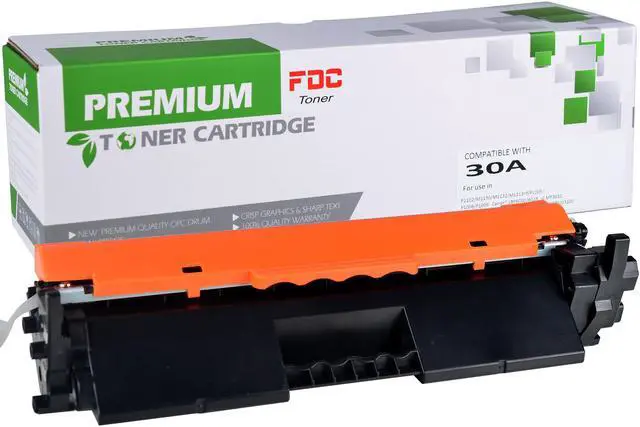
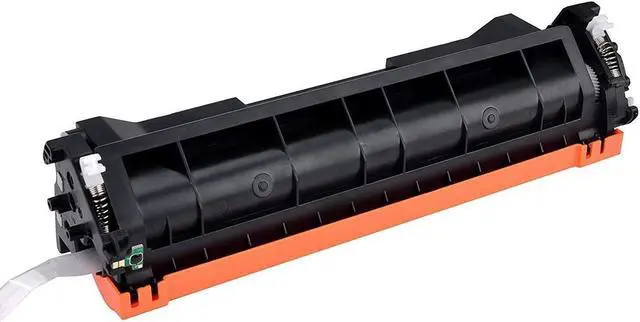
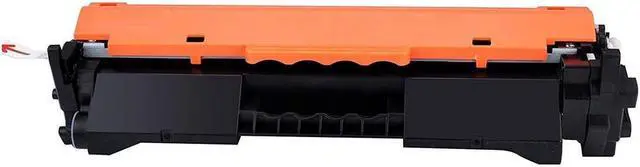
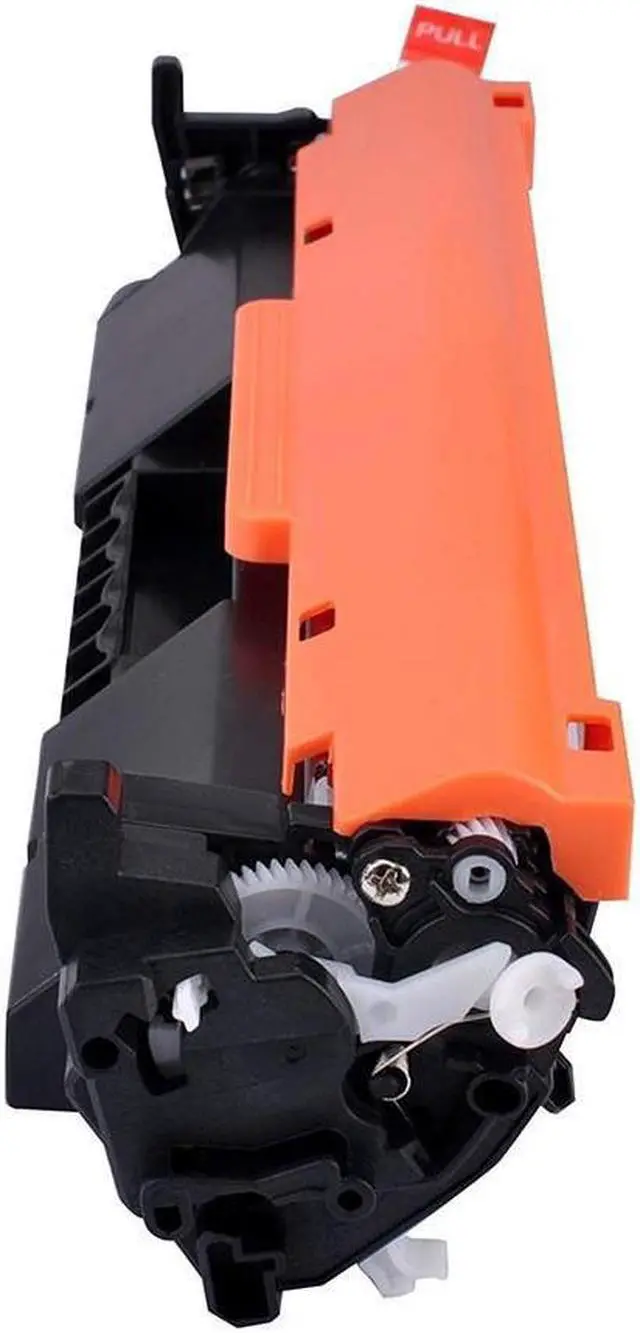
FDC Product Gives You the Most Vibrant Color Experience!
Product description:
Material: plastic + toner
Color: Black 12.4 x 3.94 x 3.94 inches 1 pounds
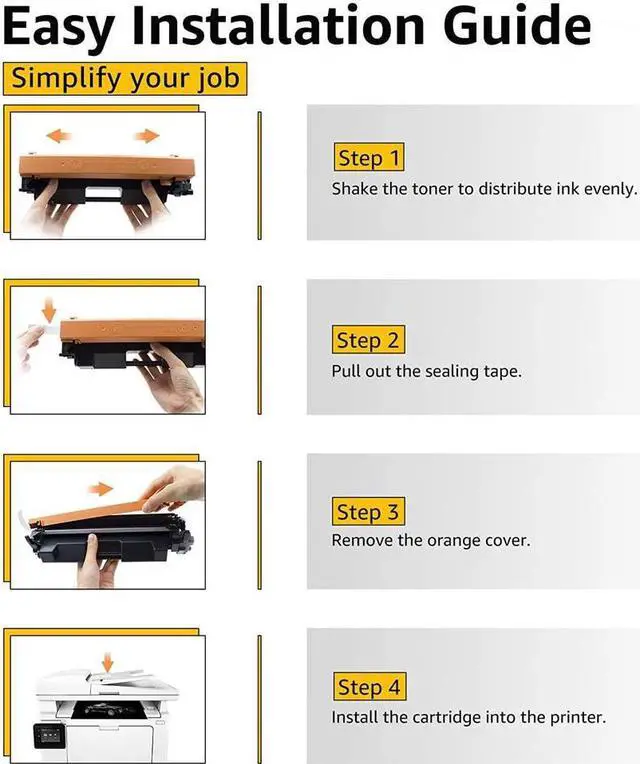
Advantages for this compatible item: 1. Each toner cartridge was methodically tested to ensure full working condition and a superior print quality. 2. Professional color box packing and multilayer shockproof packing can avoid product damage during transportation and distribution. 3. Can be recognized by your printers and installed easily for our user. 4. Qualified toner cartridge with the best componentsToner: Refined toner ensure every professional print and prolongs printer service.
Chip: Intelligence reorganization, accurate counting, high compatibility, stable performance.
Plastic parts: High precision, qualified for ROHS Environmental standards.
5. High yield and brilliant print quality Deliver crisp text and graphics. produce clear, consistent and colorful printing.
Package Included: 1 Pack FDC compatible
Printers: HP LaserJet Pro M203dw, M203dn, M203d, HP LaserJet Pro MFP M227fdw, MFP M227fdn, MFP M227sdn, MFP M227d, MFP
M277 Printer Warm Tips: 1. Please confirm your printer model before placing order. 2. The computer would appear Non-Genuine, please click "OK" continuously, then the printer can go on to print. 3. If you receive the toner cannot recognize your printer please turn off 30 second then turn on and install again, also you can try take the toner out and use tissue with rubbing alcohol clean the chips softly.
Customer Service Contact: We appreciate all of your feedback and reviews. Our goal is to ensure that everyone has a great experience with this product. Therefore, if you experience ANY issues whatsoever, please send an email to us through clicking Contact Seller option under your order details. We will gladly assist you and address all your concerns.