

Your Browsing History


Meet Your Seller




Visit JUSTCOLOR Store
FOLLOW
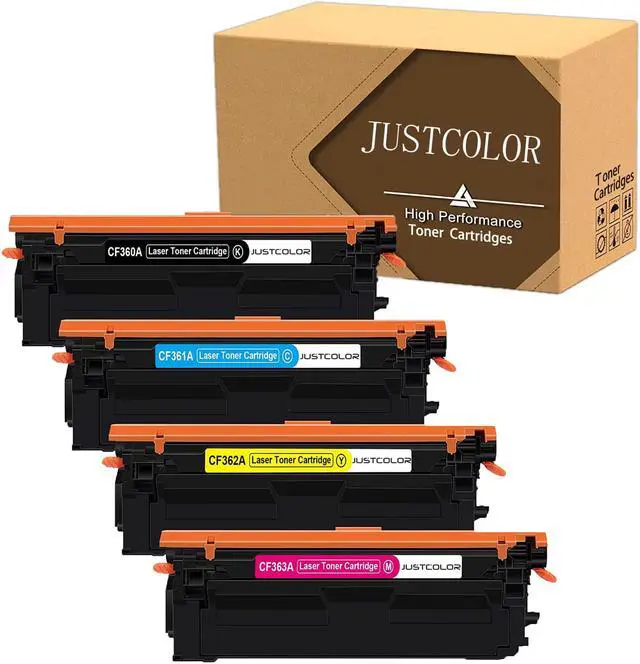
JUSTCOLOR Compatible Toner Cartridge Repalcement for HP 508A CF360A CF361A CF362A CF363A Use with Color Laserjet Enterprise M553dn M553n M553x M577c M577z M577f (Balck Cyan Yellow Magenta) 4 Pack
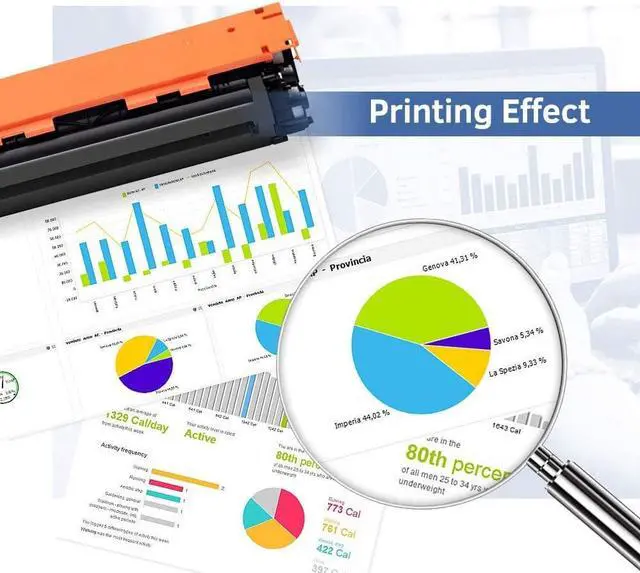
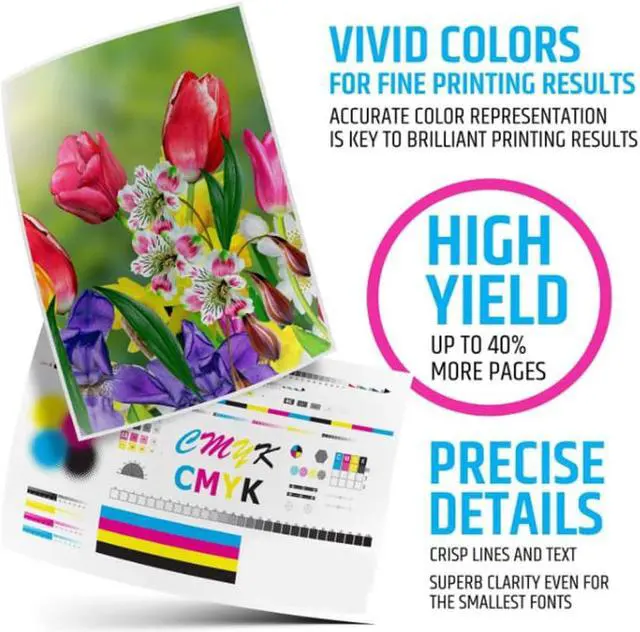
- JUSTCOLOR compatible toner cartridges replacement for HP 508A CF360A CF361A CF362A CF363A are manufactured in an ISO 9001 & ISO14001 certified facility. All Toner Cartridges are engineered to produce superb results.
- Package includes: 1 x CF360A Black, 1 x CF361A Cyan, 1 x CF362A Yellow, 1 x CF363A Magenta.
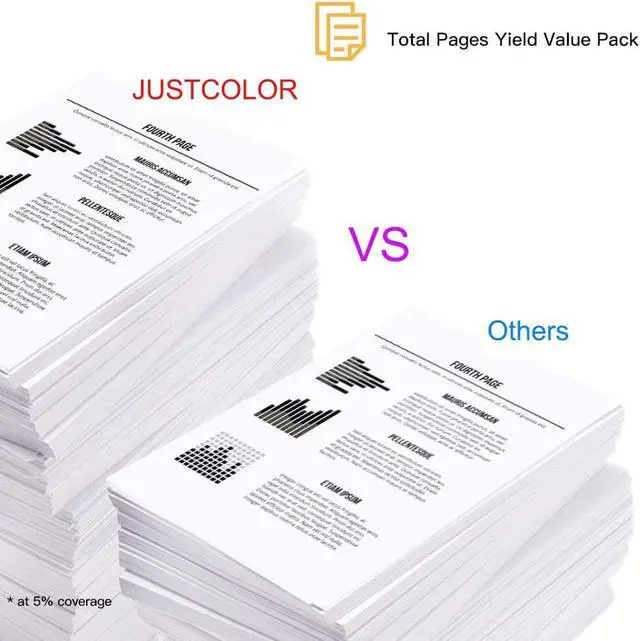
- Page Yield: Up to 6,000 pages per 508A Black Toner cartridge; Up to 5,000 pages per 508A Color Toner cartridge (at 5% coverage)
- Compatible Printers: For HP Color LaserJet Enterprise M552dn / M553dn / M553n / M553x / M553; Color LaserJet Enterprise Flow MFP M577z / M577c / M577cm; Color LaserJet Enterprise MFP M577f / M577dn / M577dnm Printer.
- Warranty: 12 months limited Warranty & 100% Quality Satisfaction Guarantee. If you have any issues, please contact us for troubleshooting, replacement or refund.
+
+
Overview
Specs
Reviews

Any questions? Our AI beta will help you find out quickly.
Try me now
COMPATIBILITY PRINTER:
Color LaserJet Enterprise Series:
M552dn / M553 / M553dn / M553n / M553x
Color LaserJet Enterprise Flow MFP Series:
MFP M577z / M577c / M577cm
Color LaserJet Enterprise MFP Series:
MFP M577f / M577dn / M577dnm
Installation Instruction:
1. Before use, shake the new toner cartridge horizontally for several times to make sure the toner powder is well distributed.
2. Pull out the black paper cover out of the toner cartridge's body in the direction of the arrow shown.
3. Pull out the sealing tape at a slow and constant speed as to prevent the tape from breaking midway.
4. Carefully install the new toner cartridge into your printer and you are all set to print.
Color LaserJet Enterprise Series:
M552dn / M553 / M553dn / M553n / M553x
Color LaserJet Enterprise Flow MFP Series:
MFP M577z / M577c / M577cm
Color LaserJet Enterprise MFP Series:
MFP M577f / M577dn / M577dnm
Installation Instruction:
1. Before use, shake the new toner cartridge horizontally for several times to make sure the toner powder is well distributed.
2. Pull out the black paper cover out of the toner cartridge's body in the direction of the arrow shown.
3. Pull out the sealing tape at a slow and constant speed as to prevent the tape from breaking midway.
4. Carefully install the new toner cartridge into your printer and you are all set to print.
Warranty & Returns
Warranty, Returns, And Additional Information
Warranty
- Please contact the Seller directly for warranty information. Warranty information may also be found on the Manufacturer's website.
- CONTACT
Return Policies
- Return for refund within: 30 days
- Return for replacement within: 30 days
- This item is covered by JUSTCOLOR Return Policy
Manufacturer Contact Info
- For a directory of all our manufacturers, please click below.
- Manufacturers Directory
LOADING...