

Your Browsing History

Meet Your Seller
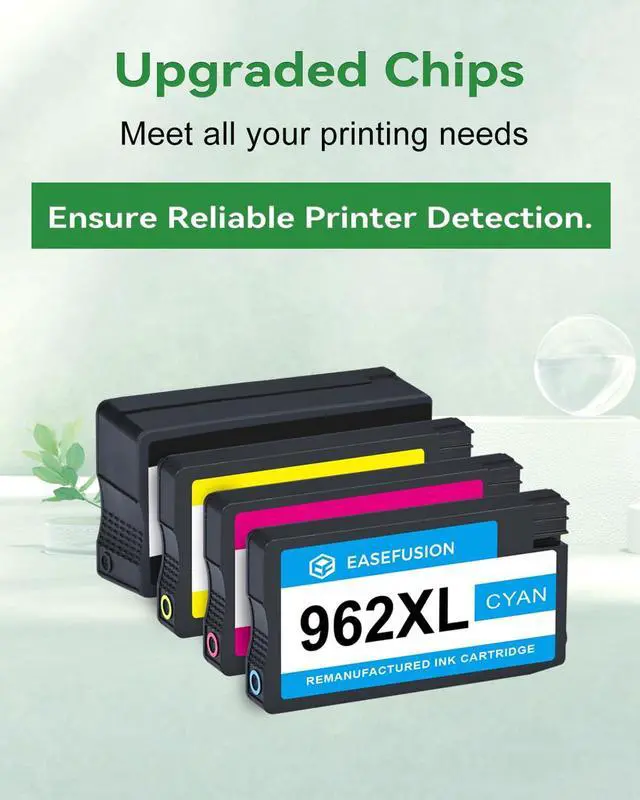



962XL Ink Cartridges Combo Pack Replacement for HP 962 HP 962XL Ink | Compatible with HP Officejet Pro 9015e 9018e 9025e 9012e 9015 9010 9012 9018 9020 9025 Printers for HP Ink 962XL (4 Pack)
Limited time offer, ends 09/18 By Tecinhblissu
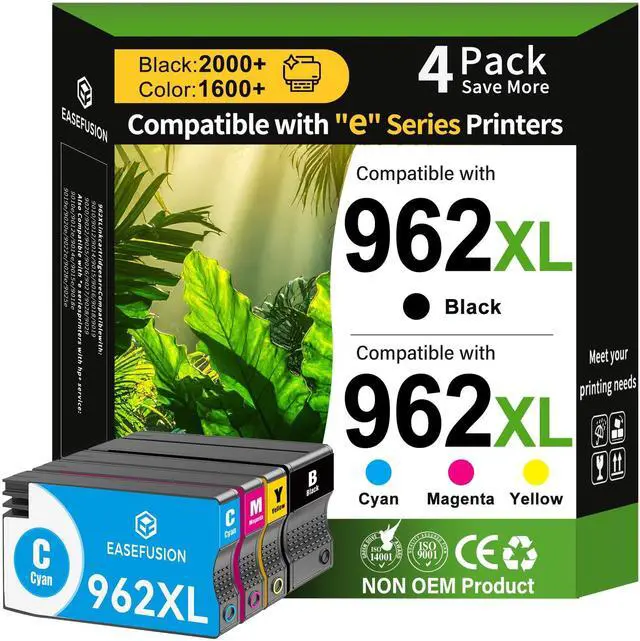
- Advanced Chip Technology & Compatibility: These ink cartridges feature state-of-the-art smart chip technology, ensuring reliable performance specifically for HP+ enabled printers. They are fully compatible with HP OfficeJet Pro "e-series" printers, including models OfficeJet Pro 9010e, 9012e, 9014e, 9015e, 9018e, 9019e, 9020e, 9022e, 9025e, and 9028e. High Page Yield: Experience excellent value with this ink. The black cartridge provides up to 2,000 pages, and each color cartridge offers 1,600 pages. Based on the industry-standard 5% page coverage, this ink combo pack is ideally suited for a wide range of high-volume printing needs. Printer Compatibility: Engineered to function seamlessly with a broad selection of HP OfficeJet Pro printers, including the 9010/9014/9015/9012/9016/9019/9018 and the 9020/9022/9026/9025/9027/9028/9029 series. Compatible E Series Printers: These cartridges are compatible with HP OfficeJet 9010e, 9012e, 9014e, 9015e, 9016e, 9018e, 9019e, 9020e, 9022e, 9025e, 9026e, 9027e, 9028e, and 9029e printers. Smart Monitoring & Dependable Performance: Fitted with advanced intelligent chips, this ink cartridge combo pack allows for real-time, accurate ink-level monitoring and immediate printer compatibility detectionpromoting smooth, efficient printing with few setup steps and no interruptions. Vibrant Print Quality & Simple Troubleshooting: Produce sharp, lifelike documents and graphics ideal for everyday printing tasks. Should any issues arise, simple sol
+
+
Overview
Specs
Reviews

Any questions? Our AI mode will help you find out quickly.
Try me now
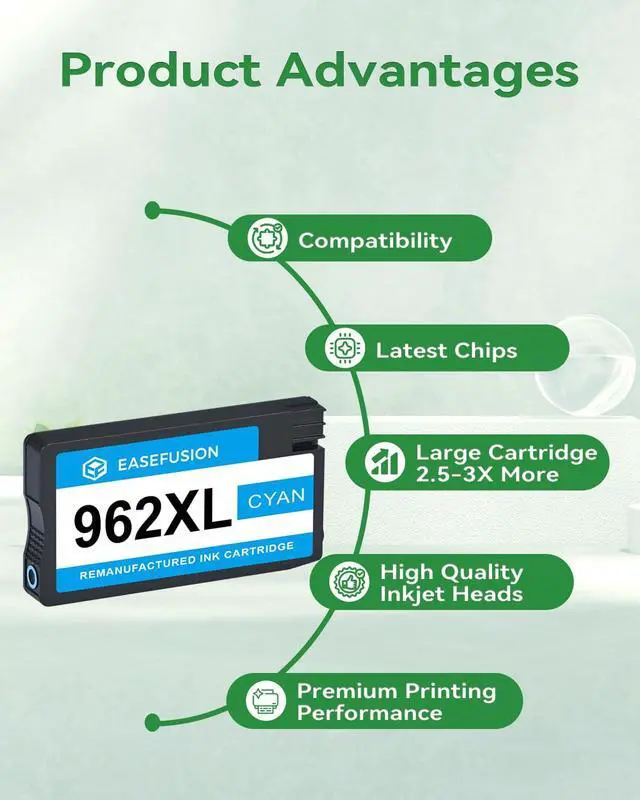
Advanced Chip Technology & Compatibility: These ink cartridges feature state-of-the-art smart chip technology, ensuring reliable performance specifically for HP+ enabled printers.
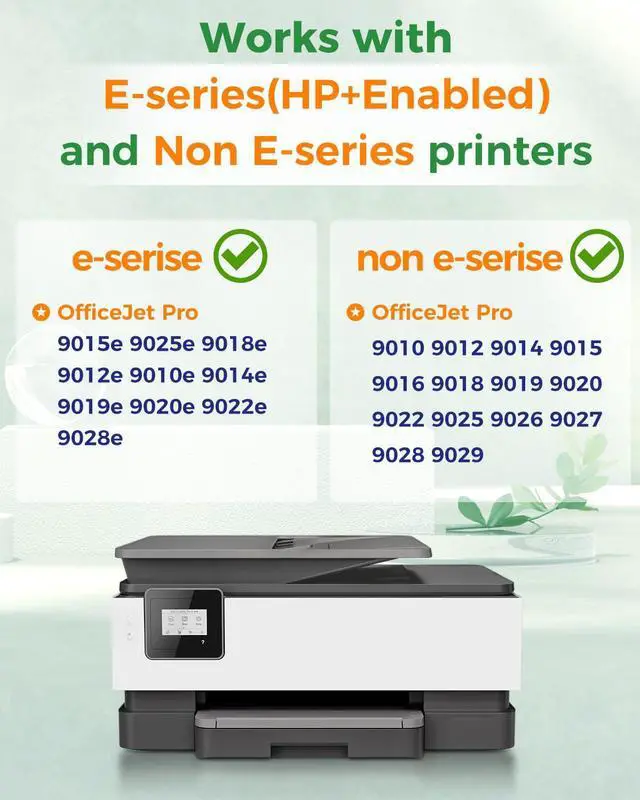
They are fully compatible with HP OfficeJet Pro "e-series" printers, including models OfficeJet Pro 9010e, 9012e, 9014e, 9015e, 9018e, 9019e, 9020e, 9022e, 9025e, and 9028e.
High Page Yield: Experience excellent value with this ink.
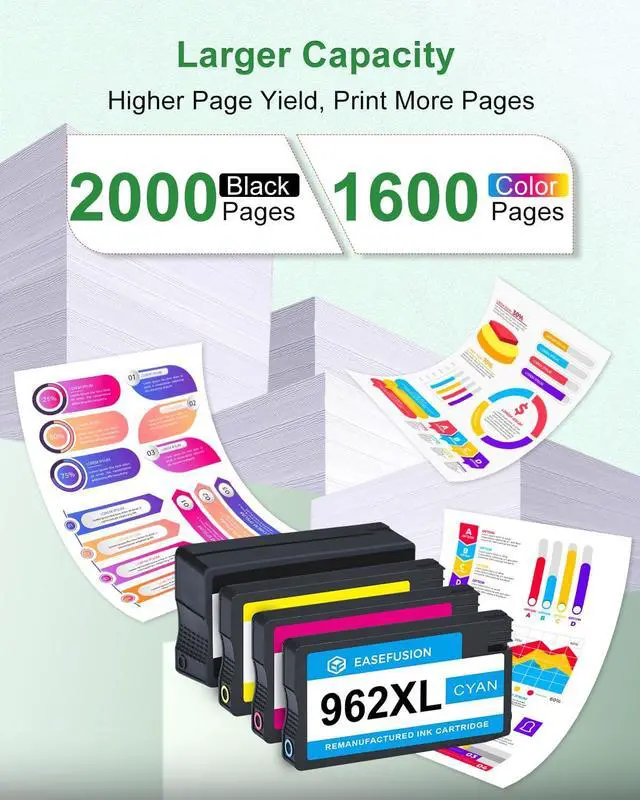
The black cartridge provides up to 2, 000 pages, and each color cartridge offers 1, 600 pages.
Based on the industry-standard 5% page coverage, this ink combo pack is ideally suited for a wide range of high-volume printing needs.
Printer Compatibility: Engineered to function seamlessly with a broad selection of HP OfficeJet Pro printers, including the 9010/9014/9015/9012/9016/9019/9018 and the 9020/9022/9026/9025/9027/9028/9029 series.
Compatible E Series Printers: These cartridges are compatible with HP OfficeJet 9010e, 9012e, 9014e, 9015e, 9016e, 9018e, 9019e, 9020e, 9022e, 9025e, 9026e, 9027e, 9028e, and 9029e printers.
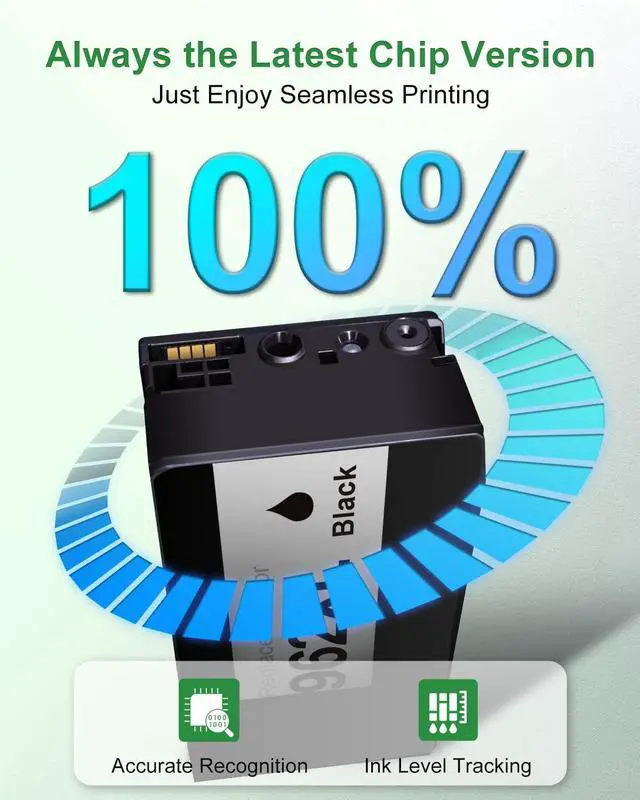
Smart Monitoring & Dependable Performance: Fitted with advanced intelligent chips, this ink cartridge combo pack allows for real-time, accurate ink-level monitoring and immediate printer compatibility detectionpromoting smooth, efficient printing with few setup steps and no interruptions.
Vibrant Print Quality & Simple Troubleshooting: Produce sharp, lifelike documents and graphics ideal for everyday printing tasks.
Should any issues arise, simple solutions like cleaning the cartridge contacts, reinstalling the cartridge correctly, or restarting your printer will quickly return your device to optimal function.
Troubleshooting Tip: If your printer does not detect the ink cartridges combo pack, follow these easy steps to address the issue: First, carefully wipe the cartridge chip and the printer's contact points with a soft cloth or cotton swab.
Next, take out the cartridge and firmly reinsert it until you hear a clear click to confirm it is properly seated.
Finally, turn off the printer, disconnect it from power for 30 seconds, and then restart the device.
This simple procedure will typically resolve the detection problem and reinstate smooth, continuous printing
They are fully compatible with HP OfficeJet Pro "e-series" printers, including models OfficeJet Pro 9010e, 9012e, 9014e, 9015e, 9018e, 9019e, 9020e, 9022e, 9025e, and 9028e.
High Page Yield: Experience excellent value with this ink.
The black cartridge provides up to 2, 000 pages, and each color cartridge offers 1, 600 pages.
Based on the industry-standard 5% page coverage, this ink combo pack is ideally suited for a wide range of high-volume printing needs.
Printer Compatibility: Engineered to function seamlessly with a broad selection of HP OfficeJet Pro printers, including the 9010/9014/9015/9012/9016/9019/9018 and the 9020/9022/9026/9025/9027/9028/9029 series.
Compatible E Series Printers: These cartridges are compatible with HP OfficeJet 9010e, 9012e, 9014e, 9015e, 9016e, 9018e, 9019e, 9020e, 9022e, 9025e, 9026e, 9027e, 9028e, and 9029e printers.
Smart Monitoring & Dependable Performance: Fitted with advanced intelligent chips, this ink cartridge combo pack allows for real-time, accurate ink-level monitoring and immediate printer compatibility detectionpromoting smooth, efficient printing with few setup steps and no interruptions.
Vibrant Print Quality & Simple Troubleshooting: Produce sharp, lifelike documents and graphics ideal for everyday printing tasks.
Should any issues arise, simple solutions like cleaning the cartridge contacts, reinstalling the cartridge correctly, or restarting your printer will quickly return your device to optimal function.
Troubleshooting Tip: If your printer does not detect the ink cartridges combo pack, follow these easy steps to address the issue: First, carefully wipe the cartridge chip and the printer's contact points with a soft cloth or cotton swab.
Next, take out the cartridge and firmly reinsert it until you hear a clear click to confirm it is properly seated.
Finally, turn off the printer, disconnect it from power for 30 seconds, and then restart the device.
This simple procedure will typically resolve the detection problem and reinstate smooth, continuous printing
Warranty & Returns
Warranty, Returns, And Additional Information
Warranty
- Please contact the Seller directly for warranty information. Warranty information may also be found on the Manufacturer's website.
- CONTACT
Return Policies
- Return for refund within: 30 days
- Return for replacement within: 30 days
- This item is covered by Tecinhblissu Return Policy
Manufacturer Contact Info
- For a directory of all our manufacturers, please click below.
- Manufacturers Directory
LOADING...