

Your Browsing History

Meet Your Seller

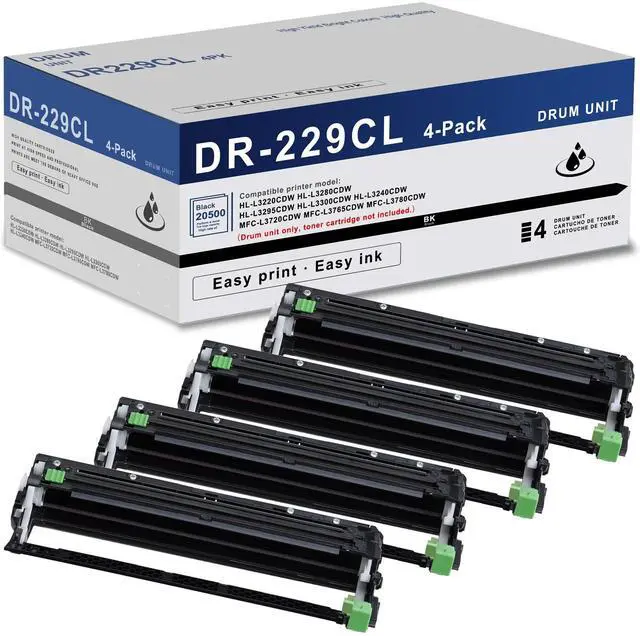



DR229CL Drum Unit (NOT Toner) 4 Pack Super High Yield Replacement for Brother DR229 DR 229CL DR-229CL Drum Unit for MFC-L3780CDW MFC-L3720CDW MFC-L3765CDW HL-L3220CDW HL-L3280CDW HL-L3295CDW Printer
Limited time offer, ends 10/05 By EpicTransTrade
- Package Contents: 4-Pack compatible DR229CL drum unit set. Page yield: Up to 20,500 pages per DR-229CL drum unit (based on 5% coverage). Compatible with printer models: HL-L3220CDW, HL-L3280CDW, HL-L3295CDW, HL-L3300CDW, HL-L3240CDW, MFC-L3720CDW, MFC-L3765CDW, MFC-L3780CDW. Fine particles ensure each detail is sharp, delivering clear printing of images and text, high brightness output, and consistent stability. To install the new DR229CL drum unit: Ensure the machine is powered on. Press and hold the (Toner) button for roughly five seconds. Press the Drum button. Choose the toner color for the drum unit you just replaced. Press Yes. Align and slide the new drum unit into the printer until it clicks securely into place
+
+
Overview
Specs
Reviews

Any questions? Our AI mode will help you find out quickly.
Try me now
Package Contents: 4-Pack compatible DR229CL drum unit set.
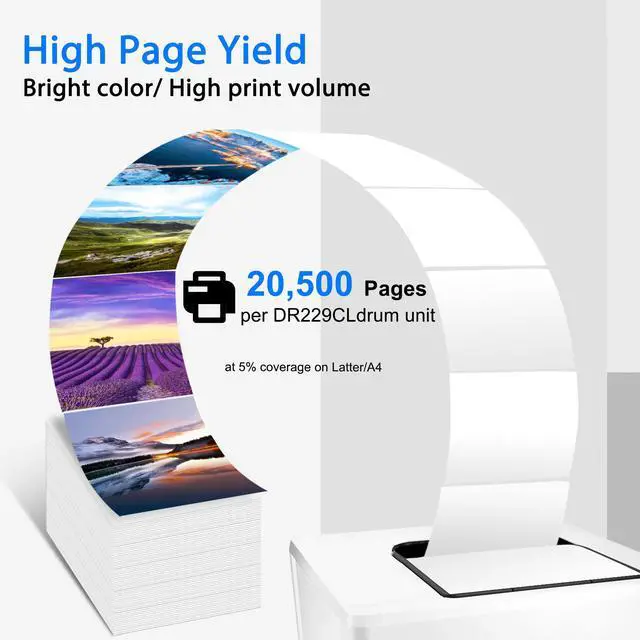
Page yield: Up to 20, 500 pages per DR-229CL drum unit (based on 5% coverage).
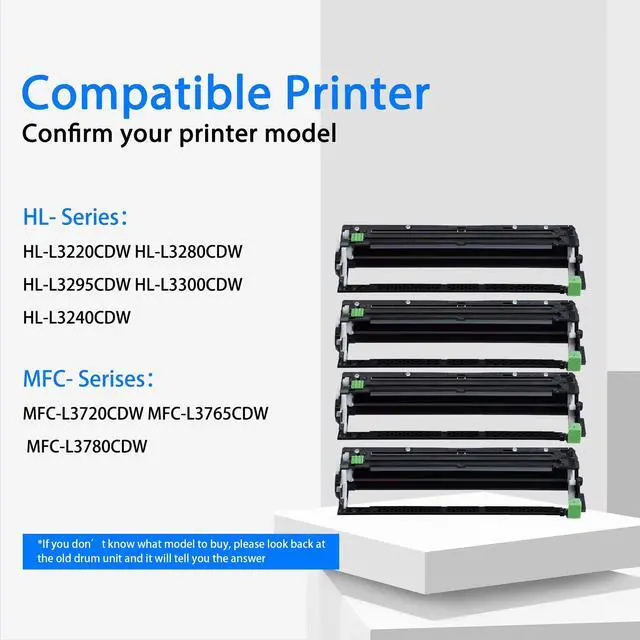
Compatible with printer models: HL-L3220CDW, HL-L3280CDW, HL-L3295CDW, HL-L3300CDW, HL-L3240CDW, MFC-L3720CDW, MFC-L3765CDW, MFC-L3780CDW.
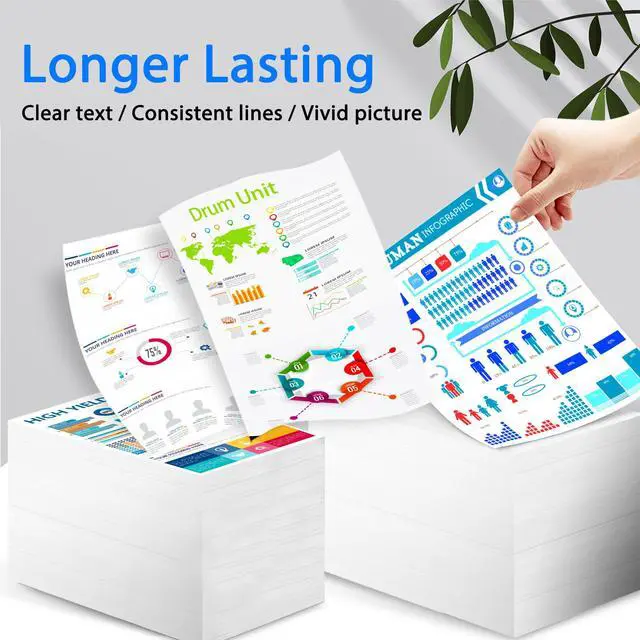
Fine particles ensure each detail is sharp, delivering clear printing of images and text, high brightness output, and consistent stability.
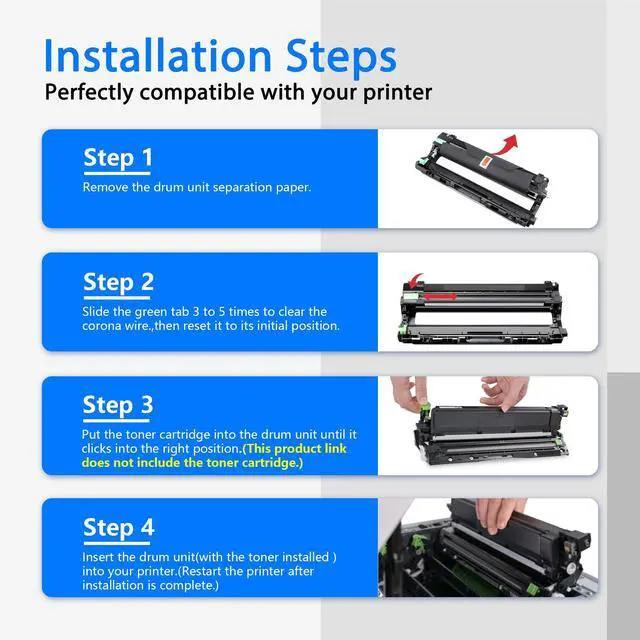
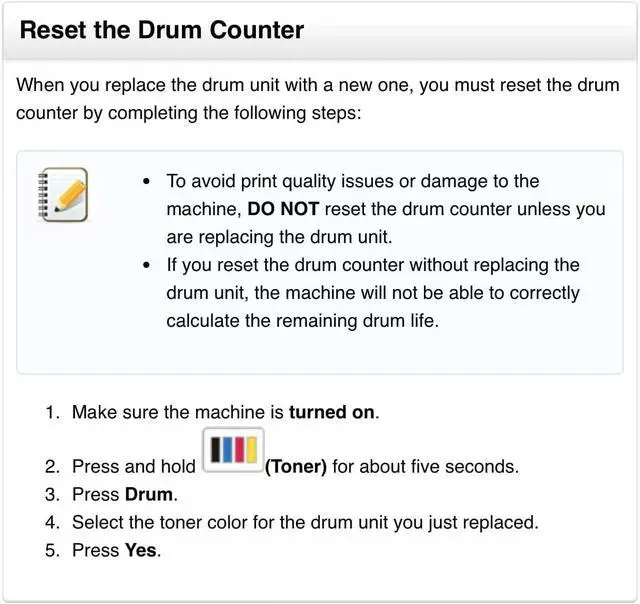
To install the new DR229CL drum unit: Ensure the machine is powered on.
Press and hold the (Toner) button for roughly five seconds.
Press the Drum button.
Choose the toner color for the drum unit you just replaced.
Press Yes.
Align and slide the new drum unit into the printer until it clicks securely into place
Page yield: Up to 20, 500 pages per DR-229CL drum unit (based on 5% coverage).
Compatible with printer models: HL-L3220CDW, HL-L3280CDW, HL-L3295CDW, HL-L3300CDW, HL-L3240CDW, MFC-L3720CDW, MFC-L3765CDW, MFC-L3780CDW.
Fine particles ensure each detail is sharp, delivering clear printing of images and text, high brightness output, and consistent stability.
To install the new DR229CL drum unit: Ensure the machine is powered on.
Press and hold the (Toner) button for roughly five seconds.
Press the Drum button.
Choose the toner color for the drum unit you just replaced.
Press Yes.
Align and slide the new drum unit into the printer until it clicks securely into place
Warranty & Returns
Warranty, Returns, And Additional Information
Warranty
- Please contact the Seller directly for warranty information. Warranty information may also be found on the Manufacturer's website.
- CONTACT
Return Policies
- Return for refund within: 30 days
- Return for replacement within: 30 days
- This item is covered by EpicTransTrade Return Policy
Manufacturer Contact Info
- For a directory of all our manufacturers, please click below.
- Manufacturers Directory
LOADING...