

Your Browsing History

Meet Your Seller

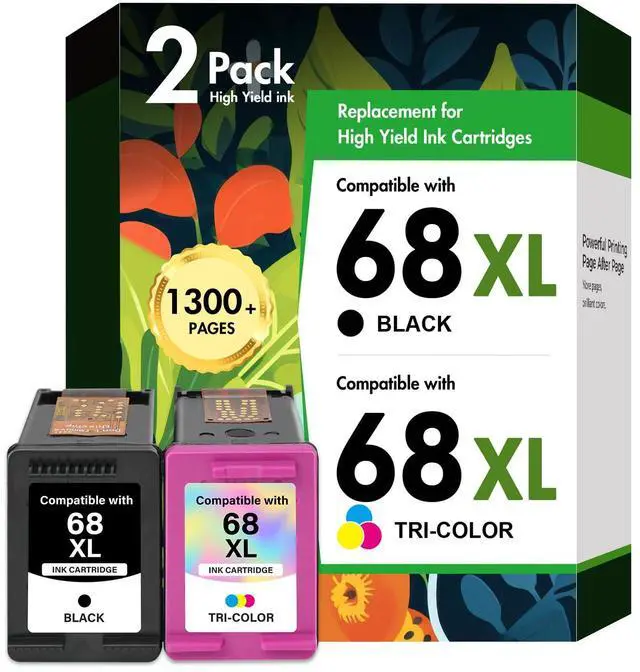
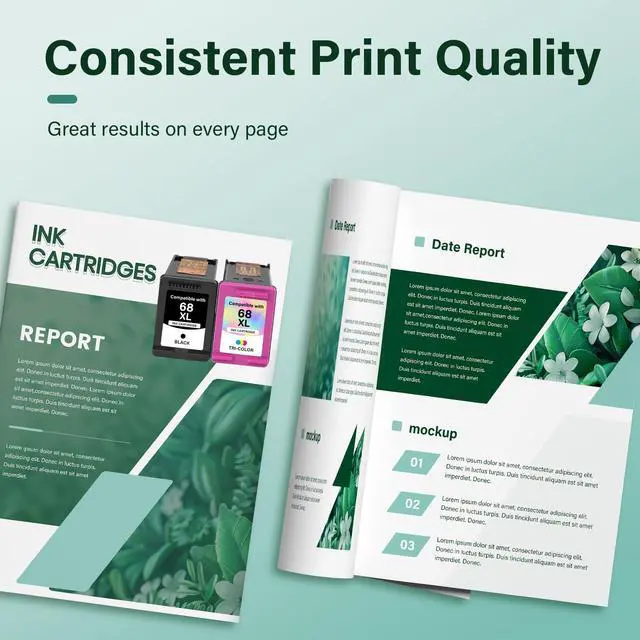
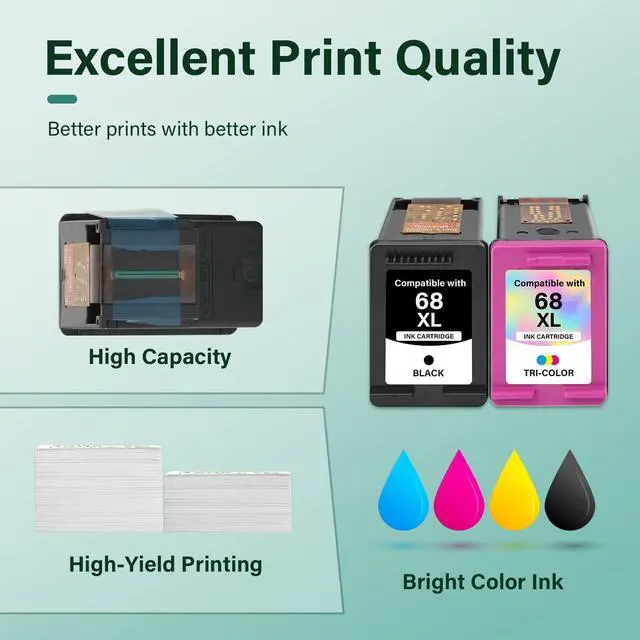



68 6155e 6555e 68XL Ink Cartridges Black/Color Combo Pack for HP Printers | Compatible for HP68 Ink 68 XL 68e for HP Envy 6100e 6500e Series Printers 6152e 6165e 6558e 6552e (2 Pack, Black/Tri-Color)
Limited time offer, ends 10/05 By EpicTransTrade
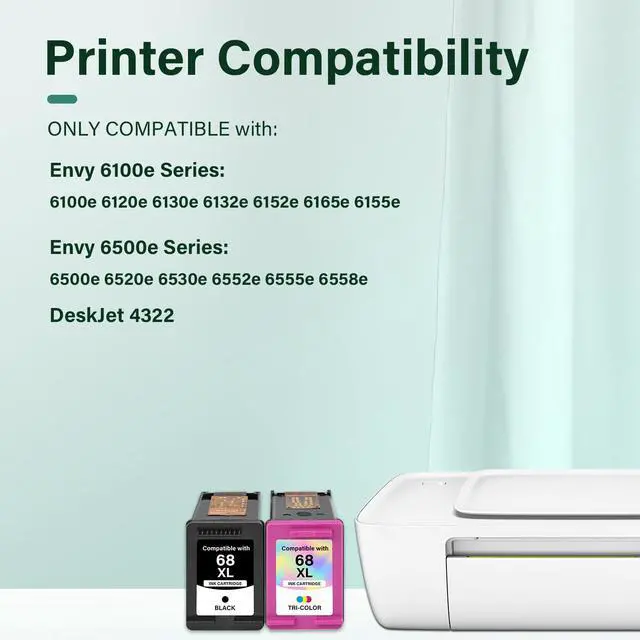
- Compatible with HP Printers Envy 6100e 6500e Series: 6155e, 6555e, 6165e, 6152e, 6552e, 6558e, 6120e, 6130e, 6132e, 6520e, 6530e, and DeskJet 4322. Package Contains: 68, 68XL, 68e Ink Cartridges Black and Color Combo Pack (1 × 68 XL 68e Black, 1 × 68 XL 68e Tri-color). High Page Output: 68e 68XL Black Ink provides up to 650 pages. Up to 650 pages for each 68e 68XL Tri Color Ink Cartridge at 5% coverage (A4 or Letter). Please Note: This is a non-OEM product for HP 68, 68XL, 68e Ink Cartridge Combo Pack. Troubleshooting steps: If the ink cartridge is not recognized or working properly, try these solutions: 1. Clean the cartridge and printer contacts with the included eraser to remove dust or debris. 2. Check and adjust printer settings to ensure proper recognition. 3. Avoid contact with the chip or ink nozzles. A clogged printhead will affect the printing function
+
+
Overview
Specs
Reviews

Any questions? Our AI mode will help you find out quickly.
Try me now
Compatible with HP Printers Envy 6100e 6500e
Series: 6155e, 6555e, 6165e, 6152e, 6552e, 6558e, 6120e, 6130e, 6132e, 6520e, 6530e, and DeskJet 4322.
Package Contains: 68, 68XL, 68e Ink Cartridges Black and Color Combo Pack (1 × 68 XL 68e Black, 1 × 68 XL 68e Tri-color).
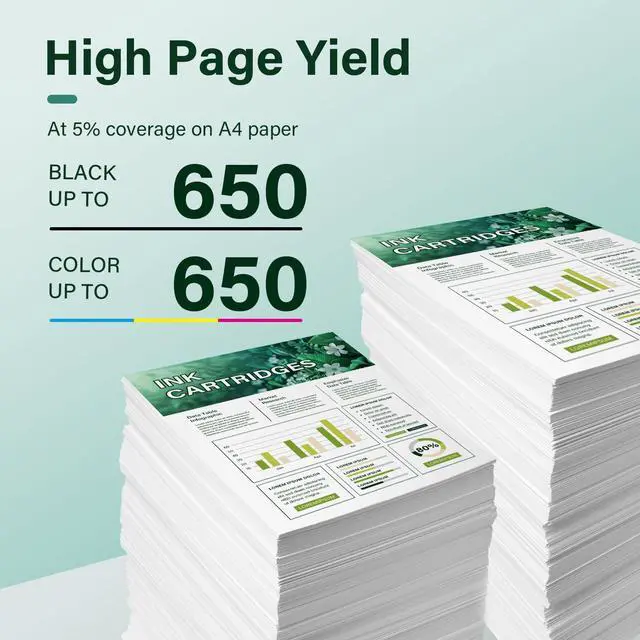
High Page Output: 68e 68XL Black Ink provides up to 650 pages.
Up to 650 pages for each 68e 68XL Tri Color Ink Cartridge at 5% coverage (A4 or Letter).
Please Note: This is a non-OEM product for HP 68, 68XL, 68e Ink Cartridge Combo Pack.
Troubleshooting steps: If the ink cartridge is not recognized or working properly, try
these solutions:
1.
Clean the cartridge and printer contacts with the included eraser to remove dust or debris.
2.
Check and adjust printer settings to ensure proper recognition.
3.
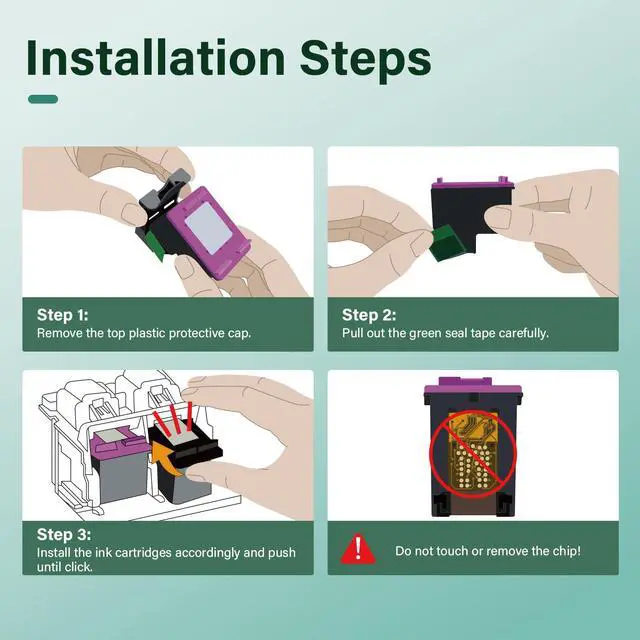
Avoid contact with the chip or ink nozzles.
A clogged printhead will affect the printing function
Series: 6155e, 6555e, 6165e, 6152e, 6552e, 6558e, 6120e, 6130e, 6132e, 6520e, 6530e, and DeskJet 4322.
Package Contains: 68, 68XL, 68e Ink Cartridges Black and Color Combo Pack (1 × 68 XL 68e Black, 1 × 68 XL 68e Tri-color).
High Page Output: 68e 68XL Black Ink provides up to 650 pages.
Up to 650 pages for each 68e 68XL Tri Color Ink Cartridge at 5% coverage (A4 or Letter).
Please Note: This is a non-OEM product for HP 68, 68XL, 68e Ink Cartridge Combo Pack.
Troubleshooting steps: If the ink cartridge is not recognized or working properly, try
these solutions:
1.
Clean the cartridge and printer contacts with the included eraser to remove dust or debris.
2.
Check and adjust printer settings to ensure proper recognition.
3.
Avoid contact with the chip or ink nozzles.
A clogged printhead will affect the printing function
Warranty & Returns
Warranty, Returns, And Additional Information
Warranty
- Please contact the Seller directly for warranty information. Warranty information may also be found on the Manufacturer's website.
- CONTACT
Return Policies
- Return for refund within: 30 days
- Return for replacement within: 30 days
- This item is covered by EpicTransTrade Return Policy
Manufacturer Contact Info
- For a directory of all our manufacturers, please click below.
- Manufacturers Directory
LOADING...