

Your Browsing History

Meet Your Seller


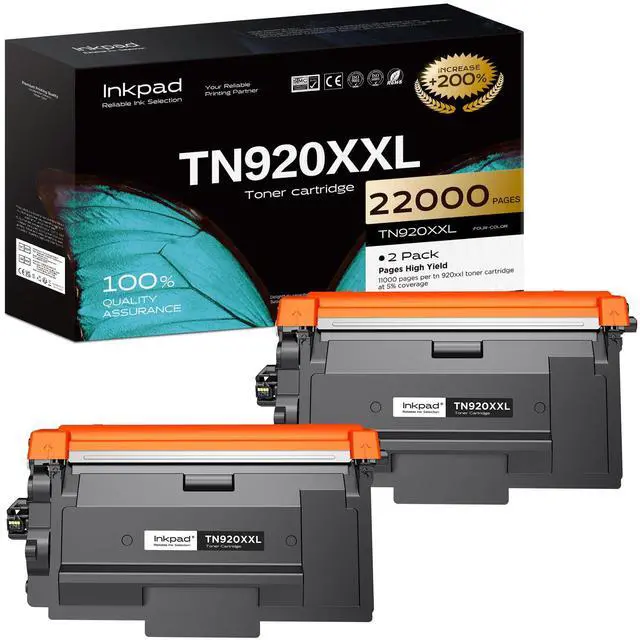
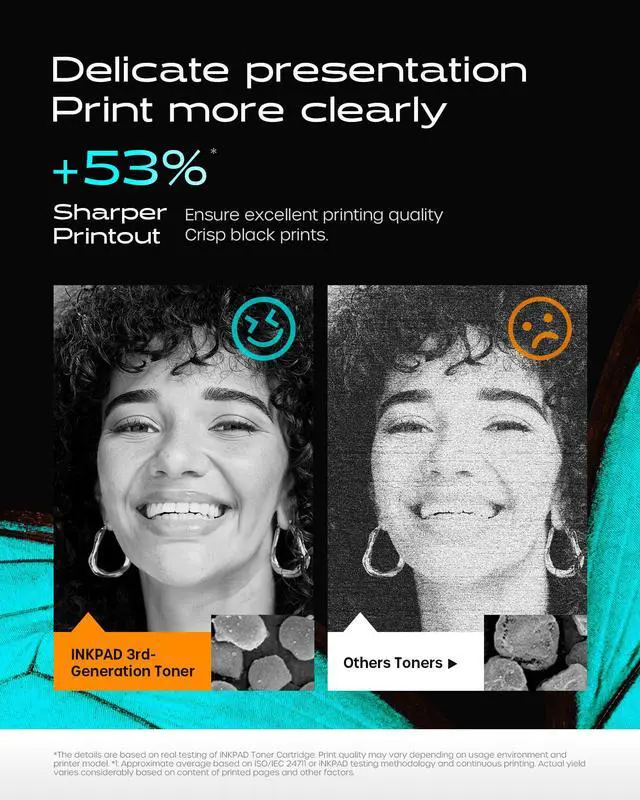


TN920XXL Toner Cartridge Replacement for Brother HL-L6210DW(2 Black) | TN920XXL Extra High Yield Black Toner with Chip. Up to 11,000 Pages Each. Compatible with HL-L5210DN, MFC-L5710DN Printers
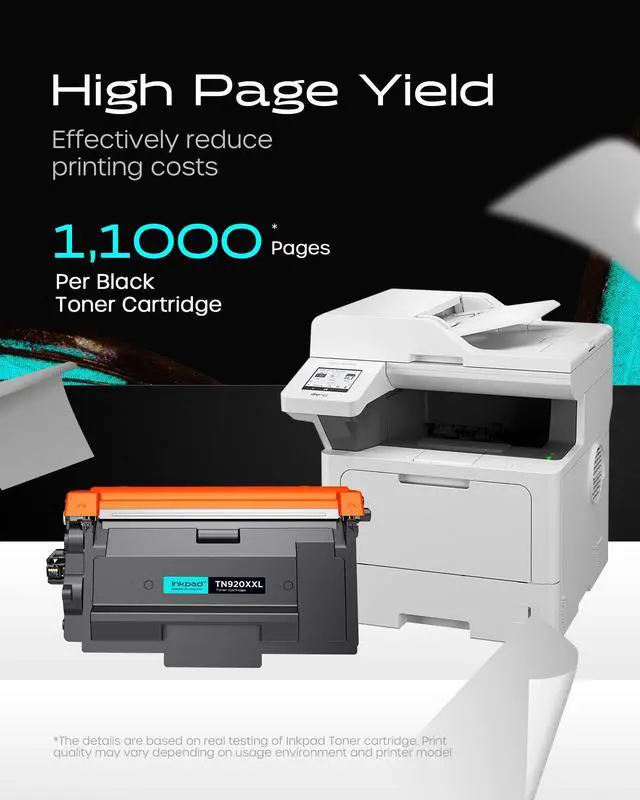
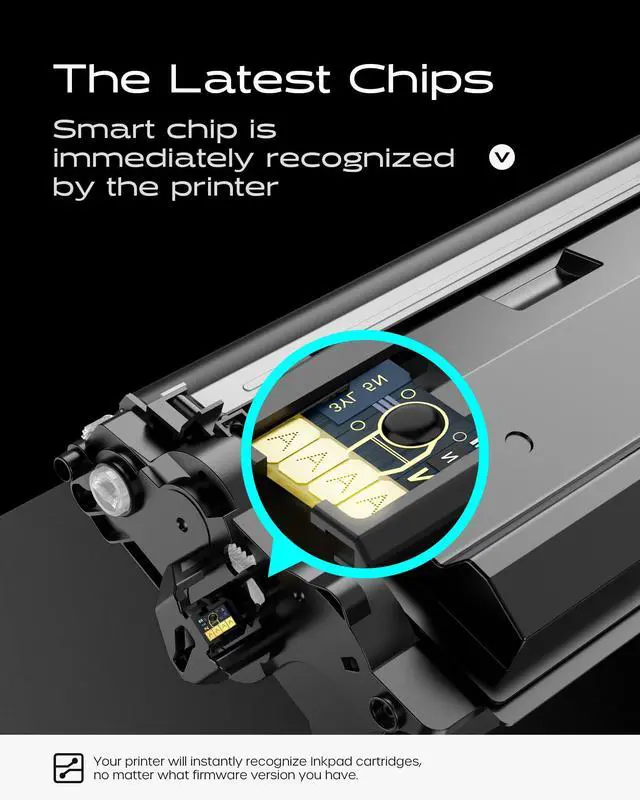
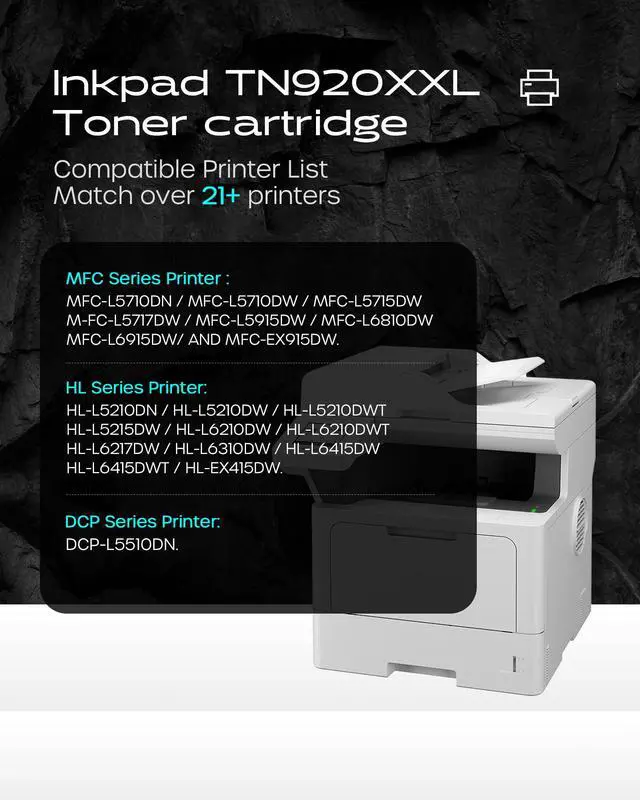
- Compatible Printers: This TN920XXL toner cartridge is designed for the Brother HL-L5210DN, HL-L5210DW, HL-L5210DWT, HL-L5215DW, HL-L6210DW, HL-L6210DWT, HL-L6217DW, HL-L6310DW, HL-L6415DW, HL-L6415DWT, HL-EX415DW, MFC-L5710DN, MFC-L5710DW, MFC-L5715DW, MFC-L5717DW, MFC-L5915DW, MFC-L6810DW, MFC-L6915DW, MFC-EX915DW, DCP-L5510DN, and DCP-L5660DN series printers. High Page Yield: Delivers up to 11,000 pages per black toner cartridge at 5% coverage. Latest Chip Version: Features the newest chip for an exact match with your printer. Package Contents: Contains 2 x TN920XXL toner cartridges and 1 x User Guide. Tips: 1. If the printer displays "Non Brother Toner", select "Yes" to proceed with normal operation. 2. If the printer shows "445,446" or "Cartridge Error", restart the printer for regular use. 3. Avoid removing or touching the chip
+
+
Overview
Specs
Reviews

Any questions? Our AI mode will help you find out quickly.
Try me now
Compatible Printers: This TN920XXL toner cartridge is designed for the Brother HL-L5210DN, HL-L5210DW, HL-L5210DWT, HL-L5215DW, HL-L6210DW, HL-L6210DWT, HL-L6217DW, HL-L6310DW, HL-L6415DW, HL-L6415DWT, HL-EX415DW, MFC-L5710DN, MFC-L5710DW, MFC-L5715DW, MFC-L5717DW, MFC-L5915DW, MFC-L6810DW, MFC-L6915DW, MFC-EX915DW, DCP-L5510DN, and DCP-L5660DN series printers.
High Page Yield: Delivers up to 11, 000 pages per black toner cartridge at 5% coverage.
Latest Chip Version: Features the newest chip for an exact match with your printer.
Package Contents: Contains 2 x TN920XXL toner cartridges and 1 x User Guide.
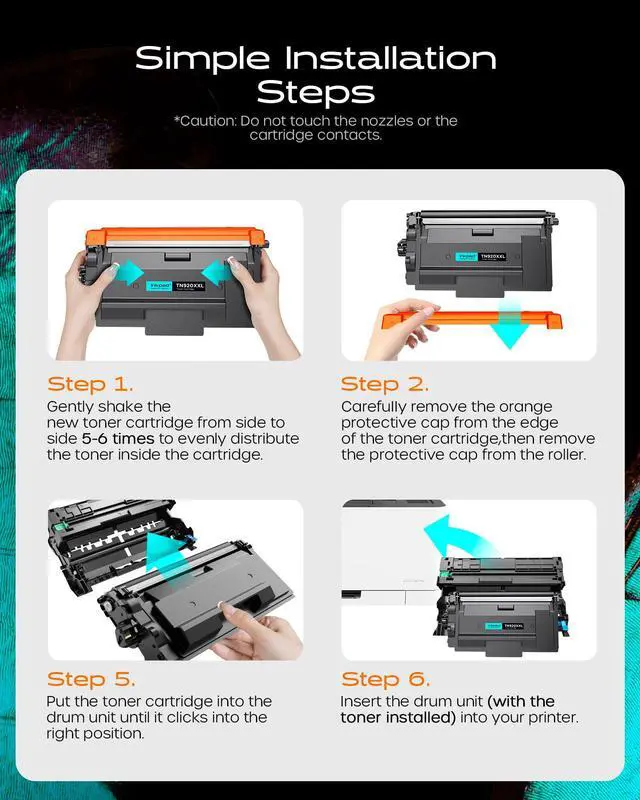
Tips:
1.
If the printer displays "Non Brother Toner", select "Yes" to proceed with normal operation.
2.
If the printer shows "445, 446" or "Cartridge Error", restart the printer for regular use.
3.
Avoid removing or touching the chip
High Page Yield: Delivers up to 11, 000 pages per black toner cartridge at 5% coverage.
Latest Chip Version: Features the newest chip for an exact match with your printer.
Package Contents: Contains 2 x TN920XXL toner cartridges and 1 x User Guide.
Tips:
1.
If the printer displays "Non Brother Toner", select "Yes" to proceed with normal operation.
2.
If the printer shows "445, 446" or "Cartridge Error", restart the printer for regular use.
3.
Avoid removing or touching the chip
Warranty & Returns
Warranty, Returns, And Additional Information
Warranty
- Please contact the Seller directly for warranty information. Warranty information may also be found on the Manufacturer's website.
- CONTACT
Return Policies
- Return for refund within: 30 days
- Return for replacement within: 30 days
- This item is covered by EpicTransTrade Return Policy
Manufacturer Contact Info
- For a directory of all our manufacturers, please click below.
- Manufacturers Directory
LOADING...