

Your Browsing History
- Free 30-day Returns
$203.99

Meet Your Seller


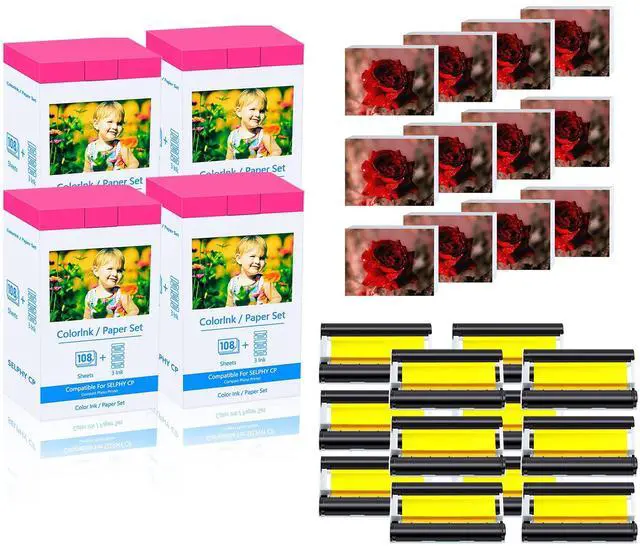
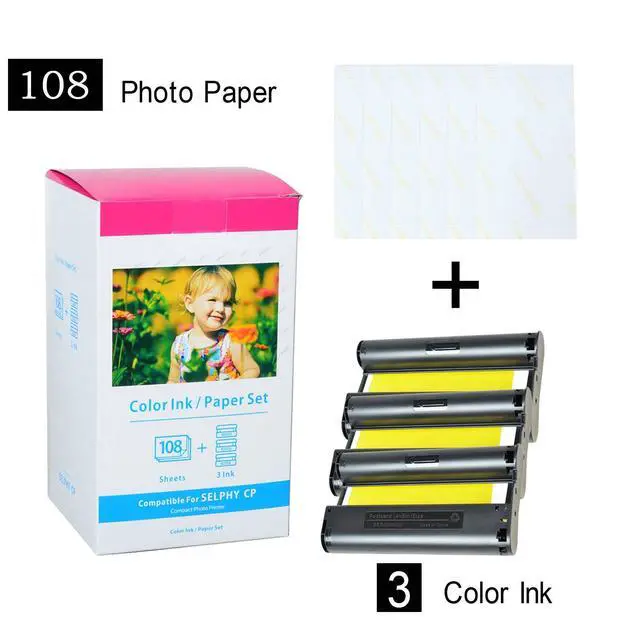


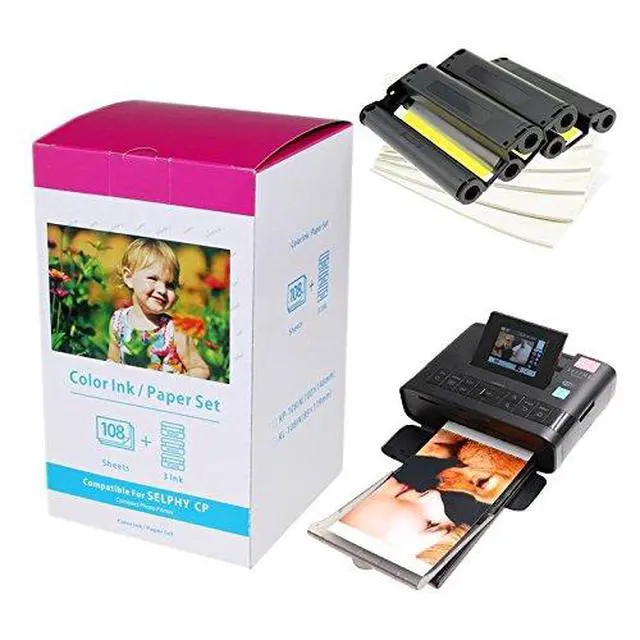


Compatible KP-108IN Ink Paper Set 4 Color Ink Cassettes and 432 Sheets 4 x 6 Paper Glossy for SELPHY CP1300 CP1200 CP1500 Wireless Compact Photo Printer-4 Pack
Limited time offer, ends 09/14 By Yara Official Flagship
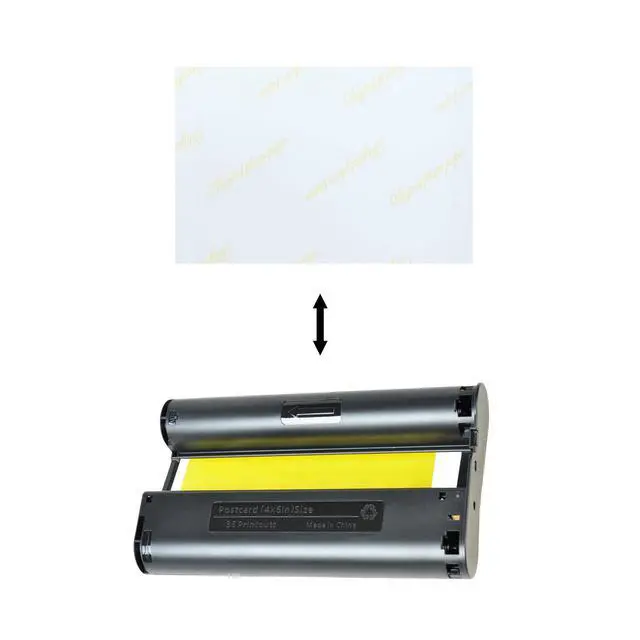
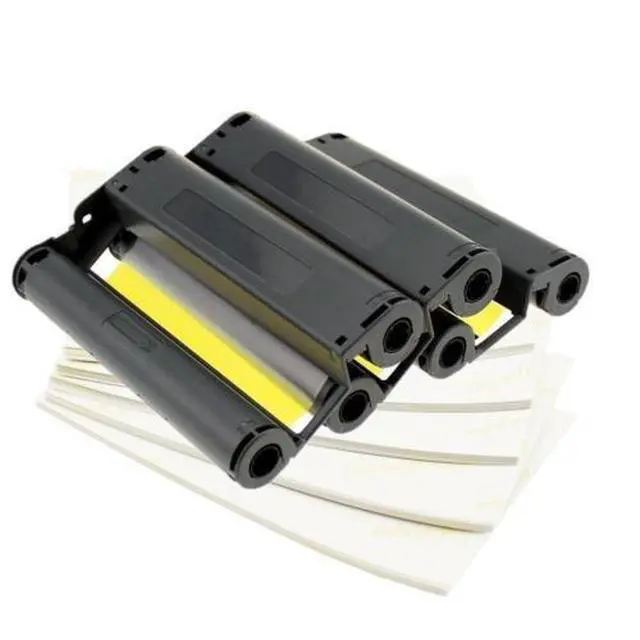
- Package Included: 4 Pack Canon KP-108IN KP108 Color Ink Cartridges and 432 sheets of Photo paper (4 x 6", 100 x 148mm), Color ink sufficient for 432 prints. Compatible with Canon Selphy CP Series ES1, ES2, ES30, CP1300, CP1500, CP1200 Wireless Compact Photo Printer. Dye sublimation technology for instant drying, smudge-free, water-resistant, anti-fingerprint, anti-oxidation. Photo will be covered automatically by a protective film after printing, so you can preserve it for an extended period. It can produce high-gloss and vivid photos, ideal for preserving your cherished memories. Warming Tips: Since each time you power the printer on/off, it rotates the ribbon, repeated actions consume a certain amount of ribbon, potentially leaving it insufficient to print all the photo paper. Thus, to prevent this issue, you can install the ribbon after turning on the printer and remove it once printing is complete; this can effectively reduce ribbon waste
+
+
Overview
Specs
Reviews

Any questions? Our AI mode will help you find out quickly.
Try me now
Package Included: 4 Pack Canon KP-108IN KP108 Color Ink Cartridges and 432 sheets of Photo paper (4 x 6", 100 x 148mm), Color ink sufficient for 432 prints. Compatible with Canon Selphy CP Series ES1, ES2, ES30, CP1300, CP1500, CP1200 Wireless Compact Photo Printer. Dye sublimation technology for instant drying, smudge-free, water-resistant, anti-fingerprint, anti-oxidation. Photo will be covered automatically by a protective film after printing, so you can preserve it for an extended period. It can produce high-gloss and vivid photos, ideal for preserving your cherished memories.
Warming Tips: Since each time you power the printer on/off, it rotates the ribbon, repeated actions consume a certain amount of ribbon, potentially leaving it insufficient to print all the photo paper. Thus, to prevent this issue, you can install the ribbon after turning on the printer and remove it once printing is complete; this can effectively reduce ribbon waste
Warming Tips: Since each time you power the printer on/off, it rotates the ribbon, repeated actions consume a certain amount of ribbon, potentially leaving it insufficient to print all the photo paper. Thus, to prevent this issue, you can install the ribbon after turning on the printer and remove it once printing is complete; this can effectively reduce ribbon waste
Warranty & Returns
Warranty, Returns, And Additional Information
Warranty
- Please contact the Seller directly for warranty information. Warranty information may also be found on the Manufacturer's website.
- CONTACT
Return Policies
- Return for refund within: 30 days
- Return for replacement within: 30 days
- This item is covered by Yara Official Flagship Return Policy
Manufacturer Contact Info
- For a directory of all our manufacturers, please click below.
- Manufacturers Directory
LOADING...