here!
I’m your shopping assistant for PC builds, upgrades, and everything tech.
Got questions? Ask away!
Start a conversation
here!
I’m your shopping assistant for PC builds, upgrades, and everything tech.
Got questions? Ask away!
Start a conversation
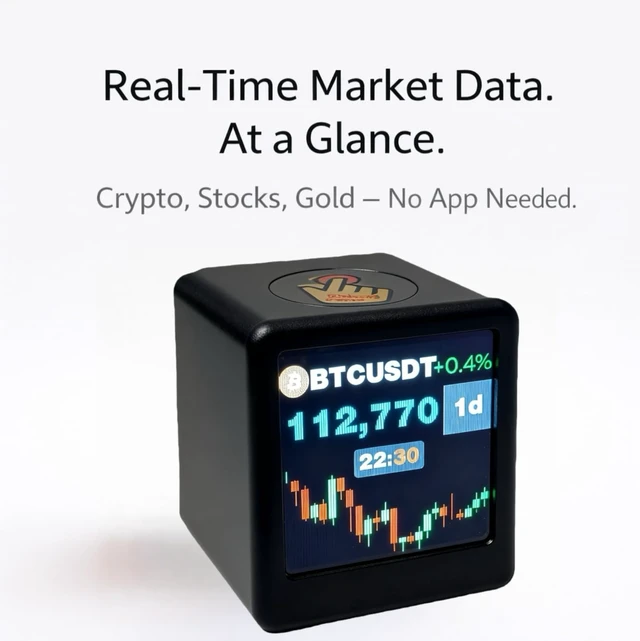



Any questions? Ask CelesteSM will help you find out quickly.
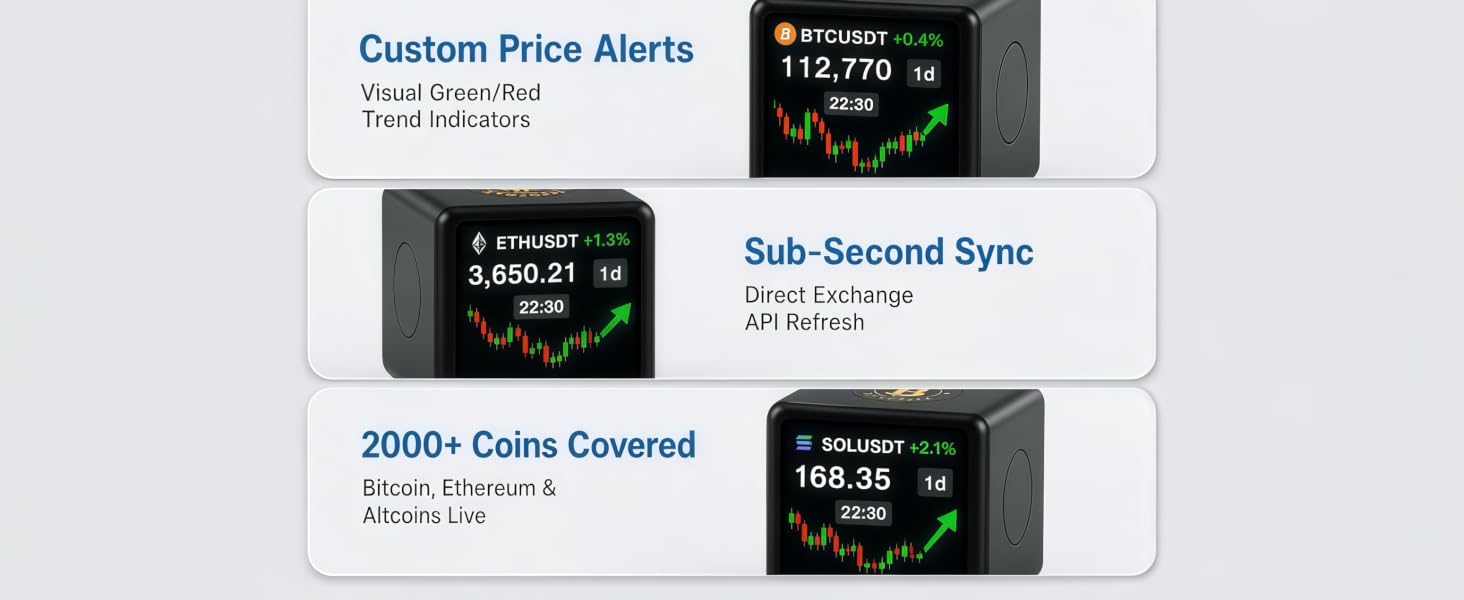
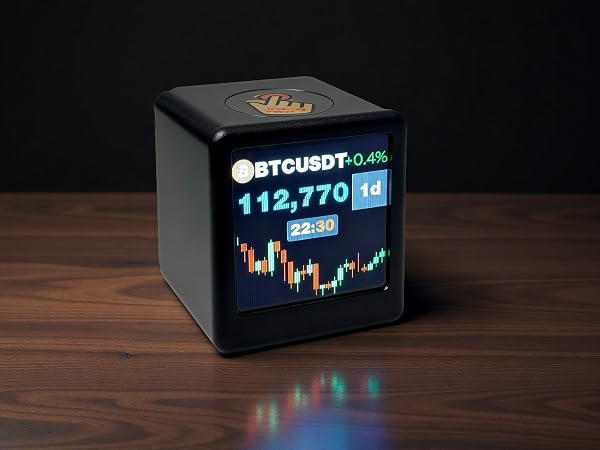
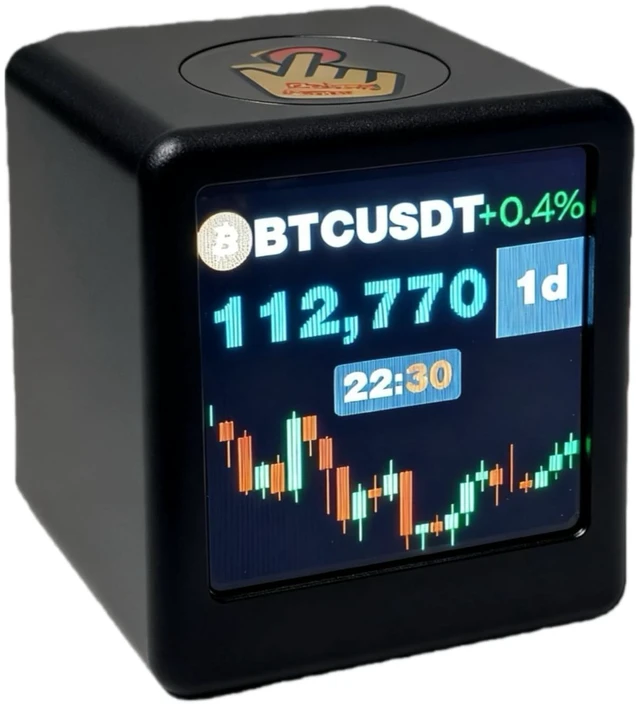
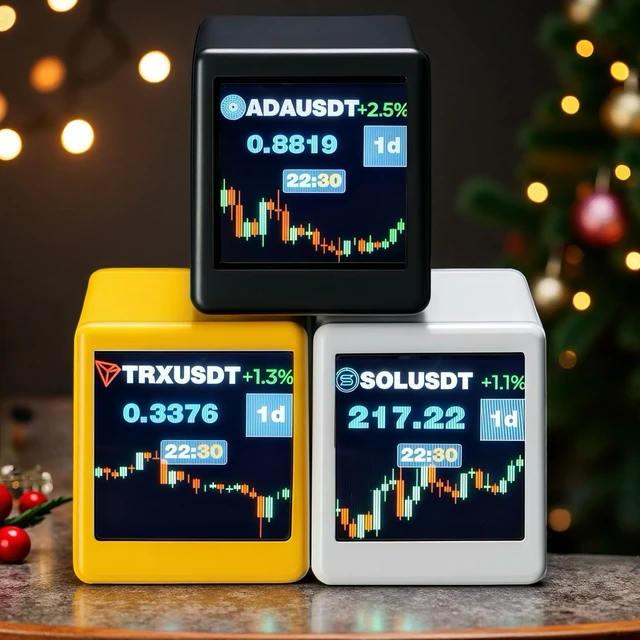
Track the top 2,000+ cryptocurrencies live—including Bitcoin (BTC), Ethereum (ETH), Solana (SOL), XRP, BNB, Cardano (ADA), and Dogecoin (DOGE)—powered by CoinGecko and Yahoo Finance. Set custom auto-scroll refresh intervals, personalize your font colors
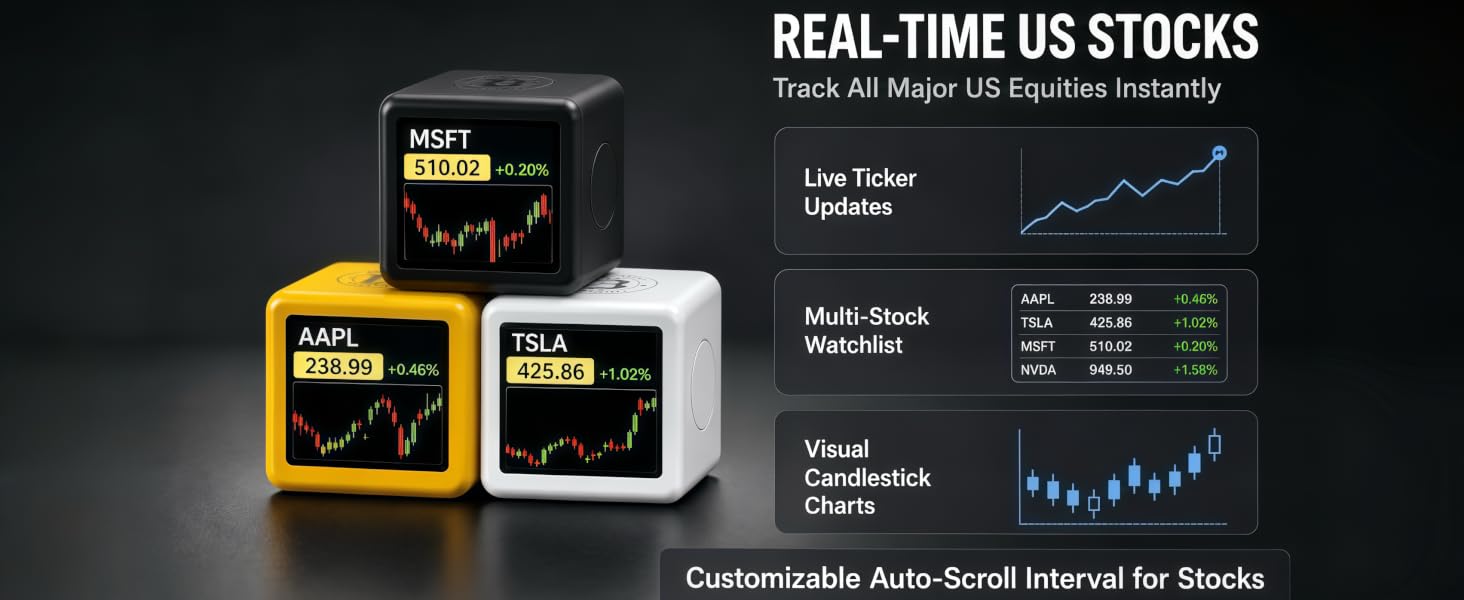
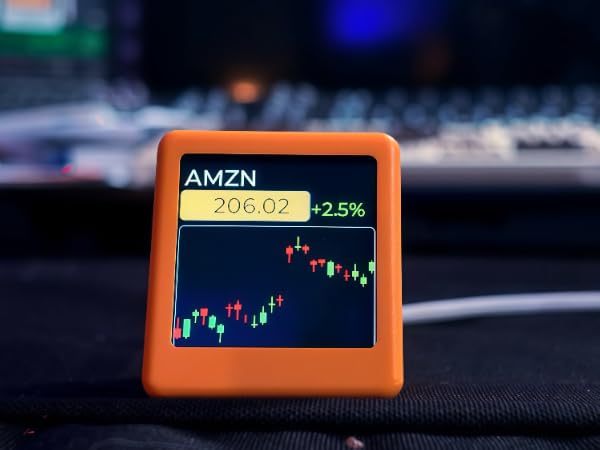
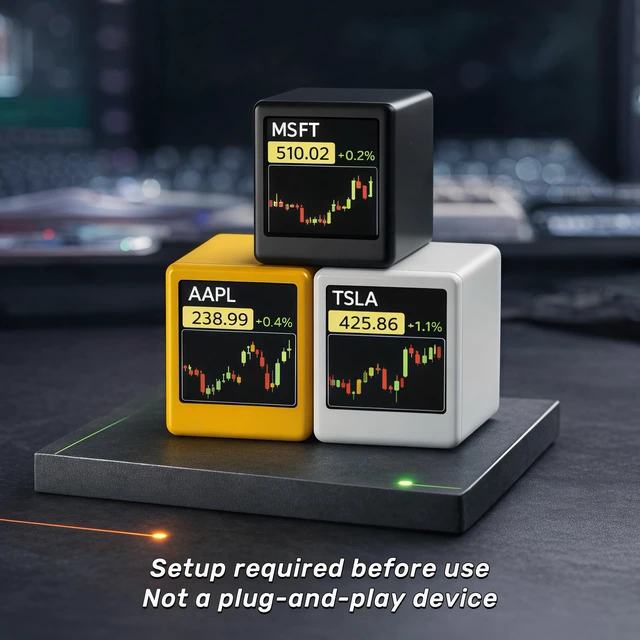
Monitor major US equities like AAPL, TSLA, MSFT, and NVDA instantly. Features visual candlestick charts, a multi-stock watchlist, and customizable auto-scroll intervals for hands-free tracking.
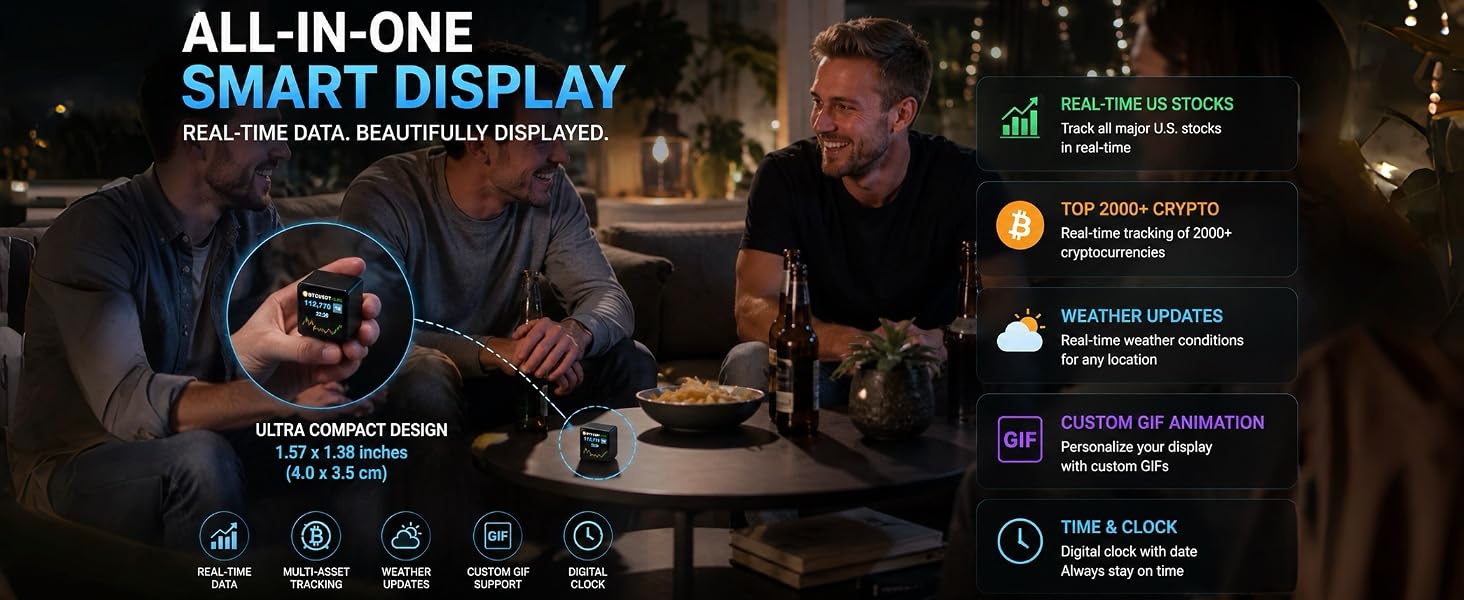
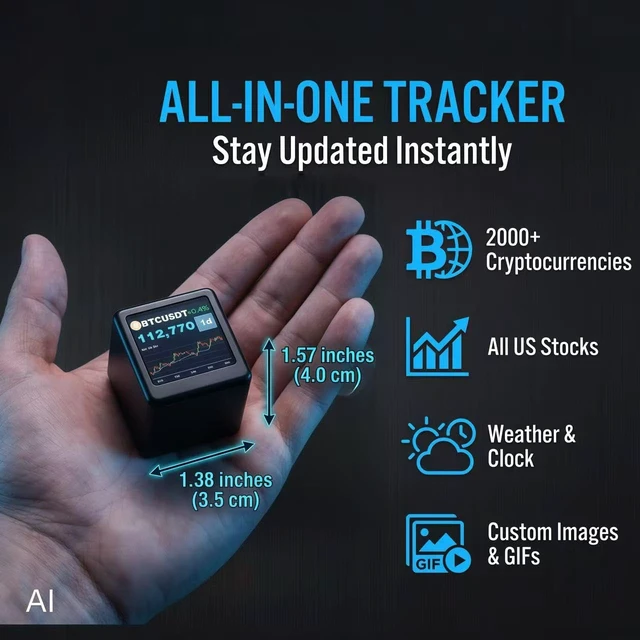
this compact display measures just 1.57 × 1.38 × 1.26 inches.
Please check the dimensions before ordering to make sure the size fits your expectation
• Crypto Enthusiasts
• Stock Traders
• Weather Geeks
• Tech Lovers & Gift Givers
• Desktop Setup Aesthetes
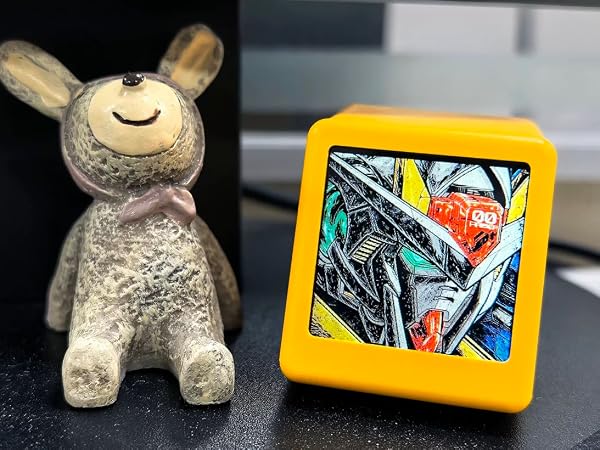
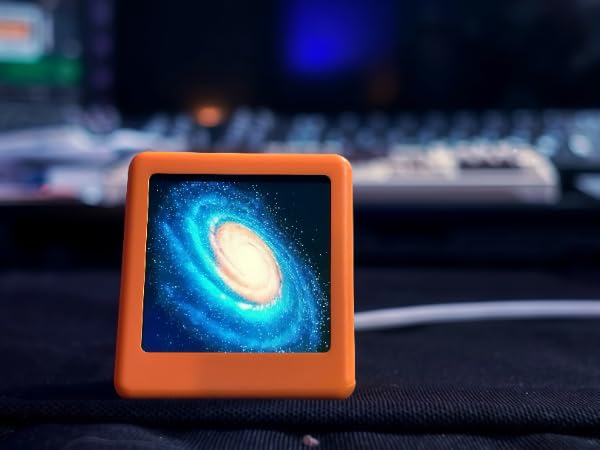
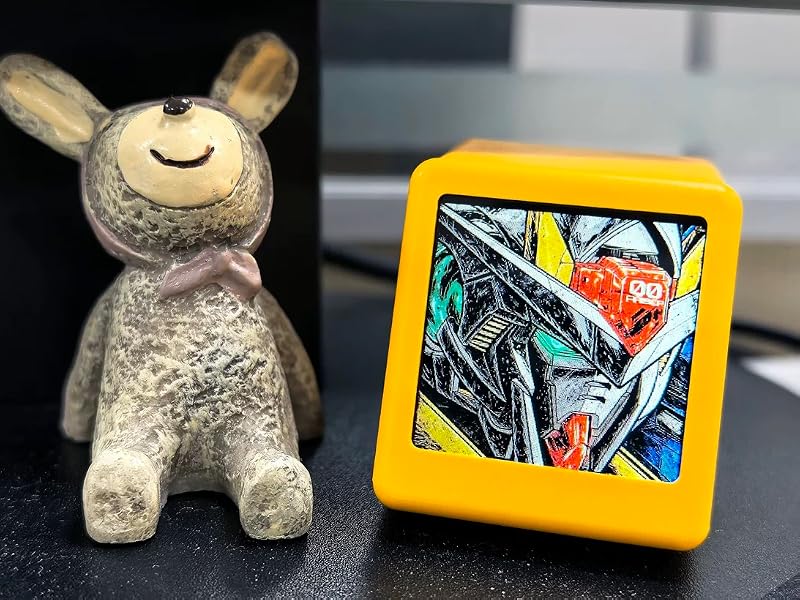
Built-in photo frame mode lets you display your favorite images, blending market insights with personal style.
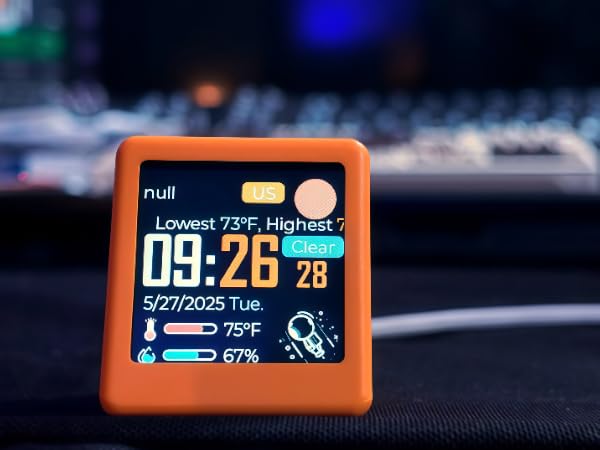
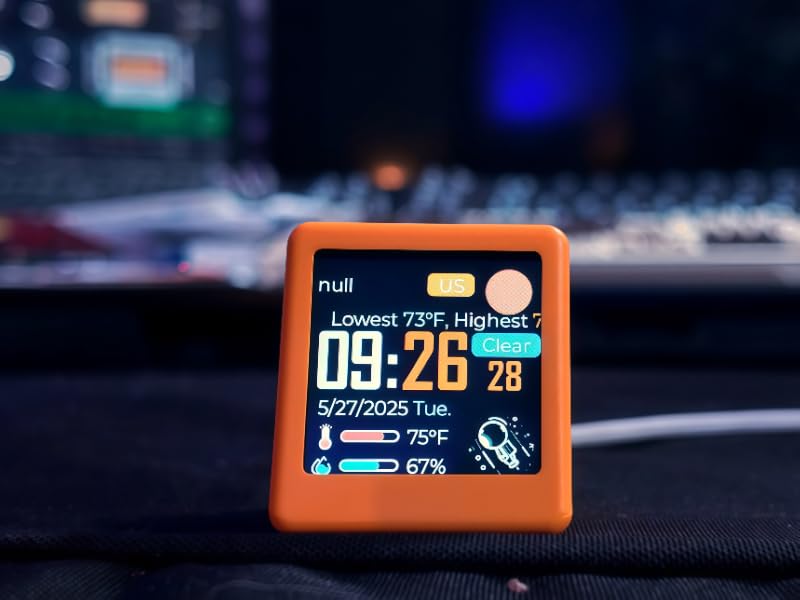
Beyond markets, stay updated with real-time weather and temperature at a glance.
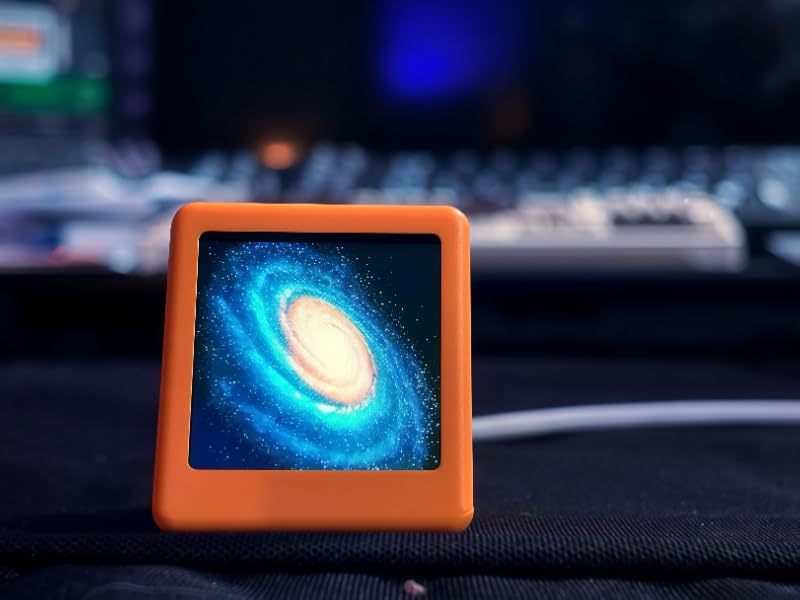
Supports GIF animations for a lively, personalized display. Not just a tool, but a way to express yourself.
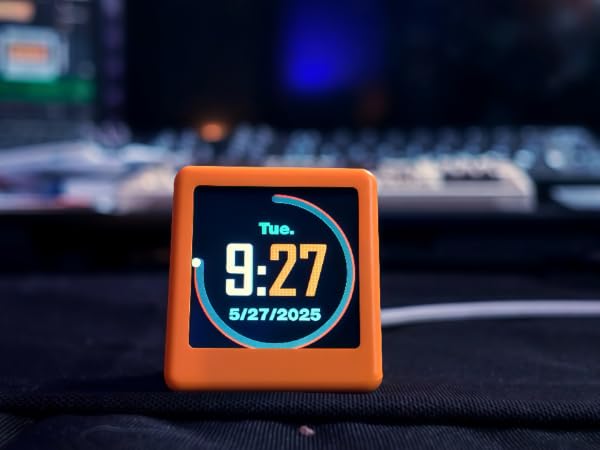
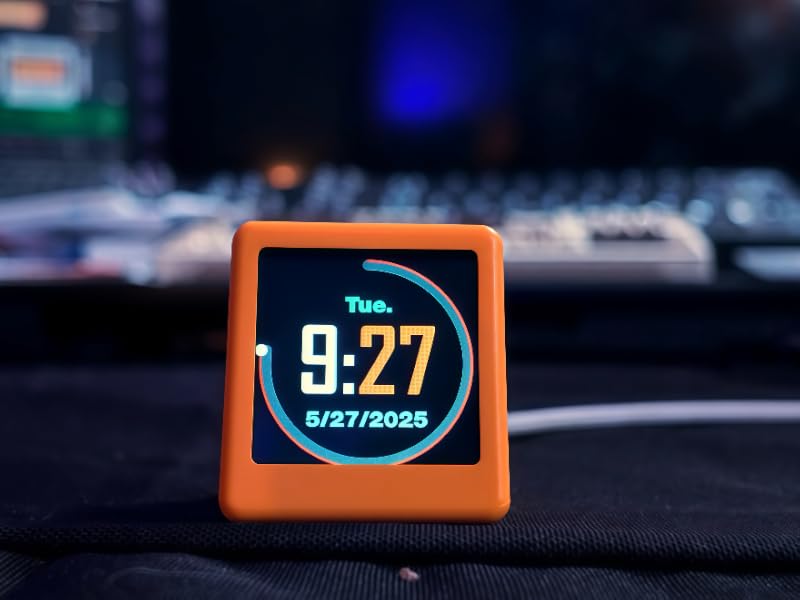
The built-in digital clock keeps you on schedule while you monitor the markets
From Bitcoin to Dogecoin, track over 2000 cryptocurrencies with real-time updates, powered by CoinGecko for accuracy.
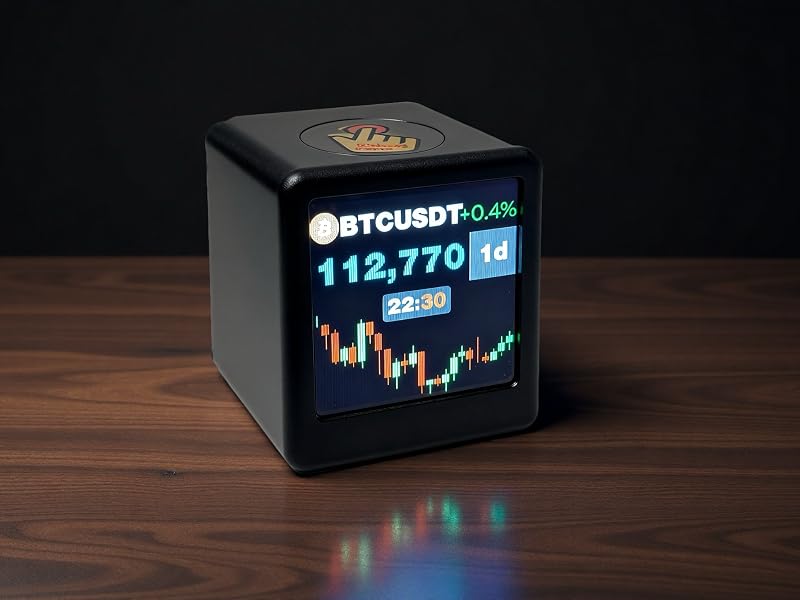
English Copy: Stay updated with live U.S. stock quotes – track AAPL, TSLA, MSFT, and more instantly.
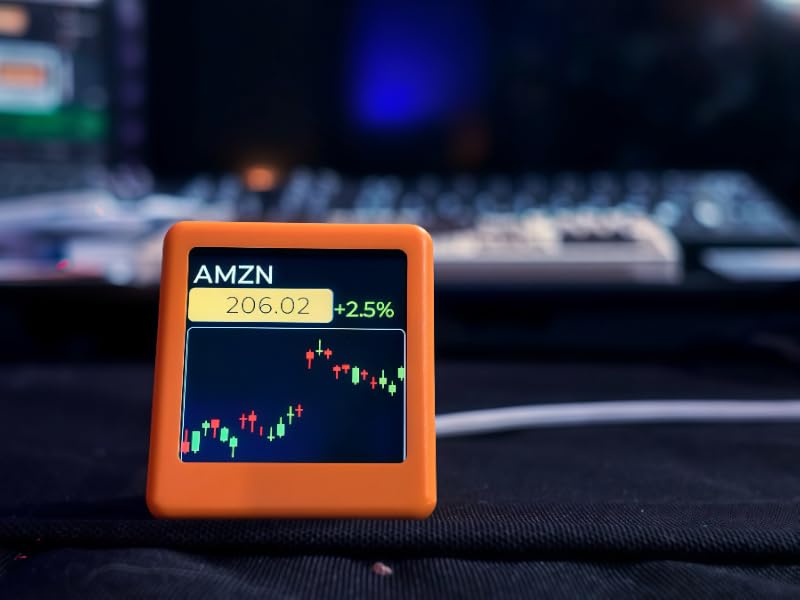
Turn on device ? Swipe up ? Long press top ? Connect to “Smalltv Pro” Wi-Fi ? Enter IP in browser ? Add home Wi-Fi ? Save.
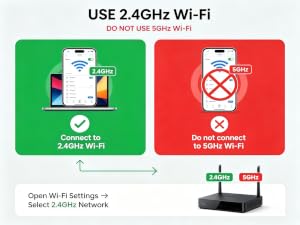
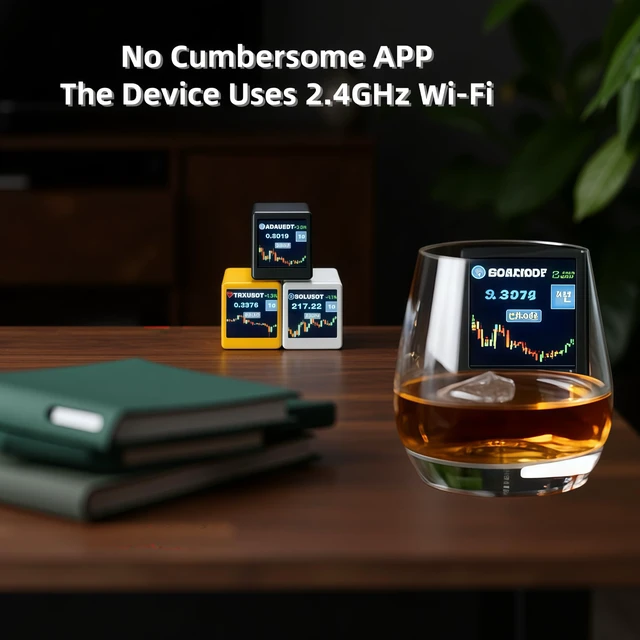
The SmallTV Pro supports 2.4GHz Wi-Fi only. It cannot connect to 5GHz networks.
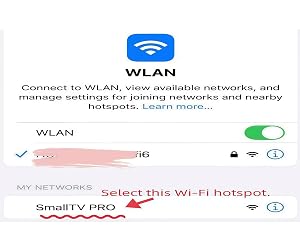
On first setup, connect your phone or computer to the “SmallTV PRO” hotspot. No password is required.
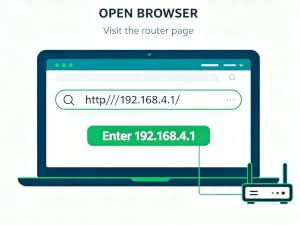
Open your browser and enter the web address. Make sure your browser and device are connected to the same Wi-Fi.
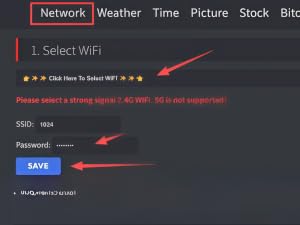
Enter your Wi-Fi password and save. The device will restart and connect automatically.
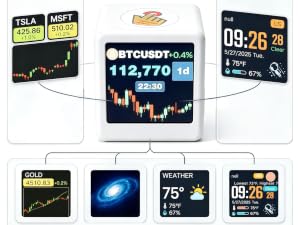
After setup, use the device’s new IP address to access the web settings and customize stocks, crypto, weather, photos, and more.
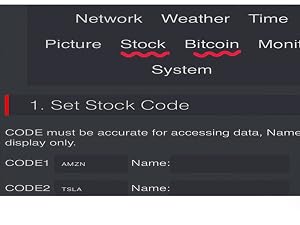
Choose your stocks or cryptocurrencies and set the rotation interval in the settings. Prices will automatically switch at your chosen frequency.
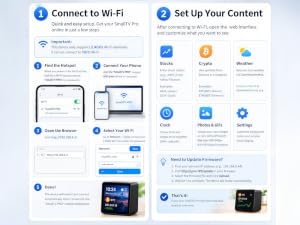
A video guide and user manual are included to help you set up and use your SmallTV Pro
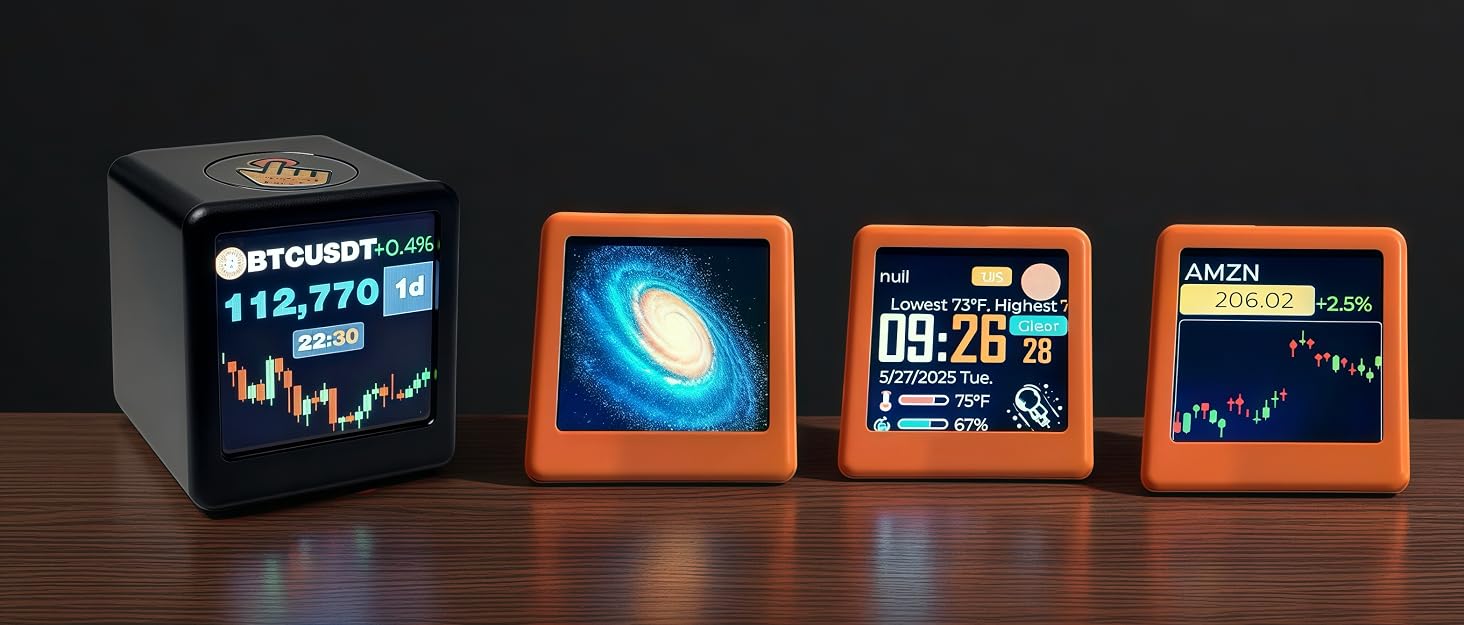
Born from a passion for simplifying financial data, our display delivers real-time crypto and stock updates
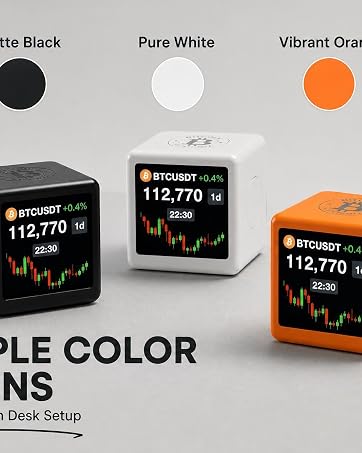
As traders and desk-setup lovers, we hated switching tabs just to check prices—and found traditional tickers too boring. So we built an all-in-one smart display that blends live market tracking with daily lifestyle features.
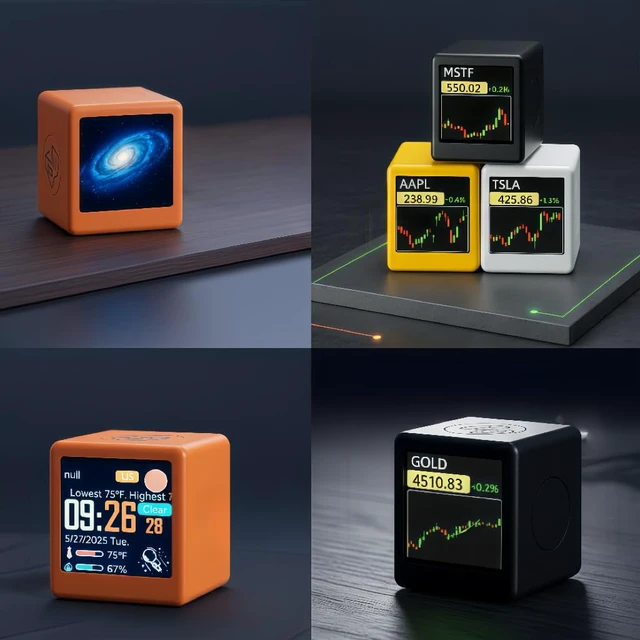
True 6-in-1 versatility! It never sits idle when markets close. Beyond live US Stock & Crypto tracking, it doubles as a custom GIF player, digital photo frame, weather station, and clock—combining finance with fun.
We love seeing how one compact screen upgrades our users' daily routines
Born from a passion for simplifying financial data, our display delivers real-time crypto and stock updates
As traders and desk-setup lovers, we hated switching tabs just to check prices—and found traditional tickers too boring. So we built an all-in-one smart display that blends live market tracking with daily lifestyle features.
True 6-in-1 versatility! It never sits idle when markets close. Beyond live US Stock & Crypto tracking, it doubles as a custom GIF player, digital photo frame, weather station, and clock—combining finance with fun.
We love seeing how one compact screen upgrades our users' daily routines
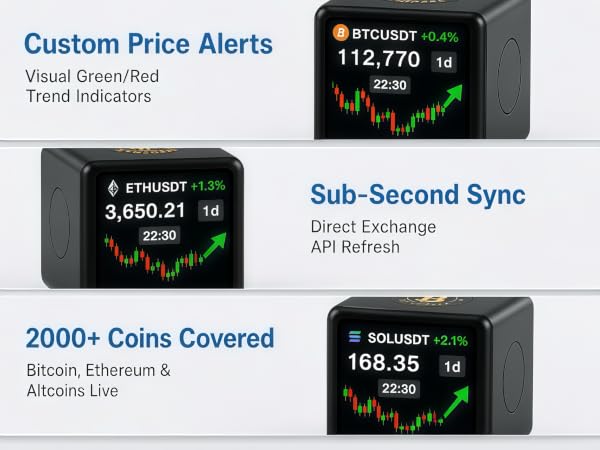
Track the top 2,000+ cryptocurrencies live—including Bitcoin (BTC), Ethereum (ETH), Solana (SOL), XRP, BNB, Cardano (ADA), and Dogecoin (DOGE)—powered by CoinGecko and Yahoo Finance. Set custom auto-scroll refresh intervals, personalize your font colors
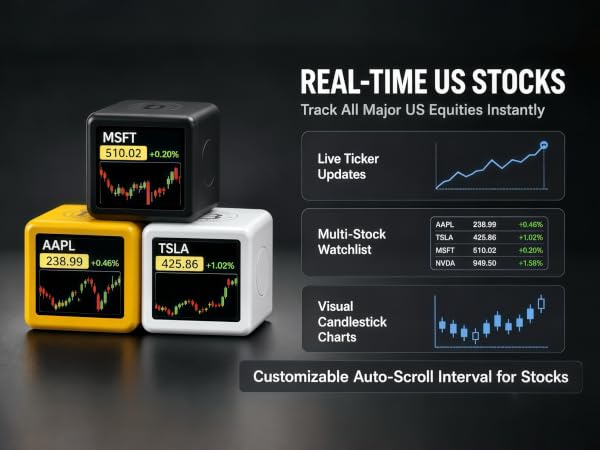
Monitor major US equities like AAPL, TSLA, MSFT, and NVDA instantly. Features visual candlestick charts, a multi-stock watchlist, and customizable auto-scroll intervals for hands-free tracking.
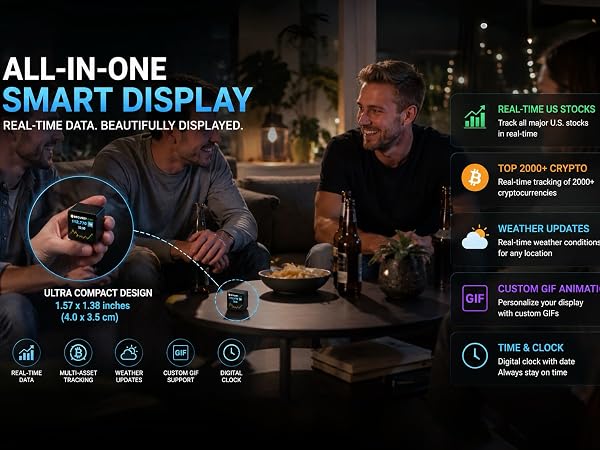
this compact display measures just 1.57 × 1.38 × 1.26 inches.
Please check the dimensions before ordering to make sure the size fits your expectation
• Crypto Enthusiasts
• Stock Traders
• Weather Geeks
• Tech Lovers & Gift Givers
• Desktop Setup Aesthetes
Built-in photo frame mode lets you display your favorite images, blending market insights with personal style.
Beyond markets, stay updated with real-time weather and temperature at a glance.
Supports GIF animations for a lively, personalized display. Not just a tool, but a way to express yourself.
The built-in digital clock keeps you on schedule while you monitor the markets
From Bitcoin to Dogecoin, track over 2000 cryptocurrencies with real-time updates, powered by CoinGecko for accuracy.
English Copy: Stay updated with live U.S. stock quotes – track AAPL, TSLA, MSFT, and more instantly.
Turn on device ? Swipe up ? Long press top ? Connect to “Smalltv Pro” Wi-Fi ? Enter IP in browser ? Add home Wi-Fi ? Save.
The SmallTV Pro supports 2.4GHz Wi-Fi only. It cannot connect to 5GHz networks.
On first setup, connect your phone or computer to the “SmallTV PRO” hotspot. No password is required.
Open your browser and enter the web address. Make sure your browser and device are connected to the same Wi-Fi.
Enter your Wi-Fi password and save. The device will restart and connect automatically.
After setup, use the device’s new IP address to access the web settings and customize stocks, crypto, weather, photos, and more.
Choose your stocks or cryptocurrencies and set the rotation interval in the settings. Prices will automatically switch at your chosen frequency.
A video guide and user manual are included to help you set up and use your SmallTV Pro