Your Browsing History
- Free 30-day Returns
$34.99
Ships from China.
Meet Your Seller
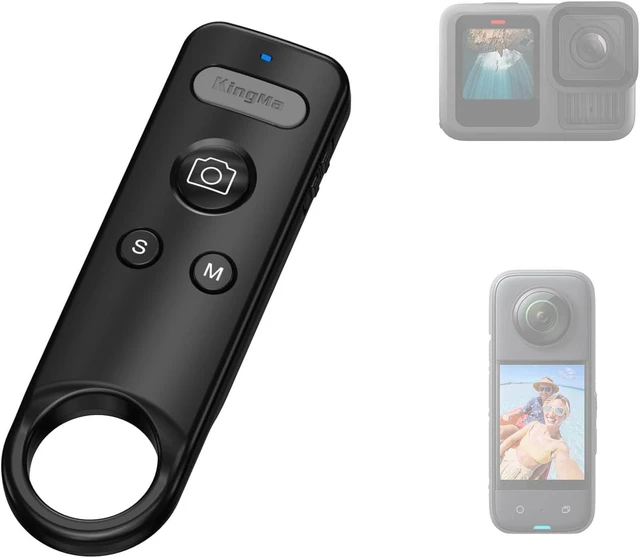
Wireless Bluetooth Remote Control for Insta360/GoPro Action Cameras Compatible with Insta360 ACE/ACE PRO1/2/X2/X3/X4/X4 Air/X5/GO 3/3S, GoPro 13/12/11/10/9/8, For Vlogging, Cycling
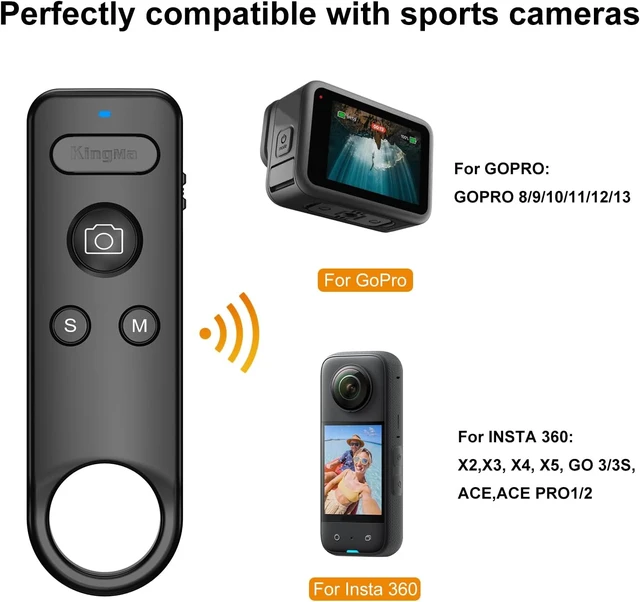
- Universal Compatibility Works Compatible with Go Pro 8/9/10/11/12/13 for Insta360 X2X3, X4, X5,GO 3/3S , ACE/ACE PRO1/2 Sport Camera with Bluetooth remote support. Quick pairingno complicated setup!
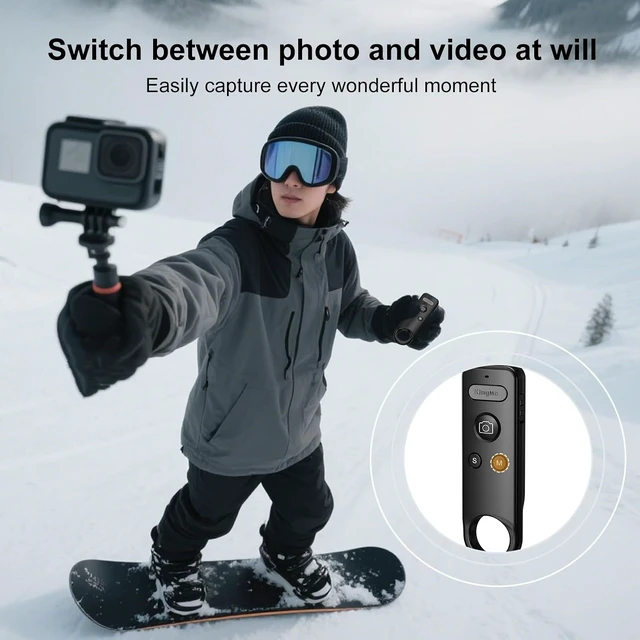
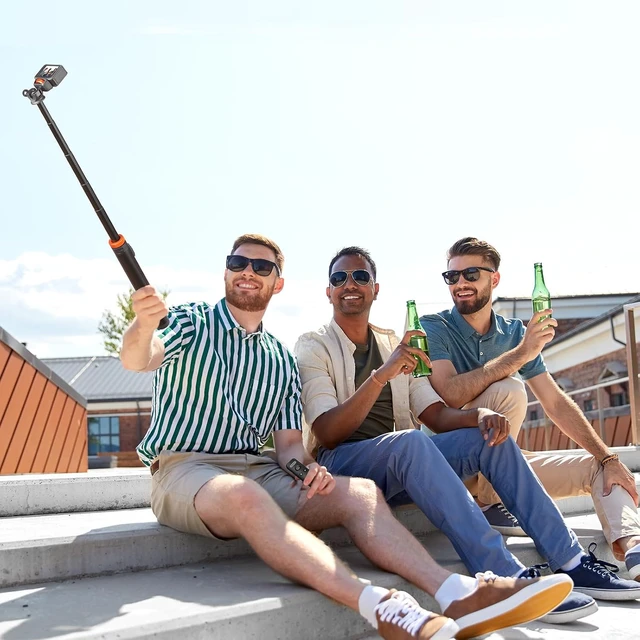
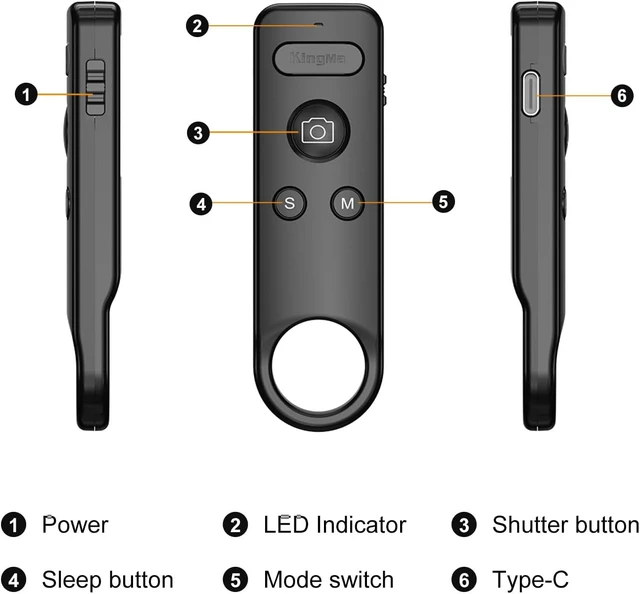
- Full Camera Control at Your FingertipsOne-touch operation for photo/video capture, power on/off, and mode switching. Perfect for **solo shooters, vloggers, and outdoor enthusiasts who need hands-free control.
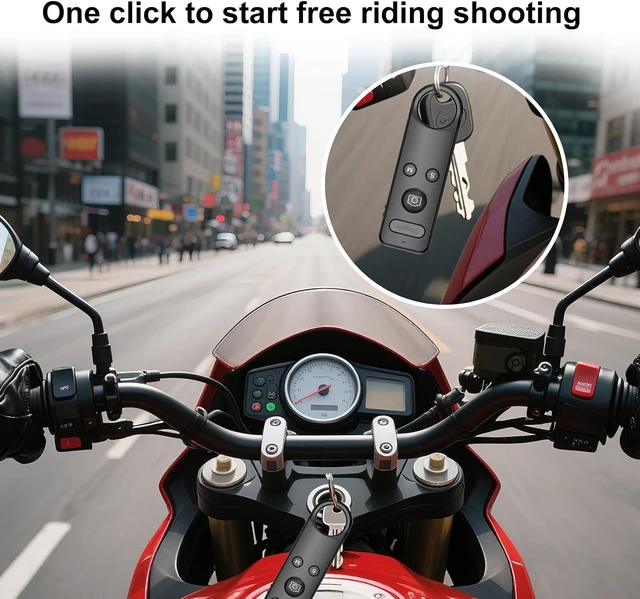
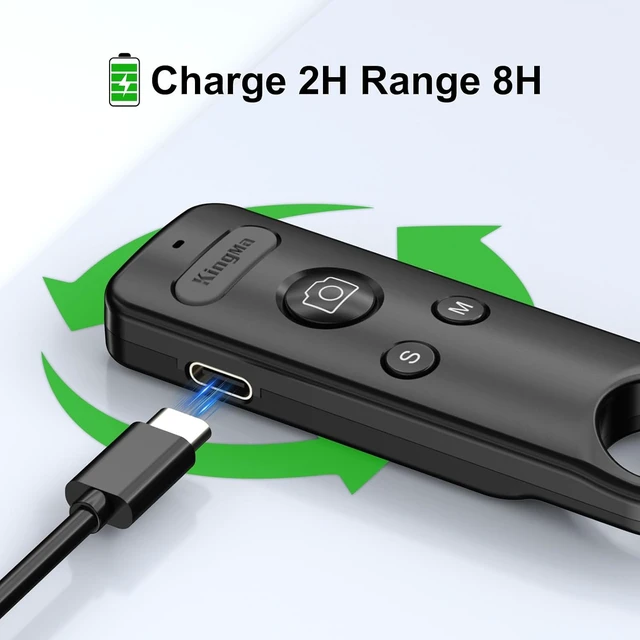
- Ultra-Compact & RechargeableSmaller & lighter (18g) Up to 8H of use with a inpact rechargeable battery. Fits in your pocket or attaches to a keychain/strap. Take it anywheretravel, cycling, hiking, or daily vlogging !
- Easy to Use & Reliable ConnectionStable Bluetooth 5.0 (or higher) ensures fast response with no lag. Simple one-button designno confusing controls !
+
+
Overview
Specs
Reviews
Any questions? Ask CelesteSM will help you find out quickly.
Try me now
Compatible with 8/9/10/11/12/13
Remote Setup Tutorial- Slide to ON to turn on, open the Go-Pro Control Center page.
- Click the Add Paired Device button, long press the "S" and shutter button of the remote at the same time, the LED turns green is always on for successful connection.
- In video mode, tap the shutter to record video, tap again to stop recording.
- Tap the "M" button to switch the camera part of the mode.
Press and hold the S button to turn the camera off or on.Compateble with X2/3/4/5 GO 3/3S ACE PRO
Remote Setup Tutorial for Insta 360- Slide to ON to turn on, open the Control Center page, click the Bluetooth Remote.
- Long press the "S" and shutter button of the remote at the same time,the LED flashes> Click to re-search> Click the "Insta360 GPS Remote" >The remote is connected successfully.
- Tap the "M" button to switch the camera part of the mode.
- Short press "S" to put the camera to sleep > Short press "S" again to activate the camera >Long press "S" to turn the camera off/on
- Automatic connection for next use after power off.

Warranty & Returns
Warranty, Returns, And Additional Information
Warranty
- Please contact the Seller directly for warranty information. Warranty information may also be found on the Manufacturer's website.
- CONTACT
Return Policies
- Return for refund within: 30 days
- Return for replacement within: non-replaceable
- This item is covered by TechMax Depot Return Policy
Manufacturer Contact Info
- For a directory of all our manufacturers, please click below.
- Manufacturers Directory
LOADING...