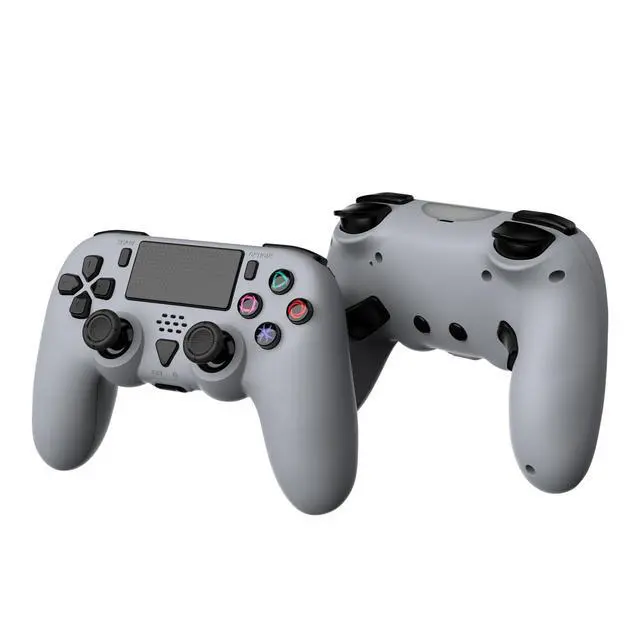
Connect PS5
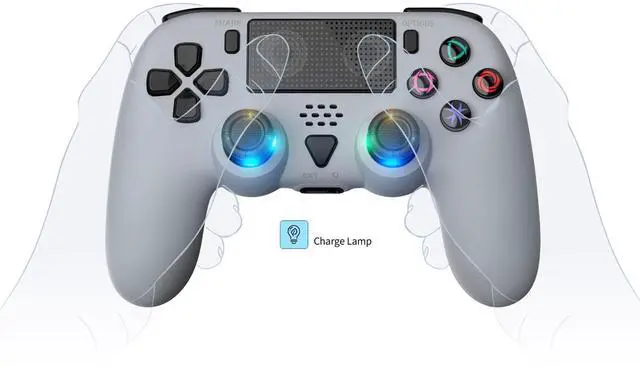
1. Wired connection: Connect the host power, turn on the host, and enter the normal standby interface; Please set the communication method in the following way to avoid disconnection of the controller caused by incorrect settings: "Settings" "Accessories" "Controller (Universal)" "Connection Method" "Use USB Connection Cable"; Insert the USB cable of the controller into the host and press the PS button (HOME button) on the controller to connect to the PS5 host. After successful connection, the blue light stays on.
2. Wireless connection: Please use a data cable to assist with the first connection. After successful connection, unplug the data cable; Press the PS key while the controller is asleep to reconnect.
3. The light bar at the front of the controller lights up, and pressing the function keys on the controller can control the game console, indicating that the controller is successfully connected.
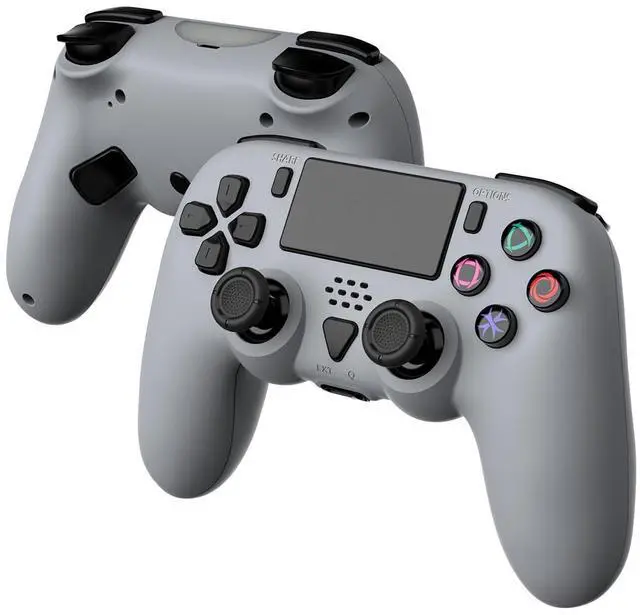
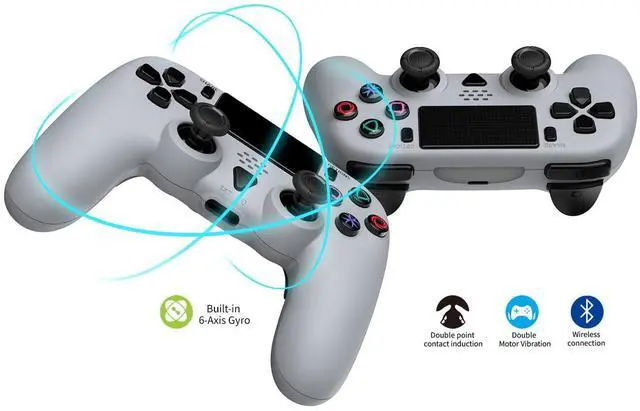
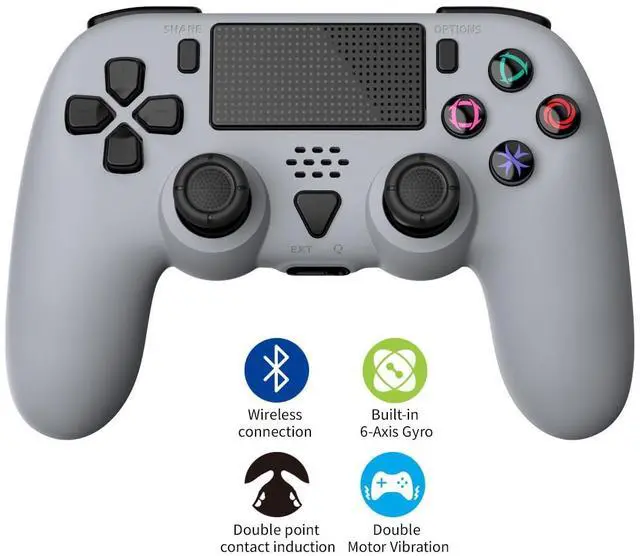
4. In normal game operation, the controller will vibrate according to the game rules, and the controller uses a double-sided motor.
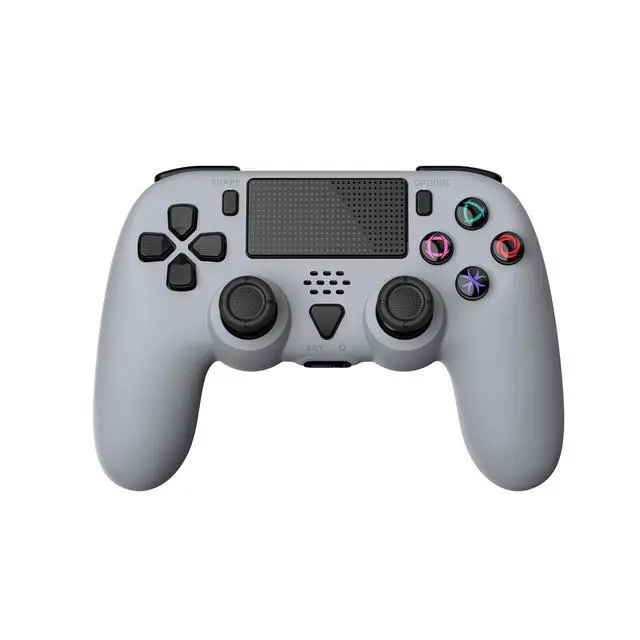
5. Video recording function: Double click the Share button to activate the screen recording function, and then double-click the Share button to stop it
6. Screenshot function: Long press the SHARE key to take a screenshot of the current interface.
7. Headphone and microphone function: Only supports wired mode use. If you need to use two controllers at the same time, please use the front and rear USB PORTs of the host separately. If used on the front or rear USB PORT at the same time, one of the controllers may have abnormal headphone function;
8. To use the microphone function in the game, you need to wear headphones with a microphone and plug them into the 3.5mm headphone jack on the controller.
9. Wireless mode does not support external speaker/headphone/microphone functions.
Connect PC
1. Wired connection: When connected to a PC computer, it is plug and play. You can play games on PC/Steam that are compatible with this controller.
2. Wireless connection: When connecting to a PC computer, in wireless pairing mode, while the controller is in sleep mode, first press and hold the SHARE key, then press and hold the PS key for 3 seconds. The connection indicator light will flash intermittently to enter wireless pairing mode. On the PC end, turn on the Bluetooth connection and search for the Bluetooth name "DualSense Wireless Controller" to connect; You can play games on PC/Steam that are compatible with this controller. Press the PS key while the controller is asleep to reconnect.
Product information
| Release date | October 22, 2024 |
| Product Dimensions | 6.69 x 2.56 x 6.57 inches; 11.22 ounces |
| Language | English |
| Item model number | TP5-35137 |
| Item Weight | 11.2 ounces |
| Manufacturer | GAMFAMI |
| Batteries | 1 Lithium Ion batteries required. (included) |
| Date First Available | October 25, 2024 |