• $49.99
  • Free 30-day Returns
  • Ships from China.
    Sold by SlotNeat

    Shipped by SlotNeat

    Price alert
    Shop it at NeweggBusiness.

    Meet Your Seller

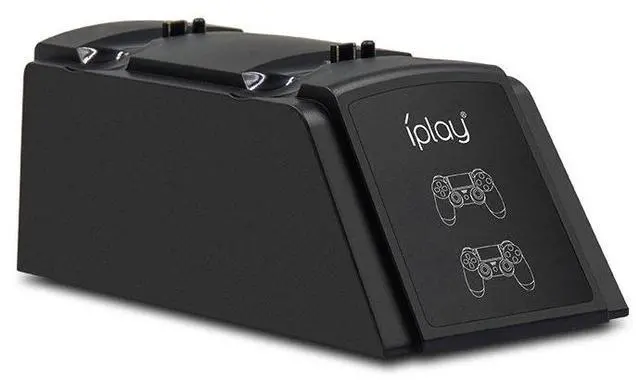
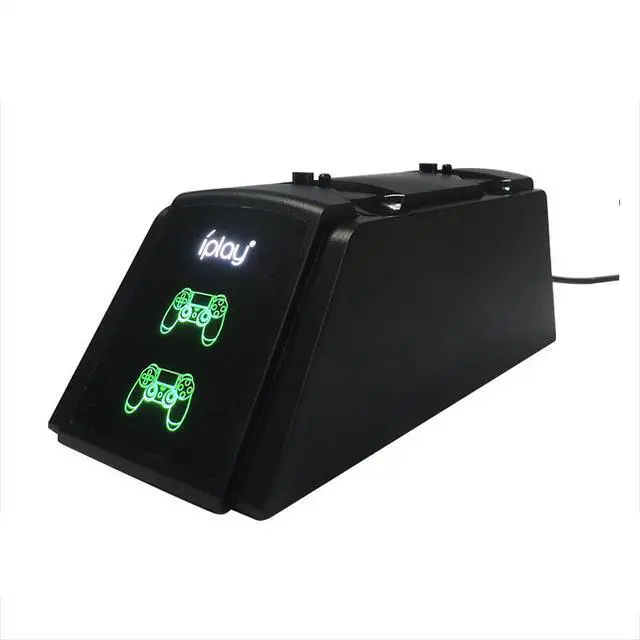
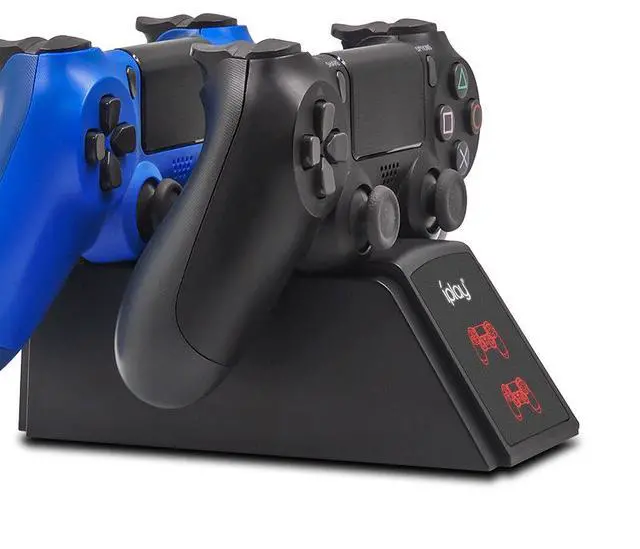
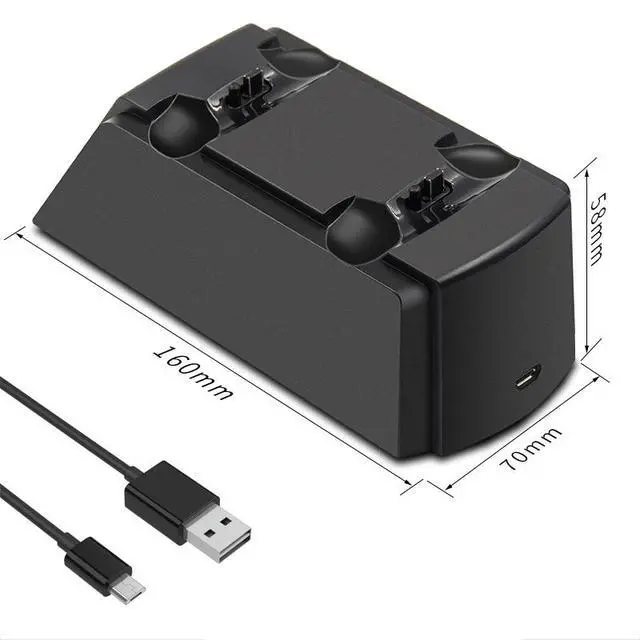
    Dual Charging Station for PS4 Controller 2-Slot Gamepad Charger Dock, Compatible with PS4/PS4 Slim/PS4 Pro, with LED Indicator- black

    • 1. Plug the USB end of the included charging cable into a DC 5V power adapter with an output current greater than 1A. Connect the Micro USB male end to the Micro USB female port on the charging dock to begin powering the device.
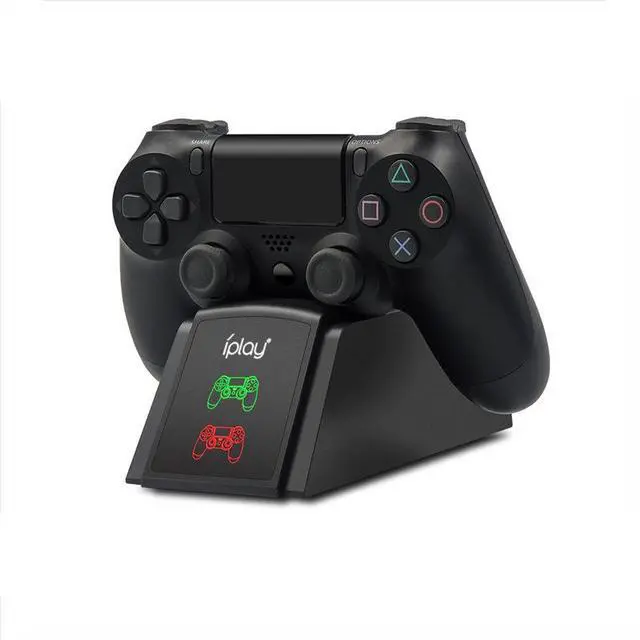
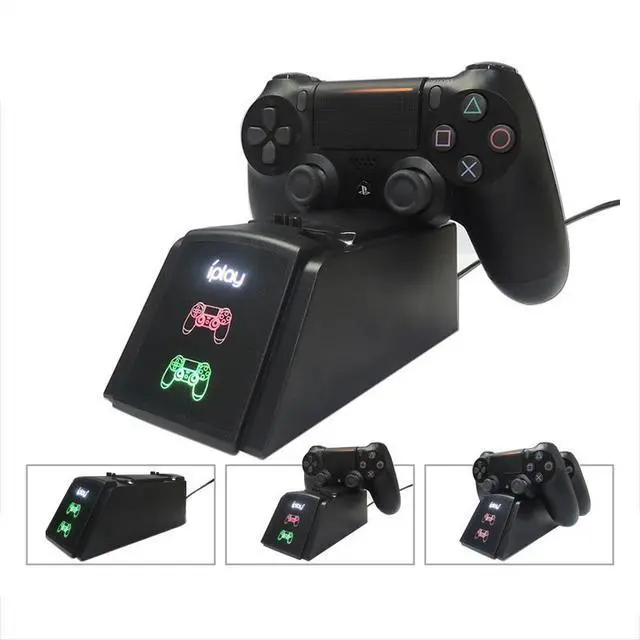
    • 2. Insert the PS4 controller(s) into the charging dock, ensuring the charging port aligns correctly with the charging slot. The dock supports charging two PS4 controllers simultaneously. The charging status of the controller is reflected by the LED indicator on the dock when the controller's charging light is visible, it indicates that the battery is being charged.
    • 3. During PS4 controller charging, the dock's LED indicator turns red. Once fully charged, the indicator changes to green. The PS4 controller automatically manages its charging cycle: it will charge when the battery is not full and stop charging automatically once fully charged, providing overcharge protection for the controller.
    +
    +
    Overview
    Specs
    Reviews
    avatar

    Any questions? Our AI mode will help you find out quickly.

    1. Plug the USB end of the included charging cable into a DC 5V power adapter with an output current greater than 1A. Connect the Micro USB male end to the Micro USB female port on the charging dock to begin powering the device.

    2. Insert the PS4 controller(s) into the charging dock, ensuring the charging port aligns correctly with the charging slot. The dock supports charging two PS4 controllers simultaneously. The charging status of the controller is reflected by the LED indicator on the dock when the controller's charging light is visible, it indicates that the battery is being charged.

    3. During PS4 controller charging, the dock's LED indicator turns red. Once fully charged, the indicator changes to green. The PS4 controller automatically manages its charging cycle: it will charge when the battery is not full and stop charging automatically once fully charged, providing overcharge protection for the controller.

    Warranty & Returns

    Warranty, Returns, And Additional Information

    Warranty

    • Please contact the Seller directly for warranty information. Warranty information may also be found on the Manufacturer's website.
    • CONTACT

    Return Policies

    • Return for refund within: 30 days
    • Return for replacement within: 30 days
    • This item is covered by SlotNeat Return Policy

    Manufacturer Contact Info

    LOADING...