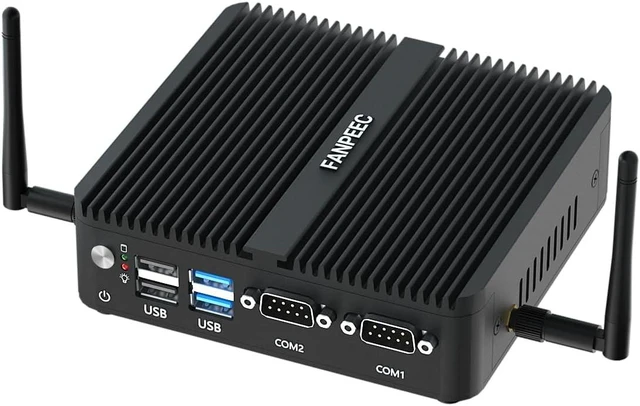
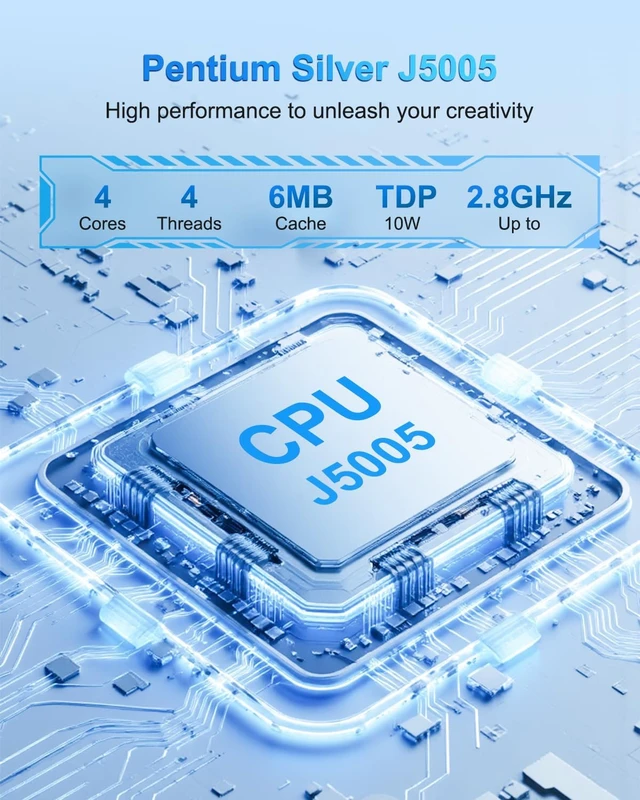
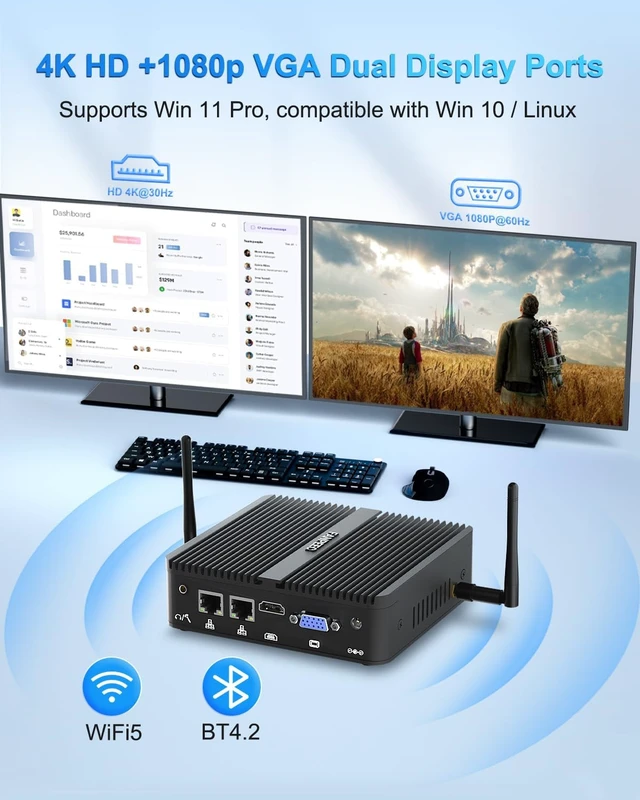
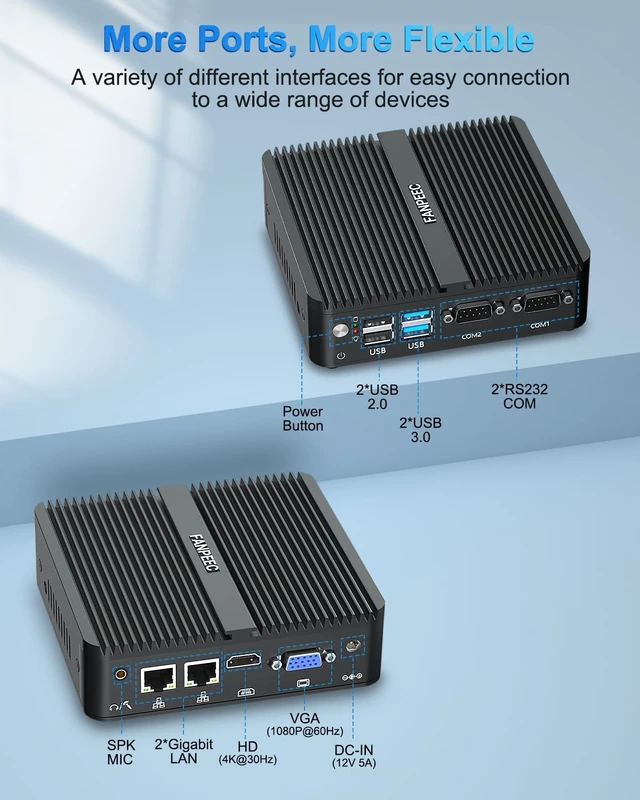
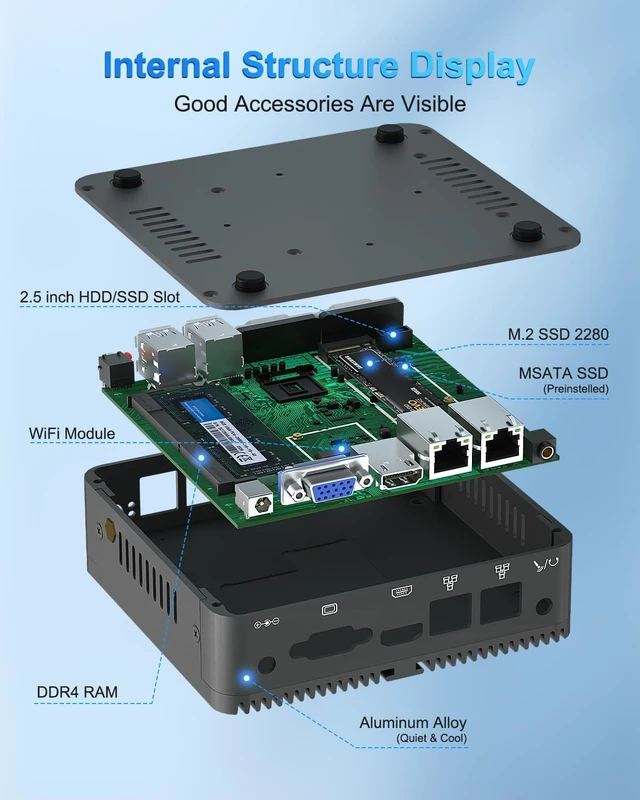
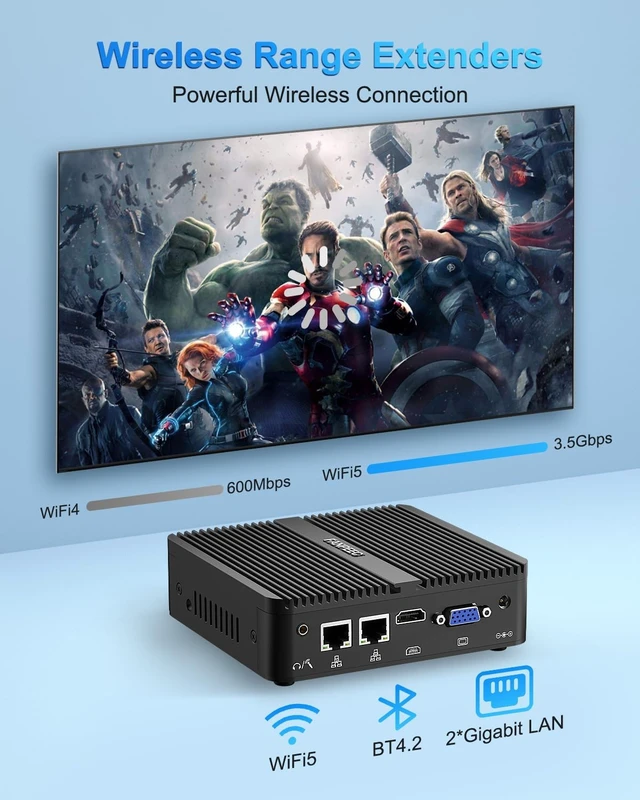
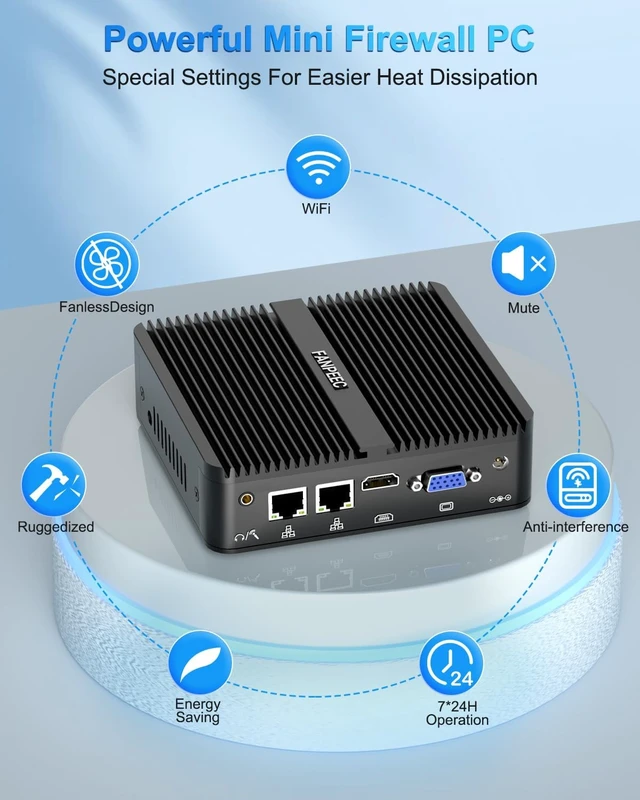
CPU Pentium Silver J5005 (4C/4T, 6MB cache, up to 2.80GHz). The graphics card model is UHD Graphics. CPU TDP 10W Maximum power consumption 30W Memory module slot DDR4 260Pin SODIMM*1 The maximum support is 32GB. Supported memory frequency (speed): 2400Mhz Sound card USB onboard sound card USB 2 * USB 2.0+2 * USB 3.0 (Type-A type) COM 2 * DB9-pin COM RS232 LAN 2 * RJ45 interface, network card model: Realtek RTL8168/8111 (Gigbit ethernet) Video port 1 * HD(1.4) 4K 30HZ 1*VGA 1080P 60HZ Graphics card model UHD Graphics storage 1 * M.2 2280 slot ; 1 * MSATA slot; 1*SATA3.0 Power input 12V 5A Supported systems Windows:Windows10\Windows11\ Windows serverLinuxUbuntu22.04\Debain11-12\linux Mint\ Rocky linux 9 Centos9 Wait, firewall: pfsense\OPNsense Installation method Place desktop and support VESA wall mounting Working temperature -20 to+60 Texture of material Aluminium Which keyboard shortcut key should be used to access BIOS and quick boot options?
Use the Delete key to enter BIOS, and use F11 to enter the Quick Start menu.
How to set the mini computer to automatically turn on?
You must call BIOS to perform configuration. If you need assistance, please contact FANPIEC staff.
Can I change the operating system/system language?
Of course. If you need this language, you can consult FANPIEC staff when placing an order.
What is FANPEEC service?
FANPEEC provides a one-year quality inspection and lifelong technical service for this fanless computer.
FANPEEC Pentium Silver J5005 Mini PC Fanless Mini PC H3 Microcomputer Specification Table Which keyboard shortcut key should be used to access BIOS and quick boot options?
How to set the mini computer to automatically turn on?
Can I change the operating system/system language?
What is FANPEEC service?





 here!
here!