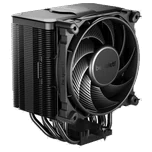
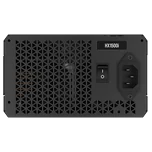
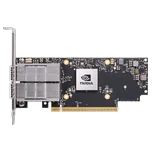
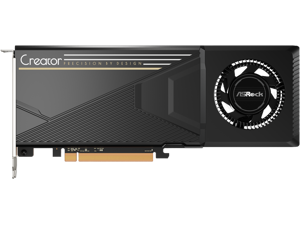
here!
I’m your shopping assistant for PC builds, upgrades, and everything tech.
Got questions? Ask away!
Start a conversation
here!
I’m your shopping assistant for PC builds, upgrades, and everything tech.
Got questions? Ask away!
Start a conversationExplore AI workstations featuring NVIDIA RTX 40 GPUs, AMD Ryzen 7000 CPUs, ECC memory, and pre-built setups for efficient AI training and inference.


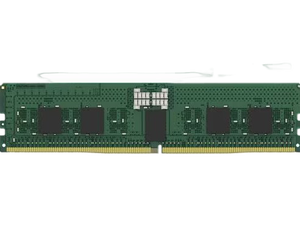
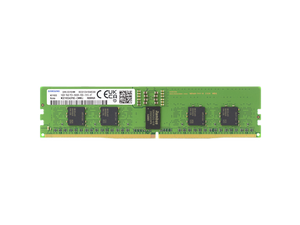
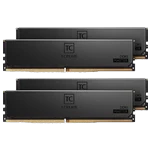
Kingston's KSM32RS8/16HD is a 2G x 72-bit (16GB) DDR4-3200 CL22 SDRAM (Synchronous DRAM) registered w/ parity, 1Rx8, ECC, memory module, based on nine 2G x 8-bit FBGA components. The SPD is program
View detail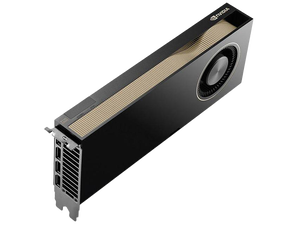
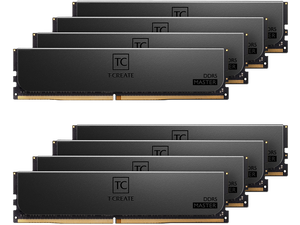

Design your AI workstation from scratch. Compare GPUs, CPUs, and memory configs, check compatibility, and price it all in one place.
Learn how to pick the right GPU, CPU, and cooling setup to build a high-performance local AI training and inference platform.
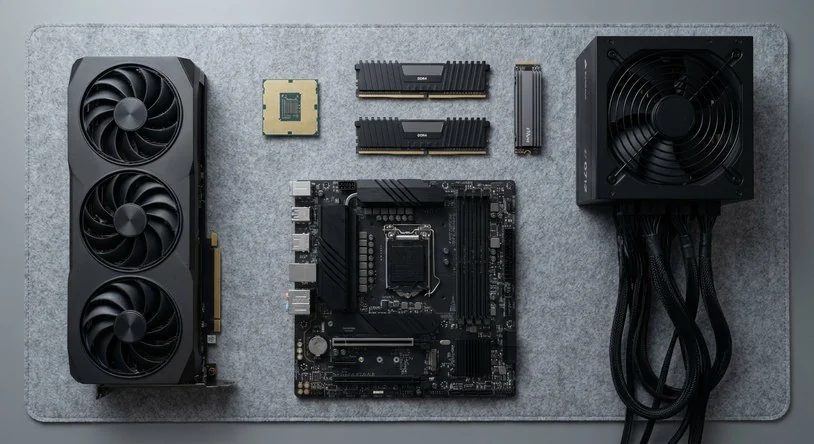
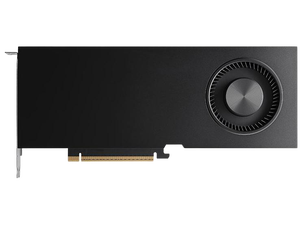

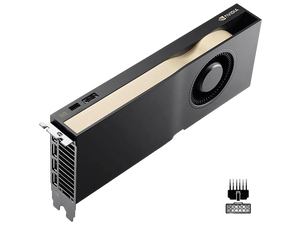
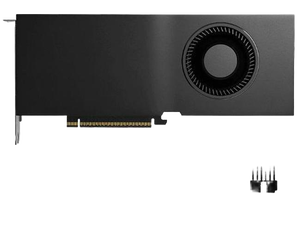
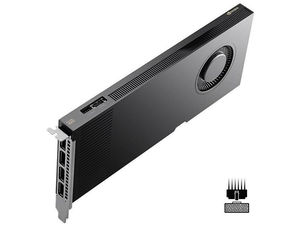
This page is designed for developers, researchers, and AI professionals seeking pro-grade GPUs, CPUs, ECC memory, and complete systems optimized for local AI workloads. Find compatibility-checked components, expert guides, and real builder data to assemble or upgrade your AI workstation, all sold and shipped by Newegg.
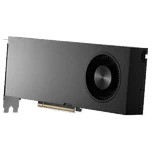
In AI workstations, the GPU is the heart of all deep learning and neural network computations. The latest NVIDIA RTX and Tesla GPUs come equipped with specialized cores for tensor operations and deep learning acceleration, drastically reducing training time and boosting inference speeds. Beyond raw power, VRAM capacity plays a pivotal role—it determines how large your models and datasets can be without resorting to slow data swaps between storage and memory. Investing in top-tier GPUs ensures you can handle the demanding workloads of complex AI models efficiently, scaling your projects from experimentation to production-ready solutions.
Professionals and AI researchers benefit from AI workstations that not only support massive computational throughput but also offer flexibility for multi-GPU configurations and enhanced memory bandwidth. For deep learning environments, it's essential to choose systems that are AI Ready — equipped upfront for seamless integration with frameworks like TensorFlow, PyTorch, and CUDA libraries. Furthermore, developers working with large datasets benefit from ECC memory support to minimize data corruption risks and ensure system stability during extensive training cycles.
Newegg shopping tip: When choosing an AI workstation, prioritize the GPU and CPU balance based on your workload—deep learning often leans heavily on GPU power, while data preprocessing may rely more on CPU cores. Also, check for ECC memory support to reduce errors during long training sessions, ensuring stability and reliability in your computations.
Score a free gift when you choose an AMD-powered AI workstation, equipped with latest Ryzen or EPYC CPUs optimized for parallel processing workloads.
Built for AI development? Check for NVIDIA RTX or Tesla GPUs and latest gen CPUs to handle deep learning model training and inference with ease.
Diving into AI development or machine learning for the first time? Choosing the right AI workstation can feel overwhelming, but focusing on key components like pro-grade GPUs and reliable ECC memory will set you up for success. Look for systems that offer compatibility and ease of upgradeability, so your rig grows with your projects. You might want to explore AI Ready options that balance power and budget while delivering smooth local training and inference capabilities.
For AI researchers and R&D teams pushing the boundaries of model innovation, a workstation’s processing muscle is vital. Machines equipped with NVIDIA RTX or Tesla GPUs and ECC memory help keep your calculations precise and interruptions minimal, even under heavy, parallel workloads. High core-count CPUs, such as AMD’s latest Ryzen or EPYC processors, can dramatically speed up complex simulations and data processing tasks. Don’t forget to explore Free Gift w/ AMD deals to get the most out of your investment.
Content creators increasingly rely on AI-powered applications—from video editing enhancements to generative art and voice synthesis. Your workstation needs to efficiently handle both real-time inference and training smaller custom models. Fast GPUs combined with ample ECC memory reduce lag and keep workflows fluid, while a balanced CPU core count ensures smooth multitasking between creative software suites and AI toolkits. Focus on systems optimized for AI workloads while maintaining strong graphics performances to unlock new creative possibilities.
Research more: When building or upgrading an AI workstation, it’s crucial to balance GPU power with CPU capabilities and memory reliability. For a deeper dive into selecting compatible components and optimizing your setup, check out Newegg Insider’s detailed buying guides tailored to AI workloads.
Last Updated: October 2026 | Newegg AI Workstation Buying Guide
NVIDIA GPUs are generally preferred for AI because of better software support like CUDA and more optimized libraries, while AMD GPUs might offer good raw performance but often lag behind in AI-specific workloads and compatibility.
For deep learning, a powerful GPU usually makes a bigger difference than CPU cores since most training tasks rely heavily on GPU acceleration, though a solid CPU still helps with data handling and multitasking.
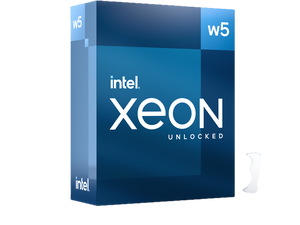
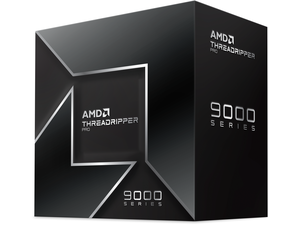
AI workstations usually feature high-performance CPUs like Intel Xeon or AMD Ryzen Threadripper to handle complex computations efficiently.
Yes, these systems often come with powerful NVIDIA RTX or Tesla GPUs designed to accelerate AI model training and inference.
Focus on a solid GPU and enough RAM to handle your models, but you can save by choosing a mid-range CPU and less storage—upgrades can come later. Prioritize components that speed up AI tasks instead of flashy extras.
Match the specs to your project’s complexity: heavy deep learning needs top-tier GPUs and lots of VRAM, while simpler tasks might be fine with fewer cores and moderate memory. Think about the data size and model type you'll run regularly.
Most AI workstations are built to handle long, intensive workloads, but it’s smart to check user reviews for mentions of overheating or system crashes during extended use. Proper cooling and power supply quality are key factors to watch for.
Keep an eye on the GPU performance and compatibility since it’s the backbone of AI tasks; reviewers often mention if a model struggles with certain frameworks or has throttling problems. Also, verify the RAM and storage specs meet your project needs.
Plug it in, connect to the internet, and install the latest drivers and AI software frameworks like TensorFlow or PyTorch. From there, you can begin loading your datasets and running models.
Keep your GPU drivers updated and use software that supports GPU acceleration; also, regularly monitor your system’s cooling and resource use to prevent overheating and bottlenecks during training.