



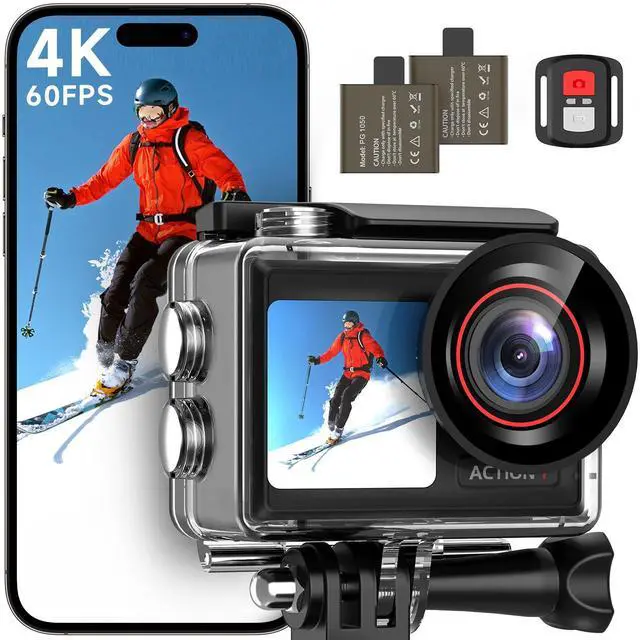


ODDV 4K60FPS Action Camera | Dual Screen Design
4K HD Action Camera
Merchant Video
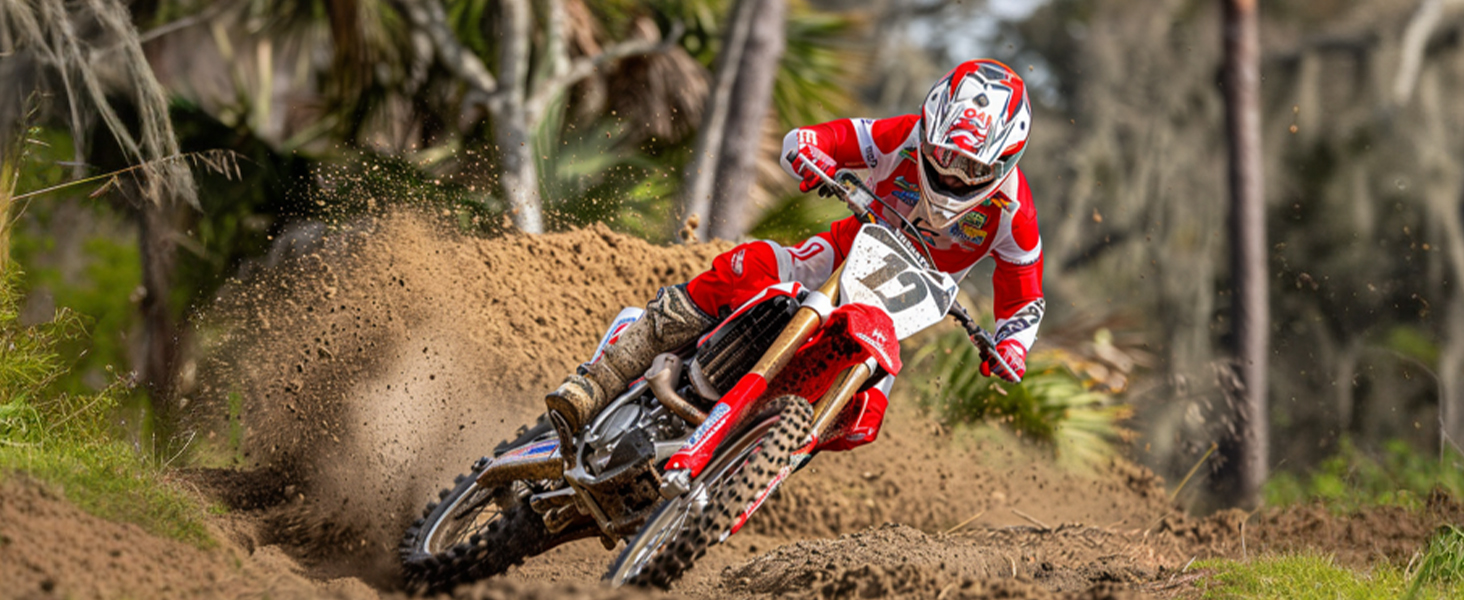
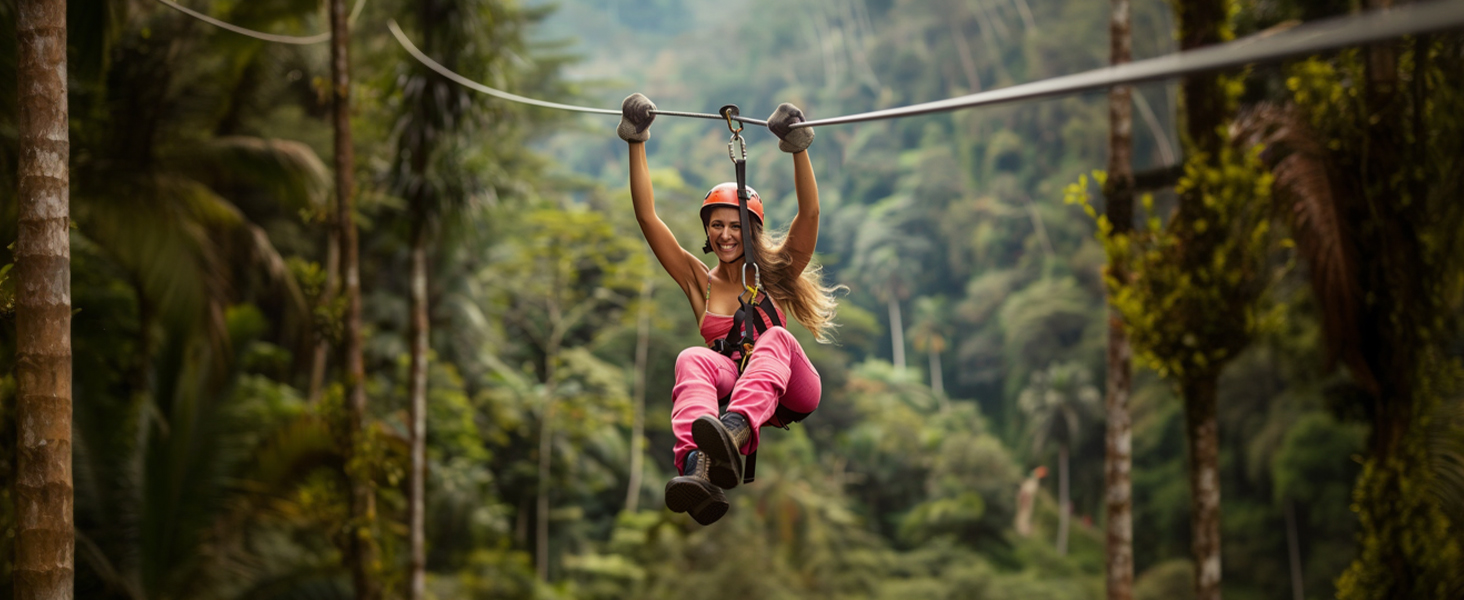

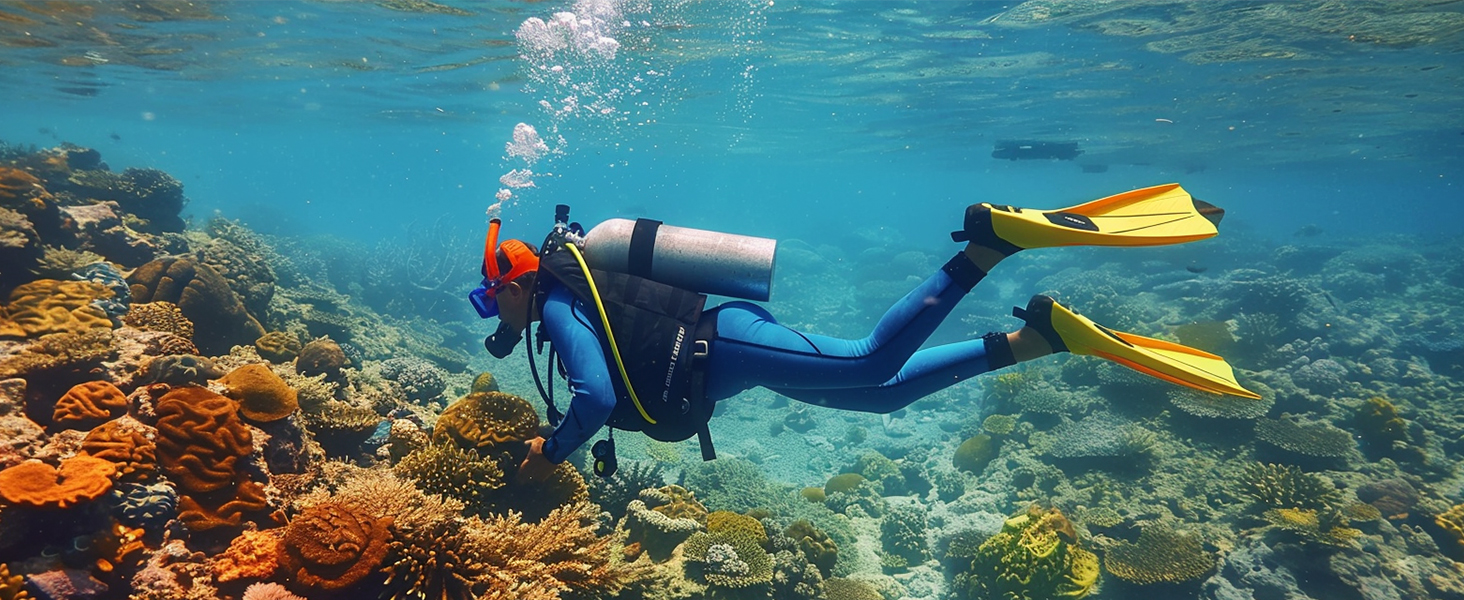

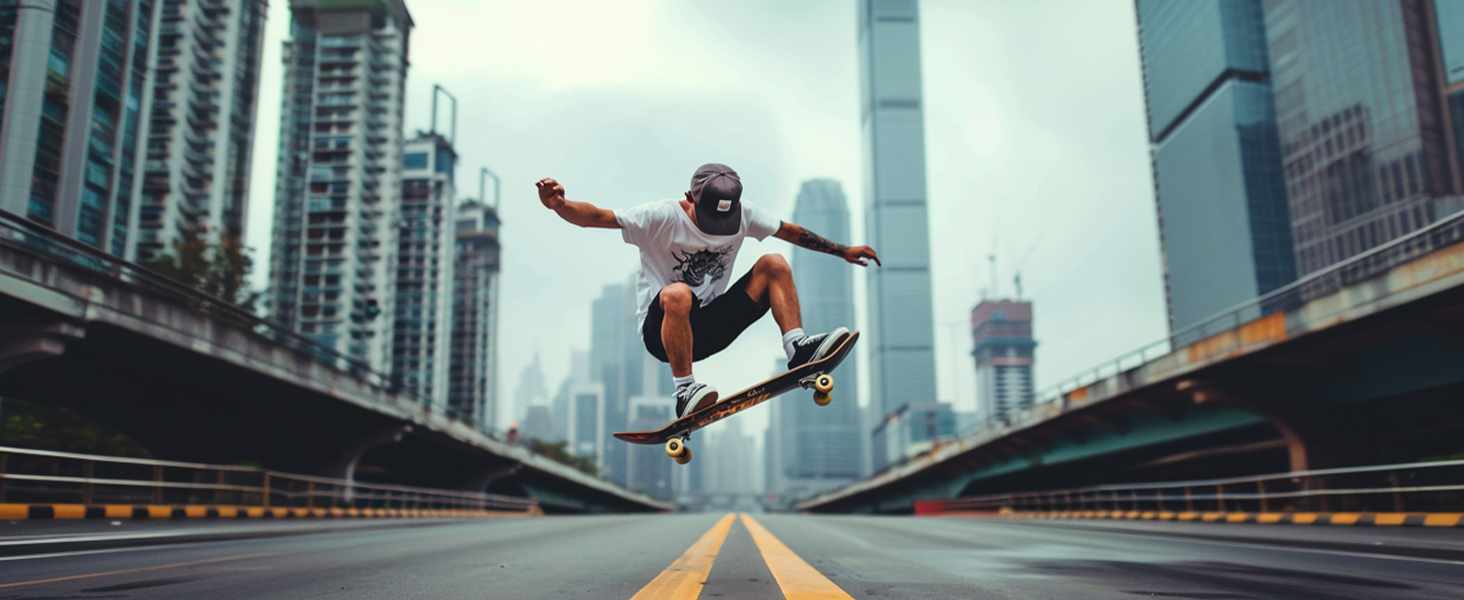
ODDV action camera lets you make more possibilities

Climbing

Work

Sports

Surfing
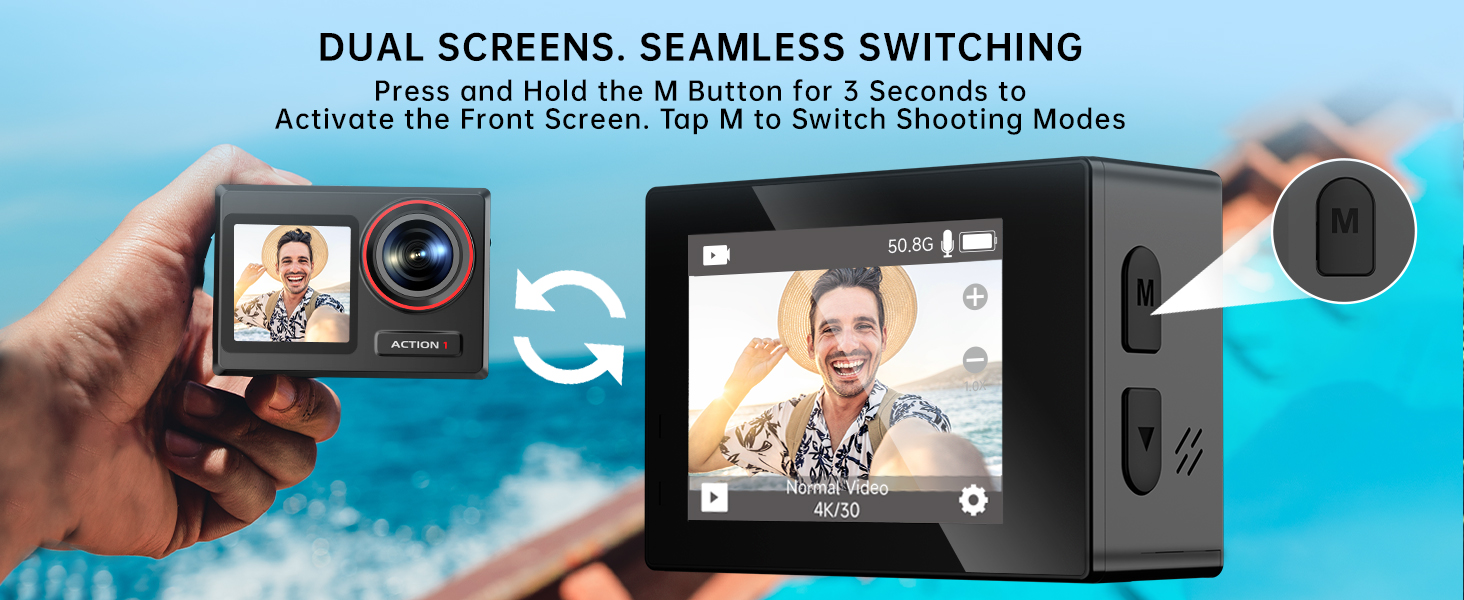
Is the front screen touchable?
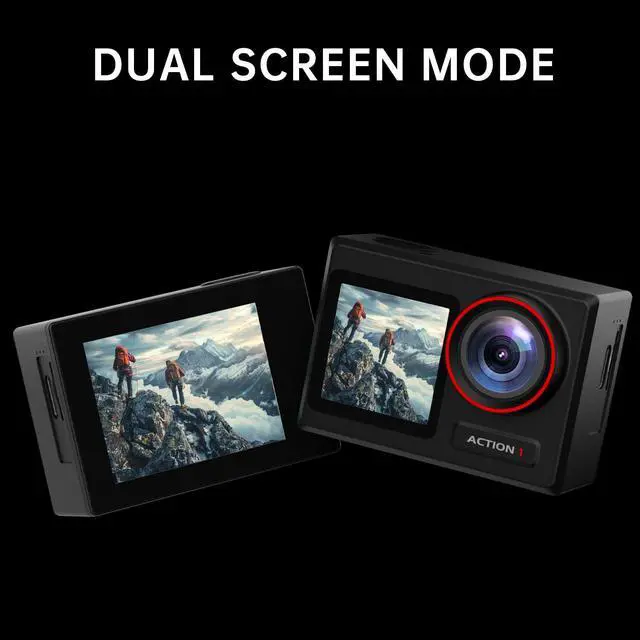
No, the 1.4-inch front screen is non-touch, and the 2-inch rear screen is touchable.
What is the maximum supported memory card size?
It supports up to 256GB. MicroSD card is not included
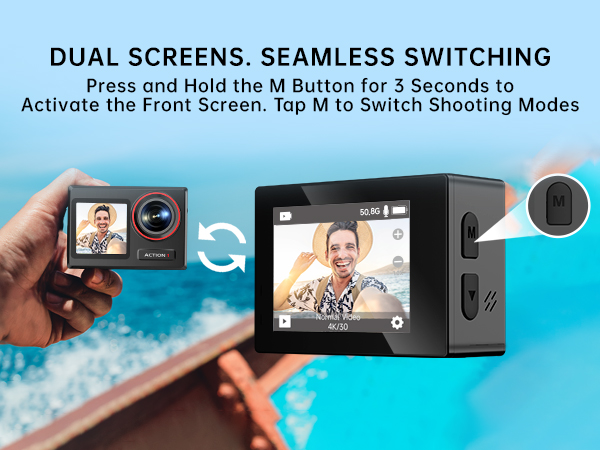
Can the front and back screens light up simultaneously?
No, you can switch between screens by pressing the "M" button for 3 seconds.
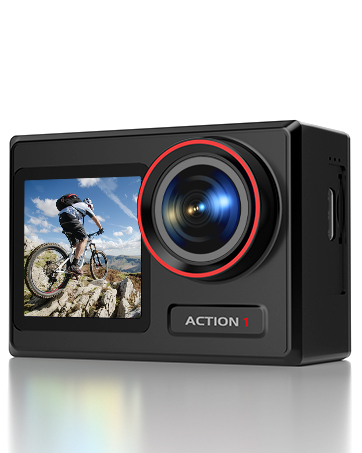
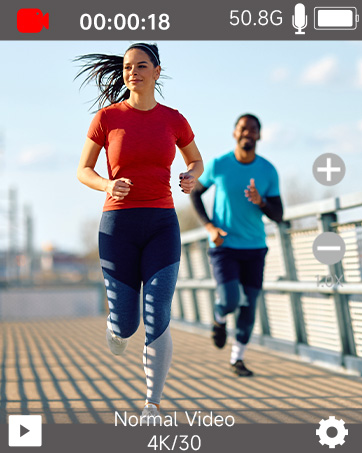
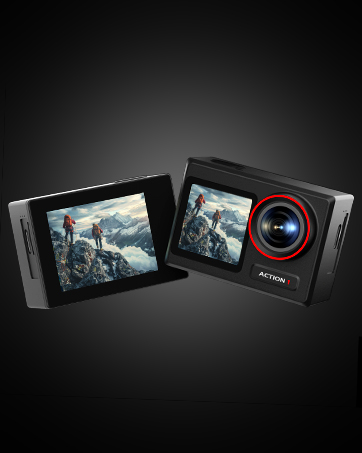

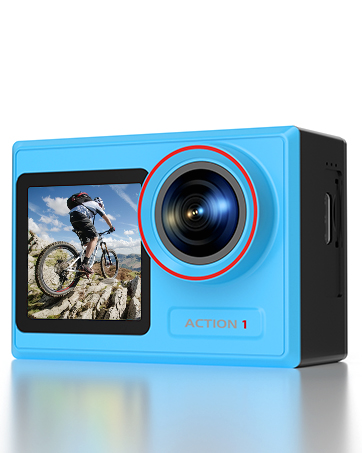
ODDV 4K60FPS Action Camera | Dual Screen Design
4K HD Action Camera
Merchant Video




Powerful 4K Action. Smarter Design
ODDV action camera lets you make more possibilities
Climbing
Work
Sports
Surfing
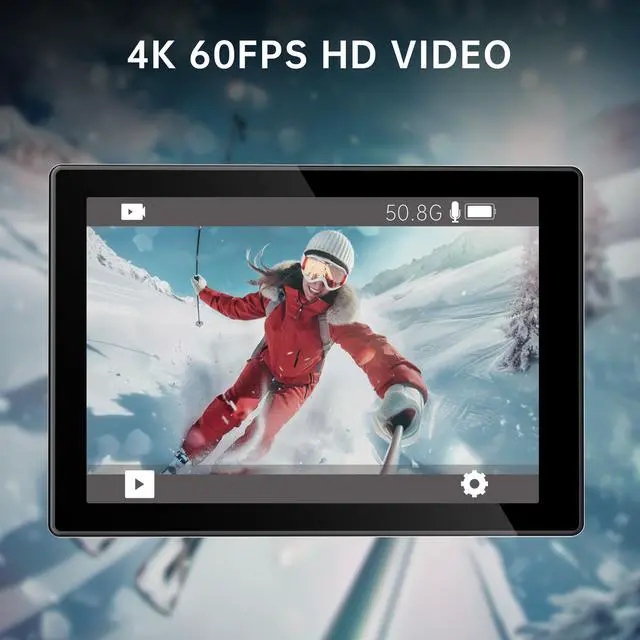
| Video Resolution | 4K60FPS/4K30FPS/2.7K60FPS/2.7K30FPS/1080P60FPS/1080P30FPS/720P120FPS/720P60FPS/720P30FPS (Default setting: 4K 30FPS) |
|---|---|
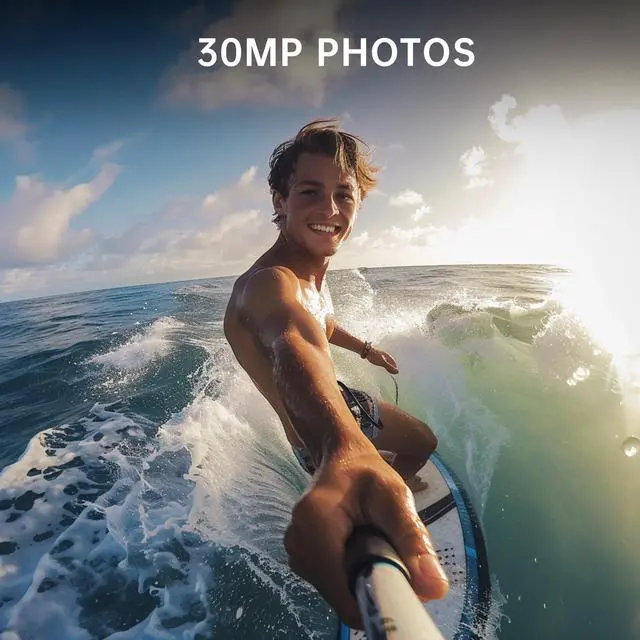
| Photo Resolution | 30MP/24MP/20MP/12MP/8MP (Default setting: 12MP) |
| Recording Time | About 90 Mins |
| Screen | 2" Touch Screen & 1.4" Non-touch Screen |
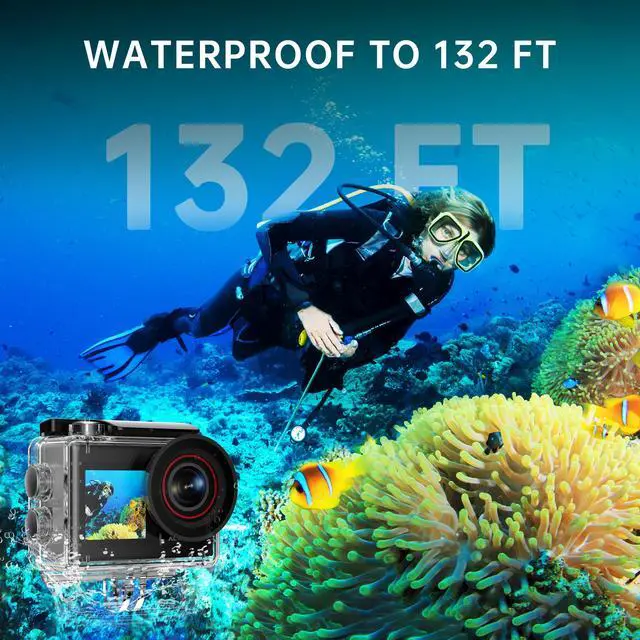
| Waterproof Depth | 132FT |
| Flash Memory Type | Supports up to 256GB microSD card (MicroSD card is not included) |
| Lens | 170 °HD Wide-angle Fish-eye Lens |
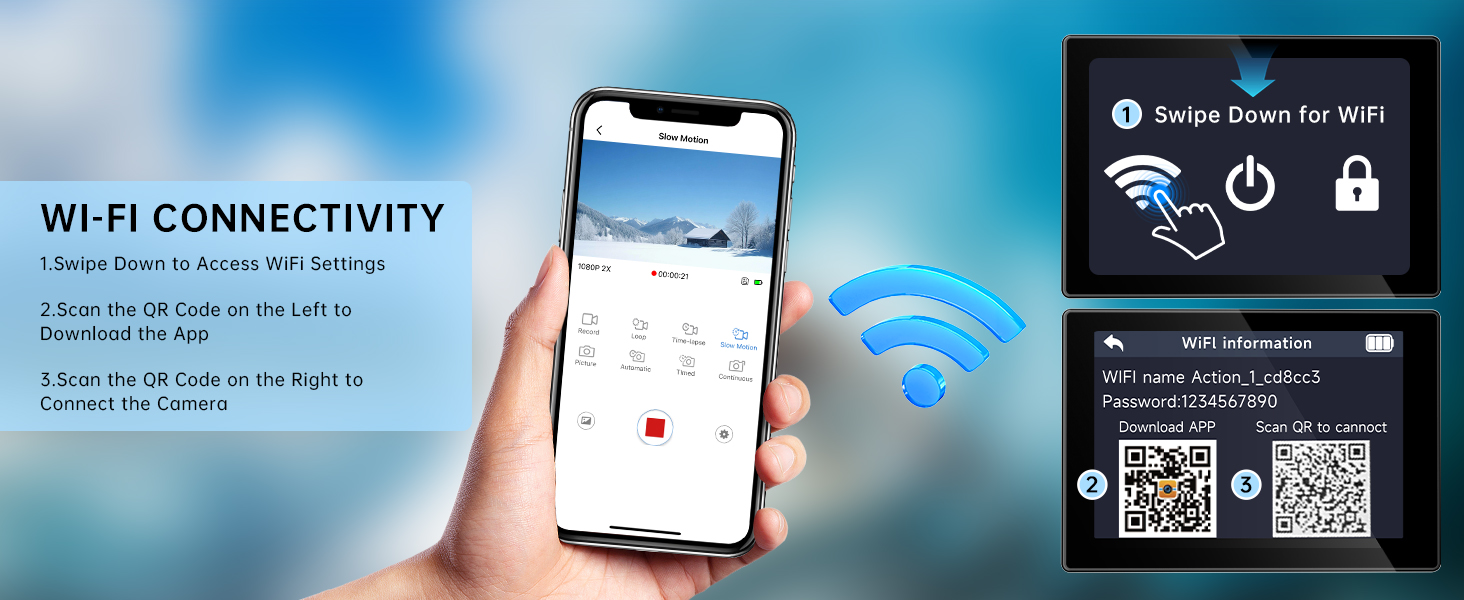
| APP | SupCam Pro |
| Picture Format | JPG |
| Video Format | MP4 |
| Recommend Resolution | Video:4K60FPS/Picture:30MP |
| Special Features | Burst Photo, Loop Recording, Slow Motion, Time-Lapse Video, Photo Lapse, Self-Timer Delay |
| Package List | 1x Action Camera/ 1x 2.4G Remote Control/ 2x 1050mAh Battery/ 1x Waterproof Case/ 8x Mount/ 2x Helmet Mount/ 1x Remote Control Strap/ 1x USB Cable/ 1x Battery Charger/ 1x Protective Backdoor/ 2x Clip/ 2x Double-Sided/ 4x Bandages/ 5x Tether/ 1x Battery Charger/ 1x Quick Start Guide |
Is the front screen touchable?
No, the 1.4-inch front screen is non-touch, and the 2-inch rear screen is touchable.
What is the maximum supported memory card size?
It supports up to 256GB. MicroSD card is not included
Can the front and back screens light up simultaneously?
No, you can switch between screens by pressing the "M" button for 3 seconds.