here!
I’m your shopping assistant for PC builds, upgrades, and everything tech.
Got questions? Ask away!
Start a conversation
here!
I’m your shopping assistant for PC builds, upgrades, and everything tech.
Got questions? Ask away!
Start a conversation



Any questions? Ask CelesteSM will help you find out quickly.
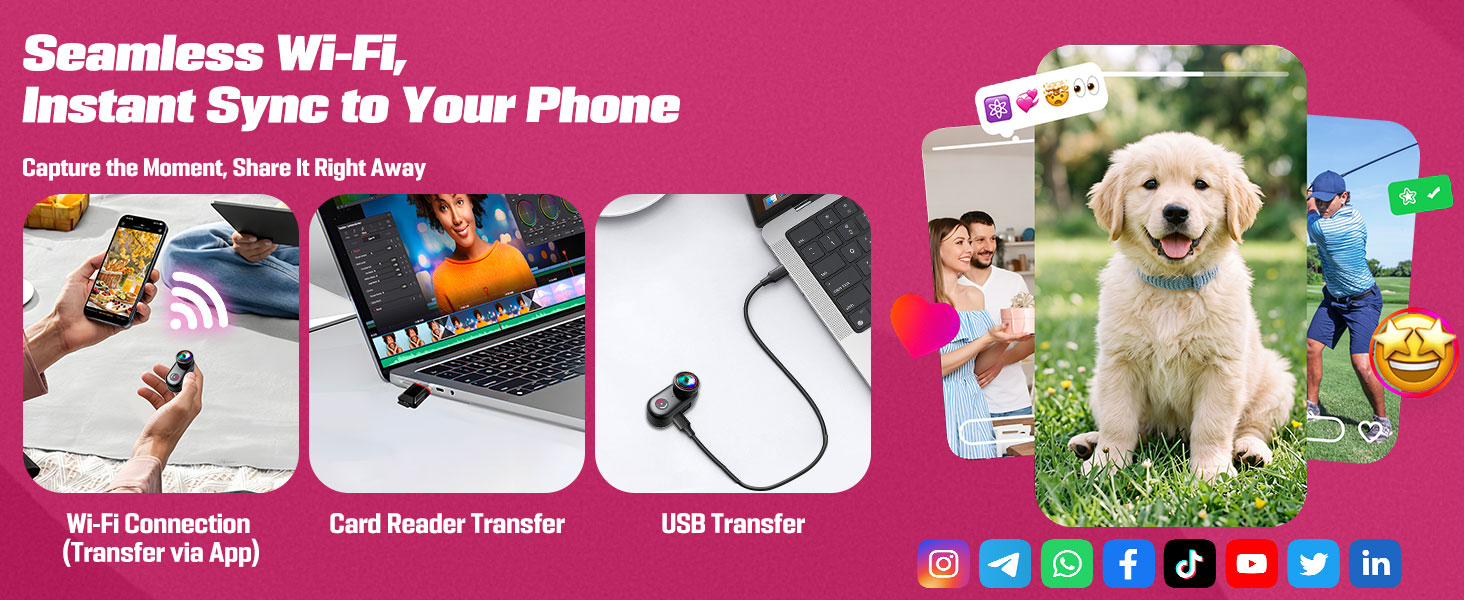
How to properly connect the device to Wi-Fi?
1. Press and hold the Wi-Fi button for 2 seconds. The Wi-Fi icon will pop up on the screen once Wi-Fi mode is activated.
Open Wi-Fi settings on your mobile phone, find the network named L20_XXX, and tap it to complete the connection.
Does this mini camera support Wi-Fi?
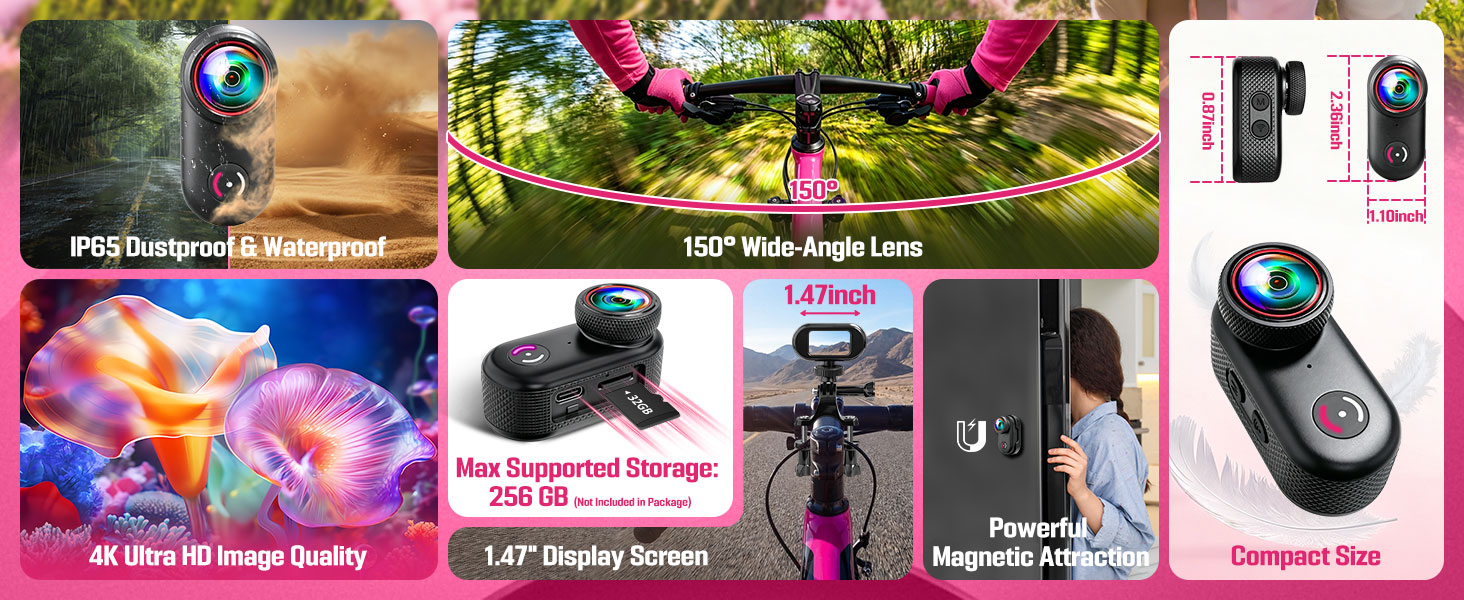
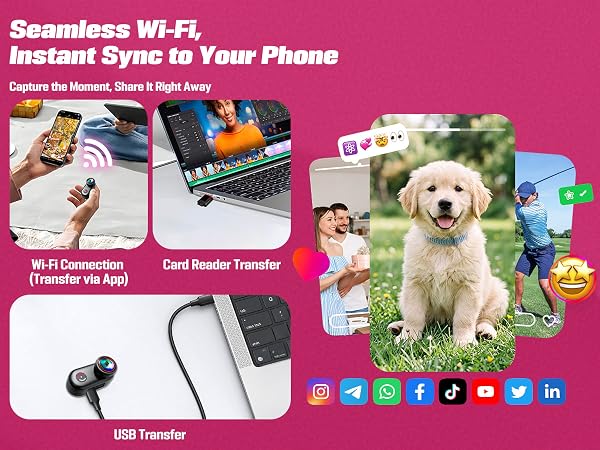
It supports Wi-Fi connectivity. Simply download the corresponding app on your phone, connect to Wi-Fi, and you can record videos, take photos, review footage, edit, and more within the app.
What resolution options does this action camera offer? Does it support landscape mode?
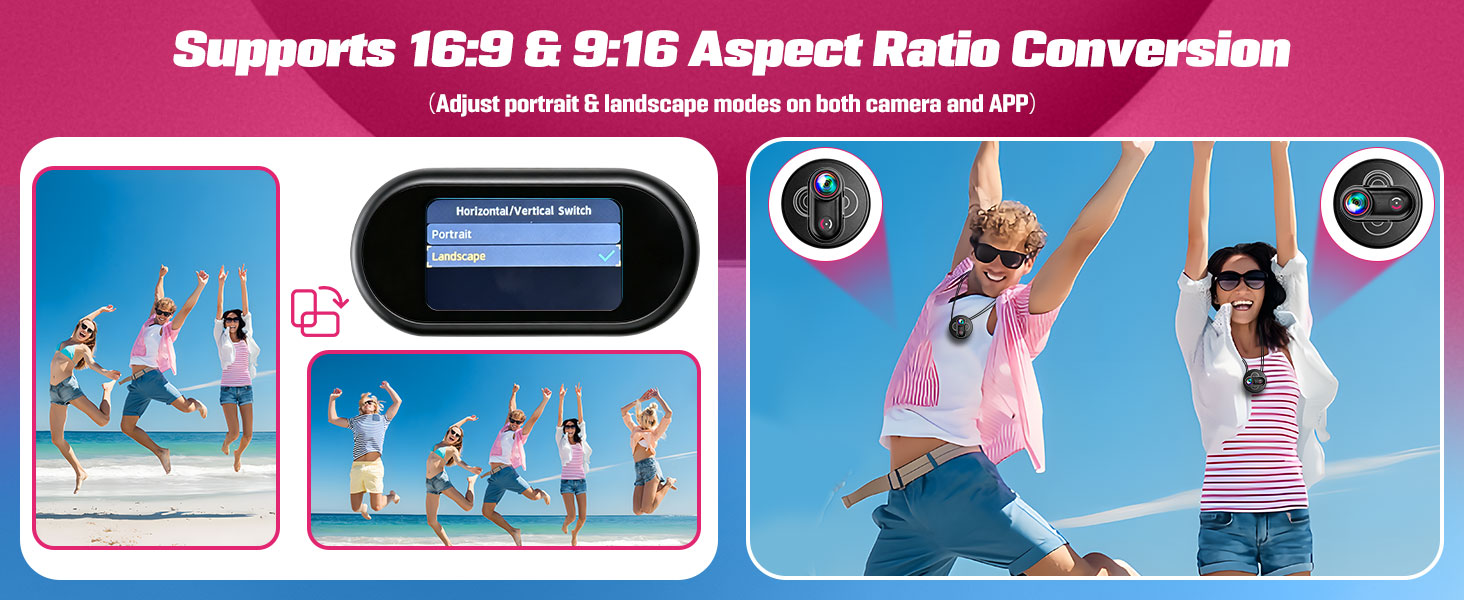
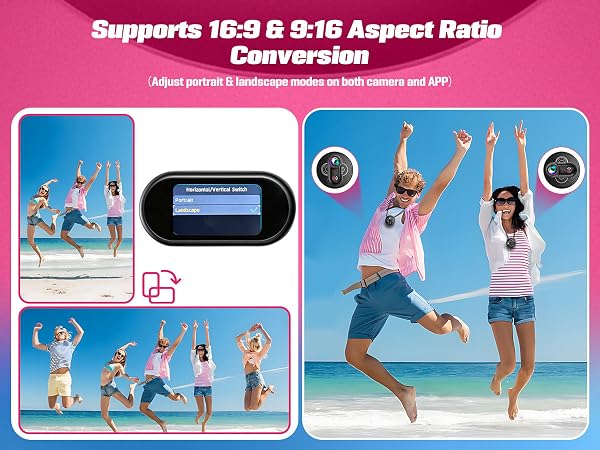
This action camera offers video resolutions of 4K at 30 fps, 2.7K at 30 fps, 2.7K at 60 fps, and 1080p at 30 fps, and you can set it to either 16:9 or 9:16 landscape or portrait mode.
How to configure the camera via physical buttons?
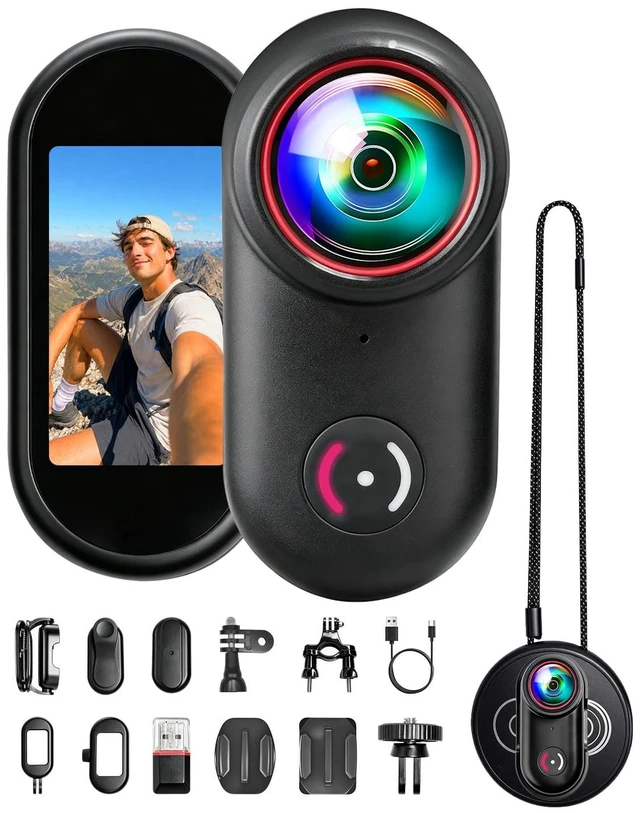
1. Short press M button to enter setup mode
2. Navigate left/right with M & Wi-Fi buttons; press power button to confirm options
3. Long press M button to exit settings and revert to the last screen

How to properly connect the device to Wi-Fi?
1. Press and hold the Wi-Fi button for 2 seconds. The Wi-Fi icon will pop up on the screen once Wi-Fi mode is activated.
Open Wi-Fi settings on your mobile phone, find the network named L20_XXX, and tap it to complete the connection.
Does this mini camera support Wi-Fi?
It supports Wi-Fi connectivity. Simply download the corresponding app on your phone, connect to Wi-Fi, and you can record videos, take photos, review footage, edit, and more within the app.
What resolution options does this action camera offer? Does it support landscape mode?
This action camera offers video resolutions of 4K at 30 fps, 2.7K at 30 fps, 2.7K at 60 fps, and 1080p at 30 fps, and you can set it to either 16:9 or 9:16 landscape or portrait mode.
How to configure the camera via physical buttons?
1. Short press M button to enter setup mode
2. Navigate left/right with M & Wi-Fi buttons; press power button to confirm options
3. Long press M button to exit settings and revert to the last screen