



















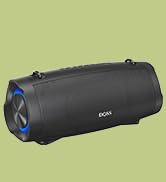



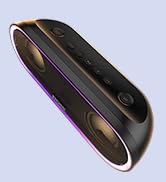



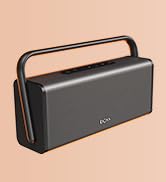







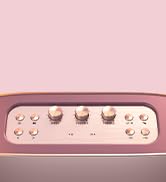







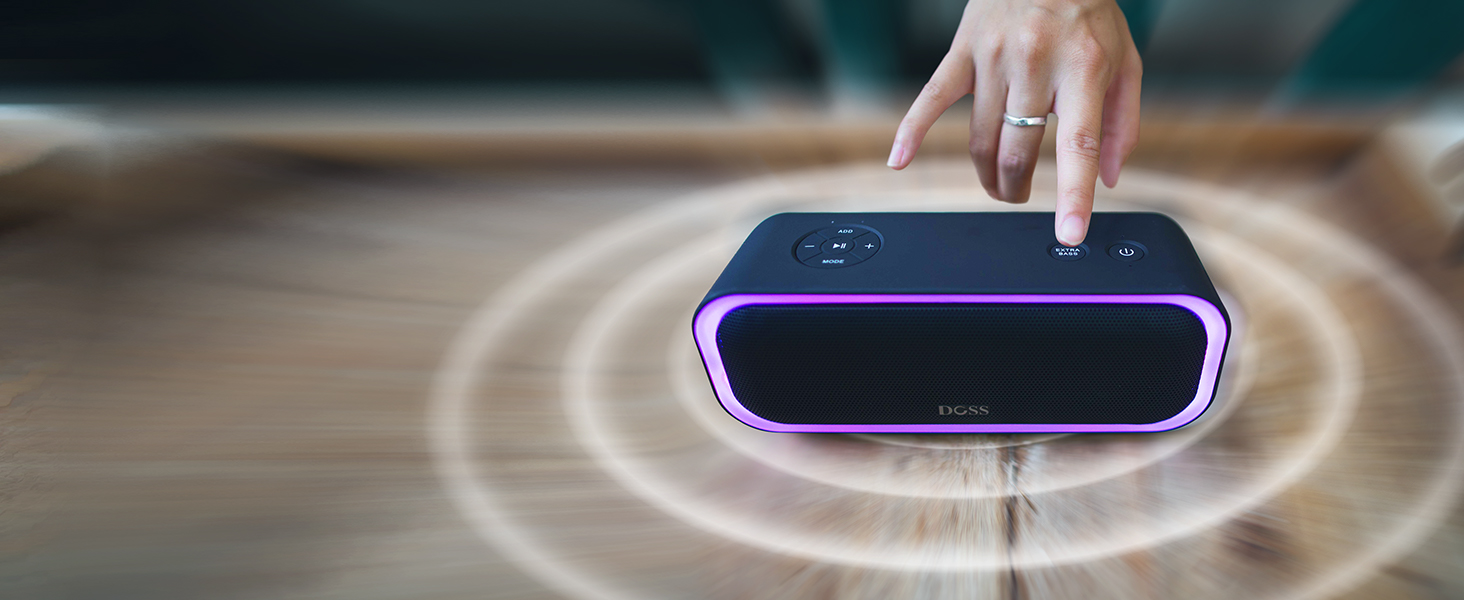
Boosted Bass
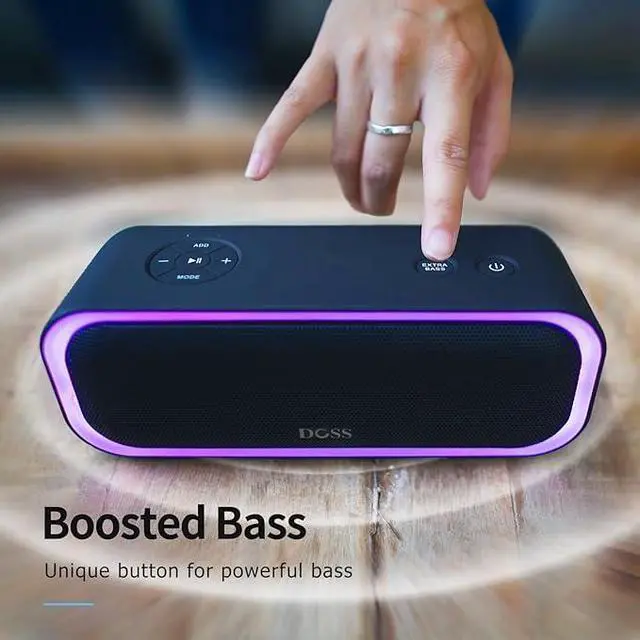
Independent, dedicated circuits for lows and highs creates a crisper, more defined sound with a powerful bass response.
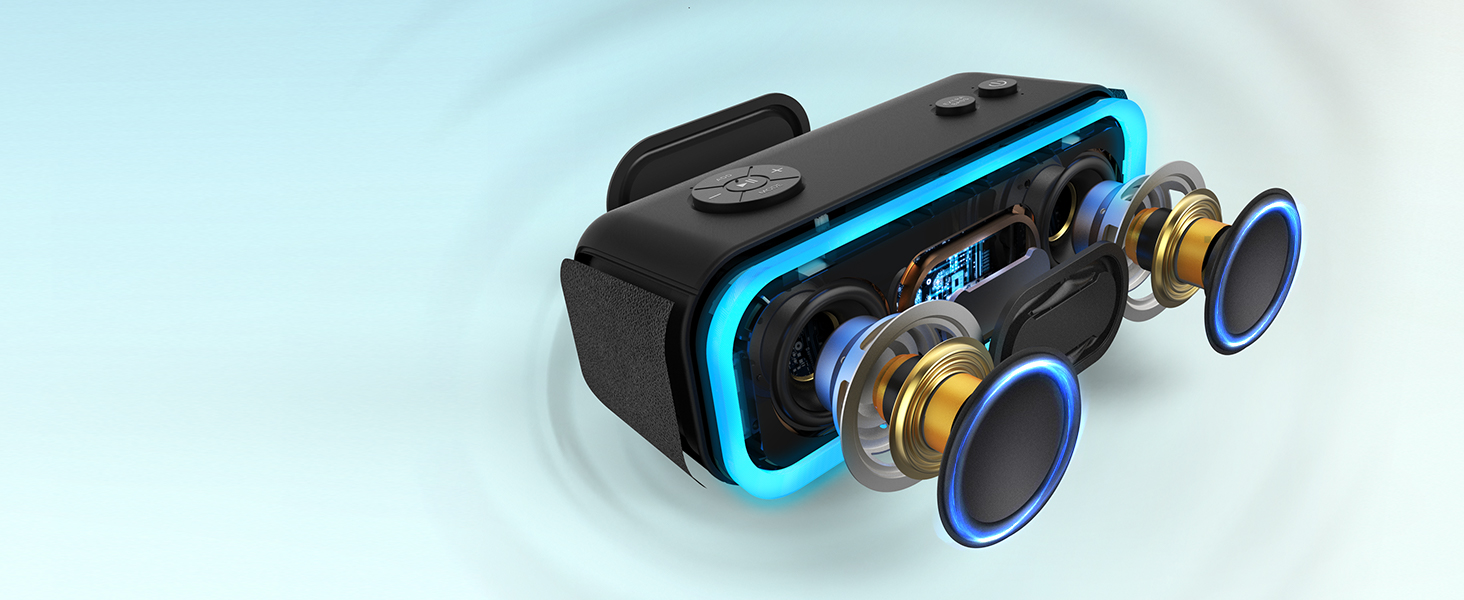
Superior Sound
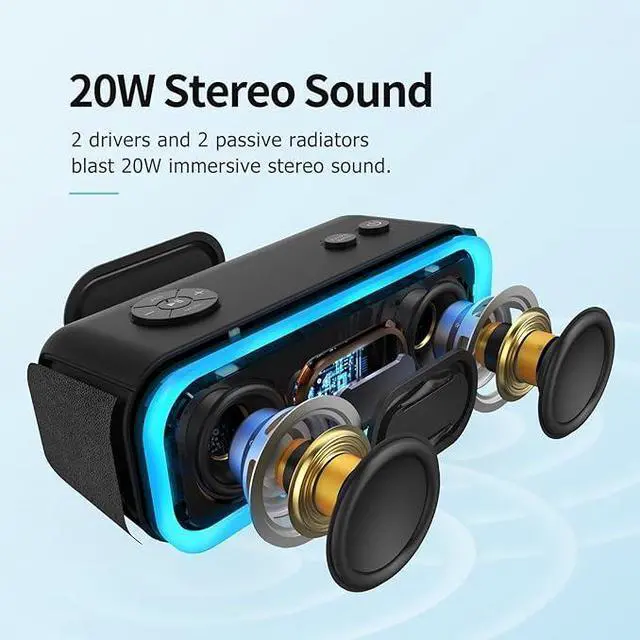
Dual full-range drivers and double passive radiators deliver 20W stereo sound. Dual low and high-range circuits result in clear, loud sound with the uniquely powerful bass response.
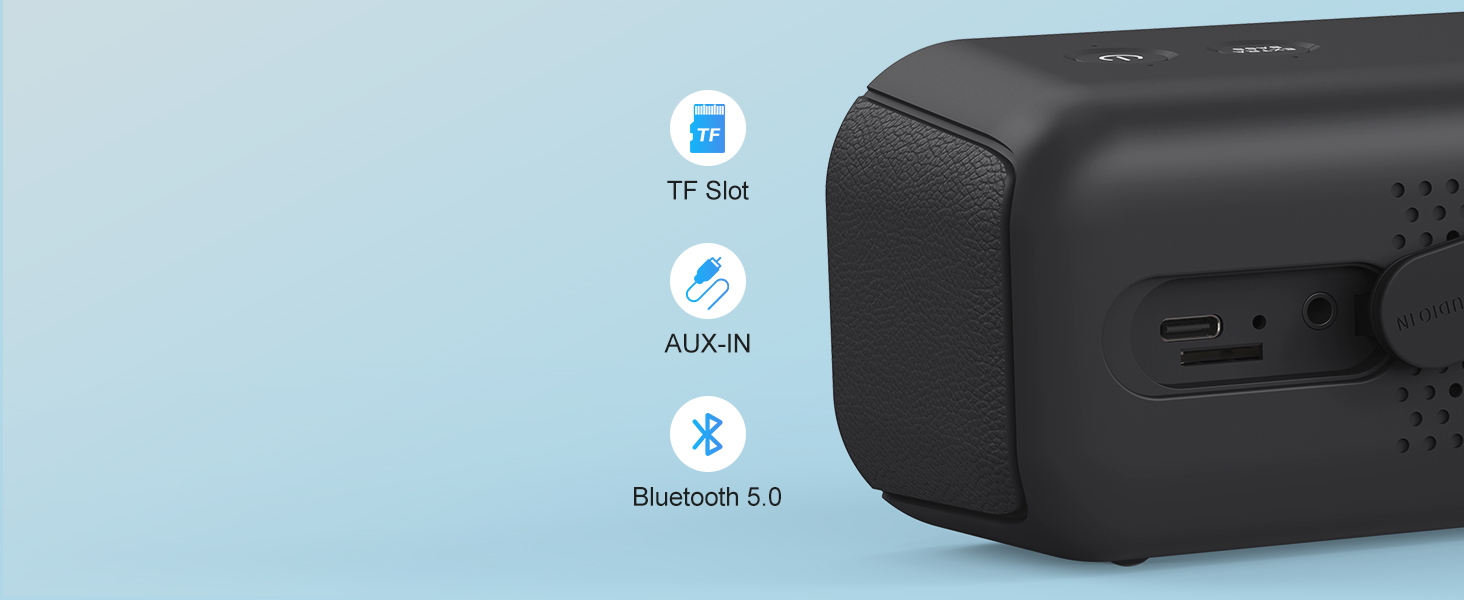
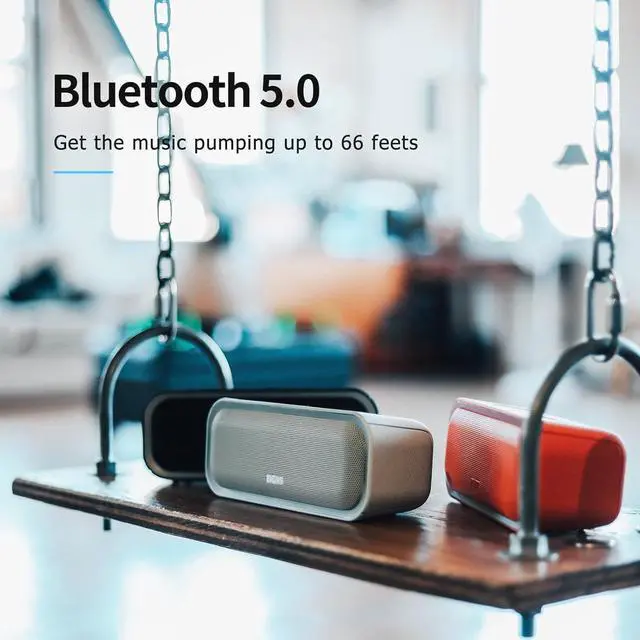
Seamless Connection
Bluetooth 5.0 ensures a stable connection up to 66 feet range. Supports Aux-In and TF card modes.

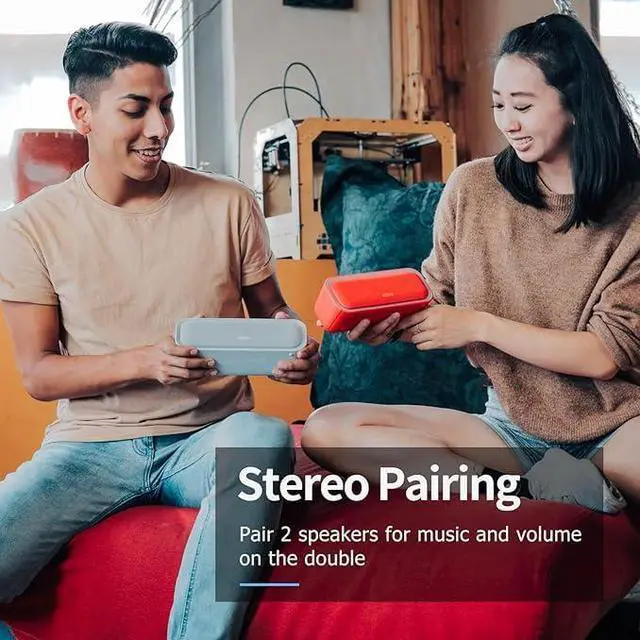
True Wireless Stereo Pairing
Pair 2 speakers via a device for double volume and real stereo output, fully synched light response.

20 Hours Playtime
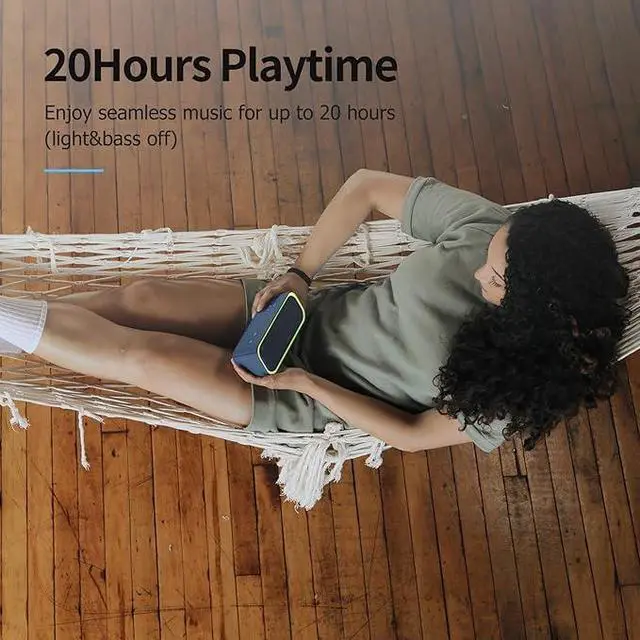
A rechargeable battery powers up to 20 hours of music at 50% volume with extra bass and lights off.
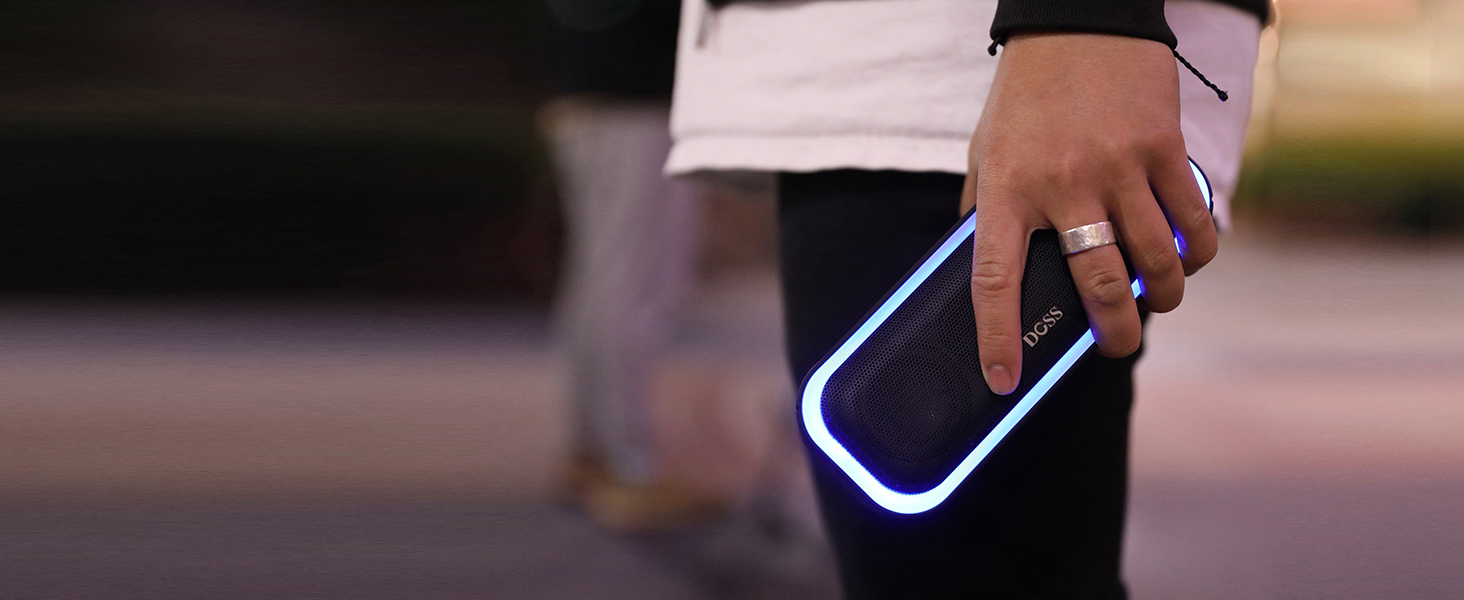
Portable Design
Smooth surface, portable design grab your hands, fit for your bag, and carry music on the go.

Beat-Driven Lights
Color-changing lights automatically synch to music and flash in rhythm.
Can I turn off/switch the lights of the speaker?
Press and hold the Extra Bass button to turn on/off/switch the light mode.
Why would the speaker auto power off in 10-15 mins?
It's the auto power-off function to saves the battery life of the speaker. If you want to disable the function, please email our support team.
How to set up true wireless stereo pairing?
"Turn on the first speaker; press and hold the ADD button for 3 seconds.
Turn on the second speaker.
The speaker with the left led on is the Primary. The speaker with the right led on is the Secondary."
How can I change the light colors of the speaker?
Press and hold the Mode button to change the colors.
What should I do if the product doesn't work?
Don't worry — just reach out to our support team by email. We'll get it sorted for you.


Boosted Bass
Superior Sound
Seamless Connection


Independent, dedicated circuits for lows and highs creates a crisper, more defined sound with a powerful bass response.
Dual full-range drivers and double passive radiators deliver 20W stereo sound. Dual low and high-range circuits result in clear, loud sound with the uniquely powerful bass response.
Bluetooth 5.0 ensures a stable connection up to 66 feet range. Supports Aux-In and TF card modes.
True Wireless Stereo Pairing
Pair 2 speakers via a device for double volume and real stereo output, fully synched light response.
20 Hours Playtime
A rechargeable battery powers up to 20 hours of music at 50% volume with extra bass and lights off.
Portable Design
Smooth surface, portable design grab your hands, fit for your bag, and carry music on the go.
Beat-Driven Lights
Color-changing lights automatically synch to music and flash in rhythm.


Can I turn off/switch the lights of the speaker?
Press and hold the Extra Bass button to turn on/off/switch the light mode.
Why would the speaker auto power off in 10-15 mins?
It's the auto power-off function to saves the battery life of the speaker. If you want to disable the function, please email our support team.
How to set up true wireless stereo pairing?
"Turn on the first speaker; press and hold the ADD button for 3 seconds.
Turn on the second speaker.
The speaker with the left led on is the Primary. The speaker with the right led on is the Secondary."
How can I change the light colors of the speaker?
Press and hold the Mode button to change the colors.
What should I do if the product doesn't work?
Don't worry — just reach out to our support team by email. We'll get it sorted for you.
New Release Speaker
New Release - Outdoor Speaker
Gift Ideas Under $25
New Release - Outdoor Speaker
New Release
New Home Speaker
New Released SoundBox Series
Fine-Tune Bass&Treble Speaker
Outdoor Speaker
