


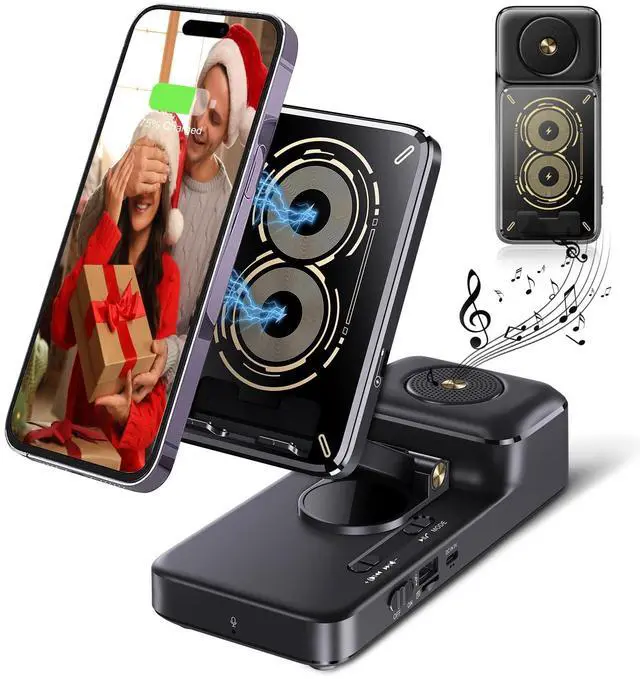
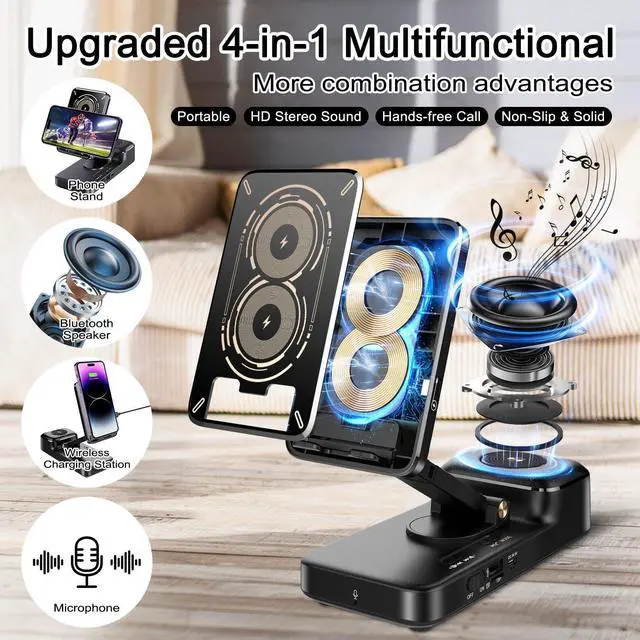
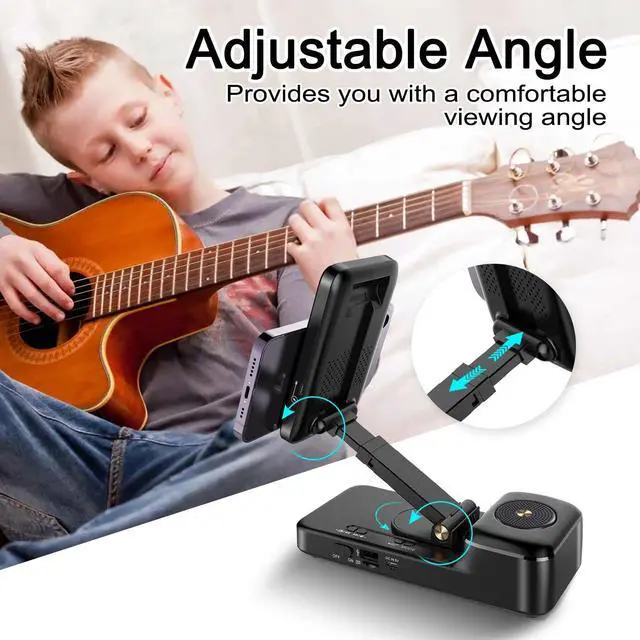
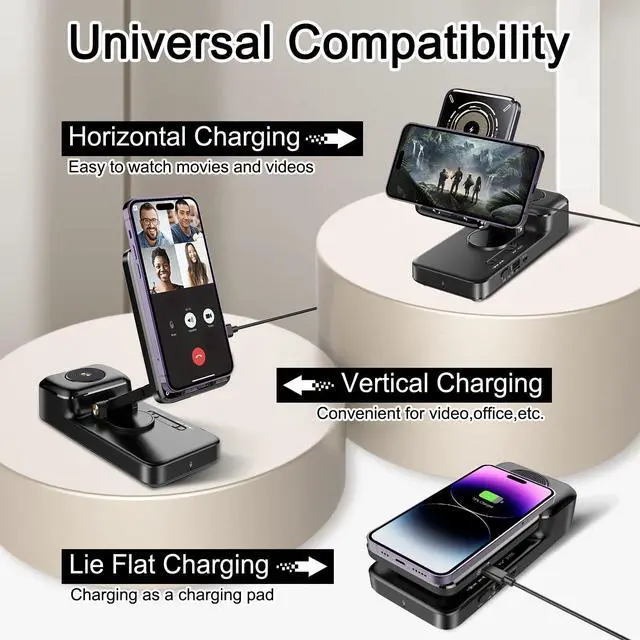


Wireless charging caution: The charging cable must be inserted into the Type-C port on the phone stand panel to enable wireless charging. (Not the charging port at the bottom of the speaker)


How to connect a device to the cell phone stand with speaker?
To connect a device to the Bluetooth speaker, please enable Bluetooth on your device and search for available Bluetooth devices. Select ""F21"" from the list of available devices, and then complete the pairing process.
How do I use wireless charging?
Ensure your phone supports wireless charging. Plug the adapter into the stand's port; the left light briefly turns green and blue, then off. Align your phone with the panel; the light stays blue, indicating successful charging.
How to clear pairing?
1.Go to your device's Bluetooth settings.
2.Find the "F21" device in the list of paired devices.
3.Tap "F21" and choose "Forget" or "Unpair."
4.Your device is now disconnected from "F21.
What phones is the wireless charging feature compatible with?
The wireless charging feature is compatible with phones that inherently support wireless charging, whether they are Apple or Android devices.
What's inside the box?
1 x Phone Stand with Bluetooth Speaker and wireless charger - 1 x Type-C Charging Cable - 1 x User Manual
Note: Plug the charging cable into the Type-C port on the phone stand panel for wireless charging.
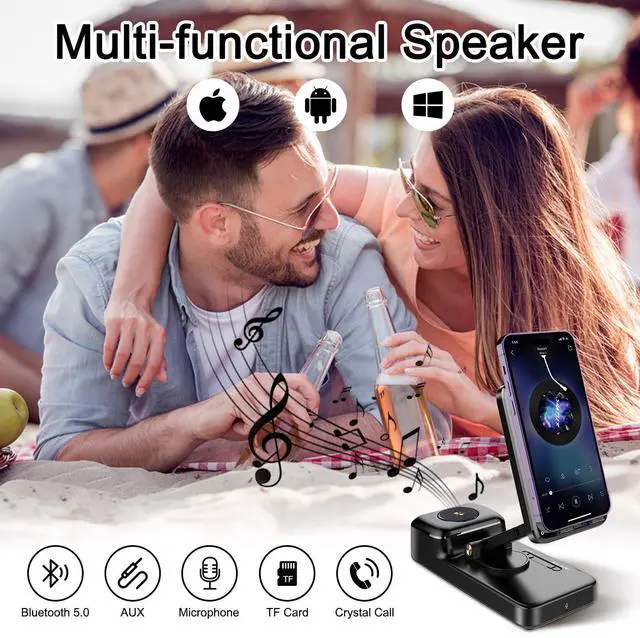
Bringing you the ultimate audio experience.
The built-in microphone offers high-quality and convenient hands-free calling.
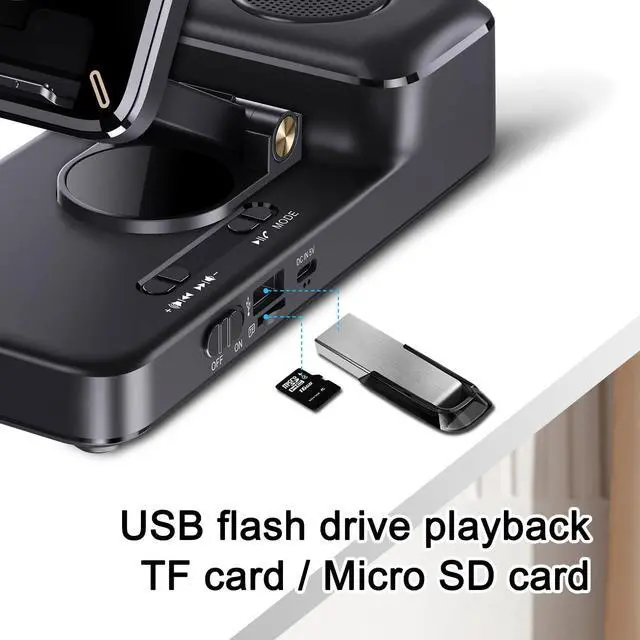
The USB port can provide emergency charging for your phone.


Wireless charging caution: The charging cable must be inserted into the Type-C port on the phone stand panel to enable wireless charging. (Not the charging port at the bottom of the speaker)


Multiple charging options, enabling you to enjoy wireless charging while being entertained.
Suitable for smartphones or tablets from 4 inches to 8.3 inches.
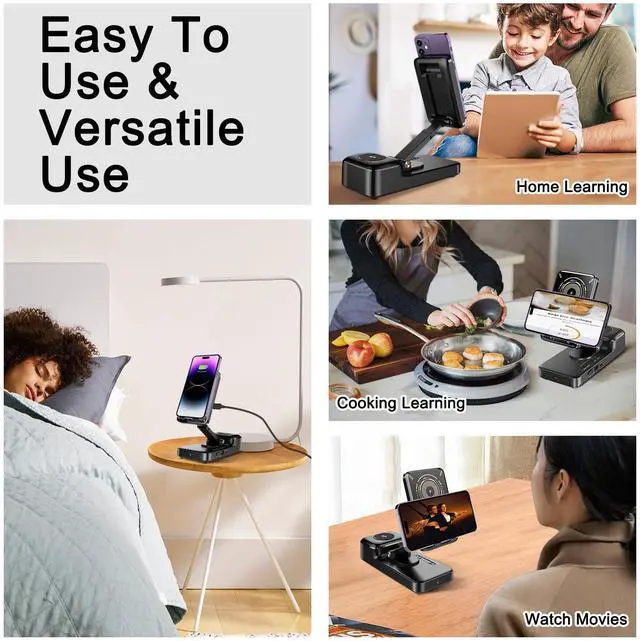
Kitchen Gadgets
Learning Assistant
Video Call
Watching a Game
Fitness
Meal Gathering


How to connect a device to the cell phone stand with speaker?
To connect a device to the Bluetooth speaker, please enable Bluetooth on your device and search for available Bluetooth devices. Select ""F21"" from the list of available devices, and then complete the pairing process.
How do I use wireless charging?
Ensure your phone supports wireless charging. Plug the adapter into the stand's port; the left light briefly turns green and blue, then off. Align your phone with the panel; the light stays blue, indicating successful charging.
How to clear pairing?
1.Go to your device's Bluetooth settings.
2.Find the "F21" device in the list of paired devices.
3.Tap "F21" and choose "Forget" or "Unpair."
4.Your device is now disconnected from "F21.
What phones is the wireless charging feature compatible with?
The wireless charging feature is compatible with phones that inherently support wireless charging, whether they are Apple or Android devices.
What's inside the box?
1 x Phone Stand with Bluetooth Speaker and wireless charger - 1 x Type-C Charging Cable - 1 x User Manual