




 here!
I’m your shopping assistant for PC builds, upgrades, and everything tech.
Got questions? Ask away!
Start a conversation
here!
I’m your shopping assistant for PC builds, upgrades, and everything tech.
Got questions? Ask away!
Start a conversation



Any questions? Ask CelesteSM will help you find out quickly.
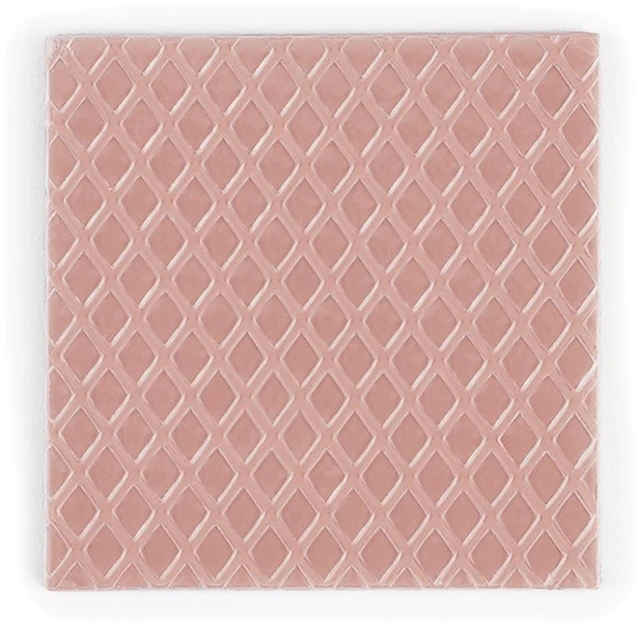
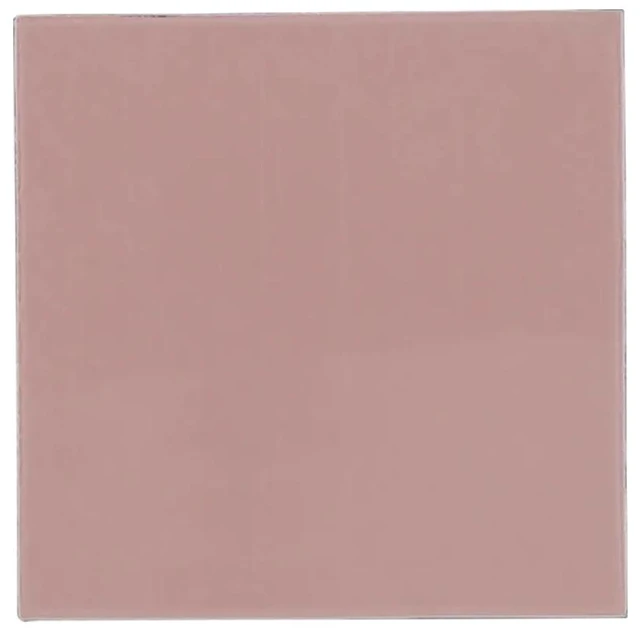
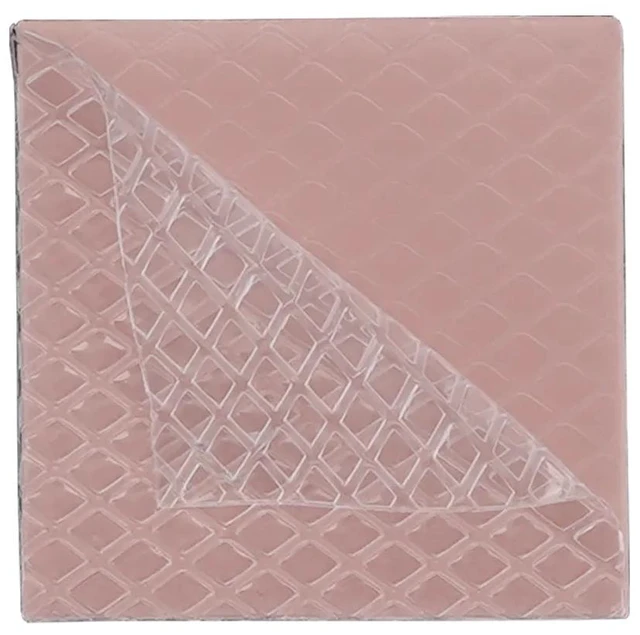
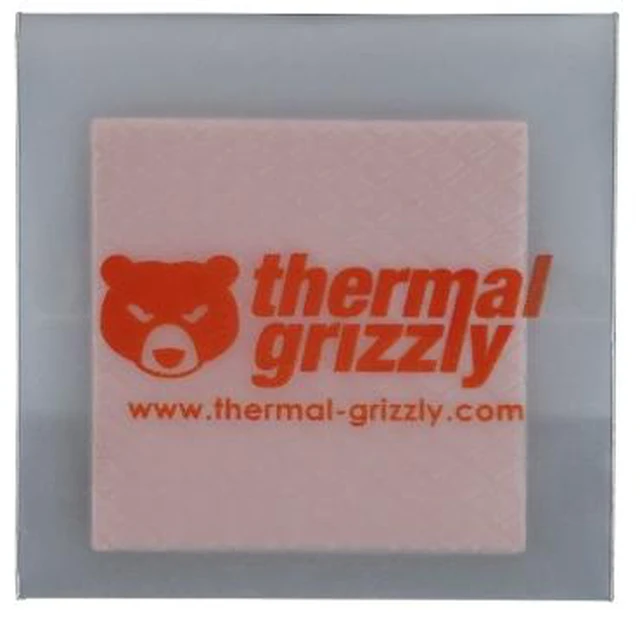
Thermal Grizzly Minus Pad 8 thermal pad, 30 x 30 mm and 1.0 mm thick, one piece, for the gaps between components and a cooler. The same square also comes 0.5 mm, 1.5 mm, 2.0 mm, 2.5 mm and 3.0 mm thick.
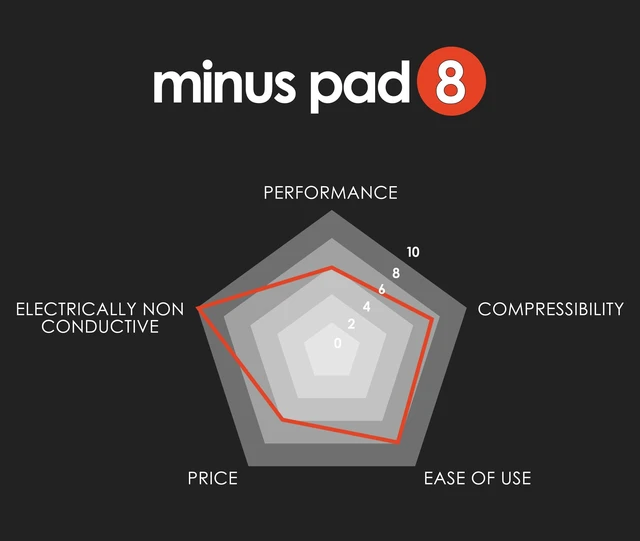
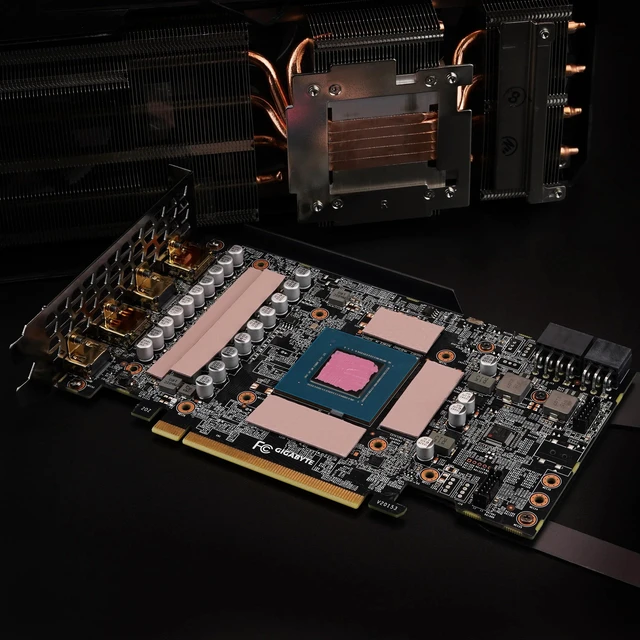
The high performance thermal pads of the Minus Pad series consist of a very elastic and flexible surface area with medium thermal conductivity, compensating for even the smallest of gaps between parts. Thermal Grizzly adds high compressibility and electrical insulation to the list. According to its data sheet, the pads are mainly used when refurbishing graphics cards or converting graphics cards to water coolers, and also when installing M.2 SSDs. Thermal Grizzly's pad range also includes the Minus Pad Extreme V2.
Easy to process, the minus pads are made up of different constituents, based on a ceramic silicon formula complex and nano aluminum oxide. Thus the pads ensure a constant, optimal heat transfer. The color is pink and the flammability rating is V-0. They are all ecofriendly and RoHS-compliant.
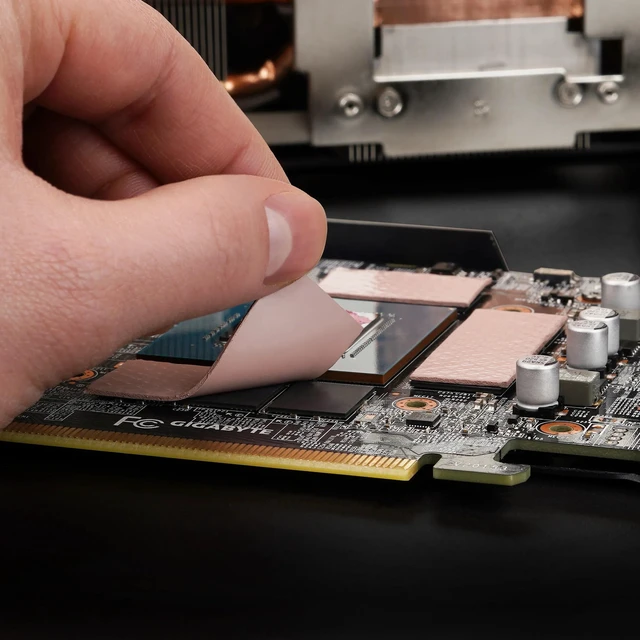
The lightest of touches is enough to attach them optimally. The pad weighs 3 g, or 10 g with the packaging.
The minus pads 8 are available in a variety of different sizes and thicknesses: 30 x 30 mm, 120 x 20 mm and 100 x 100 mm, as well as 0.5mm, 1mm, 1.5mm, 2mm, 2.5mm and 3mm thick. At 1.0 mm we also stock 120 x 20 mm and 100 x 100 mm pads.
Thermal Grizzly Minus Pad 8 is a single, flexible 30 × 30 mm thermal pad that is 1.0 mm thick, suitable for PC builders and repairers who need to transfer heat across a gap of that size and thickness.
| Attribute | Value |
|---|---|
| Best For | Applying a thermal pad between compatible computer components and heatsinks |
| Thermal Pad Dimensions | 30 × 30 mm, 1 mm thick |
| Compatibility And Mounting | Listed for a wide range of computer components and hardware configurations; PCB mount |
| Product Details | Pink thermal pad; one item |
| Weight And Package Dimensions | Item weight: 0.02 lb; package weight: 0.02 kg; package dimensions: 0.5 × 14 × 15 cm |
| Model Identifiers | Thermal Grizzly MinusPad 8, model TG-MP8 |
Q: Thermal Grizzly Minus Pad 8 or Minus Pad Extreme for a graphics card?
A: Choose Minus Pad 8 when an elastic, adaptable pad that can accommodate small component-to-cooler gaps is the priority. Choose Minus Pad Extreme when prioritizing Thermal Grizzly’s highest-performance pad. Minus Pad 8 in this listing measures 30 × 30 × 1.0 mm.
Q: Should I get Minus Pad 8 or Thermal Grizzly Minus Pad Pro?
A: Choose Minus Pad 8 when you want its elastic, adaptable pad in the listed 30 × 30 × 1.0 mm size. Choose Minus Pad Pro when higher thermal conductivity and compressibility are the priority; Thermal Grizzly describes Pro as an upgraded pad in those areas.
Q: Minus Pad 8 or Minus Pad Basic—which should I choose?
A: Choose Minus Pad 8 when you want its highly elastic, adaptable format and 30 × 30 × 1.0 mm size. Choose Minus Pad Basic when price-performance and easy handling are the main priorities; Thermal Grizzly positions Basic for somewhat lower performance requirements.
Q: Is 1.0 mm Minus Pad 8 a better fit than the 0.5 mm version?
A: Choose the 1.0 mm version when the cooler’s specified pad thickness or measured component gap calls for 1.0 mm; choose 0.5 mm when it calls for 0.5 mm. Both are Minus Pad 8, so the key comparison is thickness and fit for the specific hardware.
Q: Will this 1 mm thermal pad fit my device?
A: It fits only if your device calls for a 1.0 mm pad and the contact area fits within 30 × 30 mm. Check the device’s service documentation or the thickness of the original pad before replacing it; thickness requirements can vary by component.
Q: Can I use this pad for a GPU or an M.2 SSD?
A: It may be suitable for a GPU or M.2 SSD where a thermal pad is required, provided the device calls for 1.0 mm thickness and the 30 × 30 mm sheet covers the contact area. Confirm the device’s pad specifications before installation.
Q: How much thermal pad is included?
A: The package contains one pad measuring 30 × 30 mm and 1.0 mm thick. Check that this single sheet provides enough coverage for the contact area you need to service.
Q: Is this thermal pad electrically insulating?
A: Yes. The Newegg product listing identifies this pad as electrically insulating. Even so, use it only in the intended contact area and follow the device’s installation guidance.
Q: How do I know whether the 1.0mm thickness is right for my GPU or SSD?
A: Use this pad only if the device’s original pad or service documentation specifies 1.0mm. Reddit discussions emphasize that pad thickness depends on the gap to the heatsink and can vary between components; the 30×30mm size also needs to cover the intended contact area.
Q: Is Minus Pad 8 a worthwhile replacement for a GPU’s stock VRAM pads?
A: It may be suitable when the required thickness and coverage match, but results depend on the GPU and installation. One Reddit user reported lower VRAM temperatures after replacing pads on a specific RTX 3080; that result does not establish the same improvement for other cards.
Q: Is Minus Pad 8 clearly better than cheaper thermal pads?
A: The available comparisons do not establish a universal advantage. In one Reddit test on a Raspberry Pi setup, Minus Pad 8 measured a 5.7°C temperature difference, versus 6.7°C for a generic pad and 3.4°C for a Gelid pad. Treat those results as specific to that test, not a guarantee for other hardware.


