Your Browsing History
- Free 45-day Returns
$49.57
Ships from China.
Sold by PeakCircuit Technology
Shipped by PeakCircuit Technology
Meet Your Seller
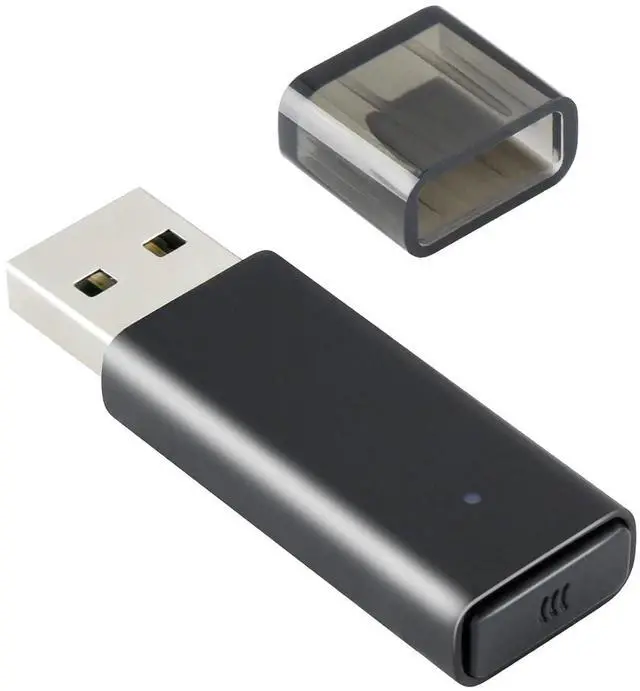
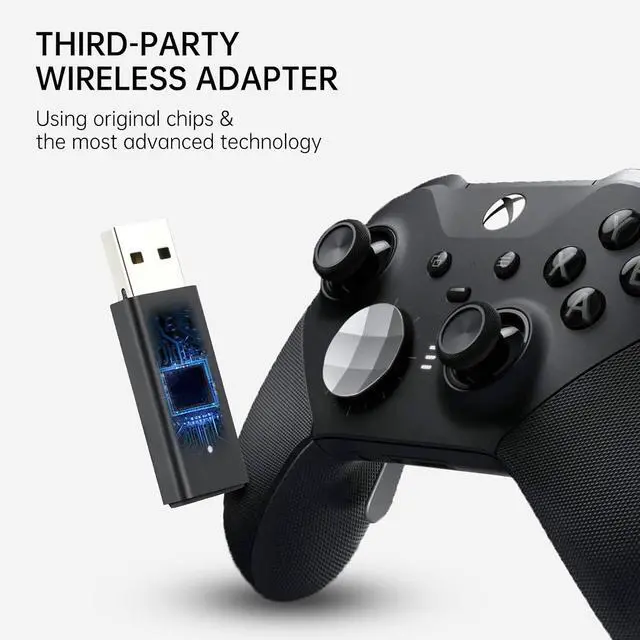
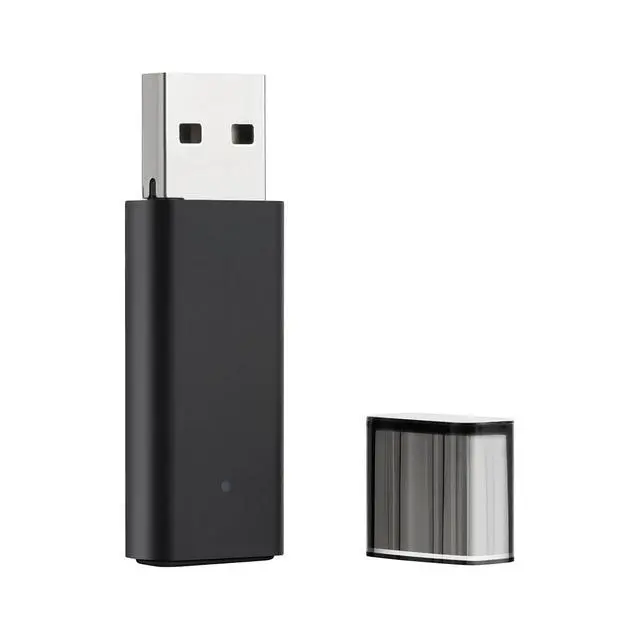
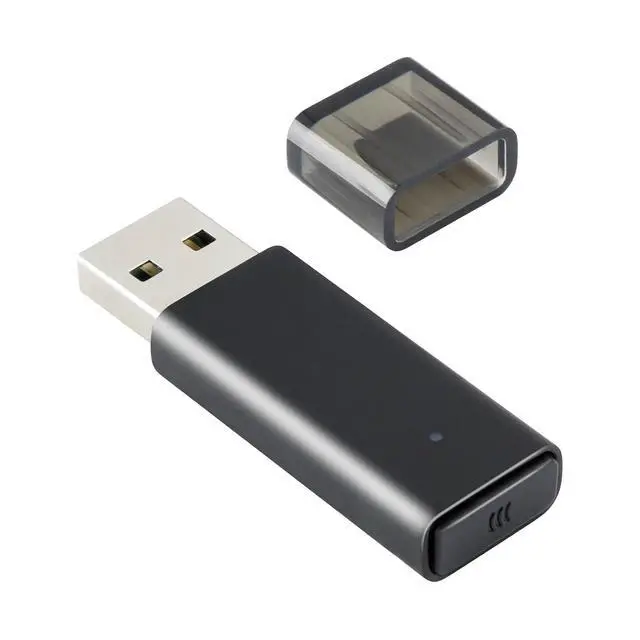
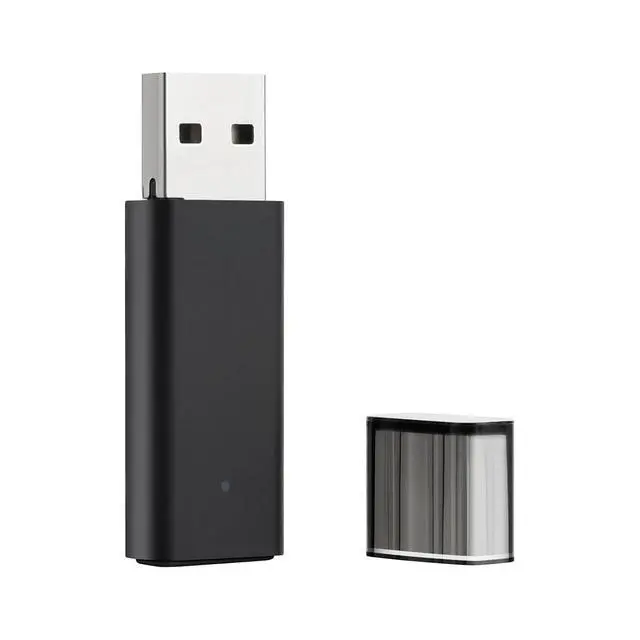
ELUTENG Xbox Adapter for PC Xbox Wireless Adapters Bluetooth 5.0 Xbox Controller Wireless Adapter Dongle, Elite|Elite Series 2, Xbox Series X|S Controller
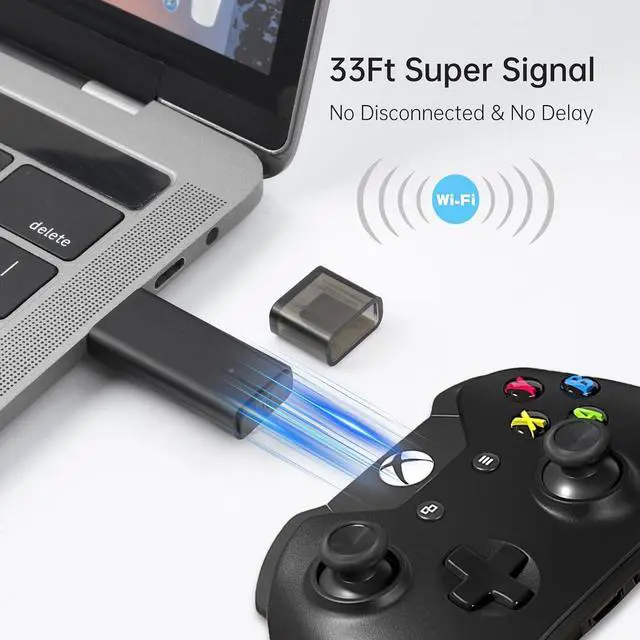
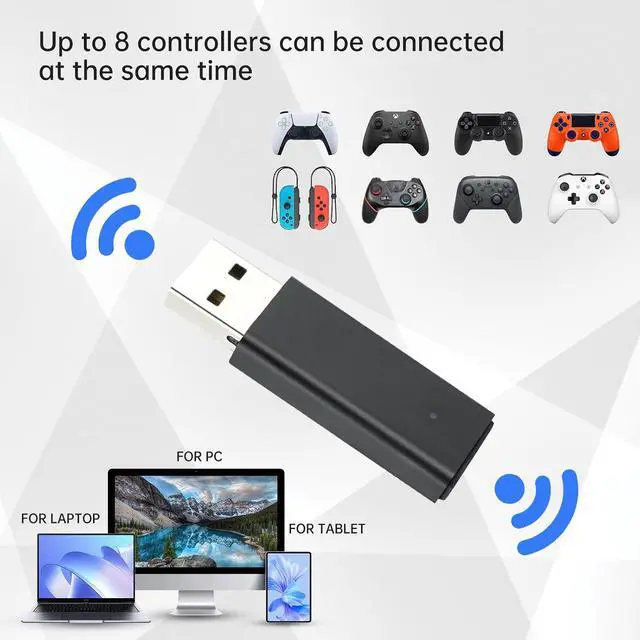
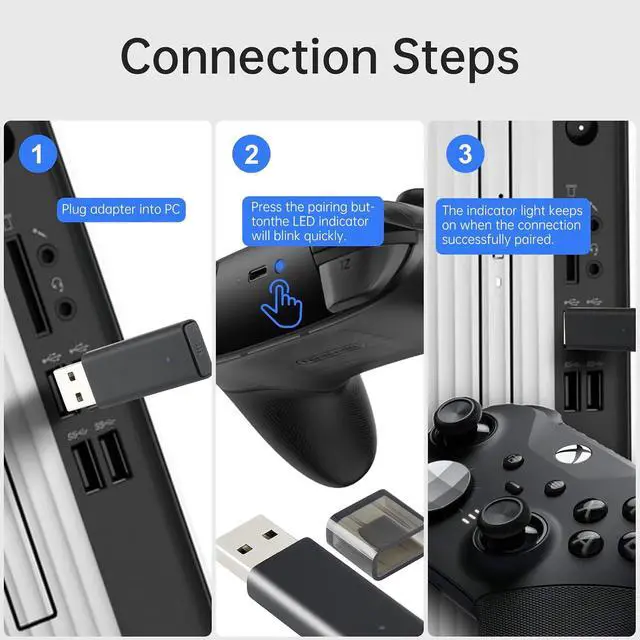
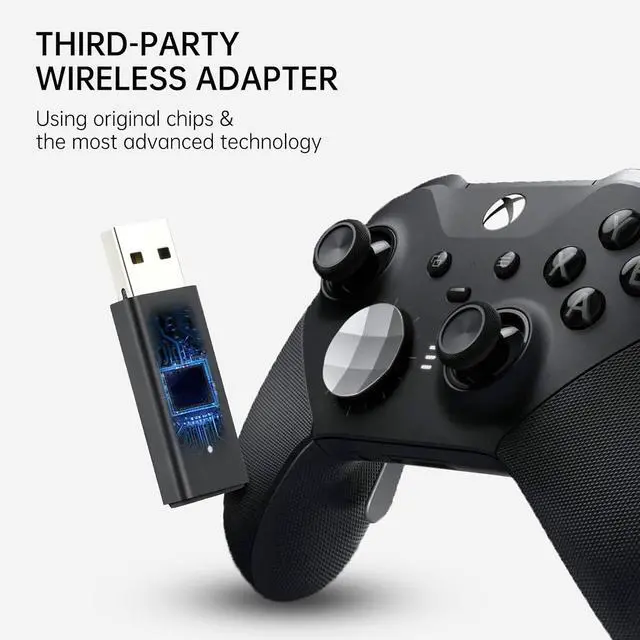
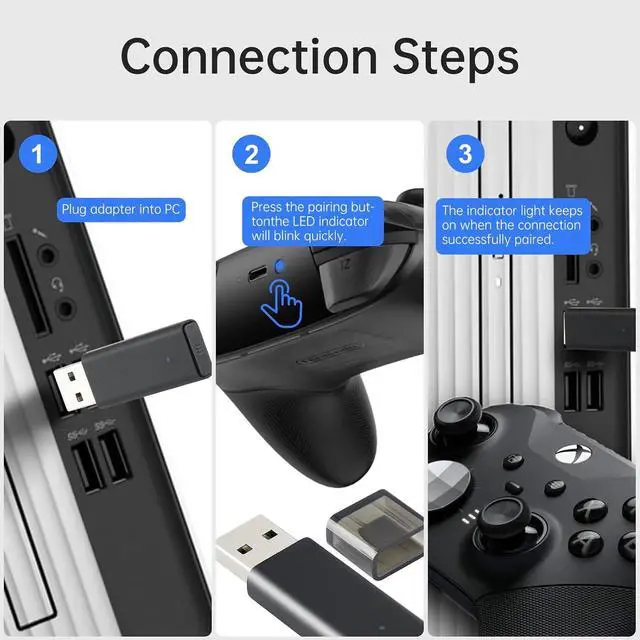
- Broad Compatibility: Enjoy gaming on your PC, laptop, or tablet. The adapter is compatible with Xbox One controllers, including the Elite series, Xbox One X, and Xbox One S controllers. Produced by ELUTENG, it is a non-OEM product. Please note that it is not compatible with Xbox 360 controllers.; Connect Up to 8 Controllers: Connect up to 8 game controllers simultaneously, along with a maximum of 4 chat headsets or 2 stereo headsets! (Note: Universal wireless headsets will not be compatible).; User-Friendly: Simply plug this Xbox wireless adapter into your computer and start gaming just like on an Xbox. (Note: If you are using Windows 7 or Windows 8, you will need to download drivers from the Microsoft website. Feel free to email me if you need assistance).; Smaller and Stronger: Utilizing the latest technology, this adapter is smaller yet more powerful compared to other products. Experience zero latency, extended transmission range, and stable connectivity. Have a blast gaming with your friends!; What You'll Get: 1 x Wireless Adapter, 1 x User Manual. Enjoy the benefits of a 30-day refund policy, 365-day replacement warranty, and 24/7 email support. Please don't hesitate to contact us if you have any questions.; How to UsePlug in the receiver and Windows will automatically detect it. Insert batteries into the controller. Press and hold the wireless pairing button (the pairing key) on the front of the controller. The XBOX button will begin flashing rapidly.

+
+
Overview
Specs
Reviews
Any questions? Our AI beta will help you find out quickly.
Try me now
Broad Compatibility: Enjoy gaming on your PC, laptop, or tablet. The adapter is compatible with Xbox One controllers, including the Elite series, Xbox One X, and Xbox One S controllers. Produced by ELUTENG, it is a non-OEM product. Please note that it is not compatible with Xbox 360 controllers.; Connect Up to 8
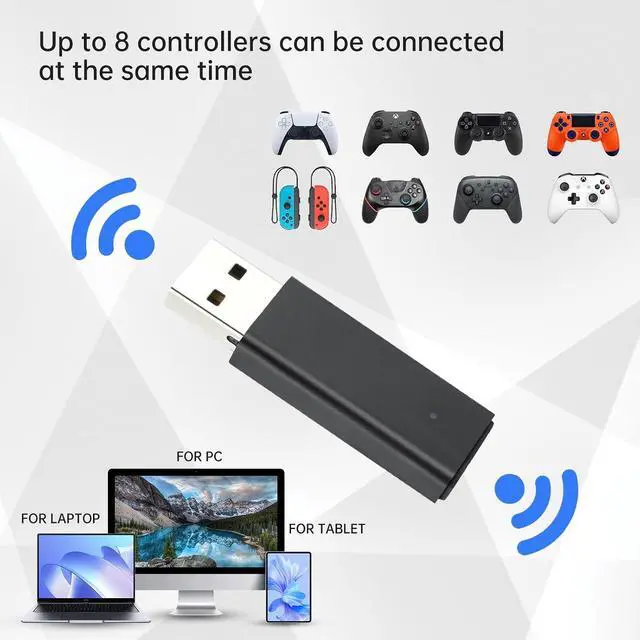
Controllers: Connect up to 8 game controllers simultaneously, along with a maximum of 4 chat headsets or 2 stereo headsets! (Note: Universal wireless headsets will not be compatible).;
User-Friendly: Simply plug this Xbox wireless adapter into your computer and start gaming just like on an Xbox.
(Note: If you are using Windows 7 or Windows 8, you will need to download drivers from the Microsoft website. Feel free to email me if you need assistance).;
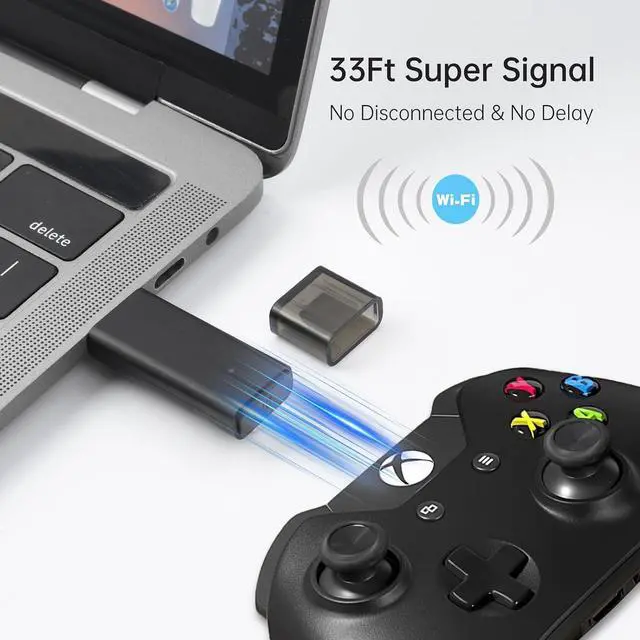
Smaller and Stronger: Utilizing the latest technology, this adapter is smaller yet more powerful compared to other products. Experience zero latency, extended transmission range, and stable connectivity. Have a blast gaming with your friends!;
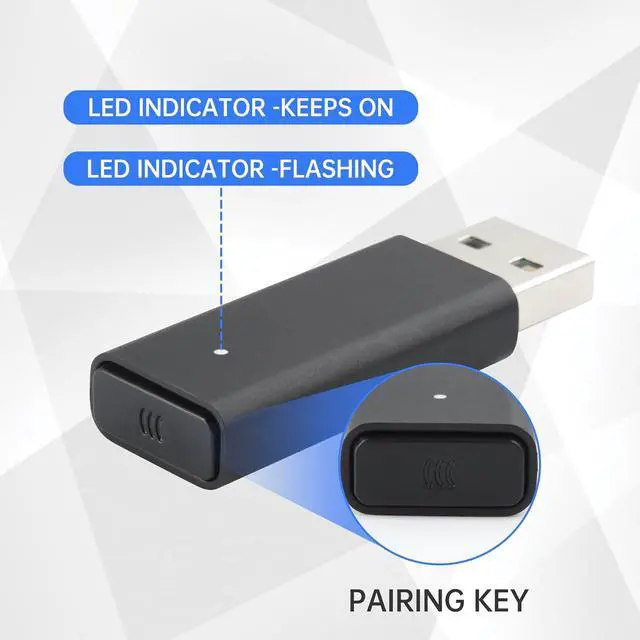
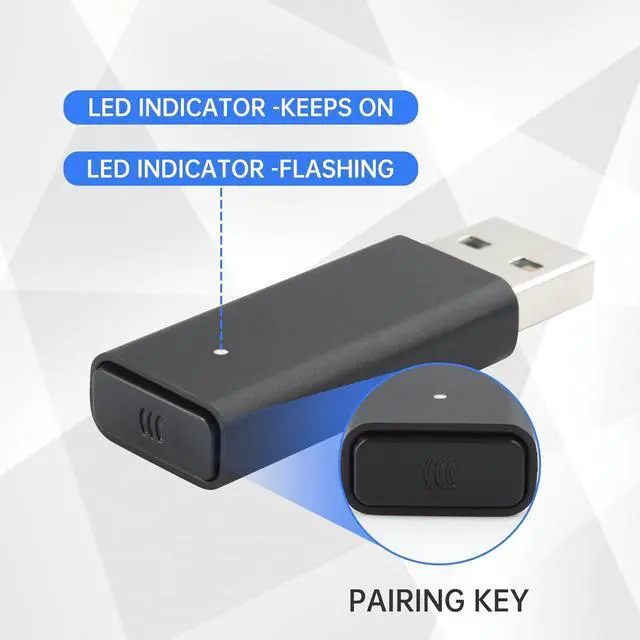
What You'll Get: 1 x Wireless Adapter, 1 x User Manual. Enjoy the benefits of a 30-day refund policy, 365-day replacement warranty, and 24/7 email support. Please don't hesitate to contact us if you have any questions.; How to UsePlug in the receiver and Windows will automatically detect it. Insert batteries into the controller. Press and hold the wireless pairing button (the pairing key) on the front of the controller. The XBOX button will begin flashing rapidly.
Controllers: Connect up to 8 game controllers simultaneously, along with a maximum of 4 chat headsets or 2 stereo headsets! (Note: Universal wireless headsets will not be compatible).;
User-Friendly: Simply plug this Xbox wireless adapter into your computer and start gaming just like on an Xbox.
(Note: If you are using Windows 7 or Windows 8, you will need to download drivers from the Microsoft website. Feel free to email me if you need assistance).;
Smaller and Stronger: Utilizing the latest technology, this adapter is smaller yet more powerful compared to other products. Experience zero latency, extended transmission range, and stable connectivity. Have a blast gaming with your friends!;
What You'll Get: 1 x Wireless Adapter, 1 x User Manual. Enjoy the benefits of a 30-day refund policy, 365-day replacement warranty, and 24/7 email support. Please don't hesitate to contact us if you have any questions.; How to UsePlug in the receiver and Windows will automatically detect it. Insert batteries into the controller. Press and hold the wireless pairing button (the pairing key) on the front of the controller. The XBOX button will begin flashing rapidly.
Warranty & Returns
Warranty, Returns, And Additional Information
Warranty
- Please contact the Seller directly for warranty information. Warranty information may also be found on the Manufacturer's website.
- CONTACT
Return Policies
- Return for refund within: 45 days
- Return for replacement within: 30 days
- This item is covered by PeakCircuit Technology Return Policy
Manufacturer Contact Info
- For a directory of all our manufacturers, please click below.
- Manufacturers Directory
LOADING...