




 here!
I’m your shopping assistant for PC builds, upgrades, and everything tech.
Got questions? Ask away!
Start a conversation
here!
I’m your shopping assistant for PC builds, upgrades, and everything tech.
Got questions? Ask away!
Start a conversation

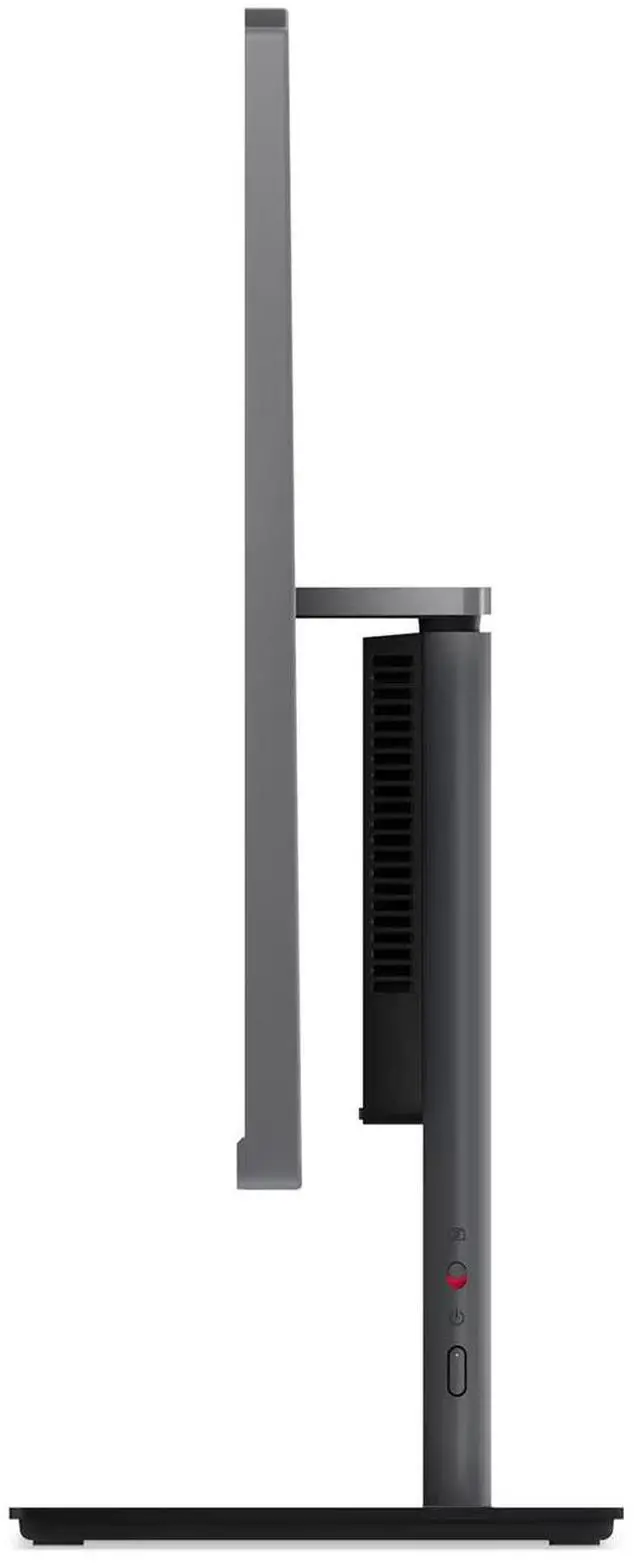
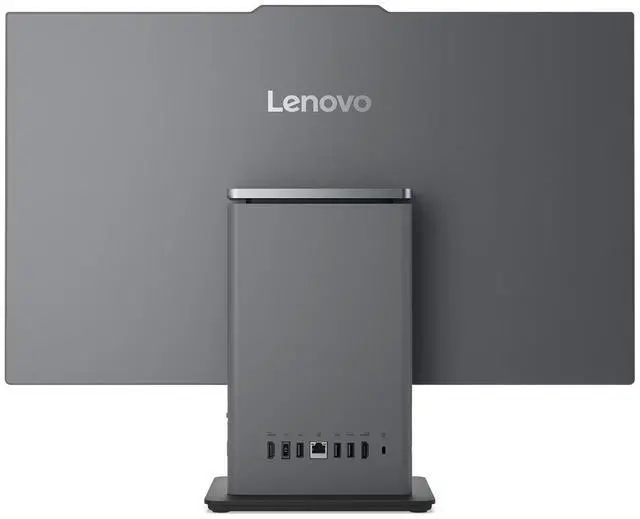
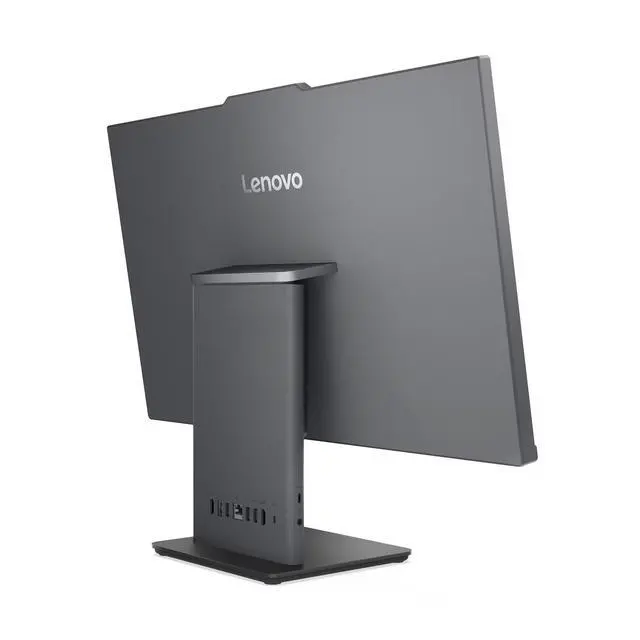



Any questions? Ask CelesteSM will help you find out quickly.
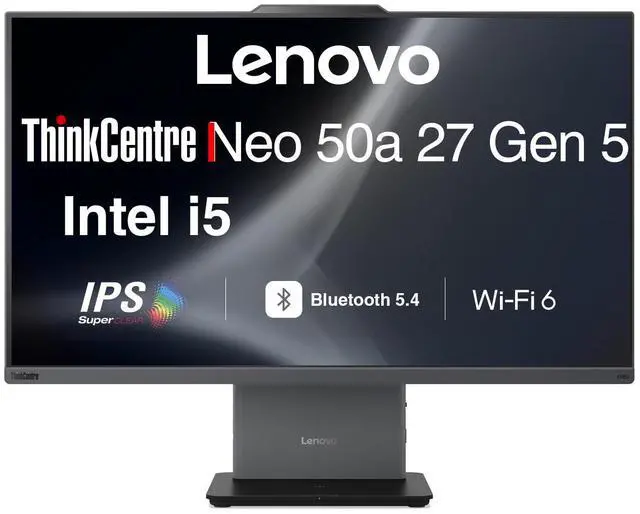
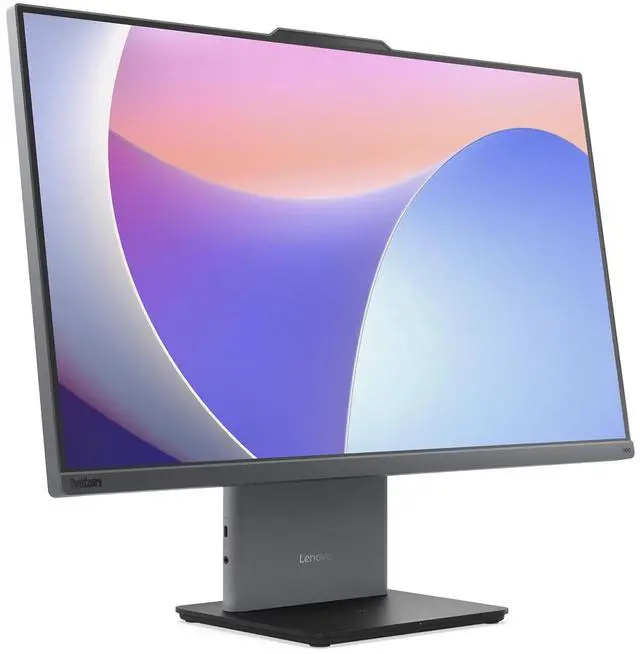
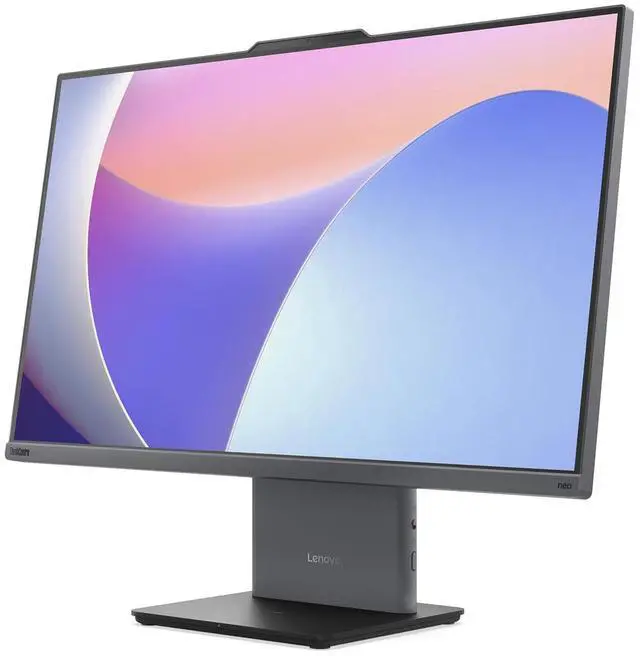
The Lenovo ThinkCentre Neo 50a is a 27-inch all-in-one business PC with a 13th Gen Intel Core i5-13420H, 1TB SSD, Windows 11 Pro, webcam, and included USB keyboard and mouse, suited to office work, web use, and video calls.
| Attribute | Value |
|---|---|
| Best For | Business and everyday desktop work in an all-in-one setup with an included 27-inch display and Windows 11 Pro |
| Processor And Core Count | 13th Gen Intel Core i5 processor with 8 cores |
| Cache | 12MB L3 cache per CPU |
| Graphics | Integrated Intel UHD Graphics |
| Display | 27-inch non-touch screen; monitor included |
| Memory | 8GB DDR5 |
| Storage | 1TB PCIe SSD with no HDD |
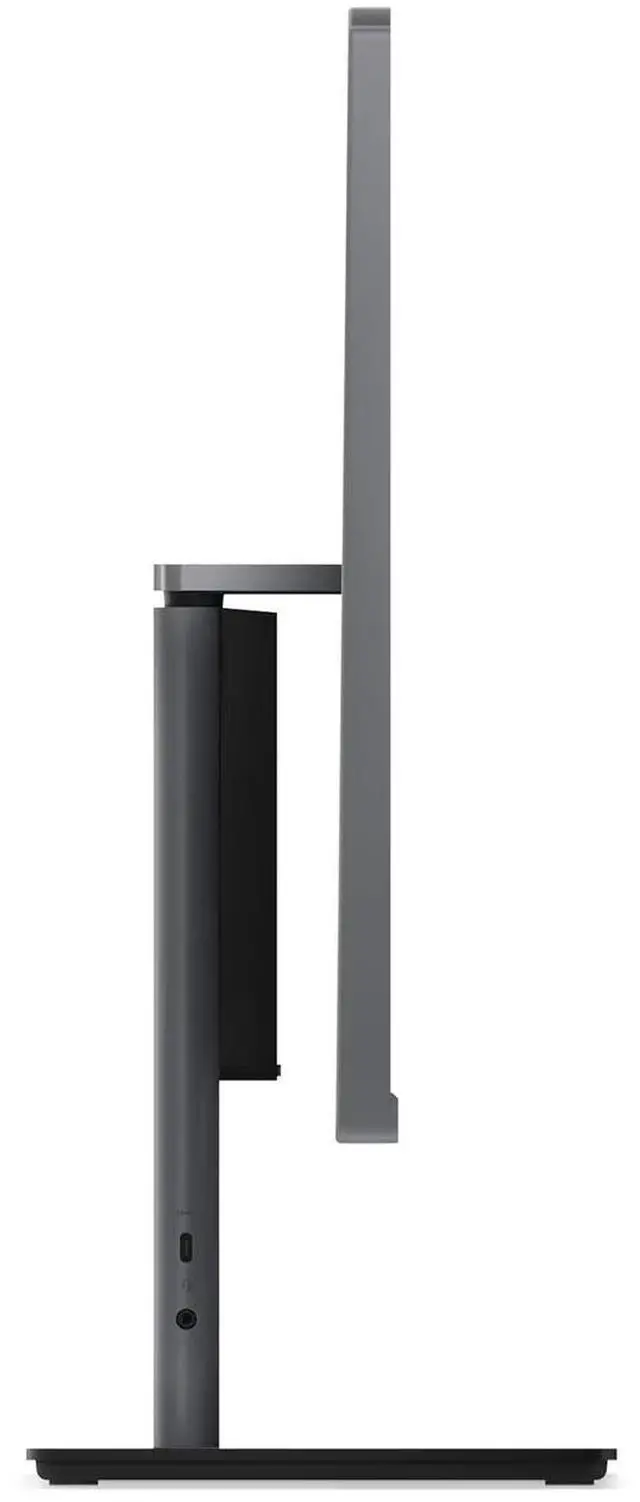
| Networking | 802.11ax wireless LAN, Bluetooth 5.4, and one RJ-45 port |
| Audio And Peripherals | Rear combo audio port and USB keyboard |
| Power | 90W power supply |
| Operating System | Windows 11 Pro |
| Model Identifiers | Lenovo ThinkCentre |
Q: Should I choose the ThinkCentre Neo 50a 27 Gen 5 with Core i5 or Core i7?
A: Choose the Core i5-13420H configuration for a business all-in-one with 8 cores and 12 threads; choose a Core i7-13620H configuration if your work can benefit from 10 cores and 16 threads. This Newegg listing pairs the i5 with 8GB of DDR5 memory and a 1TB SSD; check the specific i7 listing for its memory and storage configuration.
Q: How does the Neo 50a 27 Gen 5 Core i5 compare with the Core i3 version?
A: The Core i5-13420H version in this listing has 8 cores and 12 threads, compared with 6 cores and 8 threads in the Core i3-1315U version. Choose this Core i5 model when you want the higher-core-count option for office work and multitasking; the i3 version is the lower processor tier in the same 27-inch all-in-one family.
Q: Should I get the ThinkCentre Neo 50a 27 Gen 5 or the 24 Gen 5?
A: Choose the Neo 50a 27 Gen 5 for its 27-inch FHD display and larger viewing area; choose the Neo 50a 24 Gen 5 if you prefer a 23.8-inch FHD display. Both are Lenovo Gen 5 all-in-ones, so compare the processor, memory, and storage on the specific configurations as well as screen size.
Q: Is this all-in-one suitable for office work and video meetings?
A: Yes. Its Core i5-13420H processor, 27-inch Full HD display, built-in webcam, Wi-Fi 6, and Windows 11 Pro make it suitable for typical office tasks and video calls. It comes with 8GB of memory, so check that this capacity meets your multitasking needs.
Q: Is the display touchscreen?
A: No. The supplied specifications identify this 27-inch Full HD IPS display as non-touchscreen.
Q: Can the memory be upgraded?
A: The listing specifies 8GB DDR5 SODIMM memory, but does not confirm the maximum supported capacity or upgrade procedure. Verify upgrade compatibility with the seller or manufacturer before buying if you expect to need more memory; this unit is described as professionally upgraded by Velztorm.
Q: Is this a good choice for gaming?
A: It is better suited to everyday computing than demanding games. It uses integrated Intel UHD graphics and does not list a dedicated graphics card, so check the specific games’ requirements before relying on it for gaming.
Q: Is the ThinkCentre Neo 50a a good fit for everyday office work?
A: It is configured for a compact desktop setup: an Intel Core i5-13420H, a 27-inch FHD display, webcam, and Windows 11 Pro. That suits typical office tasks such as documents, browsing, and video calls. The listed 8GB of RAM may be a limitation for heavier multitasking.
Q: Is 8GB of RAM enough for multitasking?
A: The listed configuration has 8GB DDR5. It may be adequate for basic office use, but people considering the Neo 50a for more demanding workloads have raised RAM capacity as a factor. If you regularly run many apps or memory-heavy tasks, check upgrade options before buying.
Q: Does this ThinkCentre Neo 50a have a touchscreen?
A: No. The supplied product specifications identify this configuration as non-touch. Check the exact model configuration if touch input is a requirement, since Neo 50a versions may differ.


