




 here!
I’m your shopping assistant for PC builds, upgrades, and everything tech.
Got questions? Ask away!
Start a conversation
here!
I’m your shopping assistant for PC builds, upgrades, and everything tech.
Got questions? Ask away!
Start a conversation




Any questions? Ask CelesteSM will help you find out quickly.
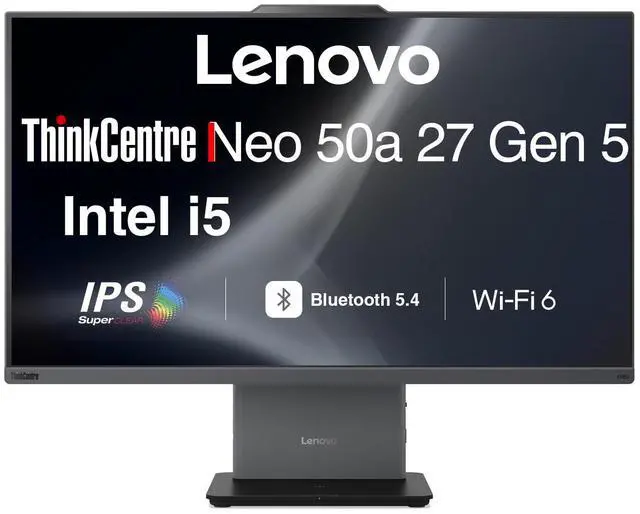
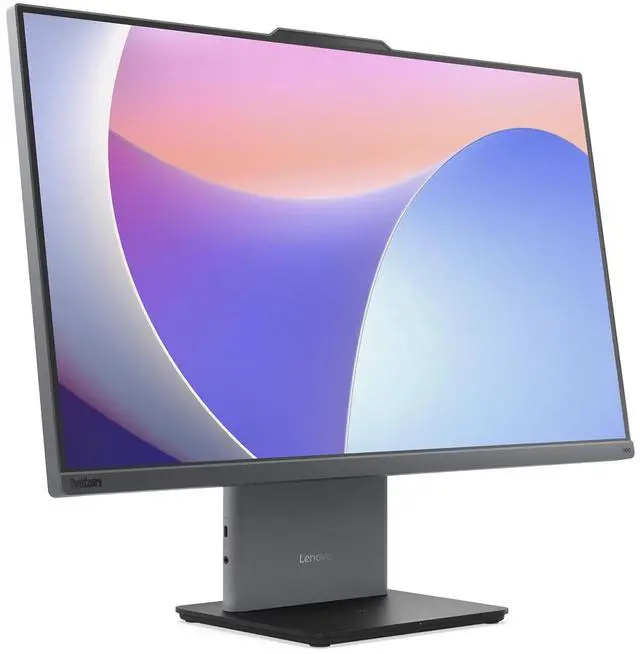
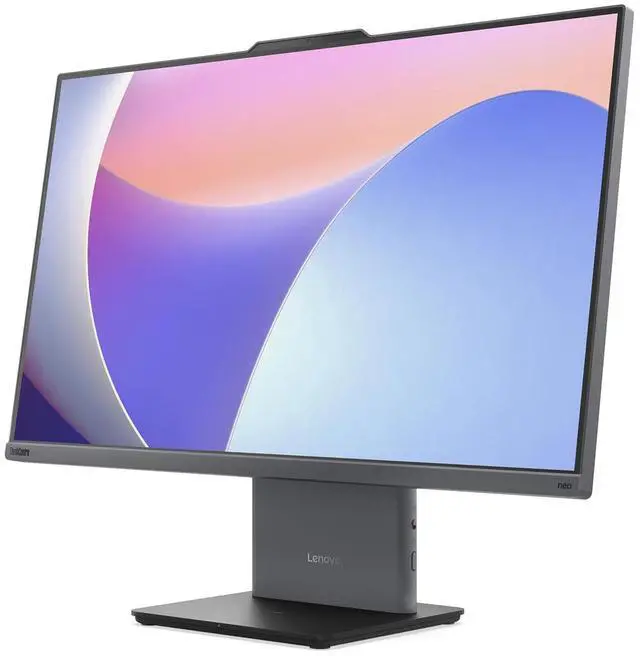
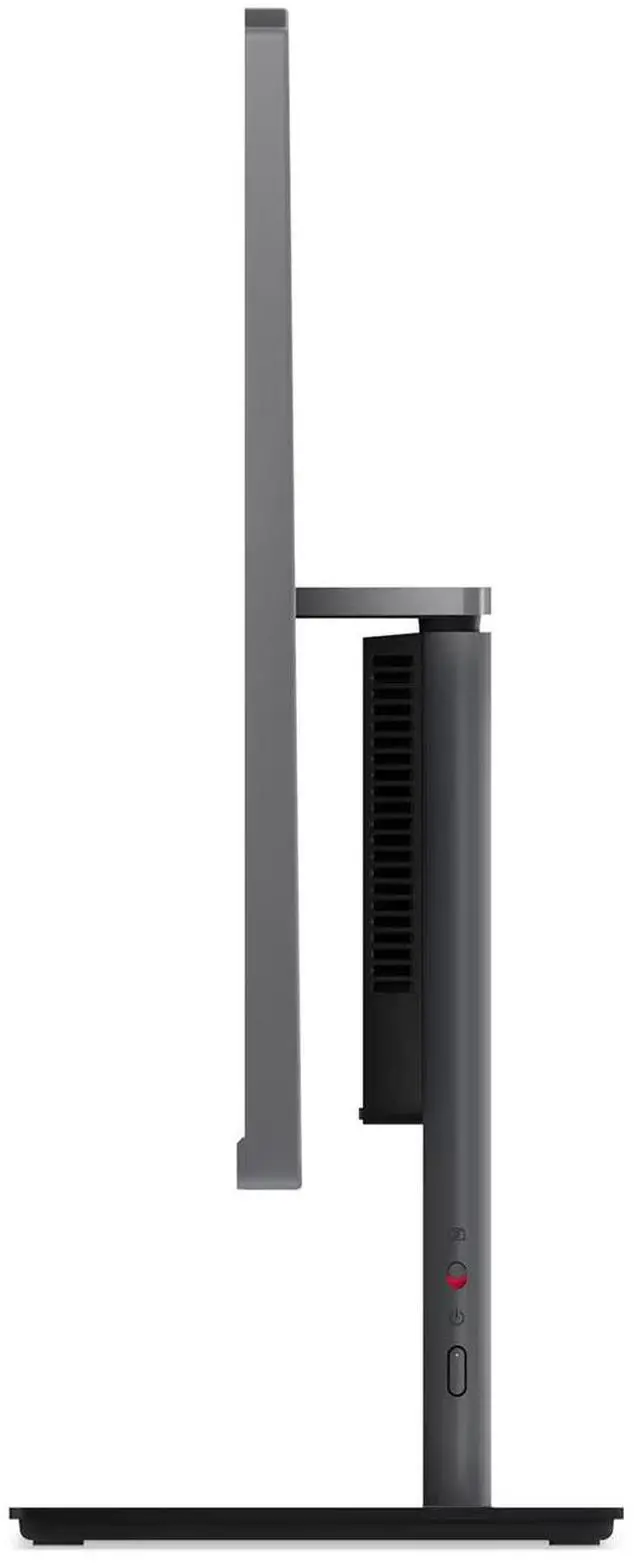
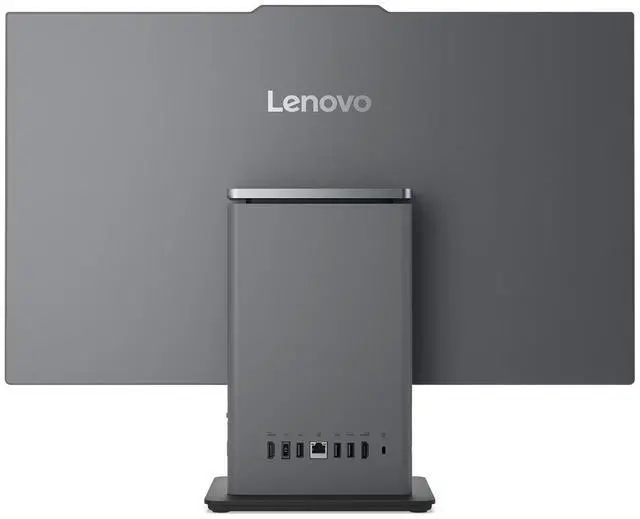
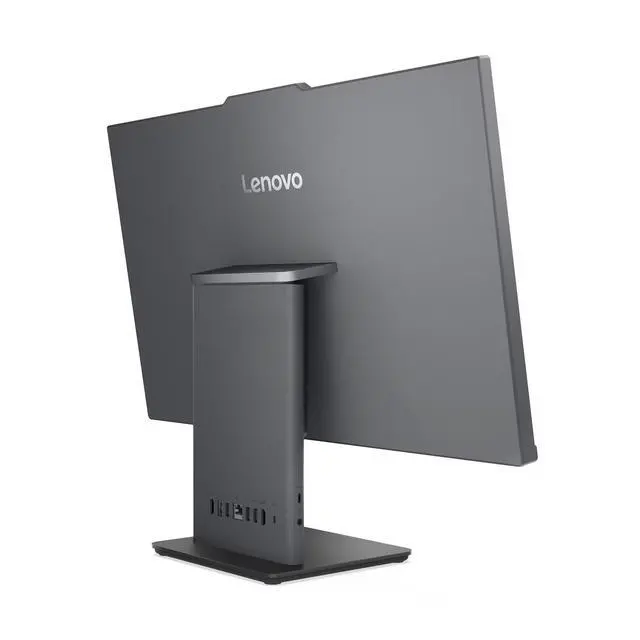
The Lenovo ThinkCentre Neo 50a is a 27-inch all-in-one business PC with a 13th Gen Intel Core i5-13420H, 32GB DDR5 memory, and Windows 11 Pro, suited to office users who need a capable desktop for everyday multitasking and business work.
| Attribute | Value |
|---|---|
| Best For | Business and office computing at a fixed workstation, with an integrated 27-inch display and Windows 11 Pro |
| Processor And Core Count | 13th Gen Intel Core i5 processor with 8 cores and 12MB L3 cache |
| Graphics | Integrated Intel UHD Graphics |
| Display | 27-inch non-touch display |
| Memory | 32GB DDR5 memory |
| Storage | 512GB PCIe SSD; no HDD |
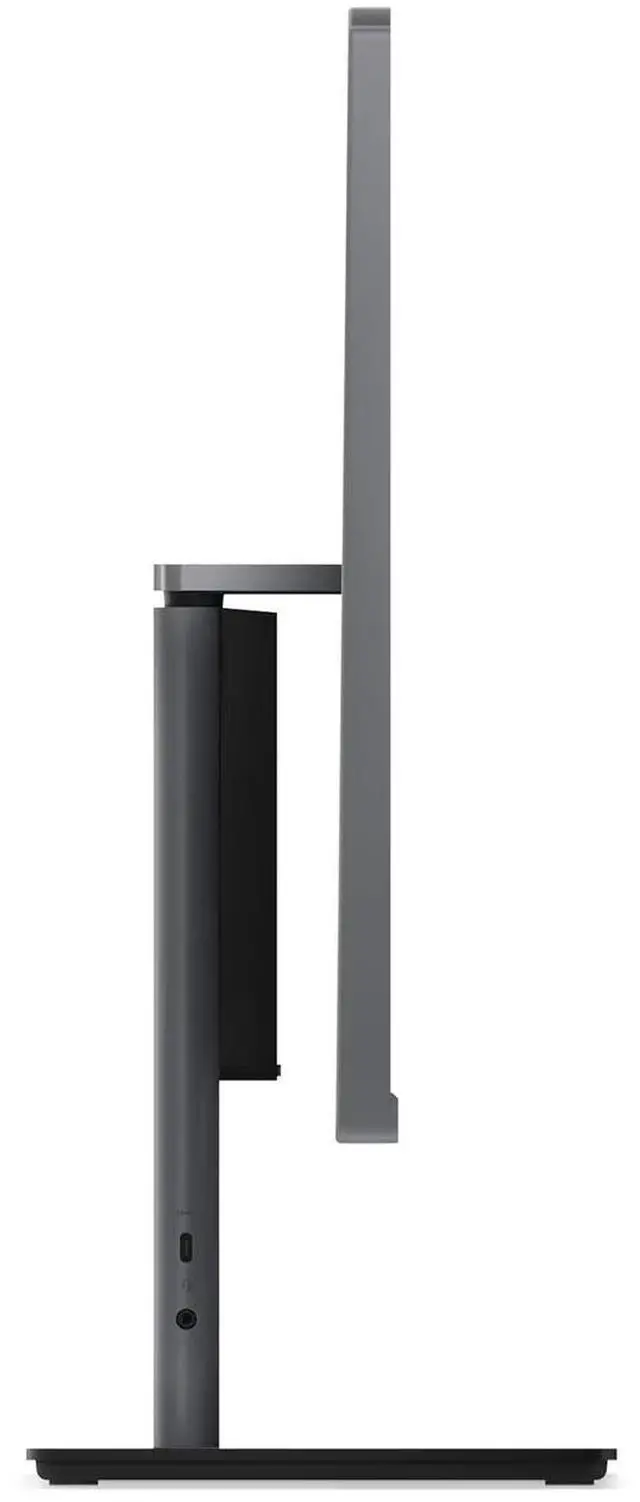
| Networking And Connectivity | 802.11ax Wi-Fi, Bluetooth 5.4, one RJ45 port, and a combo audio port; no card reader |
| Keyboard And Included Equipment | USB keyboard; monitor included |
| Power | 90W power supply |
| Operating System | Windows 11 Pro |
| Model Identifiers | Lenovo ThinkCentre All-in-One PC |
Q: Should I choose this 32GB ThinkCentre Neo 50a 27 Gen 5 or a 16GB version?
A: Choose this listing if you want more memory for running multiple business apps and browser tabs at once: it pairs the Core i5-13420H with 32GB DDR5, while Lenovo also lists Gen 5 configurations with 16GB. Both keep the same 27-inch FHD, 100Hz display class; the main comparison is the memory configuration.
Q: Is the ThinkCentre Neo 50a 27 Gen 5 with an i7 worth choosing over this i5 model?
A: Choose the i7-13620H Gen 5 configuration if your regular workload benefits from additional processor cores and threads: Lenovo lists it with 10 cores and 16 threads, compared with this listing’s i5-13420H at 8 cores and 12 threads. This i5 listing pairs its processor with 32GB DDR5 and a 512GB SSD, so compare the full configuration as well as the CPU.
Q: Should I get the 27-inch or 24-inch ThinkCentre Neo 50a Gen 5?
A: Choose the 27-inch model in this listing for a larger viewing area for documents and side-by-side windows. Choose the 24-inch Gen 5 when a smaller all-in-one footprint is the priority. Lenovo lists both sizes with FHD IPS displays and a 100Hz refresh rate.
Q: How does this ThinkCentre Neo 50a 27 Gen 5 compare with the Gen 7?
A: Choose the Gen 7 if you want the newer generation’s listed Core 5 210H or Core 7 240H processor options and 27-inch FHD display rated at 120Hz. This Gen 5 listing is configured with 32GB DDR5 and a 512GB SSD, so compare the exact Gen 7 configuration’s memory and storage before deciding.
Q: Is this all-in-one suitable for office work and video meetings?
A: Yes. Its Core i5 processor, 32GB of memory, 27-inch FHD display, and built-in webcam make it suitable for typical office applications, multitasking, and video meetings. Its integrated Intel UHD graphics are a limitation for demanding gaming or graphics-heavy work.
Q: Does it have a built-in webcam?
A: Yes. The product listing specifies a webcam, so a separate webcam is not required for video calls.
Q: Does the display support touch?
A: No. This configuration has a 27-inch, 1920 × 1080 IPS display and is listed as non-touch.
Q: Can it connect to Wi-Fi and wired Ethernet?
A: Yes. It supports Wi-Fi 6 (802.11ax) and has an RJ-45 Ethernet port for a wired network connection.
Q: Is the ThinkCentre Neo 50a a good fit for everyday home or office use?
A: The listed configuration is suited to typical productivity tasks such as browsing, documents, video calls, and multitasking: it has a 13th Gen Core i5, 32GB of RAM, and a 512GB SSD. It uses integrated Intel UHD graphics, so it is not the right choice if you need strong graphics performance for demanding games or creative workloads.
Q: Is the 27-inch screen useful for viewing multiple windows?
A: A Reddit user discussing the 27-inch Neo 50a said the screen gave them room to view multiple windows. This listing specifies a 27-inch FHD (1920 × 1080) IPS display, which provides a large workspace, though it is not a higher-resolution screen.
Q: Is it worth choosing over another all-in-one PC?
A: A Reddit buyer discussion compared a Neo 50a deal with an HP all-in-one and asked whether the Lenovo was the better buy. The discussion does not establish a universal winner; compare the actual prices, configurations, and warranty terms. For this listing, note that the product information describes a professionally upgraded system and a one-year warranty from Velztorm.


