




 here!
here!
I’m your shopping assistant for PC builds, upgrades, and everything tech.
Got questions? Ask away!
Start a conversation
here!
I’m your shopping assistant for PC builds, upgrades, and everything tech.
Got questions? Ask away!
Start a conversationShipped by Hebei XG Technology Co., Ltd.



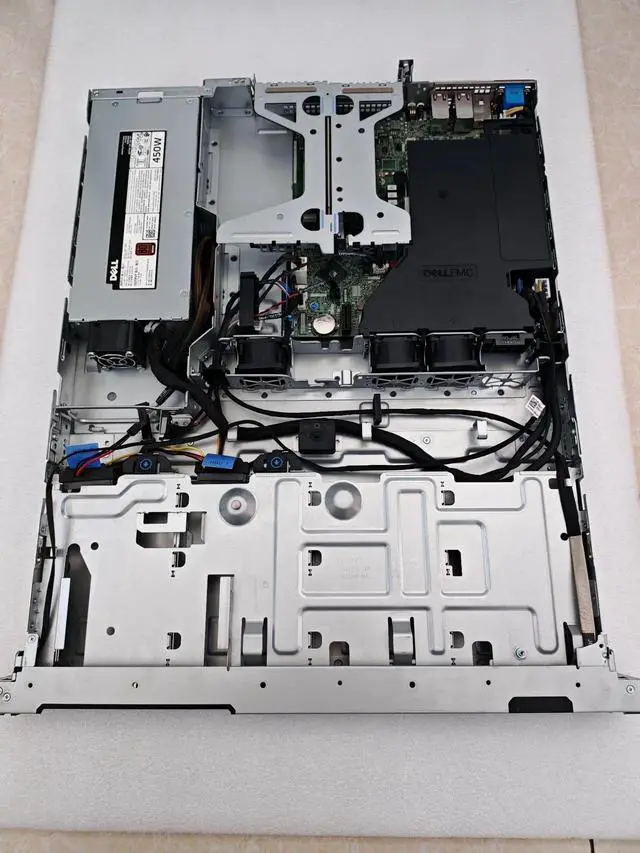
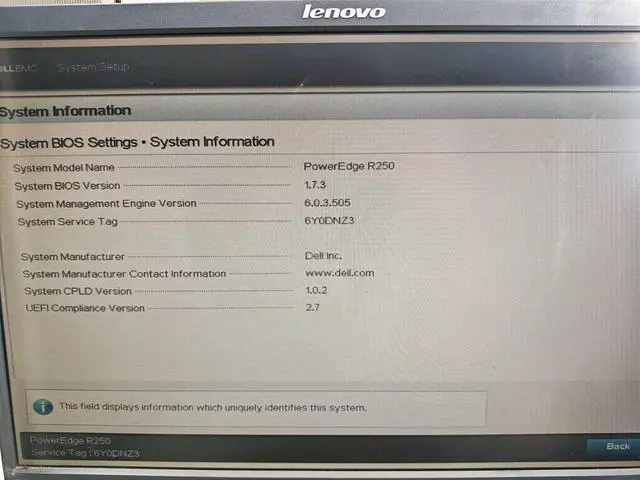



Any questions? Ask CelesteSM will help you find out quickly.
1. Tailored Setup: Without pre - installed memory and disks, it gives users the freedom to configure storage and memory to match unique business demands.
2. Capable CPU: The 2314 CPU included ensures sufficient computing power for a wide range of server operations.
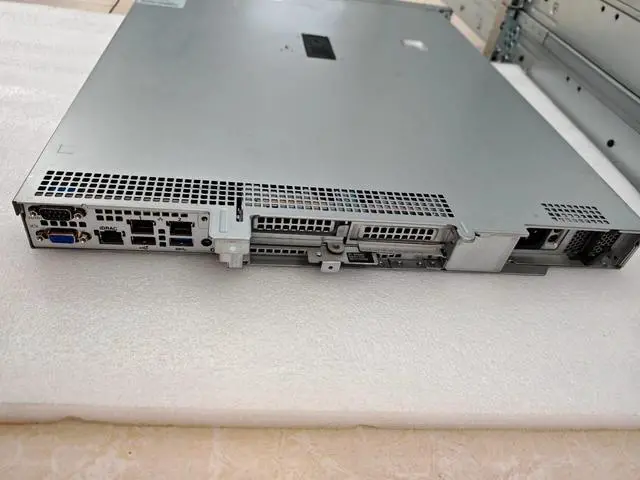
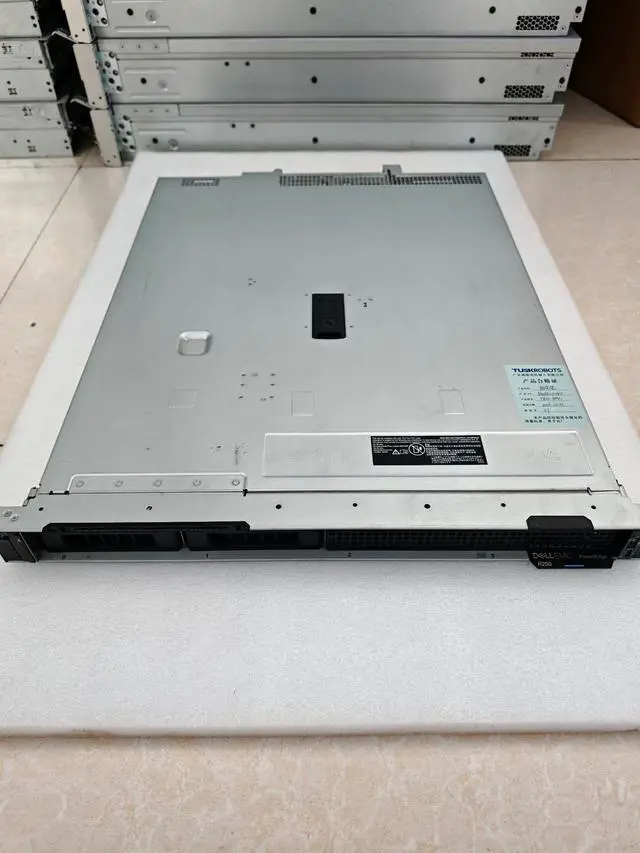
3. Compact 1U Size: The 1U form factor is perfect for conserving rack space in data centers, enhancing space utilization.
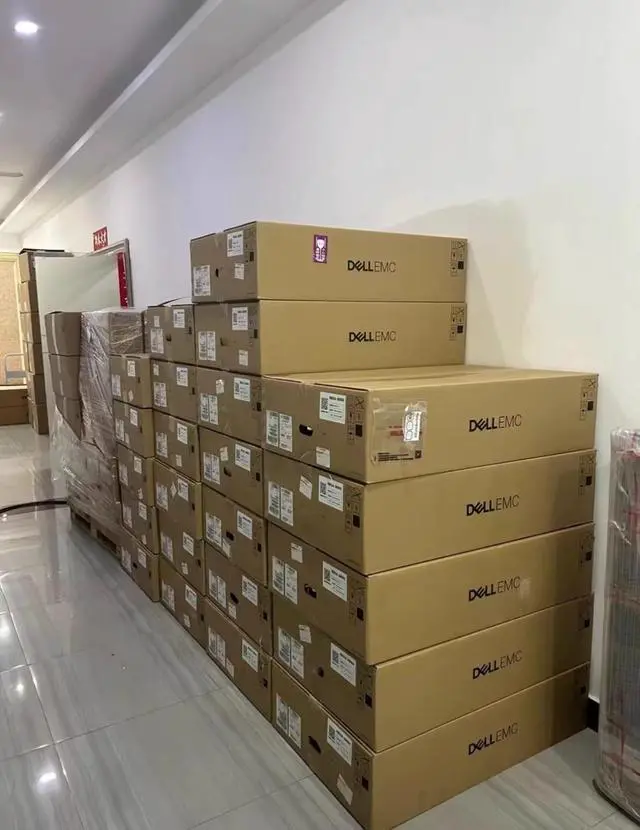
4. New and Reliable: Being brand new guarantees high - quality performance and long - lasting durability.
5. Warranty Protection: The 3 - year warranty offers peace of mind, safeguarding your investment over an extended period.
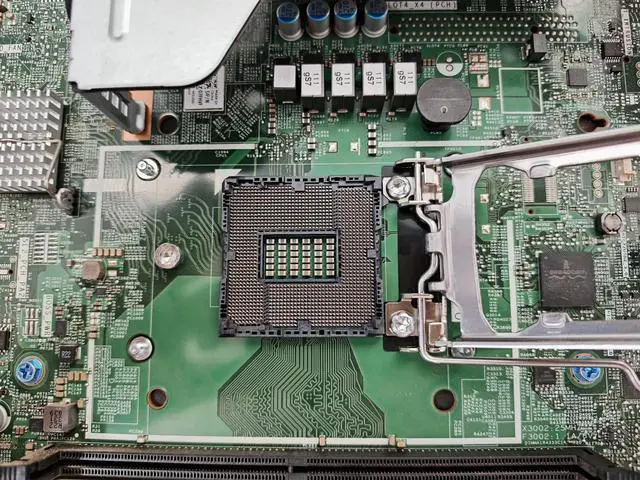
The Dell R250 is a 1U rack server sold in a bare-bones configuration with an Intel Xeon E-2314 CPU, making it suitable for businesses and IT teams that want to add their own memory and storage for entry-level infrastructure, branch office, or custom server deployments.
| Attribute | Value |
|---|---|
| Best For | 1U rack deployments that need a configurable base server with an included 2314 CPU and no preinstalled memory or disks—best for customers who will supply their own RAM and storage and need to conserve rack space |
| Chassis And Form Factor | 1U rackmount chassis for standard server racks and dense data center layouts |
| Processor | Includes 2314 CPU, suitable for a wide range of general server workloads |
| Memory And Storage | Shipped without preinstalled memory or disks to allow customer-specified memory and storage configurations |
| Power And Redundancy | Non-hot-swappable power supply (not hot-pluggable); plan for external or additional redundancy if uninterrupted power is required |
| Condition And Warranty | Brand new unit with a 3-year warranty |
| Model Identifiers | Dell R250 server (1U) — DELL category, Server System subcategory |
Q: Dell PowerEdge R250 vs Dell PowerEdge T150: which should I choose?
A: Choose the Dell PowerEdge R250 when you need a rackmount server for a shared rack, branch office rack, or space-constrained server room. Dell positions the R250 as a 1U rack server for common business applications, while the T150 is a 4U mini tower for similar Xeon E-2300 class workloads. In practice, the decision is usually about form factor and deployment style rather than raw platform class: the R250 fits standardized rack environments, while the T150 is the better fit for office-side placement and simpler tower-style expansion access.
Q: Is this R250 with Xeon E-2314 enough, or should I move up to a higher-core R250 or R350?
A: The Xeon E-2314 configuration is the right fit when your workload is focused on file/print, light application serving, mail/messaging, or a small business VM count and you want to control upfront cost. Move up to a higher-core R250 or to an R350 when you expect heavier multitasking, more virtual machines, or more growth headroom. Dell positions the R350 above the R250 for more data-intensive and virtualization-oriented use, so the step up makes sense when expansion margin matters more than entry cost and rack density.
Q: Dell PowerEdge R250 vs Dell PowerEdge R240: is the newer model worth it?
A: Yes, the R250 is the better choice for most new deployments because it moves to the newer Xeon E-2300 platform and newer-generation I/O while keeping the same general 1U entry-server role. The R240 remains relevant for replacement matching or budget-sensitive legacy environments, but the R250 is the more practical choice when you are building a fresh small-business server and want a longer runway for support, parts, and current platform compatibility.
Q: Should I buy this barebones R250, or a preconfigured server with memory and storage included?
A: Choose this barebones R250 when you already have a storage and memory plan, want to standardize parts across multiple systems, or need to control the exact RAID, drive type, and ECC UDIMM capacity yourself. A preconfigured server is the better fit when you want faster deployment and a simpler purchasing path. The main advantage of this listing is flexibility: it lets you build around your own business requirements instead of paying for bundled parts that may be replaced later.
Q: Is the R250 a better fit than a larger general-purpose rack server for virtualization?
A: Choose the R250 when you need an entry 1U server for light virtualization or core business infrastructure and want to stay within the Xeon E single-socket class. Step up to a larger platform such as Dell's higher-tier rack lines when virtualization density, memory capacity, storage flexibility, or PCIe expansion is a primary requirement. Dell's own positioning places the R250 in the small-business and remote office category, while higher models are aimed at broader general-purpose IT and denser virtualization use.
Q: Is this server ready to use out of the box?
A: No. This configuration is not ready for deployment as sold because it includes the CPU but no memory and no disks. It is best viewed as a custom-build starting point for buyers who already know what RAM, storage, and software stack they want to install.
Q: Who is this server suitable for?
A: It is suitable for IT teams, resellers, and experienced buyers who want to choose their own memory and storage rather than pay for a fixed prebuilt configuration. It is less suitable for buyers who need a turnkey server with RAM, drives, and operating system included.
Q: What is the main trade-off of choosing a diskless, no-memory server like this?
A: The trade-off is flexibility versus convenience. You get freedom to install the memory and storage you actually need, but you must budget for those parts, verify compatibility, and spend extra setup time before the server can be deployed.
Q: Is a non-hot-swappable power supply a drawback for business use?
A: It can be, depending on your uptime requirements. A non-hot-swappable power supply is generally fine for cost-sensitive deployments, labs, edge use, or environments with planned maintenance windows. It is a weaker fit for workloads where power-supply replacement without shutdown is important.
Q: Is this a good choice if I want a compact rack server?
A: Yes, if rack density matters. The 1U form factor helps conserve rack space, but compact 1U systems also tend to leave less room for expansion and can require more careful planning for thermals, storage, and component selection.
Q: Who is a Dell R250 with a Xeon E-2314, no memory, and no drives actually suitable for?
A: It is best for buyers who already know their RAM and storage plan and want a current-generation 1U entry server they can configure themselves. It fits small business infrastructure, light virtualization, branch office roles, or lab use better than buyers who want a ready-to-deploy system. Because this unit ships without memory or disks, it is not ideal if you need a complete server with minimal setup.
Q: Is this Dell R250 worth buying if I plan to add my own RAM and storage?
A: It can be a sensible buy if you specifically want a new Dell 1U server, warranty coverage, and the flexibility to source your own memory and drives. Reddit discussion around Dell servers repeatedly highlights that vendor-configured RAM and storage can be much more expensive than buying those parts separately. The trade-off is that you must handle compatibility, installation, and validation yourself.
Q: What are the main trade-offs of buying this diskless, no-memory R250 configuration?
A: The main advantage is flexibility: you are not paying for bundled memory or storage you may want to replace. The main trade-offs are extra setup time, higher deployment complexity, and more responsibility for part selection. Community discussion also shows that storage setup on the R250 can require attention to controller mode and driver support, so this configuration is better for experienced buyers than for plug-and-play deployment.
Q: Is the Xeon E-2314 in this R250 enough for virtualization or general server work?
A: Yes for light to moderate server workloads. The Xeon E-2314 is appropriate for basic business services, small infrastructure roles, and modest virtualization, but it is not the right choice for dense VM consolidation or heavily multi-threaded workloads. This configuration makes most sense when rack density, warranty, and predictable entry-level server performance matter more than maximum core count.
Q: Should I buy this R250 for a home lab or first server?
A: Only if you specifically want enterprise server hardware, a 1U rack form factor, and Dell management features. For a first server, the lack of included memory and storage adds cost and complexity, and community discussions often compare entry servers with quieter or lower-cost alternatives for small labs. This R250 is a better fit for users who want to learn on real rack server hardware than for buyers looking for the simplest budget starter system.


